Produsen printer inkjet flatbed ukuran kecil

Printer UV DTF vs Printer UV: Apa Bedanya dan Mana yang Harus Anda Beli?
6 Januari 2026 Blog
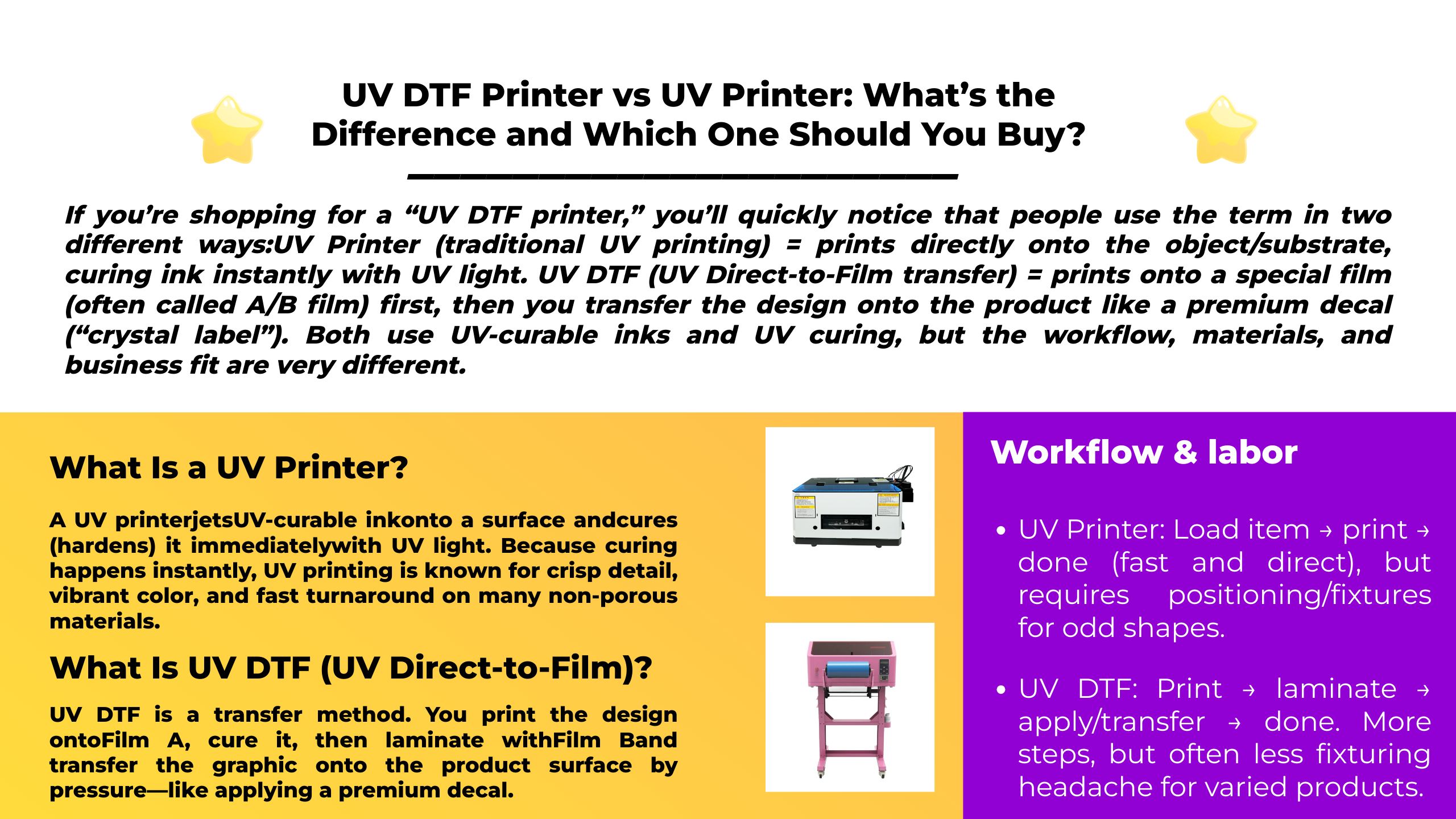
Jika Anda membeli “printer UV DTF”, Anda akan segera menyadari bahwa orang menggunakan istilah tersebut dalam dua cara berbeda:
Printer UV (pencetakan UV tradisional) = cetakan langsung ke objek/substrat, menyembuhkan tinta secara instan dengan sinar UV.
UV DTF (transfer UV Langsung ke Film) = cetakan ke film khusus (sering disebut film A/B) pertama, lalu Anda mentransfer desain ke produk seperti stiker premium (“label kristal”).
Keduanya menggunakan tinta UV-curable dan UV curing, tapi alur kerja, bahan, dan kesesuaian bisnis sangat berbeda.
Perbandingan Cepat
| Kategori | UV DTF (Transfer Film) | Printer UV (Langsung ke Objek) |
|---|---|---|
| “Di mana kamu mencetak?” | Pada Film A, lalu laminasi dengan Film B dan mentransfer | Langsung di produk/substrat |
| Terbaik untuk | Banyak barang-barang kecil, bentuk campuran, personalisasi cepat, stiker "label kristal". | Panel datar, signage, media kaku, produksi berjalan, pencetakan langsung ke objek |
| Peralatan tambahan | Umumnya a laminator (atau unit terpadu) | Seringkali tidak ada selain printer; putar/perlengkapan untuk silinder (jika diperlukan) |
| Lihat & rasakan | Estetika “label” yang terangkat / mengkilap | Tampilan “dicetak”; bisa matte/gloss/tekstur tergantung set tinta |
| Produk umum | Tumbler (sebagai stiker), kotak telepon, kotak kado, barang promosi | Papan akrilik/kayu/PVC, tanda, panel kontrol, prototipe pengemasan |
Apa itu a Printer UV?
A pencetak UV jet Tinta yang dapat disembuhkan dengan sinar UV ke permukaan dan menyembuhkan (mengeraskannya) dengan segera dengan sinar UV. Karena proses pengawetan terjadi secara instan, pencetakan UV dikenal dengan detail yang tajam, warna yang cerah, dan penyelesaian yang cepat pada banyak bahan yang tidak berpori.
Jenis printer UV yang umum
- alas datar UV: cetakan pada lembaran kaku dan benda yang diletakkan di atas meja/tempat tidur datar.
- UV gulung-ke-gulung: mencetak pada media fleksibel (film, spanduk, dll).
- Alas datar + perlengkapan putar: dapat mencetak pada benda berbentuk silinder seperti botol dan mug, tergantung konfigurasi.
Waktu terbaik: Anda dapat secara fisik menempatkan atau memasang item tersebut pada printer dan menginginkan desainnya dicetak secara langsung di atasnya.
Lebih Lanjut Tentang Pencetak UV: Printer UV: Panduan Utama Teknologi Pencetakan Ultraviolet
Apa UV DTF (UV Langsung ke Film)?
UV DTF adalah metode transfer. Anda mencetak desainnya Film A, sembuhkan, kalau begitu memecahkan dlm lapisan tipis dengan Film B dan pindahkan gambar tersebut ke permukaan produk dengan tekanan—seperti mengaplikasikan stiker premium.
Inilah sebabnya mengapa UV DTF sering digambarkan sebagai “label kristal” produksi: bukan pencetakan langsung pada objek; dia mencetak grafik yang dapat dipindahtangankan yang dapat diterapkan pada banyak produk.
Alur kerja UV DTF yang umum (Film AB)
- Cetak desainnya Film A (Tinta UV + pengawetan UV)
- Laminasi dengan Film B
- Kupas/pindahkan ke item terakhir
- Selesaikan dengan menghilangkan lapisan pembawa
Waktu terbaik: Anda menjual banyak produk kecil yang dipersonalisasi, menginginkan transfer “seperti stiker”, atau memerlukan metode yang dapat digunakan di banyak SKU tanpa membuat perlengkapan yang rumit.
Printer UV Erasmart & Printer UV DTF
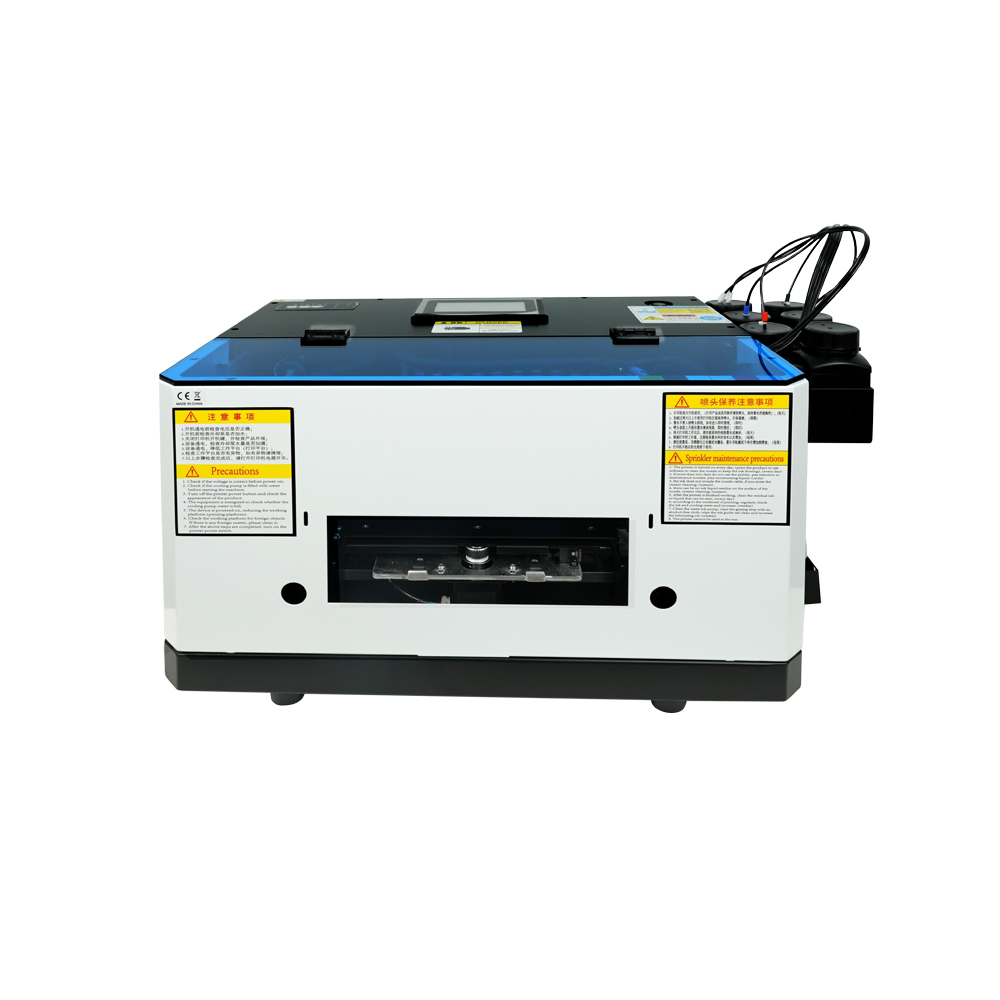
Model entry-level yang ringkas dengan print head L800, ideal untuk barang kecil dan proyek hobi (ukuran cetak 120*210mm).
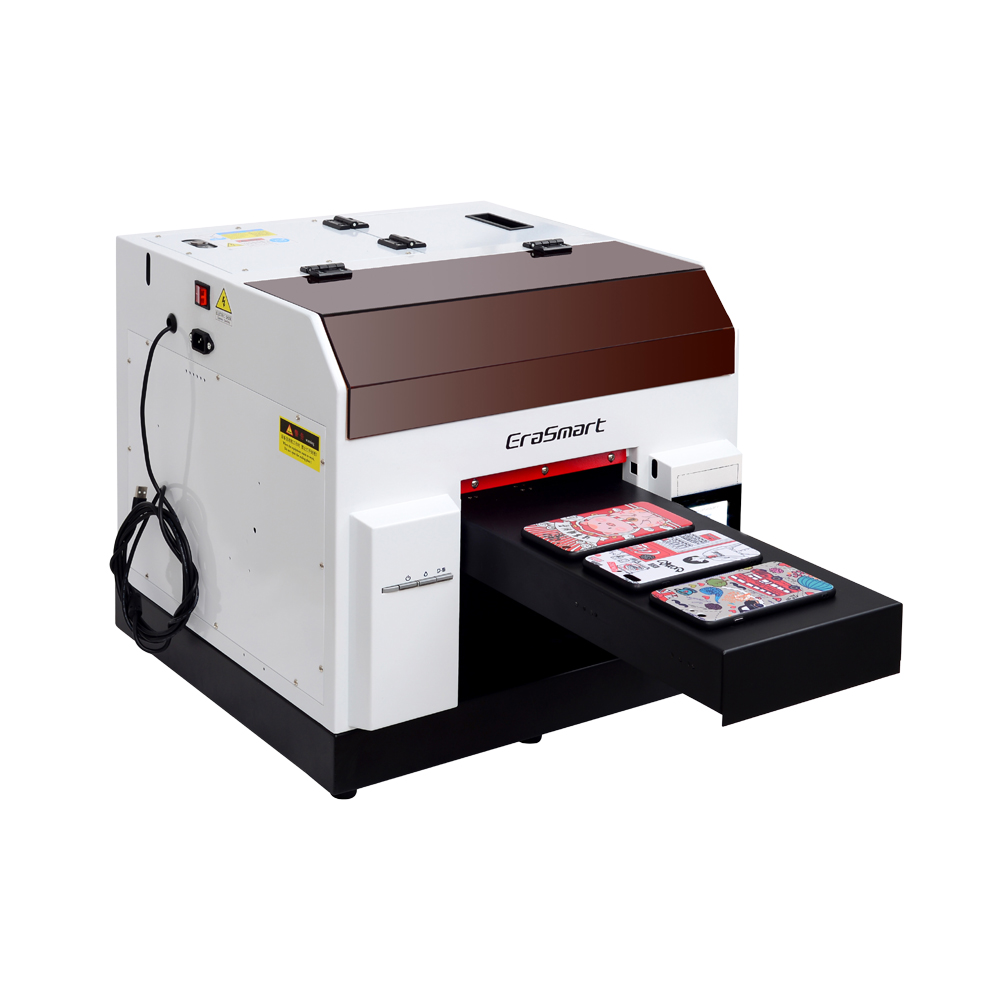
Kepala cetak L800 dengan ukuran cetak 210*290mm, cocok untuk usaha kecil dan hadiah pribadi (tinggi cetak 0-130mm).
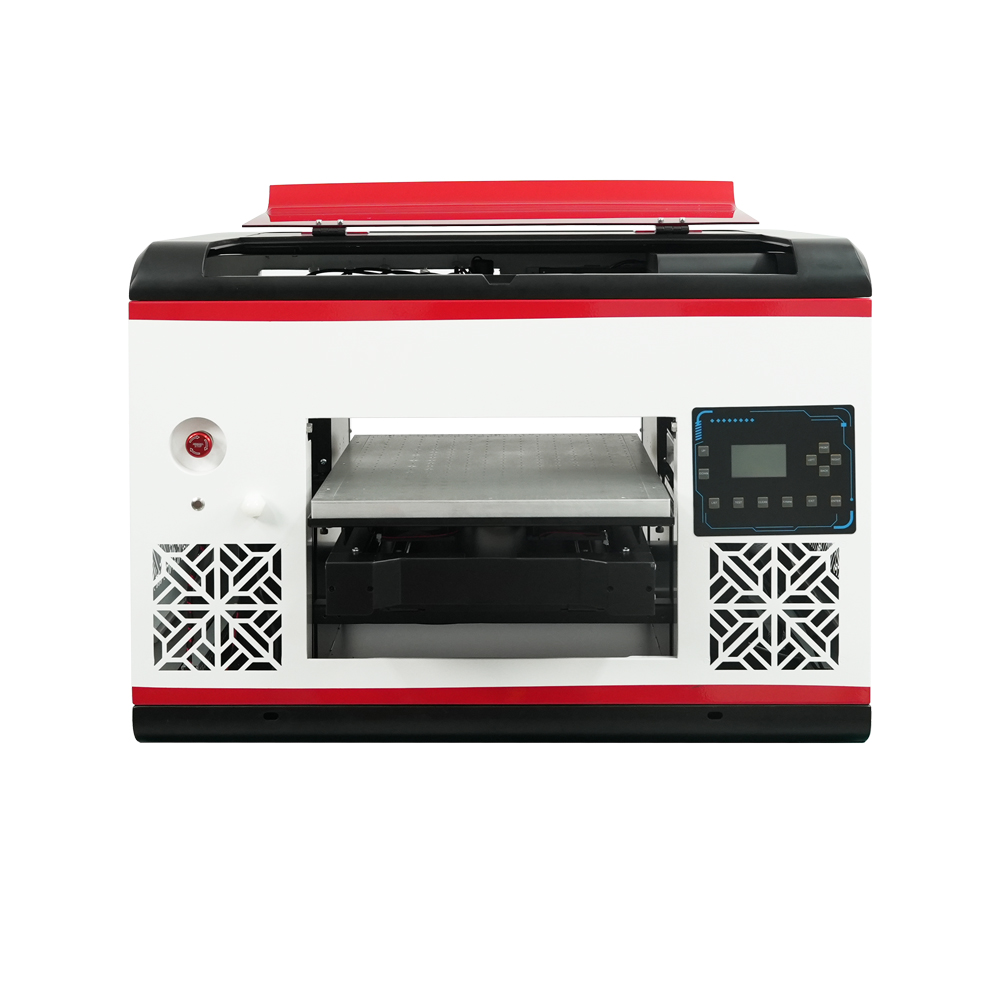
Kepala cetak DX7 dengan ukuran cetak 350*450mm, platform hisap, dan CMYK+WW+VV untuk produksi volume tinggi.
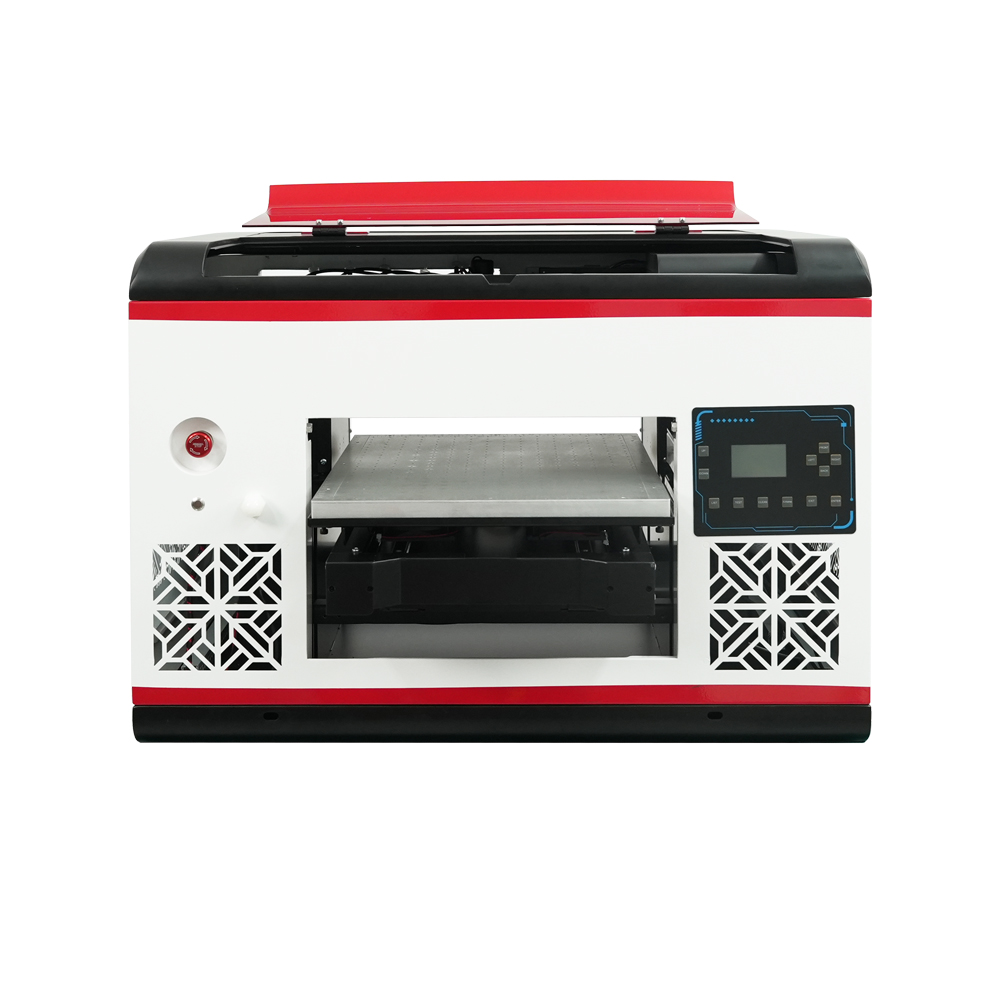
Kepala cetak XP600 dengan ukuran cetak 350*450mm, kecepatan 5㎡/JAM, ideal untuk proses produksi sedang hingga besar.

Kepala cetak ganda XP600 dengan kecepatan 5,5㎡/H, CMYK+WW+VVVVVV untuk peningkatan gamut warna dan produktivitas.
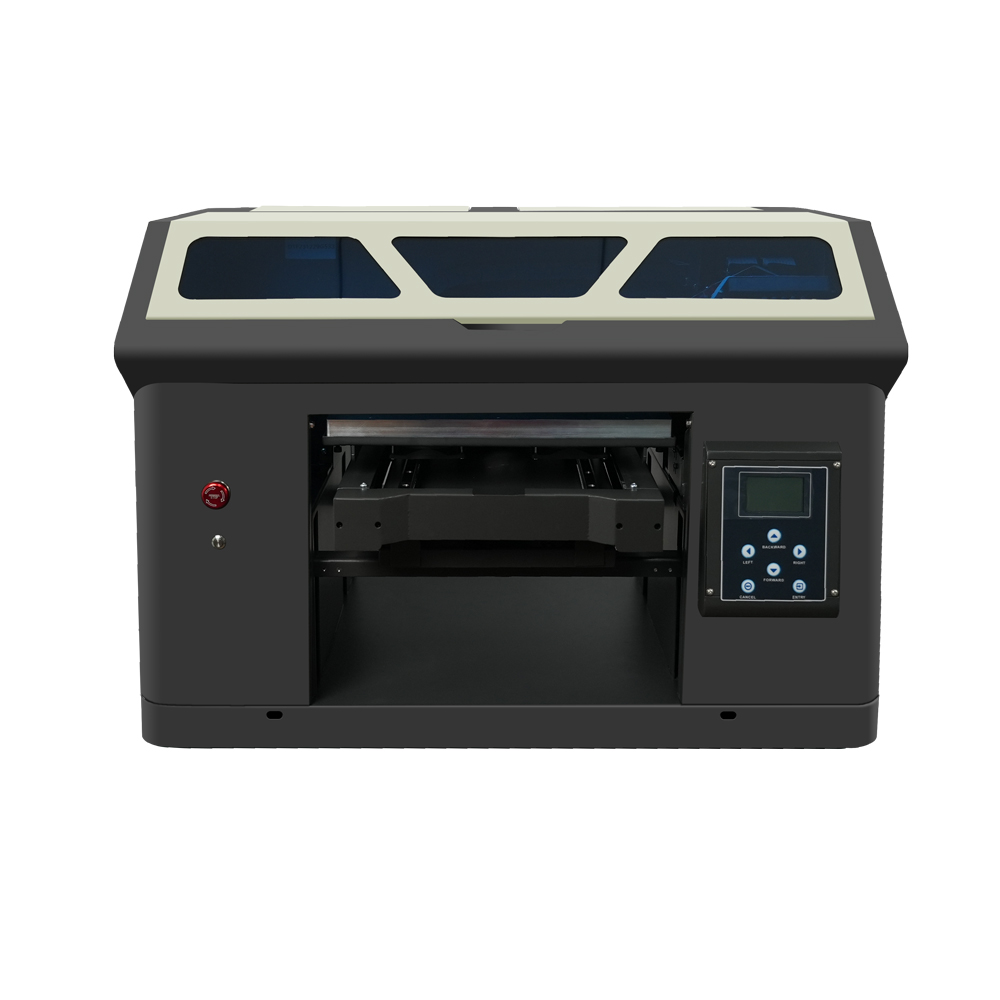
Kepala cetak ganda XP600 dengan ukuran cetak 350*450mm, dirancang untuk produksi berkelanjutan tingkat industri.
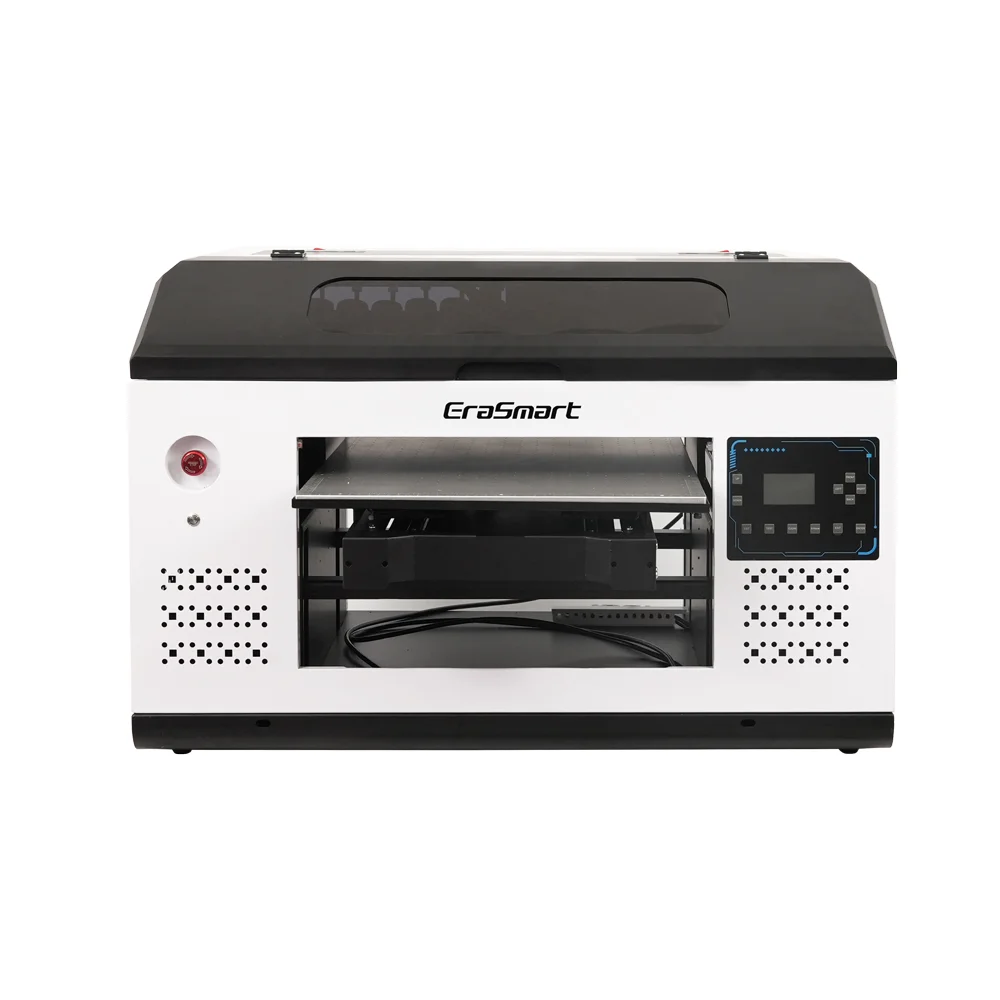
Printer format besar 420*600mm dengan kepala ganda XP600, cocok untuk signage, panel, dan material berukuran besar.
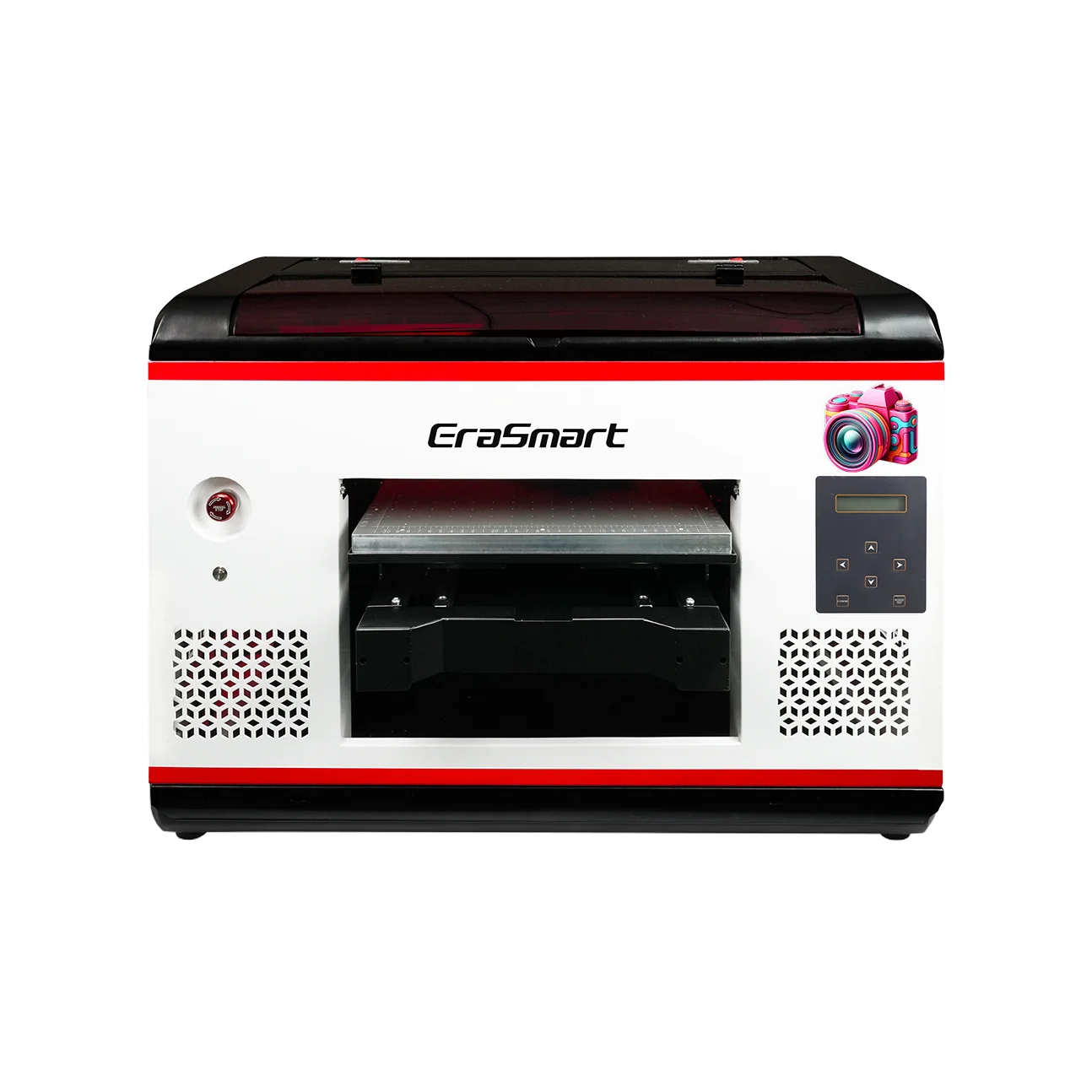
Kepala ganda XP600 dengan laminasi otomatis, khusus untuk pencetakan film UV DTF (lebar hingga 350mm).
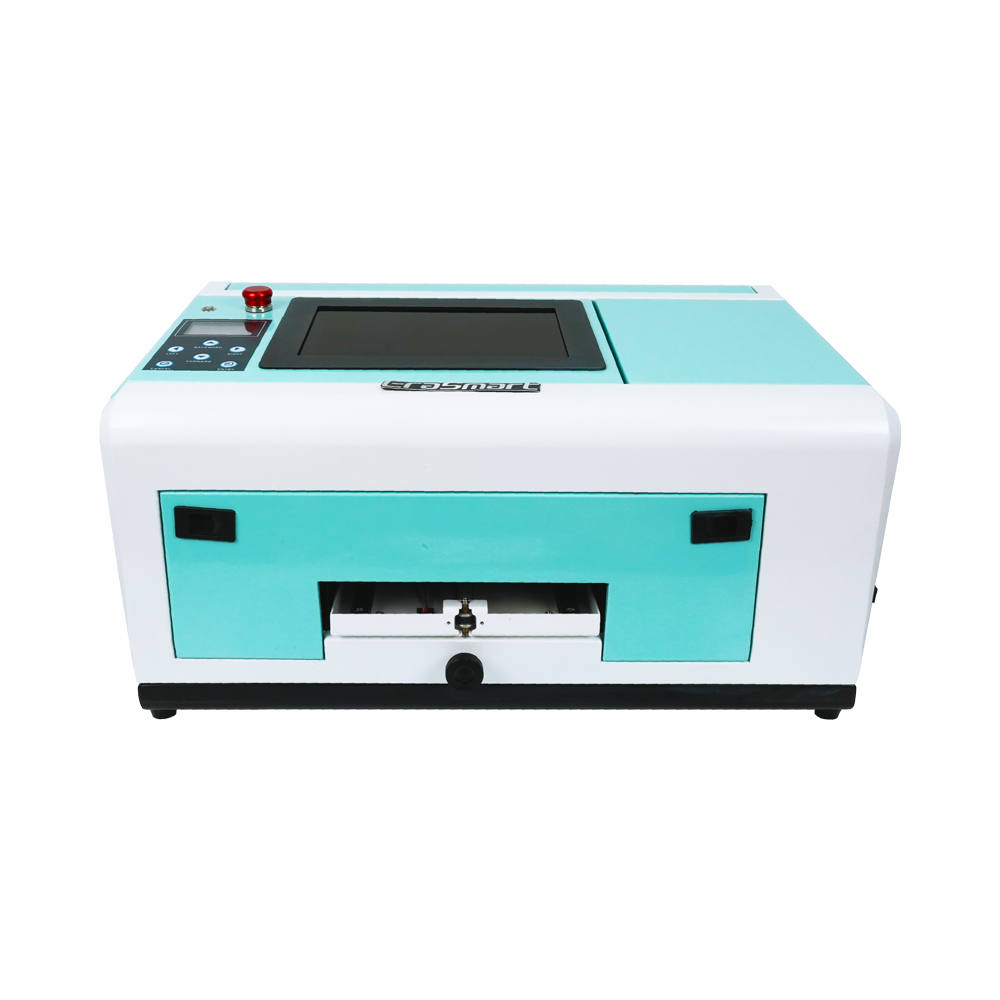
Khusus untuk casing ponsel (TPV/PVC/kayu/logam), dengan layar 10 inci dan ketinggian yang dapat disesuaikan 0-10mm.
Perbedaan Terbesar yang Mempengaruhi Bisnis Anda
1) Alur kerja & tenaga kerja
- Pencetak UV: Memuat item → mencetak → selesai (cepat dan langsung), tetapi memerlukan pemosisian/perlengkapan untuk bentuk ganjil.
- UV DTF: Cetak → laminasi → terapkan/transfer → selesai. Lebih banyak langkah, namun sering kali lebih sedikit mengatasi sakit kepala untuk beragam produk.
Kesimpulan praktis:
Jika Anda melakukan personalisasi skala besar dan skala kecil (banyak jenis item per hari), UV DTF dapat lebih mudah dioperasikan secara konsisten.
2) Produk apa yang unggul dari setiap metode “secara alami”.
UV DTF unggul dalam:
- Tumbler dan botol khusus (sebagai transfer stiker)
- Kasing telepon, barang hadiah kecil, produk promosi
- Label merek untuk kemasan, kotak, dan aksesori
Printer UV unggul dalam:
- Tanda akrilik, papan PVC, panel kayu
- Papan nama industri, panel kontrol, prototipe
- Lembaran kaku yang lebih besar dan pekerjaan produksi datar
3) Hasil akhir, tekstur, dan persepsi pelanggan
- UV DTF umumnya menghasilkan a hasil akhir seperti label yang diasosiasikan pelanggan dengan merek premium (kilap, tepi menonjol, tampilan “kristal”).
- Pencetakan langsung UV terlihat seperti itu dicetak ke permukaan, dan Anda dapat memilih opsi set tinta/pernis/tekstur tergantung pada printer dan alur kerja.
4) Daya tahan dalam kehidupan nyata
Daya tahan bergantung pada sistem tinta, kompatibilitas media, dan persiapan permukaan—tetapi secara umum:
- Pencetakan UV (langsung): Bisa sangat tahan lama jika tinta melekat dengan baik pada media dan digunakan dengan proses yang benar.
- UV DTF: Daya tahan berperilaku seperti a stiker/label berkinerja tinggi—sangat baik untuk banyak kasus penggunaan, namun abrasi, bahan kimia keras, dan panas ekstrem dapat mengurangi masa pakai tergantung pada film/perekat dan permukaannya.
Aturan praktisnya:
Jika produk akan banyak tergores, dibersihkan secara kimia, atau terkena kondisi ekstrem, uji bahan + tinta + proses yang tepat sebelum menjanjikan produk “permanen”.
Biaya & Peralatan: Apa yang Sebenarnya Anda Butuhkan
Pengaturan khas UV DTF
- Kemampuan pencetakan UV (unit UV DTF khusus atau printer UV yang dikonfigurasi untuk DTF)
- film AB (Film A + Film B)
- Seringkali a laminator (beberapa sistem mengintegrasikan ini)
Pengaturan khas printer UV
- Printer UV flatbed / roll-to-roll / hybrid UV
- Perlengkapan untuk produk berulang (opsional tetapi disarankan)
- Perlengkapan putar untuk botol/silinder (opsional, tergantung model)
Penggerak biaya (bukan hanya harga pembelian):
- Limbah habis pakai (sisa film/laminasi dalam UV DTF)
- Memperbaiki waktu dan salah cetak (UV langsung pada benda ganjil)
- Pemeliharaan: pemeriksaan nosel, siklus pembersihan, pengendalian lingkungan
Mana yang Harus Anda Pilih?
Memilih UV DTF jika Anda:
- Jual hadiah yang dipersonalisasi dan item promo (banyak SKU)
- Perlu jalur yang lebih mudah untuk bentuk campuran tanpa perlengkapan yang rumit
- Ingin menjual atau menerapkan transfer gaya “label kristal” premium
Pilih A Printer UV jika Anda:
- Terutama mencetak pada bahan datar yang kaku (signage, panel, papan)
- Ingin produksi langsung ke objek dengan langkah lebih sedikit
- Memiliki bentuk produk yang dapat diulang atau dapat membuat perlengkapan untuk efisiensi
Memilih keduanya jika Anda sedang membangun toko personalisasi penuh:
- Printer UV untuk papan/tanda + UV DTF untuk barang/label kecil
Pasangan ini mencakup rangkaian pesanan menguntungkan terluas.
Kesalahan Umum (dan cara menghindarinya)
Kesalahan UV DTF
- Melewatkan pembersihan permukaan → pengangkatan tepi, gelembung
- Laminasi buruk → keriput, perak, transfer tidak konsisten
- Mengharapkan daya rekat sempurna pada permukaan bertekstur dalam
Kesalahan printer UV
- Mencetak pada media yang tidak kompatibel tanpa persiapan/primer
- Tidak ada strategi perlengkapan → penentuan posisi yang lambat, tingkat scrap yang lebih tinggi
- Mengabaikan batas ketinggian/jarak pada benda tebal (risiko terbentur kepala)
FAQ
1) Apakah printer UV DTF hanyalah printer UV?
Tidak tepat. UV DTF adalah a mentransfer alur kerja. Banyak sistem UV DTF menggunakan teknologi pencetakan UV, tetapi kuncinya adalah ini mencetak ke film dan mentransfer, seringkali dengan laminasi.
2) Apakah saya memerlukan laminator untuk UV DTF?
Di sebagian besar alur kerja film AB, ya (kecuali Anda membeli unit all-in-one yang terintegrasi).
3) Dapatkah printer UV mencetak pada gelas?
Seringkali ya, jika printer mendukung perlengkapan putar atau pemasangan yang tepat—tetapi itu tergantung pada model dan pengaturannya.
4) Apa yang dimaksud dengan film AB?
Film AB umumnya mengacu pada Film A (lapisan cetak) dan Film B (lapisan laminasi/transfer) digunakan untuk membuat stiker UV DTF yang dapat dipindahtangankan.
5) Apakah pencetakan UV “aman” untuk dijalankan di toko kecil?
Hal ini dapat terjadi jika Anda mengikuti panduan SDS, APD, dan ventilasi. Panduan keselamatan umumnya menyoroti risiko paparan kulit/mata dan masalah sensitisasi terhadap bahan dan tinta UV.
Kesimpulan
- Printer UV = terbaik bila Anda mau pencetakan langsung ke panel datar atau objek yang ramah perlengkapan dengan alur kerja yang efisien.
- UV DTF = terbaik bila Anda mau stiker transfer (“label kristal”) yang berlaku di banyak produk dan bentuk dengan kompleksitas pemasangan yang lebih sedikit.
Mungkin kamu juga suka


Printer Erasmart
printer UV
Printer DTF
Printer DTG
Mesin Press Panas
Printer iklan
Alat printer
Oven dtf
Pers panas
Mesin ukiran
Transfer panas mug
Mesin laminasi
Barang habis pakai
Tinta cetak
Kasing ponsel
Produk kaca
Cairan pembersih
Kapas
Hubungi kami
Whatsapp : +8618566233796
WeChat : +8618566233796
Mobile : +8618566233796
Web :www.erasmart.com
Toko:www.erasmartmall.com
Hak Cipta 2020 © Erasmart. | Sitemap
WhatsApp kami
Permintaan Penawaran
Cukup berikan beberapa detail dan kami akan membantu Anda mendapatkan kutipan cepat!