Küçük boyutlu düz yataklı mürekkep püskürtmeli yazıcı üreticisi

DTF Yazıcısı Olmadan Bir DTF İşine Başlayabilir misiniz?
Bir DTF İşletmesi Yazıcı Olmadan Nasıl Çalışabilir?
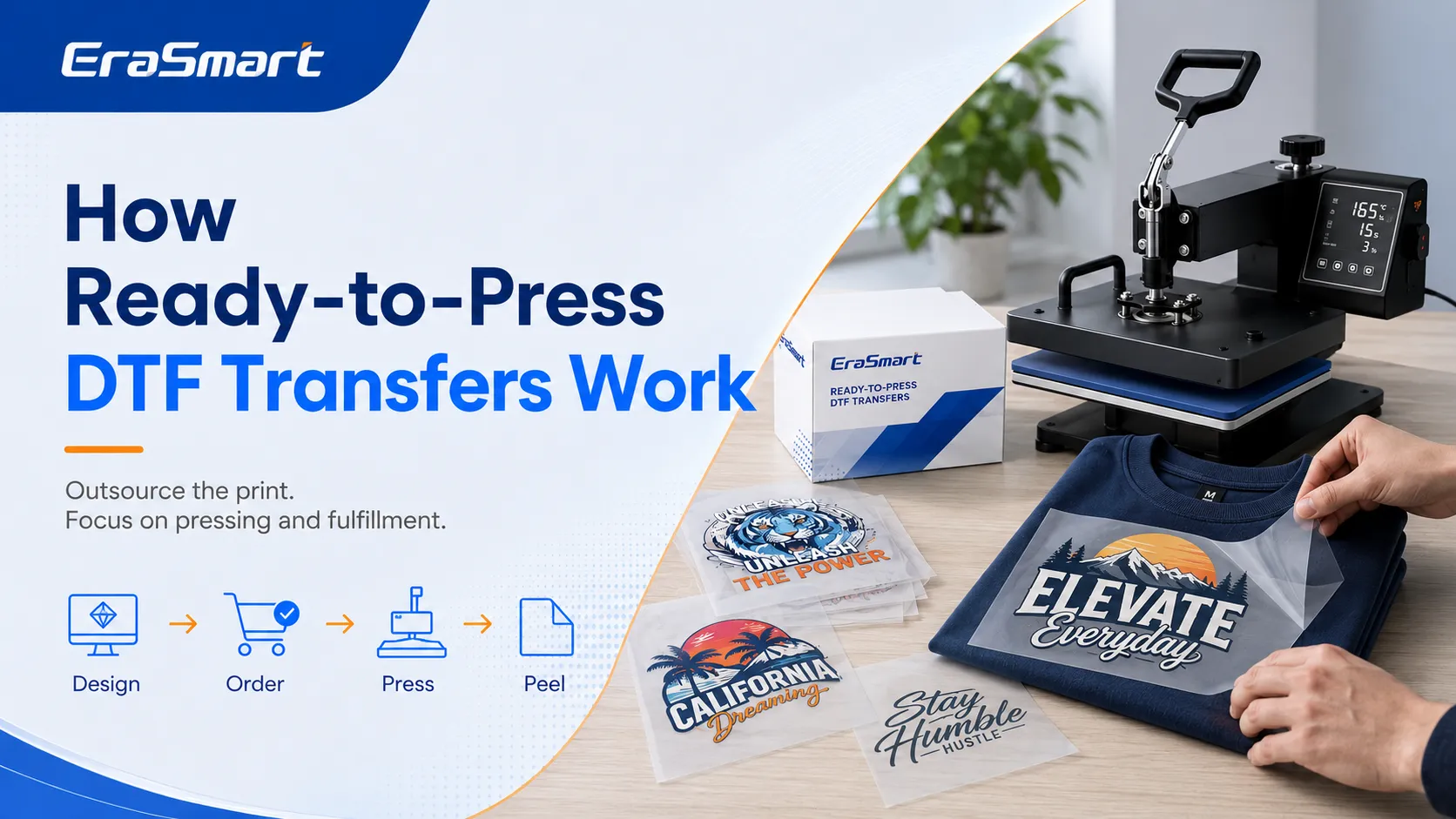
Eksiksiz bir DTF prodüksiyon iş akışı normalde şunları içerir:
- Renkli görüntüyü PET filme yazdırma
- Beyaz mürekkepli alt taban yazdırma
- Sıcakta eriyen yapışkan tozunun uygulanması
- Fazla tozun çıkarılması
- Yapıştırıcıyı kürleme
- Transferin giysi üzerine konumlandırılması
- Isı ve basınç uygulamak
- Taşıyıcı filmin soyulması
- Bitirme presinin tamamlanması
Transfer üretimini dışarıdan temin ettiğinizde, tedarikçi ilk beş adımı gerçekleştirir.
Halihazırda şu özelliklere sahip bir transfer alırsınız:
- Renkli basılmıştır
- Beyaz mürekkeple desteklenmiştir
- Yapışkan tozla kaplanmıştır
- Uygun şekilde kürlenmiş
- Başvuruya hazır
Kendi iş akışınız çok daha basit hale gelir:
- Sanat eserini hazırlayın.
- Doğru aktarım boyutunu sipariş edin.
- Boş giysiyi hazırlayın.
- Transferi konumlandırın.
- Isı ve basınç uygulayın.
- Filmi talimatlara uygun şekilde soyun.
- Gerektiğinde ikinci bir basışı tamamlayın.
- Bitmiş ürünü inceleyin ve paketleyin.
Bu, bir DTF hazır giyim işletmesini sıcak pres, temel aletler, boş giysiler ve güvenilir bir transfer tedarikçisi ile yönetebileceğiniz anlamına gelir.
Baskıya Hazır DTF Transferleri Nelerdir?
Baskıya hazır DTF transferleri, doğrudan kumaşa uygulanabilen tamamlanmış baskılı filmlerdir.
Genellikle şu şekilde sağlanırlar:
- Sol göğüs logoları
- Tam ön gömlek grafikleri
- Arka baskılar
- Kol baskıları
- Boyun etiketleri
- Bireysel müşteri tasarımları
- Tekrarlanan logolar
- Çete sayfaları
Bir grup sayfası, birkaç tasarımı daha büyük bir sayfaya yerleştirir. Farklı boyutlar, tekrarlanan logolar, küçük etiketler ve birden fazla müşteri grafiği içerebilir.
Toplu sayfaların kullanılması, yazdırılabilir film alanından daha iyi yararlanacağınız için transfer maliyetini azaltabilir.
Baskıya hazır bir transfer normalde şunları içerir:
- CMYK renkli mürekkep
- Beyaz mürekkepli alt taban
- Sıcakta eriyen yapışkan toz
- PET taşıyıcı film
- Düzgün kürlenmiş yapıştırıcı
Bu malzemelerin kalitesi şunları etkiler:
- Renk
- Opaklık
- Uzatmak
- El hissi
- Yıkama direnci
- Kenar kalitesi
- Soyma performansı
Hala Hangi Ekipmana İhtiyacınız Var?
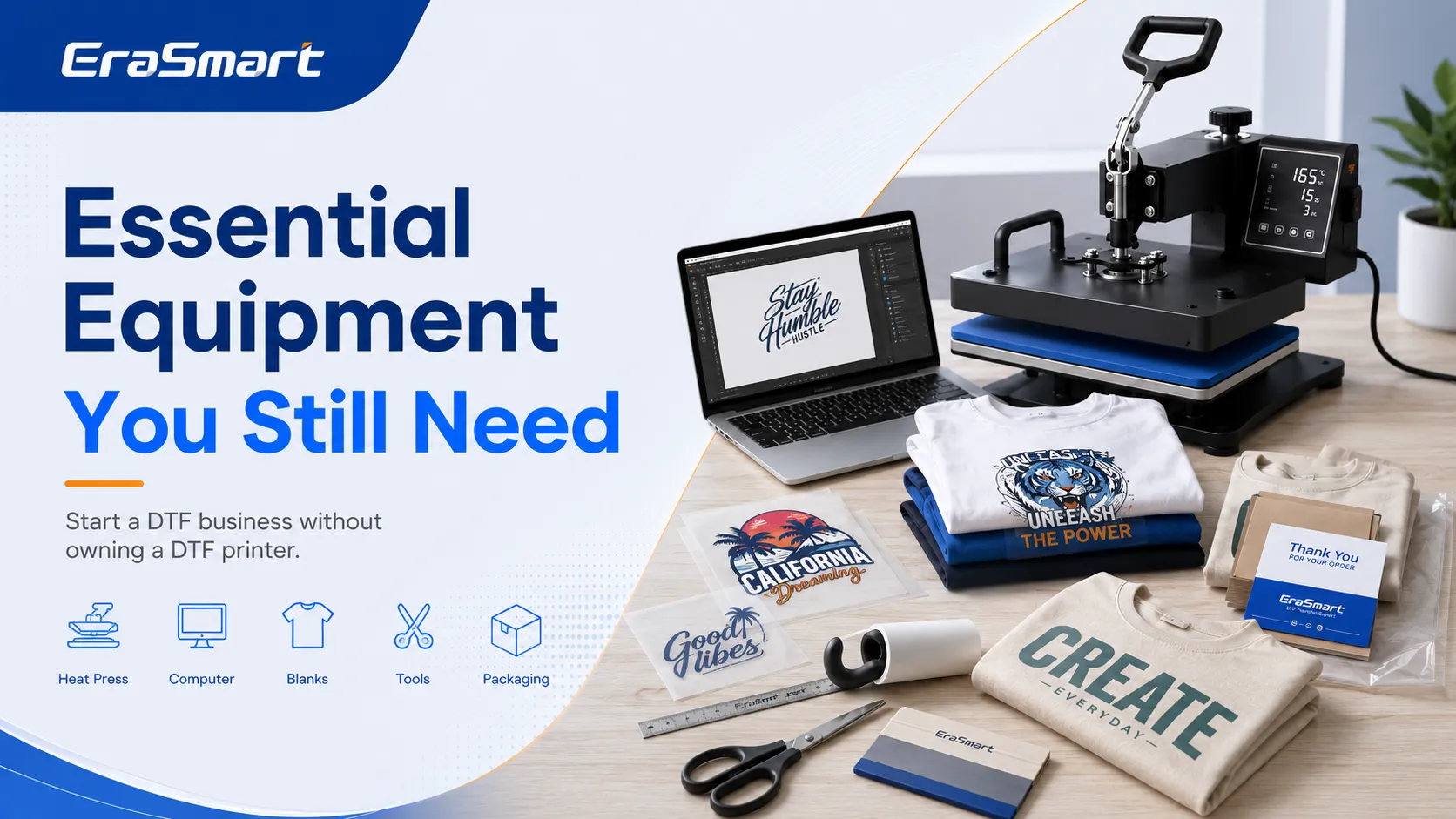
Başlangıçta bir DTF yazıcıya, toz çalkalayıcıya, kürleme fırınına, DTF mürekkebine, PET film envanterine veya RIP yazılımına ihtiyacınız yoktur.
Ancak yine de güvenilir bir baskı ve yerine getirme kurulumuna ihtiyacınız var.
Isı Basın
Isı presi bu iş modelindeki en önemli makinedir.
Yeni başlayanların çoğu için 15 × 15 inç veya 16 × 20 inç düz ısı presi uygundur.
Güvenilir bir basın şunları sağlamalıdır:
- Eşit ısı dağılımı
- Kararlı basınç
- Doğru sıcaklık kontrolü
- Ayarlanabilir basınç
- Güvenilir bir zamanlayıcı
- Güçlü bir çerçeve
- Kolay giysi yükleme
- Tekrarlanabilir sonuçlar
Düşük kaliteli bir ısı presi aşağıdakilere neden olabilir:
- Eksik yapışma
- Kenar kaldırma
- Çatlama
- Düzensiz doku
- Kavurma işaretleri
- İşaretlere basın
- Zayıf yıkama dayanıklılığı
16 × 20 inçlik baskı makinesi, büyük gömlek grafikleri, kapüşonlular, bez çantalar ve iş kıyafetleri için daha fazla alan sağlar. Küçük bir ev stüdyosu için 15 × 15 inçlik bir baskı makinesi hala yeterli olabilir.
Bilgisayar veya Dizüstü Bilgisayar
Aşağıdakiler için bir bilgisayara ihtiyacınız var:
- Sanat eseri hazırlığı
- Müşteri dosya yönetimi
- Tasarım yeniden boyutlandırma
- Çete sayfası düzeni
- Tedarikçi siparişi
- Ürün maketleri
- Faturalama
- Sipariş takibi
- Çevrimiçi mağaza yönetimi
Yararlı yazdırma dosyası formatları şunları içerir:
- PNG
- PDF'ler
- TIFF
- PSD
- yapay zeka
- EPS
- SVG
Dosyaları müşteriye, sipariş tarihine, tasarım sürümüne, ürüne ve onaylanmış baskı boyutlarına göre düzenleyin.
Tasarım Yazılımı
Ortak seçenekler şunları içerir:
- Canva
- Adobe Photoshop
- Adobe İllüstratör
- CorelDRAW
- Yakın İlgi Alanı Tasarımcısı
- Inkscape
Basit metin ve şablon tasarımları için Canva yeterli olabilir. Photoshop, raster görüntüler ve arka planın kaldırılması için kullanışlıdır. Illustrator ve CorelDRAW, ölçeklenebilir logolar, vektör grafikleri ve ayrıntılı düzen çalışmaları için daha iyidir.
Görüntü kalitesi önemlidir. Küçük bir ekran görüntüsünü büyütmek keskin bir baskı oluşturmayacaktır. EraSmart'ın kılavuzu yazdırma için en iyi DPI çözünürlüğün baskı boyutunu ve netliğini nasıl etkilediğini açıklar.
Giysi Hizalama Araçları
Yararlı araçlar şunları içerir:
- Giysi hizalama cetveli
- T-kare cetveli
- Mezura
- Merkezleme cetveli
- Metal cetvel
- Isıya dayanıklı bant
Bu araçlar, tekrarlanan siparişler arasında tutarlı yerleşimin korunmasına yardımcı olur.
Bir işletme 30 logolu gömlek sipariş ederse, logo her giyside aynı konumda görünmelidir.
Lint Rulosu
Tüy toplama silindiri şunları kaldırır:
- Toz
- Kumaş lifleri
- Saç
- Gevşek parçacıklar
Transferin altına sıkışan tiftik görünür izler oluşturabilir veya yüzey kalitesini düşürebilir.
Isı Basın Yastıkları ve Pedleri
Isı basın yastıkları, giysiler şunları içerdiğinde yardımcı olur:
- Dikişler
- Yakalar
- Fermuarlar
- Düğmeler
- Cepler
- Kalın kenarlar
Daha düz bir baskı yüzeyi oluştururlar, böylece basınç transfere eşit şekilde ulaşır.
Koruyucu ve Kaplama Levhalar
Hazırlanmak:
- Parşömen kağıdı
- Silikon kaplama levhaları
- Teflon levhalar
- Yayın kağıdı
- Kasap kağıdı
Bu malzemeler ısı presini ve baskılı yüzeyi korur.
Bazı transfer tedarikçileri, yapışmayı iyileştirmek veya son dokuyu ayarlamak için son kat ile kısa bir ikinci baskı yapılmasını önerir.
Kesici Aletler
İhtiyacınız olabilir:
- Makas
- Zanaat bıçağı
- Kesme matı
- Kağıt düzeltici
- Metal cetvel
Bu araçlar, tek tek grafikleri grup sayfalarından ayırmak için kullanışlıdır.
Boş Giysiler
Basit bir başlangıç envanteri şunları içerebilir:
- Beyaz tişörtler
- Siyah Tişörtler
- Gri Tişörtler
- Temel kapüşonlular
- Pamuklu bez çantalar
- Önlükler
- Polyester spor gömlekleri
Müşterilerin gerçekte ne istediğini bilmeden çok fazla stil, renk ve beden satın almaktan kaçının.
Daha güvenli bir envanter stratejisi:
- Az sayıda ortak örnek bulundurun.
- Birkaç popüler boyutu stoklayın.
- Ödemeyi aldıktan sonra özel renkleri sipariş edin.
- Yalnızca kanıtlanmış satıcılar için envanteri artırın.
Ambalaj Malzemeleri
Hazırlanmak:
- Temiz giysi torbaları
- Poli postalar
- Kraft kutular
- Kağıt mendil
- Teşekkür kartları
- Bakım talimatı kartları
- Logo çıkartmaları
- Nakliye etiketleri
- Ambalaj bandı
Profesyonel paketleme, küçük bir işletmenin daha güvenilir ve köklü görünmesine yardımcı olur.
Hangi Ürünleri Satabilirsiniz?

Baskıya hazır DTF transferlerini temel tişörtlerden çok daha fazlası için kullanabilirsiniz.
Özel Tişörtler
Olası yazdırma yerleşimleri şunları içerir:
- Tam ön
- Tam geri
- Küçük sol göğüs
- Elbise kolu
- Boyun etiketi
- Büyük boy sokak kıyafeti baskısı
Tişörtler genellikle en kolay giriş ürünüdür çünkü yaygın olarak bulunurlar ve fotoğraflanması, paketlenmesi ve satılması kolaydır.
Kapüşonlular ve Tişörtü
Kapüşonlular, basic tişörtlere göre daha yüksek bir sipariş değeri yaratabilir.
Şuna dikkat edin:
- Kalın kumaş
- Cepler
- Dikişler
- Fermuarlar
- İşaretlere basın
- Isı hassasiyeti
Giysinin yükseltilmiş bölgeleri basınca engel oluyorsa bir baskı yastığı kullanın.
Bez Çantalar
Pamuklu bez çantalar aşağıdakiler için uygundur:
- Olaylar
- Okullar
- Düğünler
- Küçük işletmeler
- Promosyon kampanyaları
- Hediye paketleme
Düz yüzeyleri, basılmalarını nispeten kolaylaştırır.
İş Kıyafetleri ve Üniformalar
Şunları sunabilirsiniz:
- Personel gömlekleri
- Restoran üniformaları
- Temizlik şirketi kıyafetleri
- Yüklenici iş gömlekleri
- Teslimat üniformaları
- Giyim gösterisi
- Takım poloları
Tutarlı renk, boyut ve yerleşimi korursanız, ticari müşteriler tekrar alıcılar haline gelebilir.
Etkinlik ve Grup Kıyafetleri
Potansiyel pazarlar şunları içerir:
- Aile toplantıları
- Okul etkinlikleri
- Spor takımları
- Doğum günü partileri
- Kulüpler
- Yardım etkinlikleri
- Kurumsal faaliyetler
Bu siparişlerde sıklıkla tekrarlanan sanat eserleri kullanılır ve bu da çete sayfalarını daha uygun maliyetli hale getirir.
Küçük Giyim Markaları
Startup giyim markalarının sıklıkla ihtiyacı var:
- Düşük minimum miktarlar
- Çoklu giysi renkleri
- Kısa üretim çalışmaları
- Sık tasarım değişiklikleri
- Hızlı örnekleme
DTF transferleri bu esnek üretim modeline çok uygundur.
DTF Yazıcısı Olmadan Başlamanın Avantajları
Daha Düşük Başlangıç Maliyeti
Eksiksiz bir şirket içi DTF kurulumu aşağıdakileri gerektirebilir:
- DTF yazıcı
- Rip yazılımı
- DTF mürekkebi
- PET filmi
- Yapışkan toz
- Toz çalkalayıcı
- Kürleme fırını
- Havalandırma
- Temizlik malzemeleri
- Yedek bakım parçaları
Dış kaynaklı transferlerle başlamak, bu başlangıç giderlerinin çoğunu ortadan kaldırır.
Ana ekipman yatırımınız ısı presidir.
Daha Az Bakım
Beyaz mürekkep çökebilen pigment içerdiğinden DTF yazıcıları düzenli bakım gerektirir.
Tipik bakım şunları içerir:
- Beyaz mürekkep dolaşımı
- Nozül kontrolleri
- Baskı kafası temizliği
- Kapatma istasyonu bakımı
- Silecek temizliği
- Atık mürekkep yönetimi
- Nem kontrolü
- Mürekkep hattı denetimi
Transfer üretimini dışarıdan temin ettiğinizde, tedarikçi yazıcının işletimi ve bakımını üstlenir.
Daha Kolay Öğrenme Eğrisi
İşi aşamalar halinde öğrenebilirsiniz.
Öncelikle usta:
- Sanat eseri hazırlığı
- Giysi seçimi
- Aktarım konumlandırma
- Isı basın ayarları
- Kalite denetimi
- Ambalajlama
- Müşteri iletişimi
Daha sonra talebin yatırımı desteklemesi durumunda baskı, toz uygulama, kürleme ve RIP yazılımını öğrenebilirsiniz.
Talebi Test Ederken Daha Düşük Risk
Dış kaynak kullanımı şunları test etmenize olanak tanır:
- Tasarım kategorileri
- Giysi stilleri
- Müşteri grupları
- Fiyat noktaları
- Sezonluk ürünler
- Yerel pazarlar
Bir yazıcı satın almadan önce satış verilerini toplayabilirsiniz.
Esnek Küçük Seri Üretim
Sipariş verebilirsiniz:
- Tek seferlik tasarımlar
- Kısa koşular
- Çoklu logolar
- Karışık çete sayfaları
- Ayrıntılı tam renkli sanat eseri
- Kişiselleştirilmiş isimler ve numaralar
Bu esneklik, özel siparişler ve ürün testleri için değerlidir.
DTF Transfer Tedarikçisi Nasıl Seçilir?
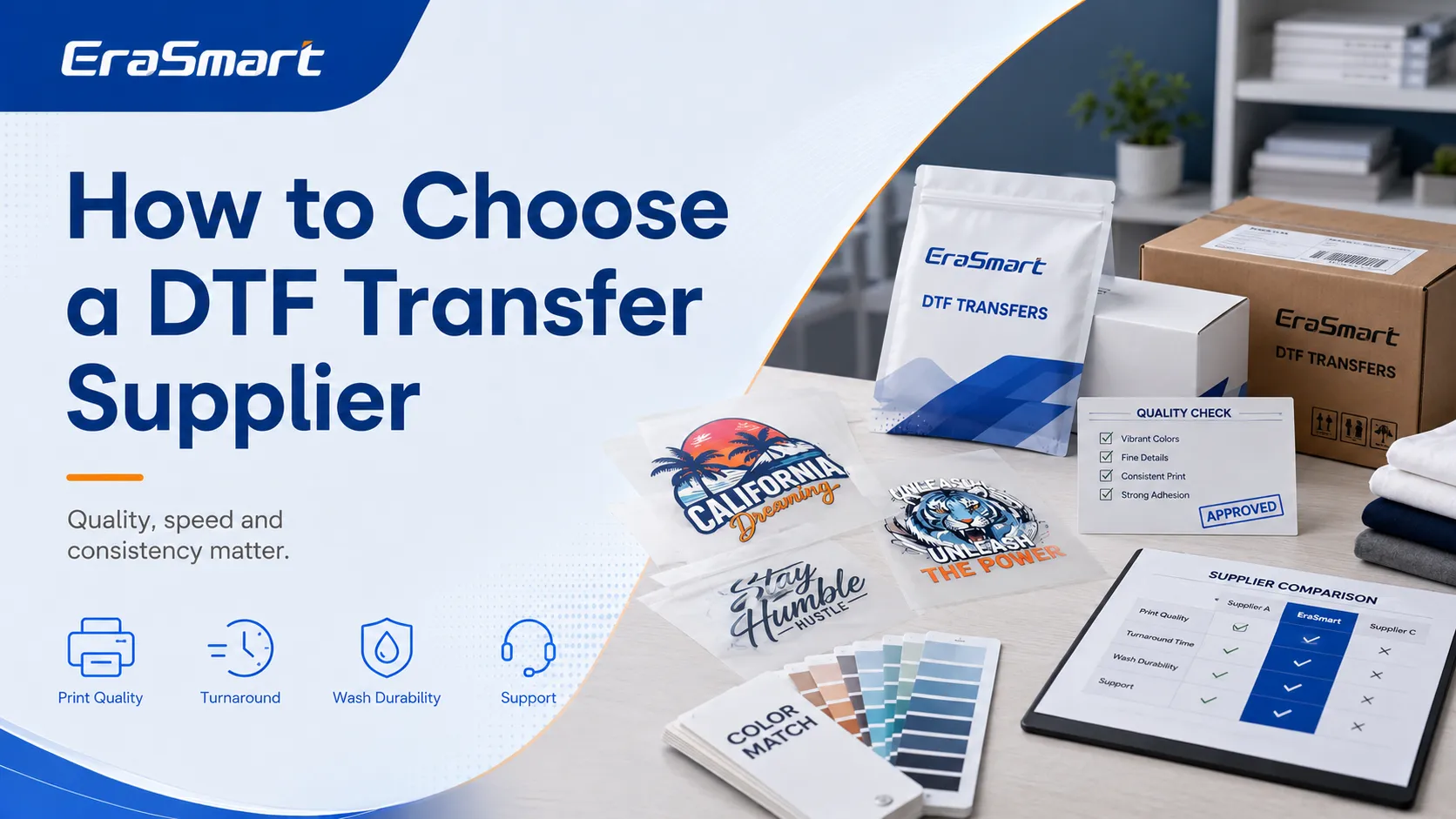
Tedarikçiyi yalnızca fiyata göre seçmeyin.
Önce Numuneleri Sipariş Edin
Çeşitli sanat eseri türlerini test edin:
- İnce metin
- Küçük logolar
- Parlak renkler
- Koyu renkler
- Degradeler
- Fotoğrafik tasarımlar
- İnce çizgiler
- Büyük katı alanlar
Basit bir örnek tüm kalite sorunlarını ortaya çıkarmayabilir.
Beyaz Mürekkebin Opaklığını Kontrol Edin
Beyaz mürekkep koyu renkli giysilerde güçlü bir alt taban sağlamalıdır.
Aynı aktarımı şurada test edin:
- Siyah
- Donanma
- Kırmızı
- Gri
- Diğer koyu renkler
Zayıf beyaz mürekkep, giysi renginin basılı tasarımı etkilemesine neden olabilir.
Test Uzatma
Bastırıp soğuttuktan sonra yazdırılan alanı yavaşça gerin.
İyi bir transfer, anında çatlama olmaksızın normal giysi hareketini tolere edebilmelidir.
Esneme performansı aynı zamanda aşağıdakilere de bağlıdır:
- Mürekkep
- Yapışkan toz
- Kürleme
- Giysi
- Baskı koşulları
Yıkama Testlerini Gerçekleştirin
Büyük siparişleri kabul etmeden önce test giysilerini birkaç kez yıkayın.
Şunları inceleyin:
- Kenar kaldırma
- Çatlama
- Solma
- Ayrılma
- Yüzey değişiklikleri
- Yapışma kaybı
Soyma Tipini Onayla
Transferin şu şekilde olup olmadığını sorun:
- Sıcak soyma
- Sıcak kabuk
- Soğuk soyma
Yanlış zamanda soymak tasarıma zarar verebilir.
Grup Sayfası Gereksinimlerini İnceleyin
Şunları sorun:
- Mevcut sayfa boyutları
- Minimum aralık
- Sanat eseri formatları
- Maksimum baskı genişliği
- Dosya çözünürlüğü
- Miktar gereksinimleri
Geri Dönüş Süresini Onaylayın
Kontrol etmek:
- Üretim zamanı
- Nakliye süresi
- Acele servis
- Hafta sonu işlemleri
- Tatil gecikmeleri
- Kullanılabilirliği izleme
Tedarikçinin programını onaylamadan önce müşteriye bir son tarih sözü vermeyin.
Ambalajı İnceleyin
Transferler gelmeli:
- Düz
- Kuru
- Temiz
- Bükülmeye karşı korumalı
- Neme karşı korumalı
- Açıkça tanımlanmış
DTF Ürünleri Nasıl Fiyatlandırılır?
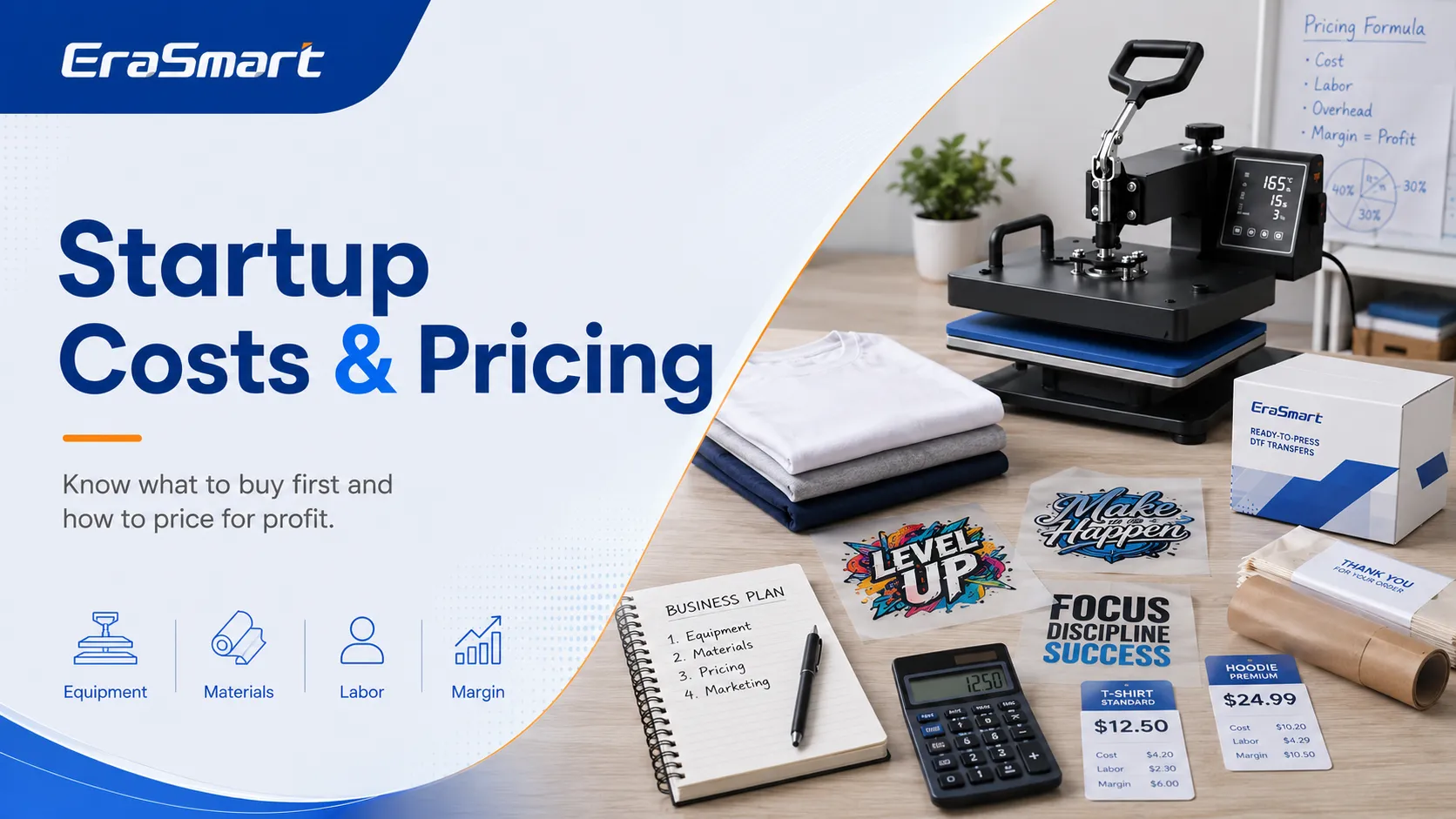
Satış fiyatınız giysi ve transferden fazlasını içermelidir.
Hesaplamak:
- Boş giysi maliyeti
- Transfer maliyeti
- Tedarikçi nakliyesi
- Tasarım zamanı
- Presleme süresi
- Elektrik
- Ambalajlama
- Ödeme ücretleri
- Pazaryeri ücretleri
- Başarısız ürünler
- Tepegöz
- Kâr
Temel fiyatlandırma formülü şöyledir:
Toplam ürün maliyeti + işçilik + genel gider + kar marjı = satış fiyatı
Gerektiğinde Sanat Eseri Ücreti
Müşteriler şunları sağlayabilir:
- Ekran görüntüleri
- Bulanık logolar
- Düşük çözünürlüklü görüntüler
- Arka planı olan fotoğraflar
- Yanlış renkler
- Elle çizilmiş fikirler
Aşağıdakiler için ayrı ücretler oluşturun:
- Temel metin kurulumu
- Arka planı kaldırma
- Logo izleme
- Özel tasarımı tamamlayın
- Ek revizyonlar
- Acele servis
Minimum Sipariş veya Kurulum Ücretlerini Kullanın
Özel bir gömlek, neredeyse daha büyük bir sipariş kadar iletişim gerektirebilir.
Zamanınızı aşağıdakilerle koruyabilirsiniz:
- Minimum sipariş değerleri
- Tek parça premium fiyatlandırma
- Tasarım kurulum ücretleri
- Acele ücretler
- Toplu fiyatlandırma katmanları
Kendi DTF Yazıcınızı Ne Zaman Satın Almalısınız?
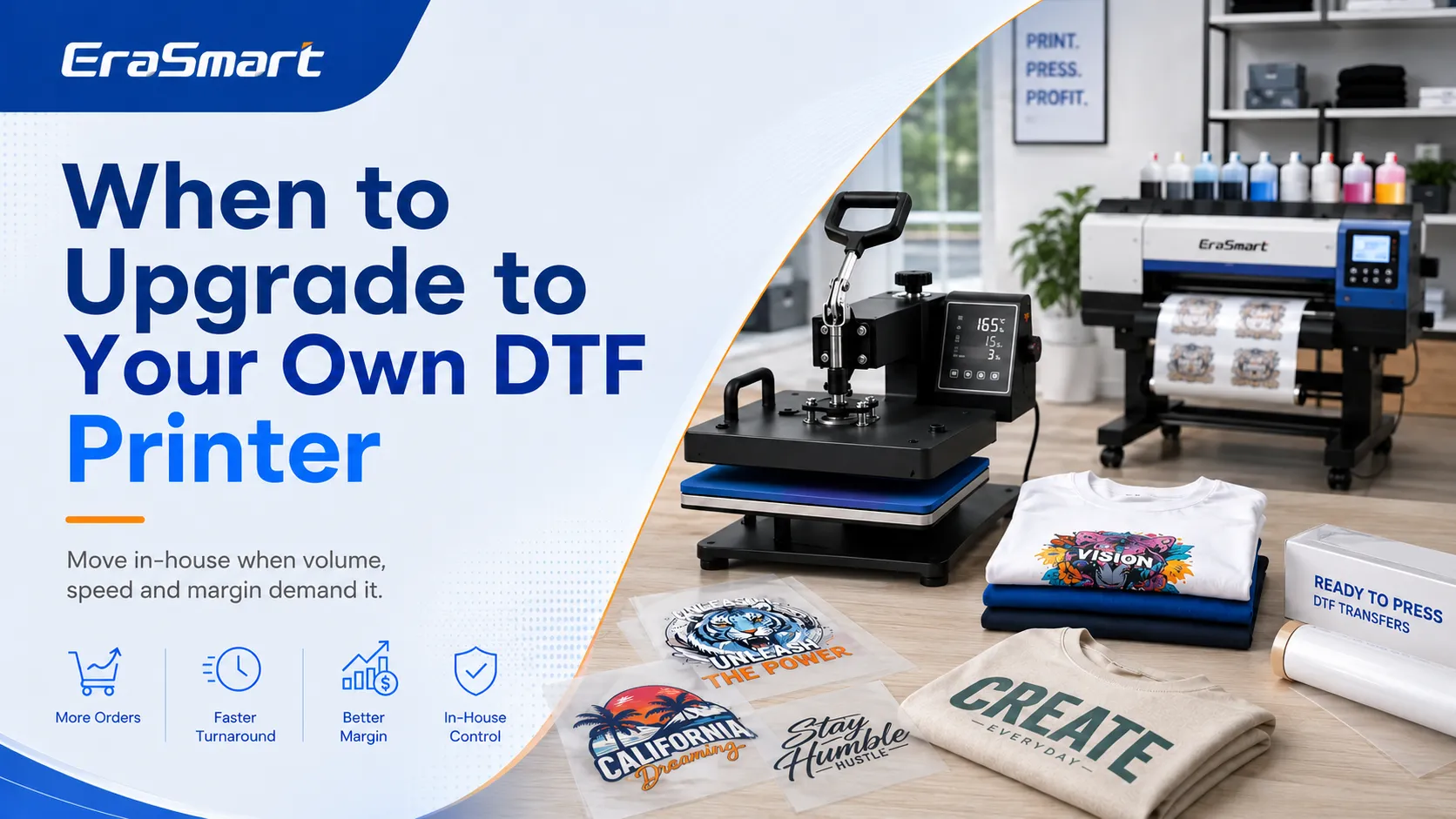
Yazıcı olmadan başlamak pratiktir ancak dış kaynak kullanımı sonuçta büyümeyi sınırlayabilir.
Aşağıdaki durumlarda bir yazıcı satın almayı düşünün:
- Her hafta transfer siparişi veriyorsunuz
- Transfer maliyetleri marjınızı azaltır
- Nakliye maliyetleri önemli hale geliyor
- Müşterilerin daha hızlı geri dönüşe ihtiyacı var
- Sıklıkla acil yeniden baskılara ihtiyaç duyarsınız
- Talep üzerine çete sayfalarını yazdırmak istiyorsunuz
- Daha fazla renk kontrolü istiyorsanız
- Transfer satmayı planlıyorsunuz
- Yeterli çalışma alanınız var
- Günlük bakım yapabilirsiniz
Dış Kaynak Kullanımı ve Şirket İçi Maliyetleri Karşılaştırın
Mevcut dış kaynak maliyetlerinizi inceleyin:
- Transfer fiyatı
- Nakliye
- Acele ücretler
- Yeniden Basımlar
- Gecikmeler
- Acil siparişleri kaybettim
Daha sonra şirket içi maliyetleri karşılaştırın:
- Yazıcı
- Mürekkep
- PET filmi
- Toz
- Rip yazılımı
- Kürleme ekipmanı
- Bakım
- Elektrik
- İş gücü
- Atık
Bir yazıcı, yalnızca üretim hacmi yeterince yüksek olduğunda aktarım başına maliyeti azaltabilir.
Doğru Yazıcı Boyutunu Seçin
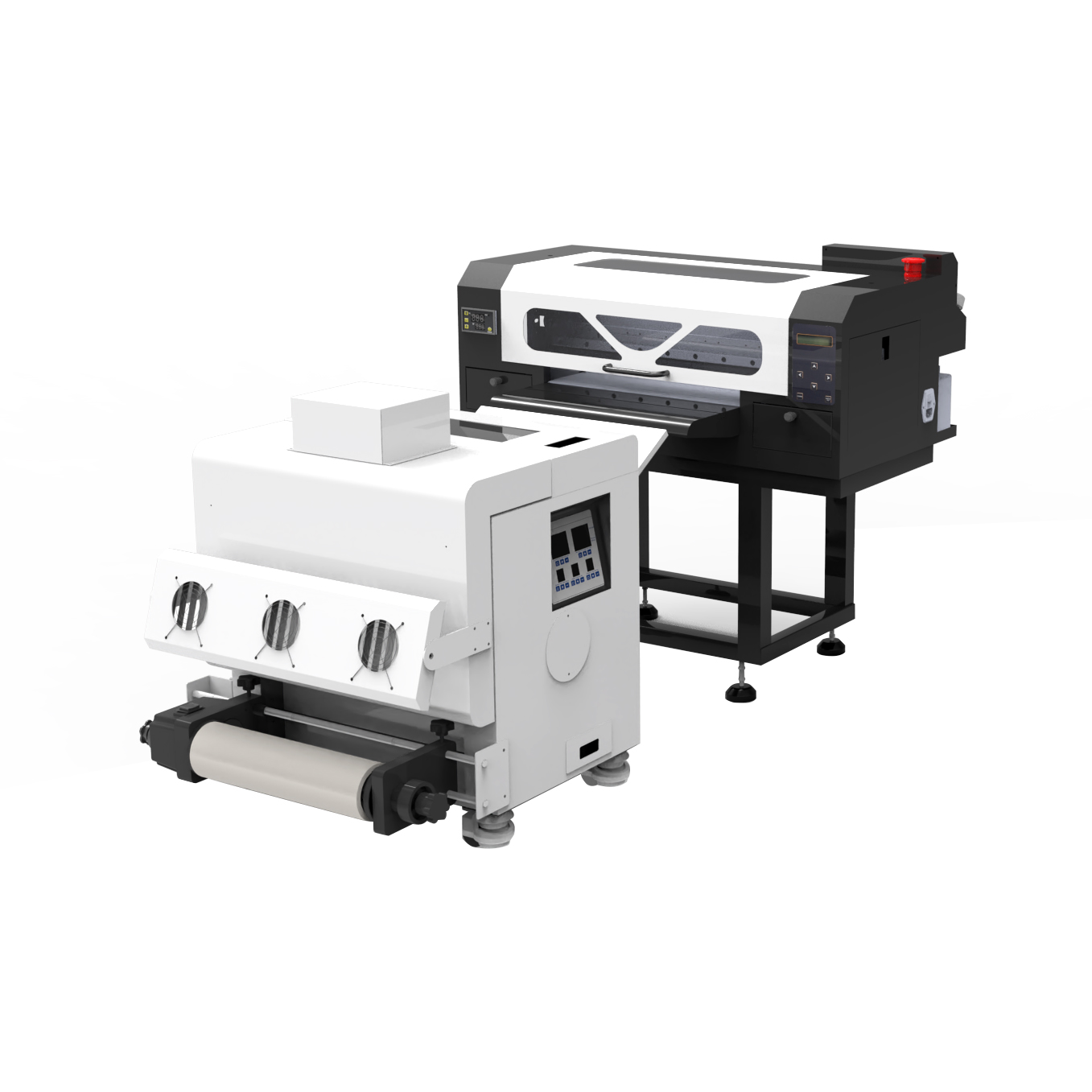
Bir A4 DTF yazıcı küçük grafikler ve sınırlı üretimler için uygun olabilir.
Bir A3 DTF yazıcı ticari gömlek grafikleri ve çete sayfaları için daha fazla alan sağlar.
Daha büyük rulo beslemeli sistemler, yüksek hacimli üretim ve transfer satışları için daha iyidir.
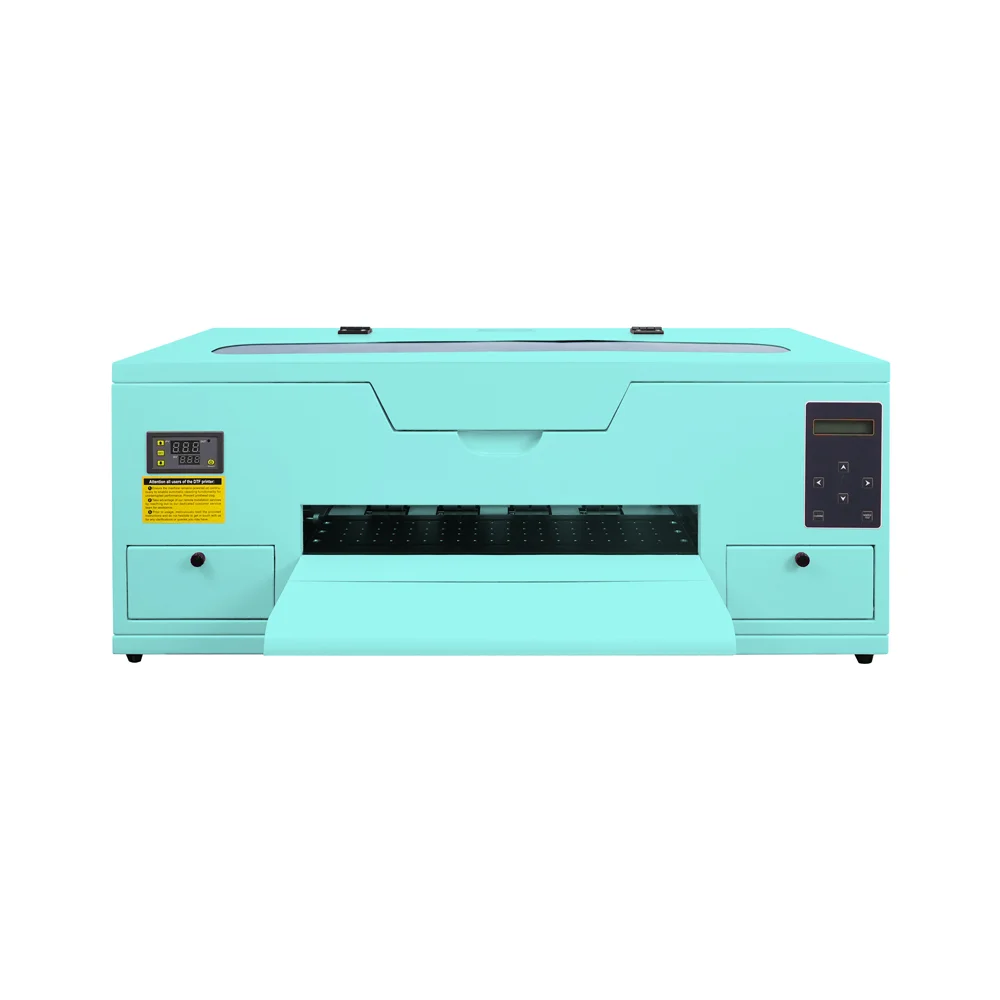
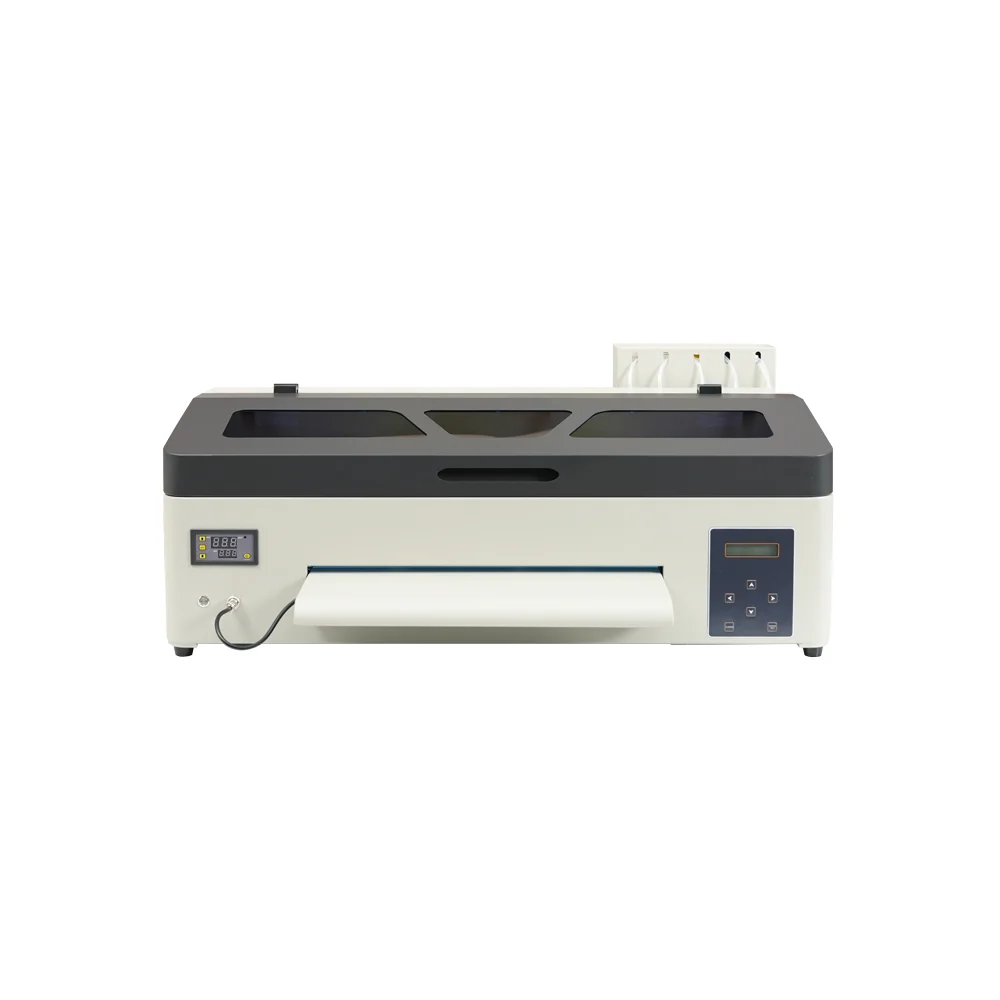
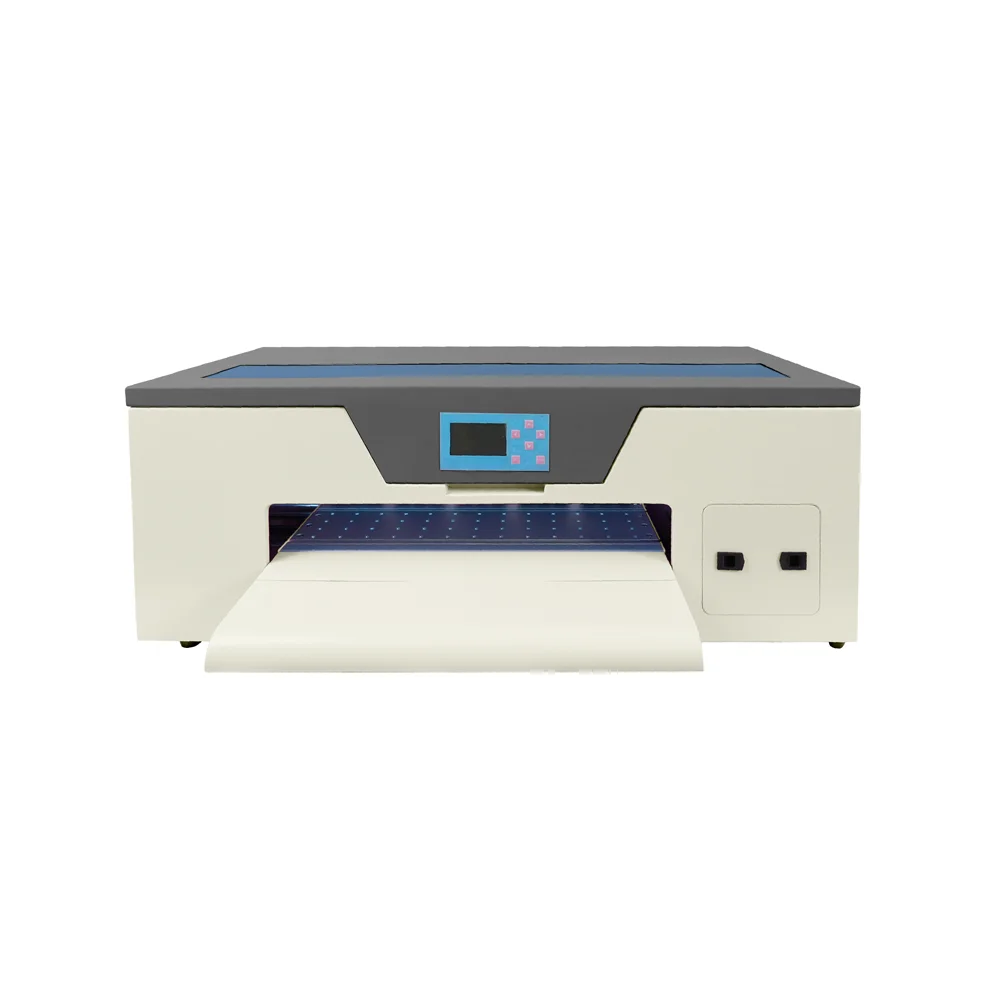
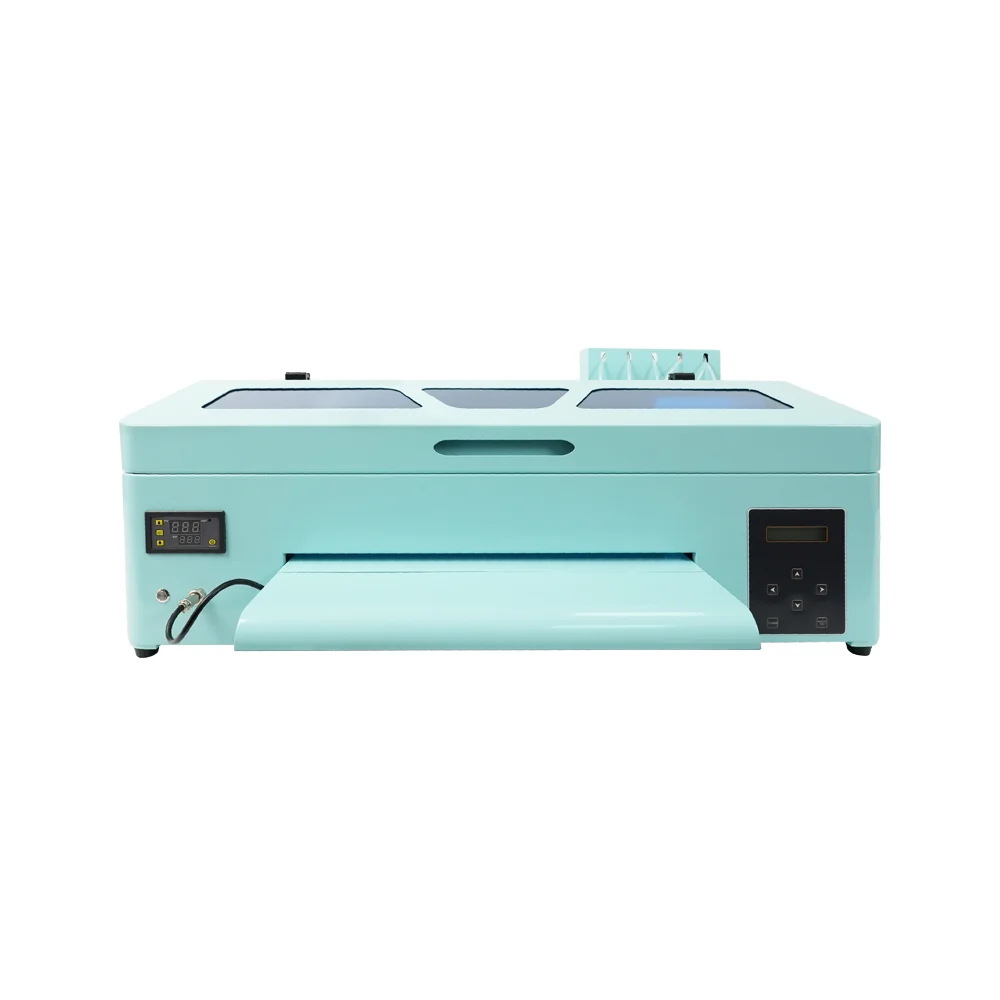
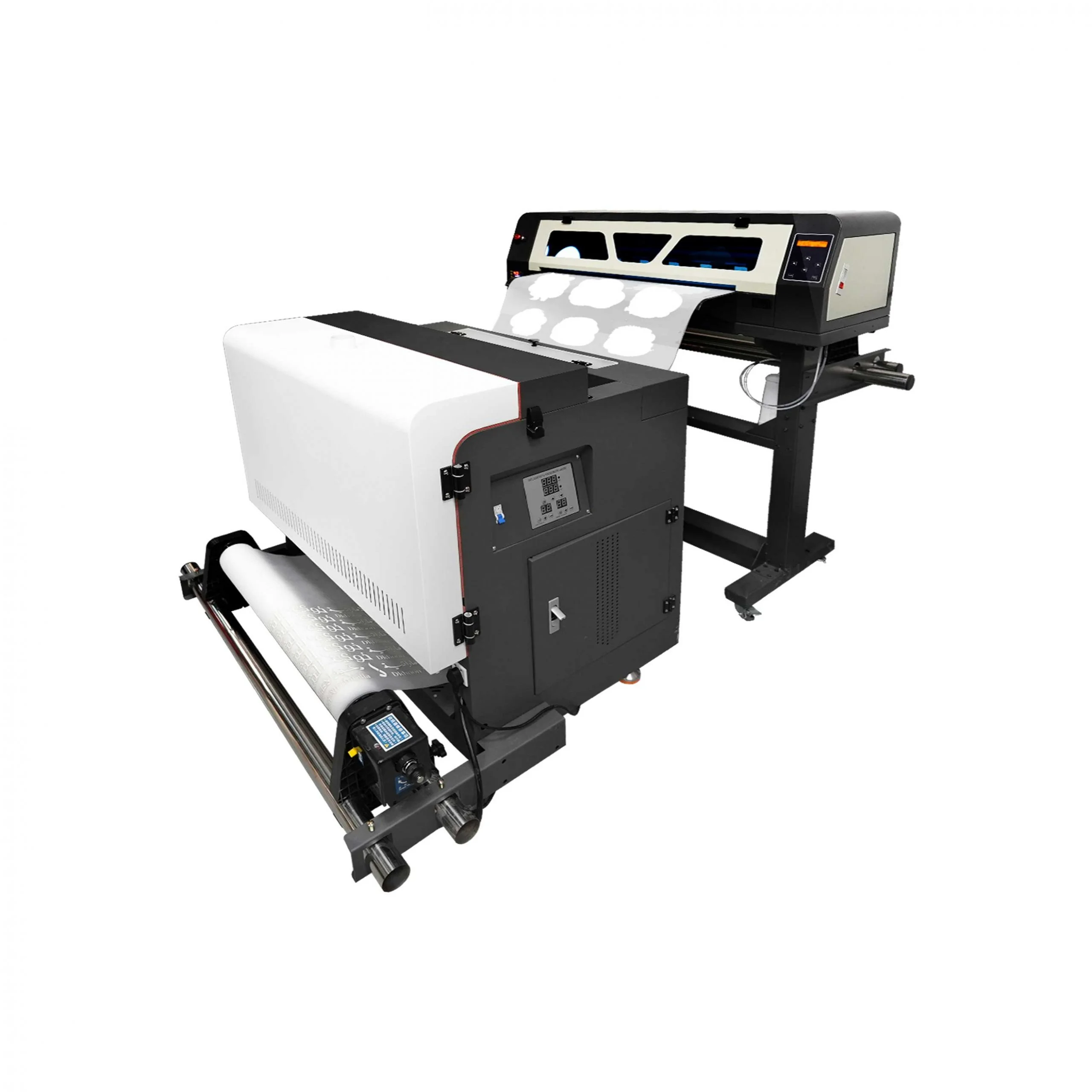
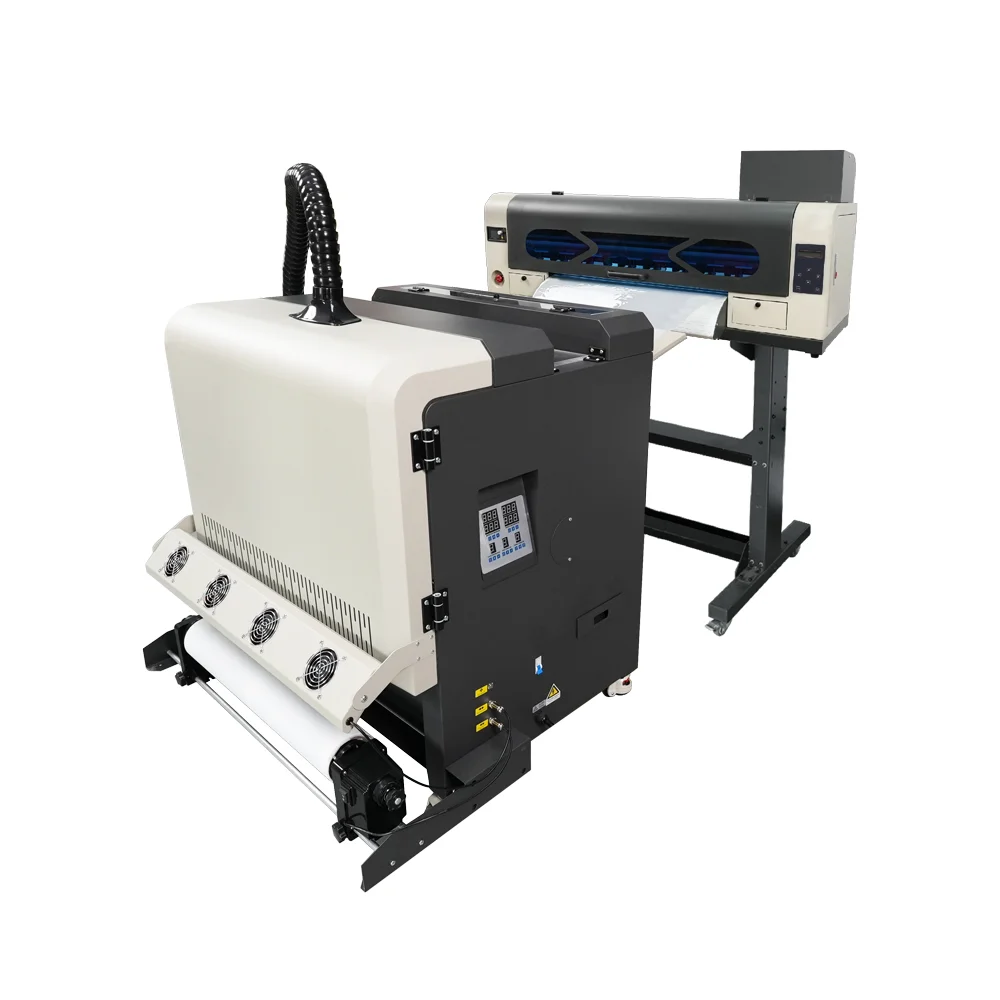
Satın almadan önce EraSmart'ı inceleyin DTF yazıcı satın alma kontrol listesi.
Sen de gibi olabilirsin

Telif Hakkı 2020 © Erasmart. | Yer haritası