小型平板噴墨打印機製造商
86-18566233796 [email protected]

部落格 How to Solve DTF Printer White Ink Issues: Causes, Fixes, and Prevention Guide

How to Solve DTF Printer White Ink Issues: Causes, Fixes, and Prevention Guide

July 4, 2026 部落格

White ink is one of the most important parts of DTF printing. It creates the base layer that helps colors appear bright, opaque, and clear on dark garments, colored fabrics, hoodies, tote bags, uniforms, sportswear, and custom apparel.

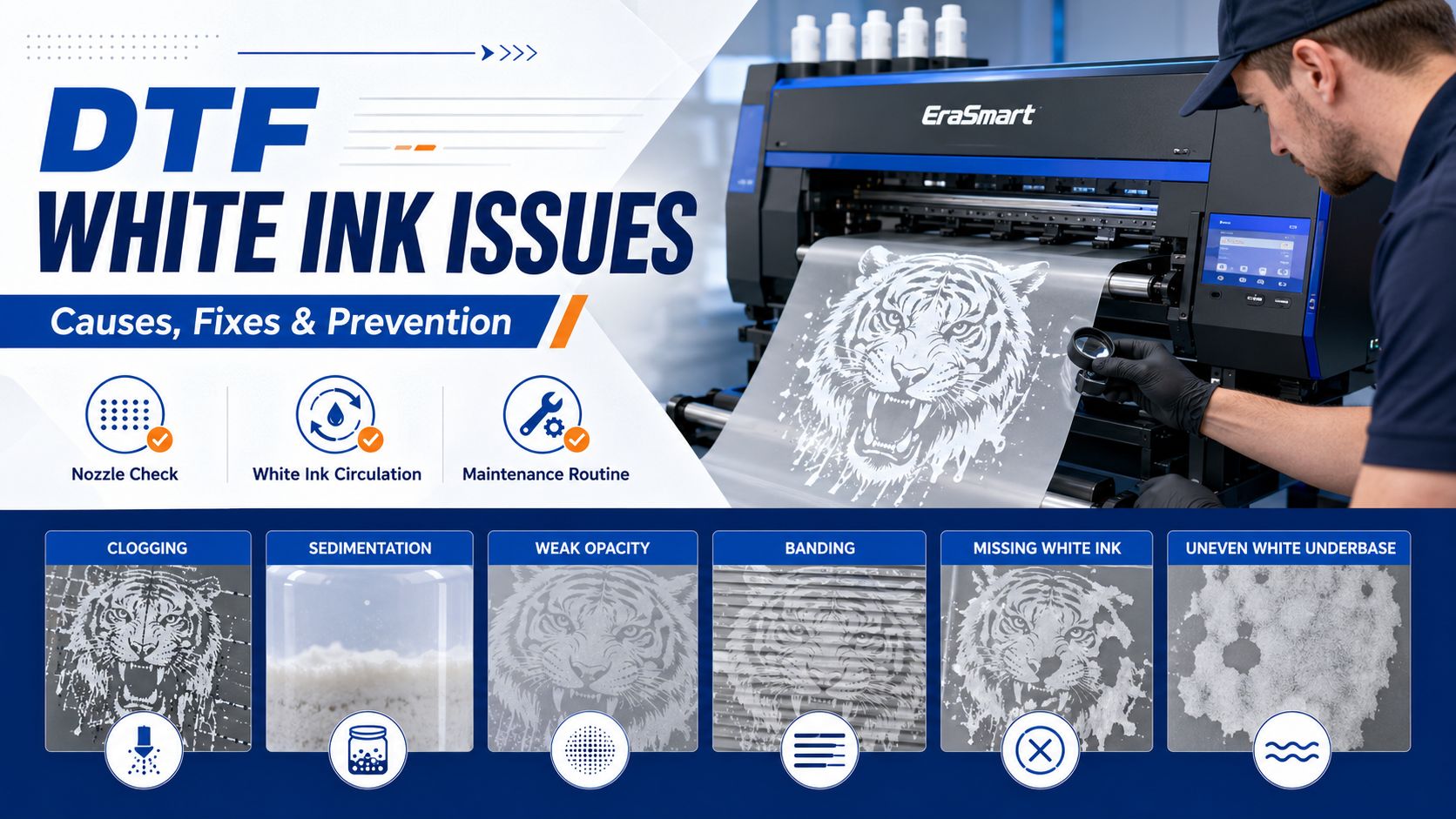
When white ink works well, DTF prints look vibrant and professional. When white ink becomes unstable, the whole production workflow can suffer. Common problems include missing white ink, weak opacity, grayish white output, nozzle clogging, banding, mixed colors on the test page, uneven underbase, and dull final prints after heat pressing.

For small apparel businesses, these issues are more than technical problems. They can cause wasted film, failed transfers, delayed orders, customer complaints, and unnecessary downtime.

The good news is that most DTF white ink problems can be reduced with the right maintenance routine, proper ink handling, clean printhead care, stable environment, matched consumables, and a printer designed with white ink circulation support.

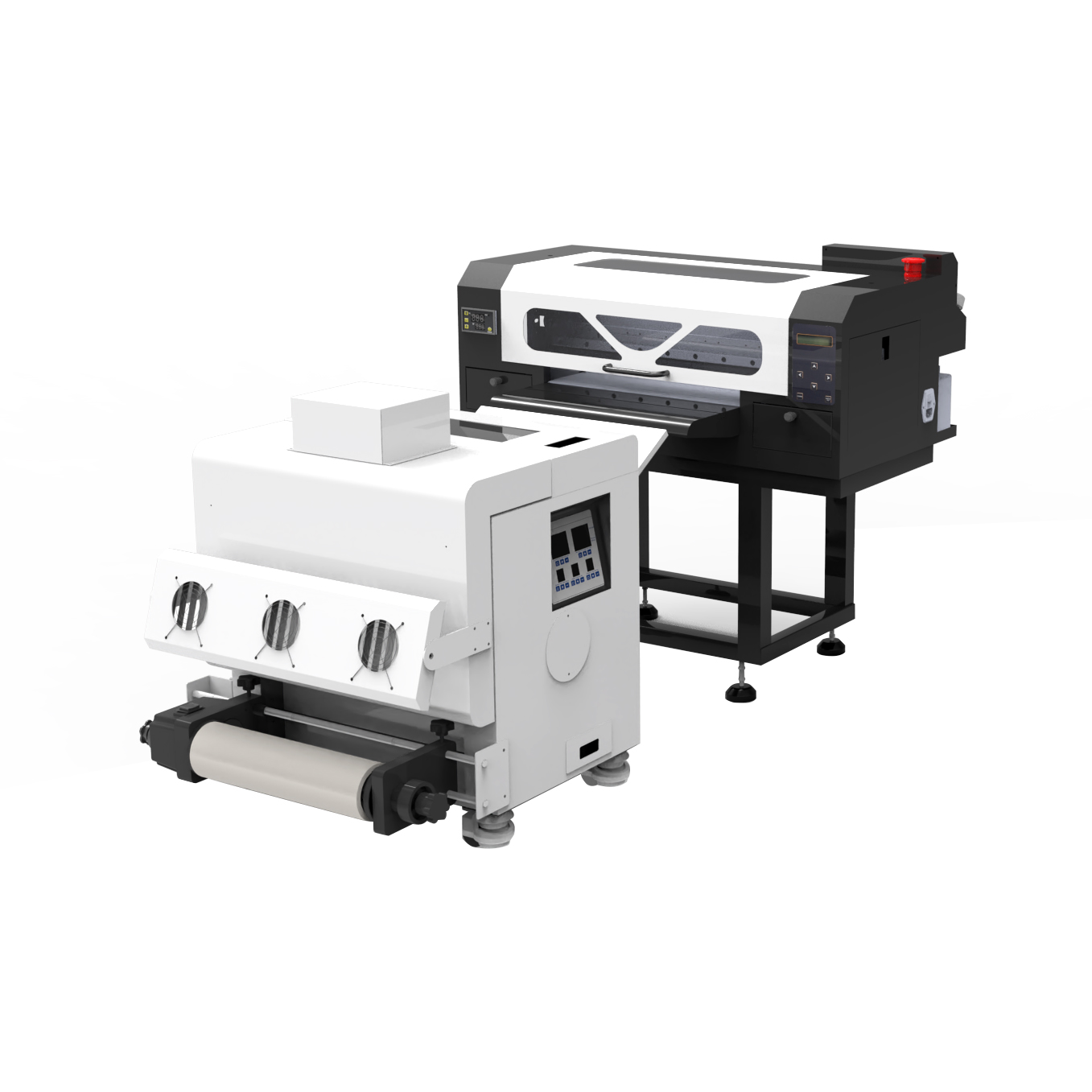
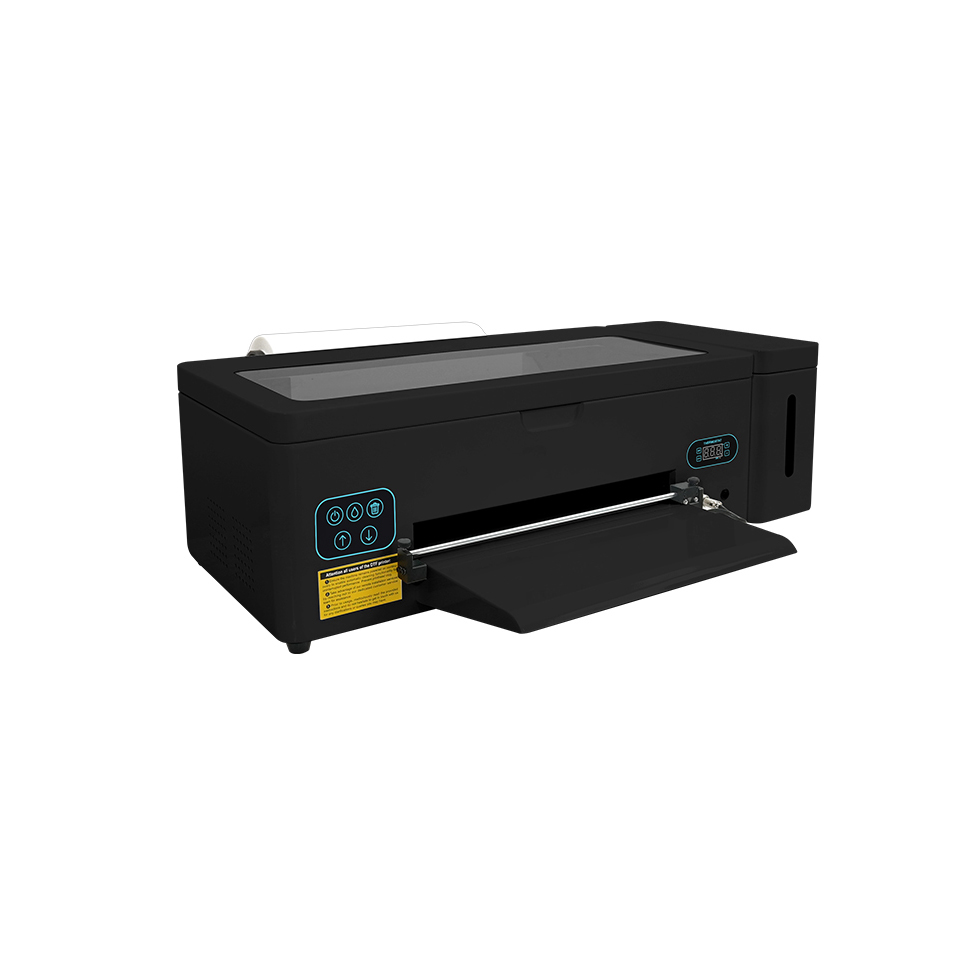
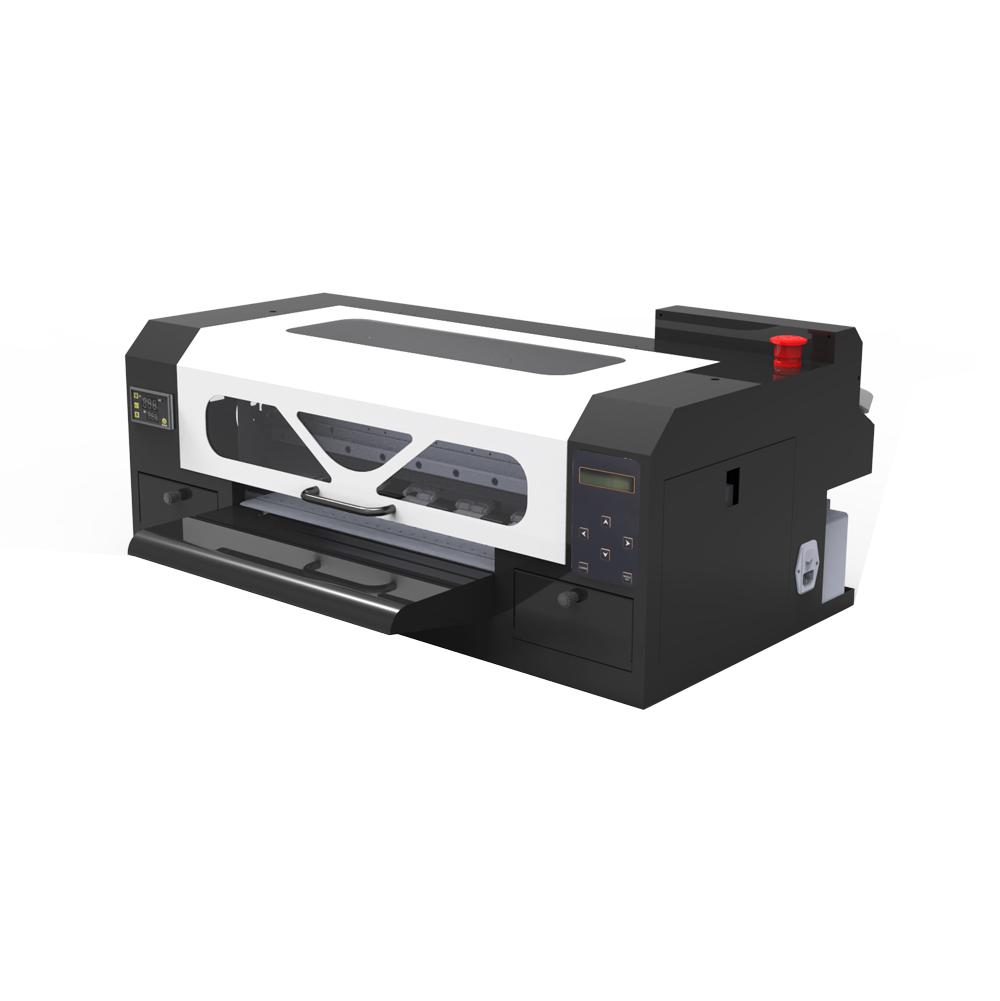
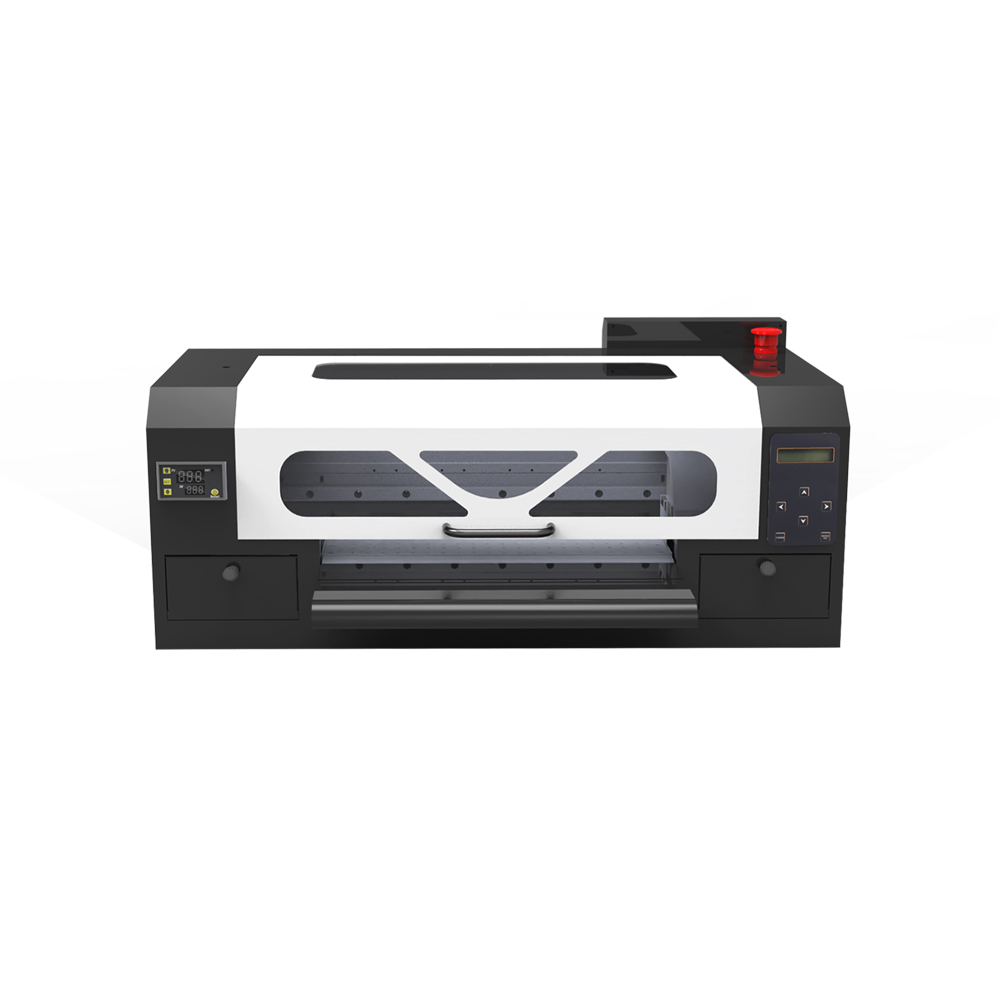
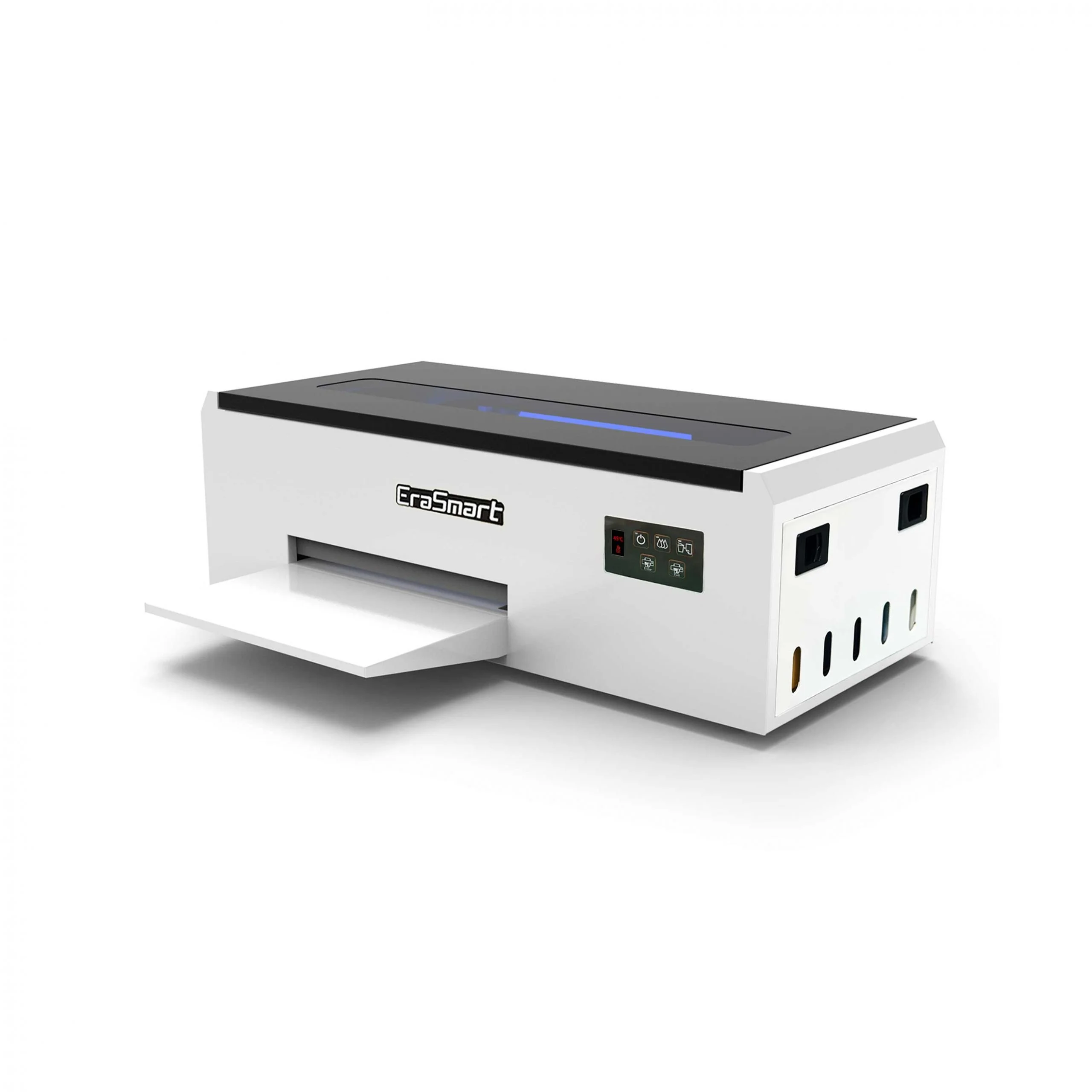
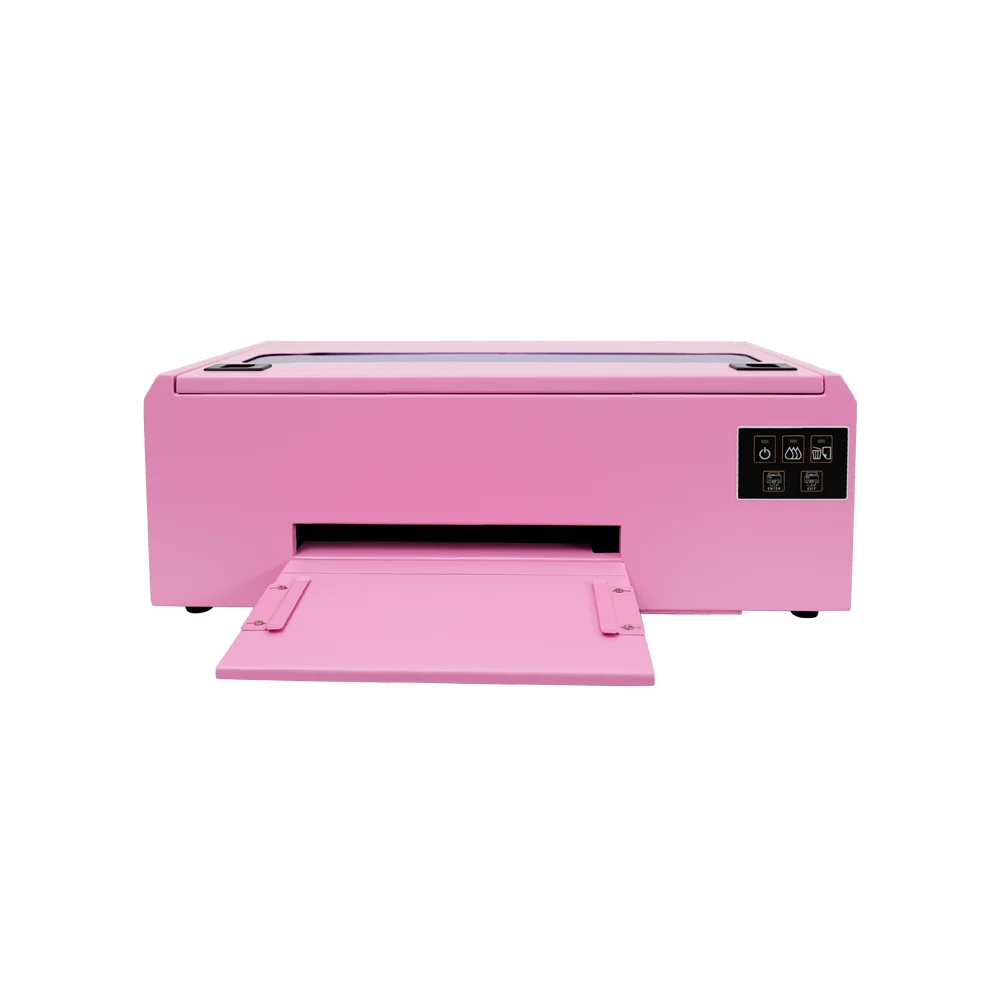
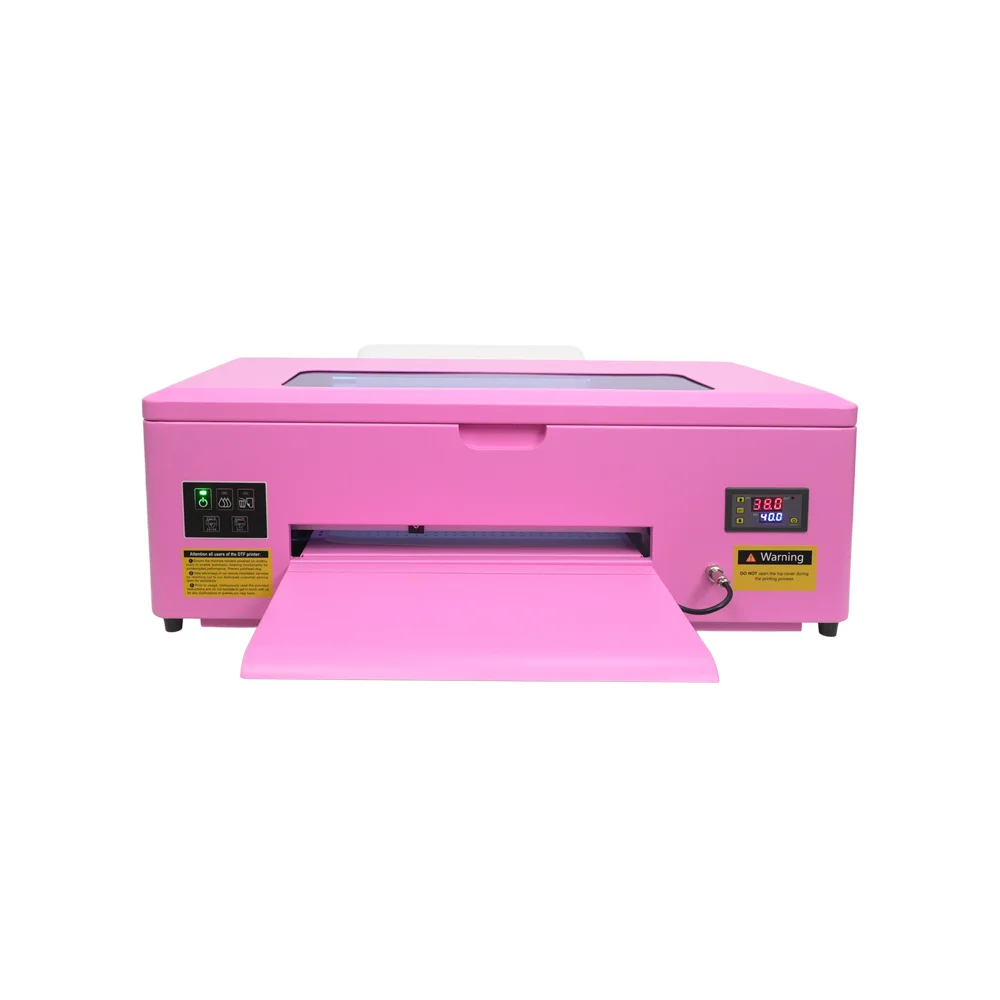
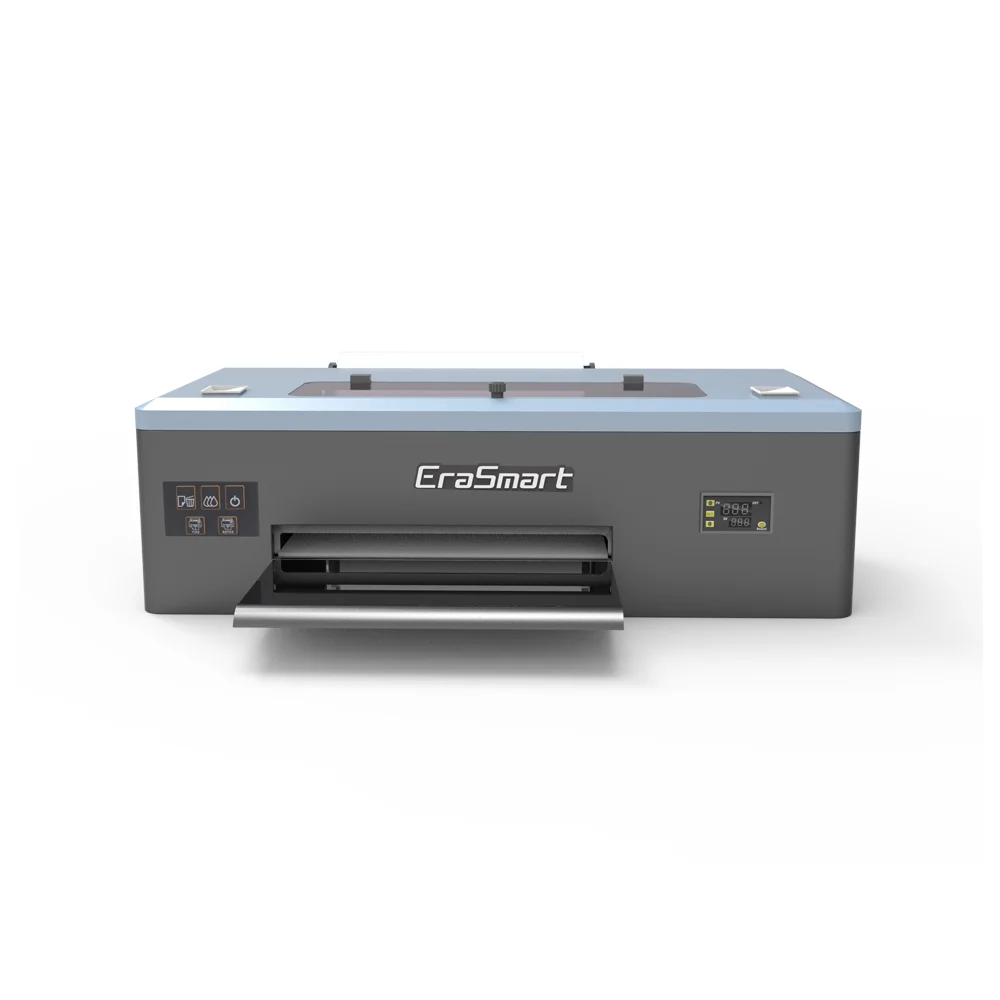
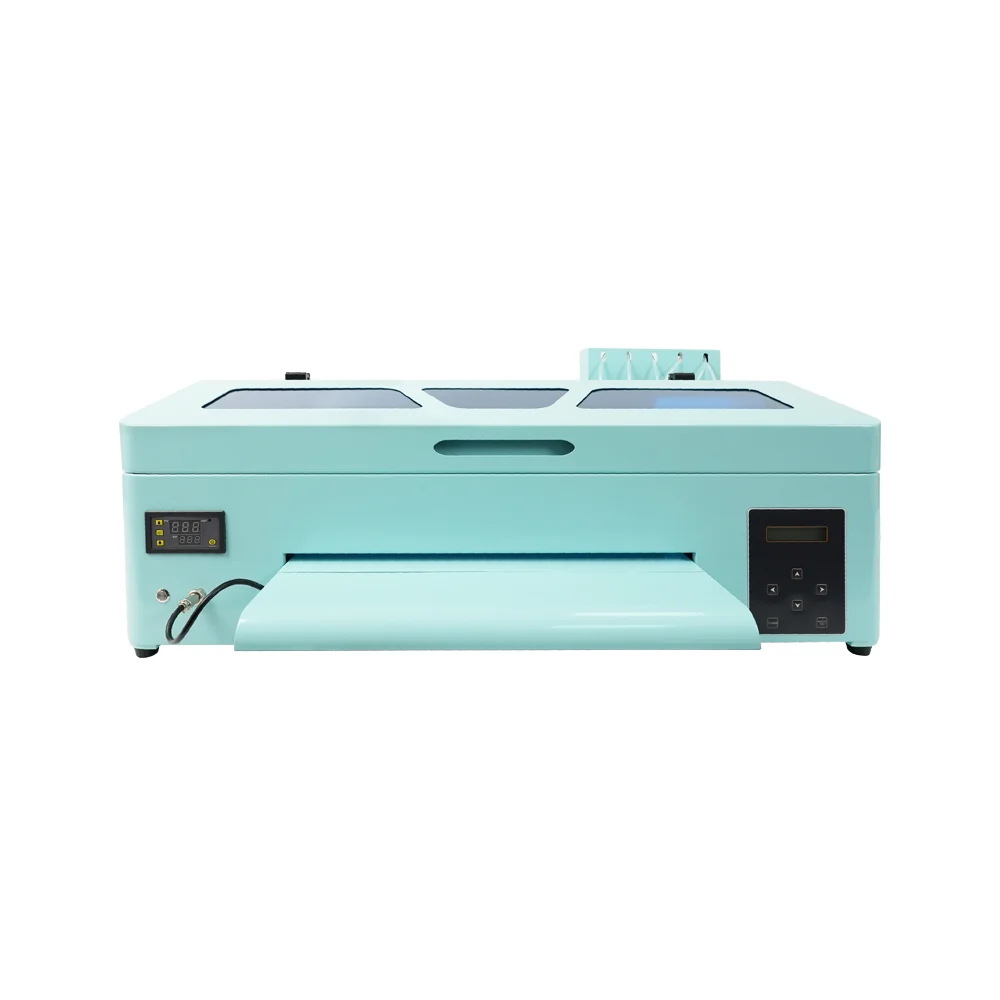
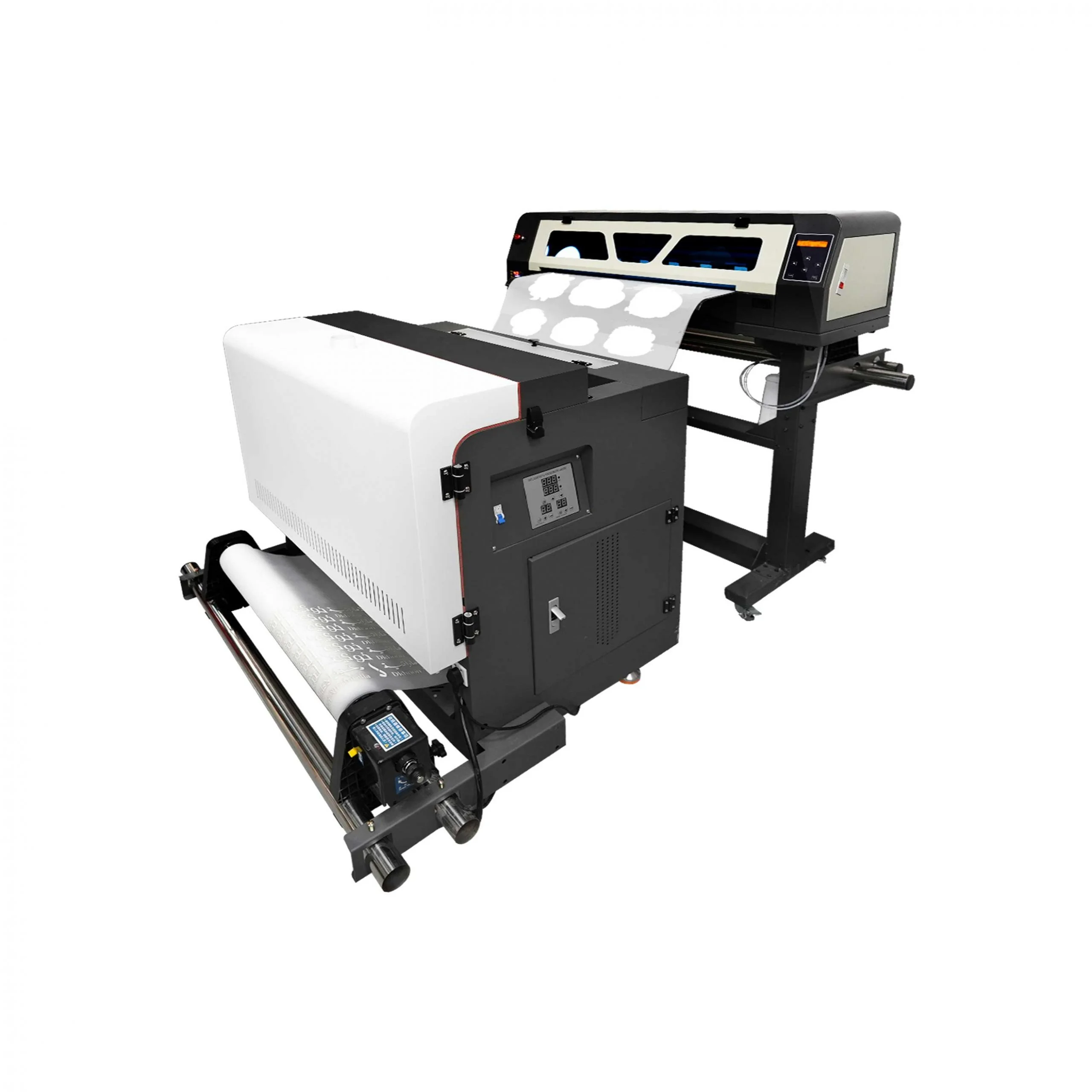
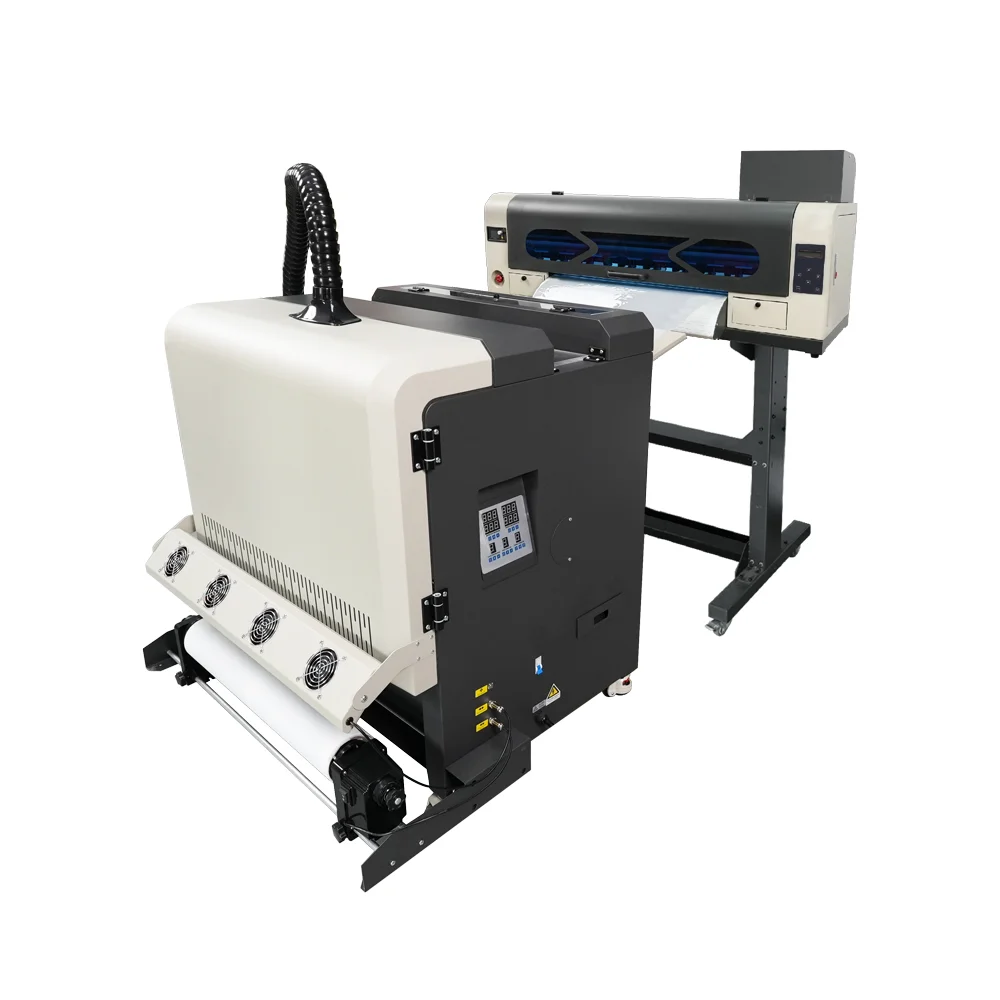
If you are still building your DTF workflow, start with EraSmart’s DTF打印機 lineup and the DTF維護指南 to understand why white ink management should be part of daily production, not an emergency task.

Quick Answer: How Do You Fix DTF White Ink Problems?

To solve DTF printer white ink issues, follow this practical sequence:

  1. Check white ink level and ink condition.
  2. Confirm the ink is not expired, contaminated, or separated.
  3. Activate white ink circulation or gently agitate the white ink according to the printer routine.
  4. Run a nozzle check before production.
  5. Clean the printhead only when needed.
  6. Check the capping station, wiper, damper, and ink path.
  7. Remove air from the ink line if required.
  8. Confirm RIP white ink underbase settings.
  9. Test print on film before starting customer orders.
  10. Control temperature, humidity, dust, and idle time.

The most important rule is simple: do not let white ink stay inactive for long periods.

White ink needs regular movement, observation, and maintenance. If it is treated casually, small issues can quickly become bigger production problems.

Why White Ink Is So Important in DTF Printing

DTF printing usually uses CMYK ink plus white ink. CMYK creates the color image, while white ink creates the backing layer that supports color brightness and opacity.

White ink is especially important when printing on:

  • 黑色T卹
  • 深色連帽衫
  • navy uniforms
  • colored tote bags
  • 聚酯運動服
  • 混紡布料
  • 時尚服飾
  • 街頭服飾圖形
  • 標誌轉移
  • 全彩設計

Without a strong white layer, the printed design may look dull, transparent, uneven, or weak after heat pressing.

White ink helps improve:

  • 色彩亮度
  • opacity on dark garments
  • 邊緣清晰度
  • detail reproduction
  • contrast
  • brand logo consistency
  • final print quality
  • 客戶滿意度

For more details on how DTF printing works from artwork to film printing, powdering, curing, and pressing, see EraSmart’s DTF 製作流程

Why White Ink Causes More Problems Than CMYK Ink

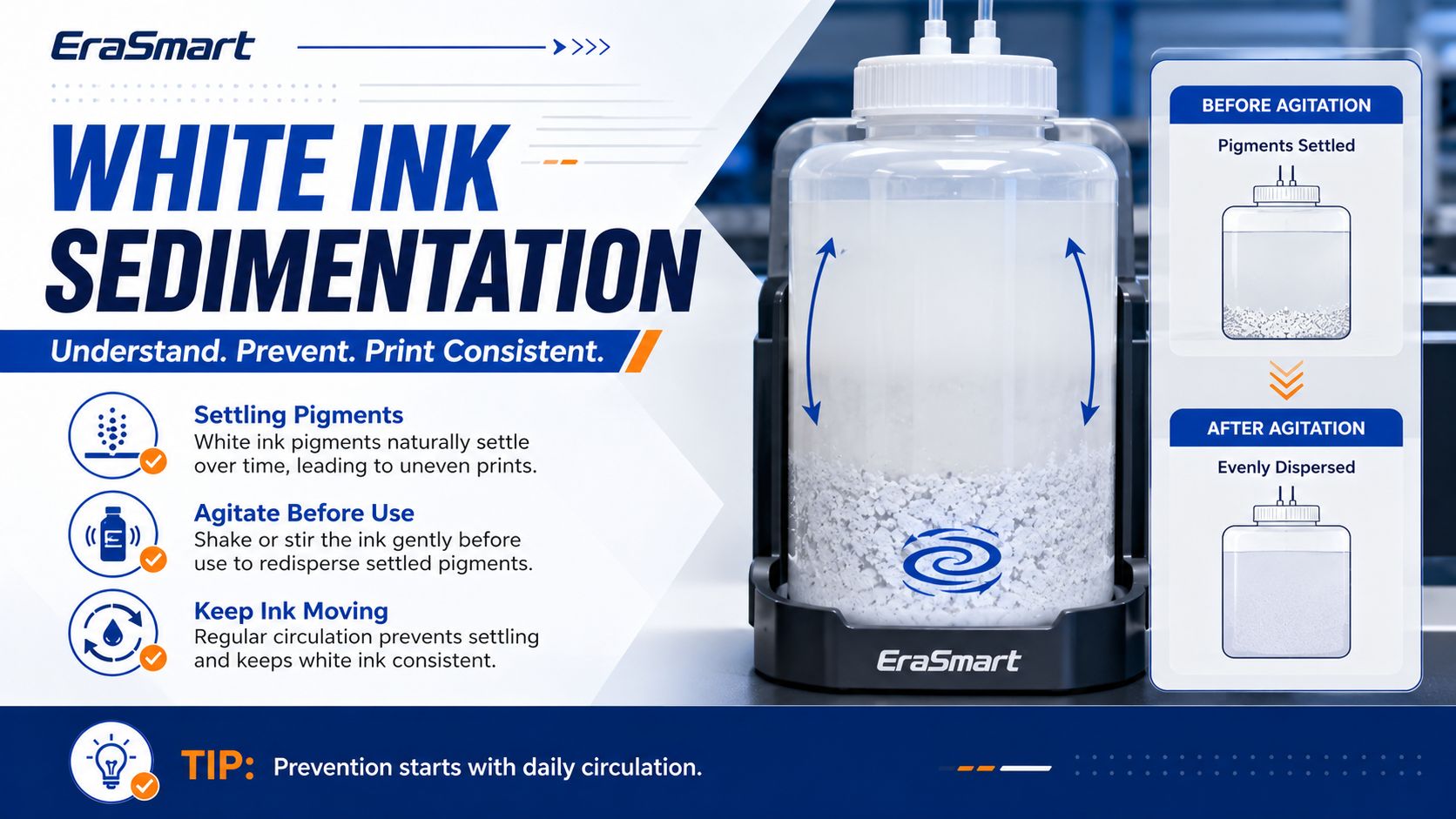
White ink is more sensitive than CMYK ink because it contains heavier pigment particles. These particles help create opacity, but they also make white ink more likely to settle when the printer is idle.

This is why white ink needs more attention than standard color ink.

Common white ink risks include:

  • pigment settling
  • ink separation
  • higher clogging risk
  • weak white output
  • 不均勻的不透明度
  • nozzle blockage
  • air in the ink path
  • sediment inside the ink system
  • instability after idle time

A DTF printer with white ink circulation, stirring, or automatic maintenance support can reduce these risks, but operator habits still matter. Machine design helps, but daily care is still necessary.

時代智能的 DTF 列印白色墨水堵塞指南 explains why white ink should be treated as a daily workflow responsibility, especially during idle periods or inconsistent production schedules.

Common DTF White Ink Problems and How to Fix Them

1. White Ink Is Missing or Not Printing

This is one of the most common DTF white ink problems. The printer may still print CMYK colors, but the white layer is missing, weak, or incomplete.

可能的原因

  • low white ink level
  • expired white ink
  • white ink sedimentation
  • clogged printhead nozzles
  • air inside the ink line
  • blocked damper
  • capping station not sealing properly
  • white ink circulation not working
  • wrong RIP white ink setting
  • printer has been idle too long

How to Fix It

Start with the simplest checks first.

  1. Check the white ink level.
  2. Confirm the ink is within its usable period.
  3. Gently agitate the white ink according to the printer’s recommended routine.
  4. Activate the white ink circulation system if your printer has one.
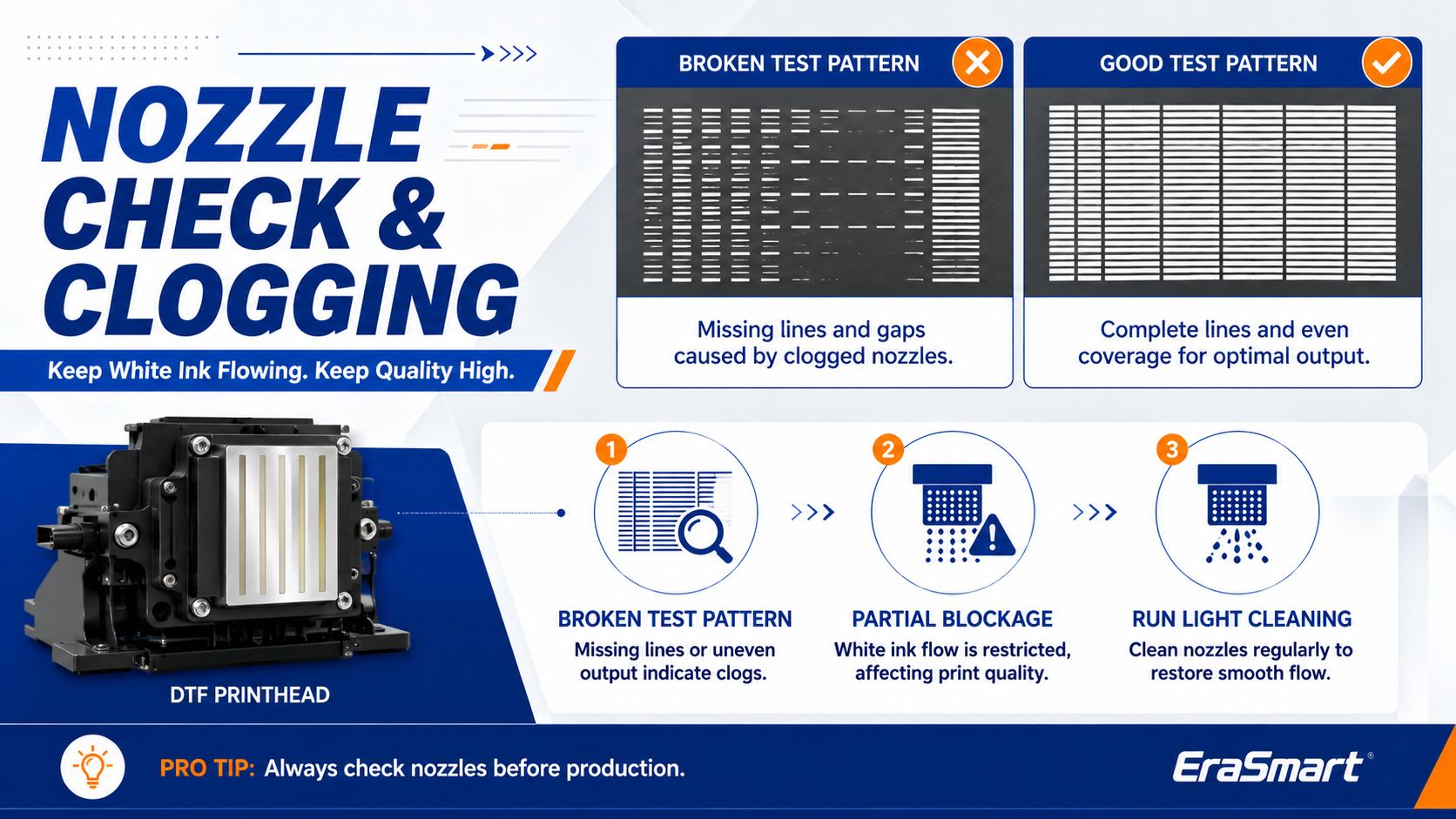
  5. Run a nozzle check.
  6. If the nozzle check is incomplete, run a light cleaning cycle.
  7. Check whether the damper or ink line contains air.
  8. Confirm that the RIP file includes a white underbase layer.
  9. Print a small test pattern before restarting production.

Do not run repeated deep cleaning cycles without reason. Excessive cleaning can waste ink and may not solve the real cause if the issue is air, sedimentation, poor capping, or wrong settings.

2. White Ink Looks Gray or Weak

Sometimes white ink prints, but it does not look bright or opaque. The transfer may look grayish, thin, dull, or uneven.

可能的原因

  • white ink has settled
  • ink bottle was not prepared correctly
  • white ink circulation was not activated
  • weak white ink underbase setting
  • clogged or partially clogged nozzles
  • wrong print mode
  • poor film coating
  • incompatible ink or film
  • insufficient ink density
  • old ink
  • poor storage conditions

How to Fix It

  1. Check whether the white ink has separated or settled.
  2. Gently shake or agitate the white ink following the recommended method.
  3. Activate white ink circulation before printing.
  4. Run a nozzle check to confirm the white channel is complete.
  5. Check the RIP white ink density or underbase setting.
  6. Test with a known good film and ink combination.
  7. Replace old or unstable ink if the problem continues.
  8. Print a sample on dark fabric to confirm real opacity.

White ink opacity should be checked after the full transfer process, not only by looking at the film. A transfer may look acceptable on film but appear weak after pressing onto a dark garment.

3. White Ink Has Lines, Gaps, or Banding

White lines, missing lines, or uneven white output usually indicate nozzle problems, ink flow instability, or printhead contamination.

可能的原因

  • partially clogged printhead
  • dried ink around the printhead
  • dirty capping station
  • dirty wiper
  • unstable ink flow
  • air bubbles in the ink line
  • poor film feeding
  • wrong print pass setting
  • long idle time
  • dust or powder contamination

How to Fix It

  1. Run a nozzle check.
  2. Clean the capping station and wiper area.
  3. Perform a light cleaning cycle.
  4. Wait a few minutes and run another nozzle check.
  5. Check for air bubbles in the white ink path.
  6. Confirm that the film is feeding smoothly.
  7. Test with a simple white block or white underbase pattern.
  8. If the same lines repeat, inspect the printhead condition and maintenance parts.

If cleaning does not improve the result, do not keep forcing the printer. Repeated cleaning without diagnosis may waste ink and make troubleshooting harder.

For broader production issues, EraSmart’s DTF 故障排除指南 can help connect print defects with workflow causes.

4. White Ink Mixes with Other Colors

If the test page shows white ink mixed with colors, or if color channels appear contaminated, the issue may be related to capping, suction, backflow, or printhead sealing.

可能的原因

  • dirty capping station
  • weak seal between printhead and cap
  • waste ink backflow
  • contaminated cleaning area
  • dirty printhead bottom
  • damaged damper
  • ink path contamination
  • improper shutdown
  • excessive cleaning without correct recovery

How to Fix It

  1. Stop production and inspect the test pattern.
  2. Clean the capping station carefully.
  3. Clean around the printhead bottom according to the safe maintenance procedure.
  4. Check the wiper condition.
  5. Run a controlled cleaning cycle.
  6. Print a test pattern to discharge mixed ink.
  7. Repeat a nozzle check.
  8. Contact technical support if the contamination continues.

This type of issue should not be ignored because mixed ink can affect color accuracy, white opacity, and production consistency.

5. White Ink Prints on Film but Looks Bad After Pressing

Sometimes the film looks fine, but the final garment looks dull, uneven, or weak after heat pressing.

This means the problem may not be only the printer. It may be the transfer workflow.

可能的原因

  • weak white ink underbase
  • incorrect powder coverage
  • under-cured powder
  • over-cured powder
  • wrong heat press temperature
  • wrong pressure
  • wrong pressing time
  • wrong peel method
  • incompatible garment fabric
  • excessive moisture in fabric
  • poor film or powder match

How to Fix It

  1. Check the printed film before powdering.
  2. Confirm that powder covers the white ink area evenly.
  3. Cure the powder at the correct temperature and time.
  4. Use consistent heat press pressure.
  5. Test different press settings if adhesion or appearance is weak.
  6. Use the same garment type for testing and final production.
  7. Perform a wash test before selling new products.

DTF print quality depends on the complete workflow: printer, ink, film, powder, curing, heat press, garment, and operator settings all matter.

時代智能的 DTF 耗材指南 is useful for understanding why ink, film, powder, and maintenance materials should work together as a matched system.

6. White Ink Clogs After the Printer Sits Idle

Idle time is one of the biggest risks for DTF white ink. If the printer is not used for several days, white ink can settle, dry, or become harder to restart.

可能的原因

  • printer left unused without preparation
  • white ink circulation not activated
  • ink not agitated before idle time
  • printhead not capped properly
  • room too dry or dusty
  • cleaning routine skipped before shutdown
  • long holiday or weekend downtime
  • poor storage routine

How to Fix It

  1. Do not start production immediately after long idle time.
  2. Check white ink condition first.
  3. Activate circulation or agitation routine.
  4. Run a nozzle check.
  5. Clean only if needed.
  6. Print a small test pattern before customer work.
  7. If the printer will sit idle again, follow the correct storage routine.

If your printer will not be used for several days, plan maintenance before the downtime. Do not treat an idle printer as risk-free.

時代智能的 如何防止白色墨水堵塞 guide explains how daily white ink movement, nozzle checks, and idle-time planning can reduce clogging risk.

7. White Ink Output Changes During Production

If the first transfers look normal but later transfers become weaker, inconsistent, or banded, the issue may be related to ink flow stability, white ink supply, or environmental conditions.

可能的原因

  • white ink circulation is not keeping up
  • ink level is too low
  • air entering the ink path
  • damper issue
  • printhead temperature or environment instability
  • powder or dust contamination
  • film feeding inconsistency
  • ink viscosity changes
  • long production without verification

How to Fix It

  1. Pause production and run a nozzle check.
  2. Check white ink level.
  3. Inspect the ink line and damper for air.
  4. Confirm circulation status.
  5. Clean visible dust or powder residue near the print area.
  6. Keep the room temperature and humidity stable.
  7. Restart with a small test before continuing the order.

For larger orders, do not wait until the full batch is printed to check quality. Add periodic inspection points during production.

DTF White Ink Troubleshooting Table

問題Common CausePractical Fix
White ink missingLow ink, clogging, air in line, wrong RIP settingCheck ink, nozzle, damper, and white layer setup
White ink looks graySedimentation, weak underbase, old inkAgitate ink, activate circulation, check RIP density
White ink has linesPartial nozzle clogging or unstable ink flowNozzle check, clean printhead area, inspect capping station
White ink mixes with colorDirty cap, backflow, contaminationClean capping station, wiper, and printhead bottom
Color looks dull on dark shirtWeak white underbaseIncrease white layer properly and check nozzle status
White clogs after idle timePoor shutdown or no circulationFollow idle maintenance routine before and after downtime
Good film but poor garment resultPowder, curing, pressing, or fabric issueCheck full DTF workflow, not only printer output
Repeated white ink failureBad habits, environment, consumables, or partsReview routine, room conditions, ink system, and support needs

Daily Routine to Prevent White Ink Problems

The best way to solve white ink problems is to prevent them before they interrupt production.

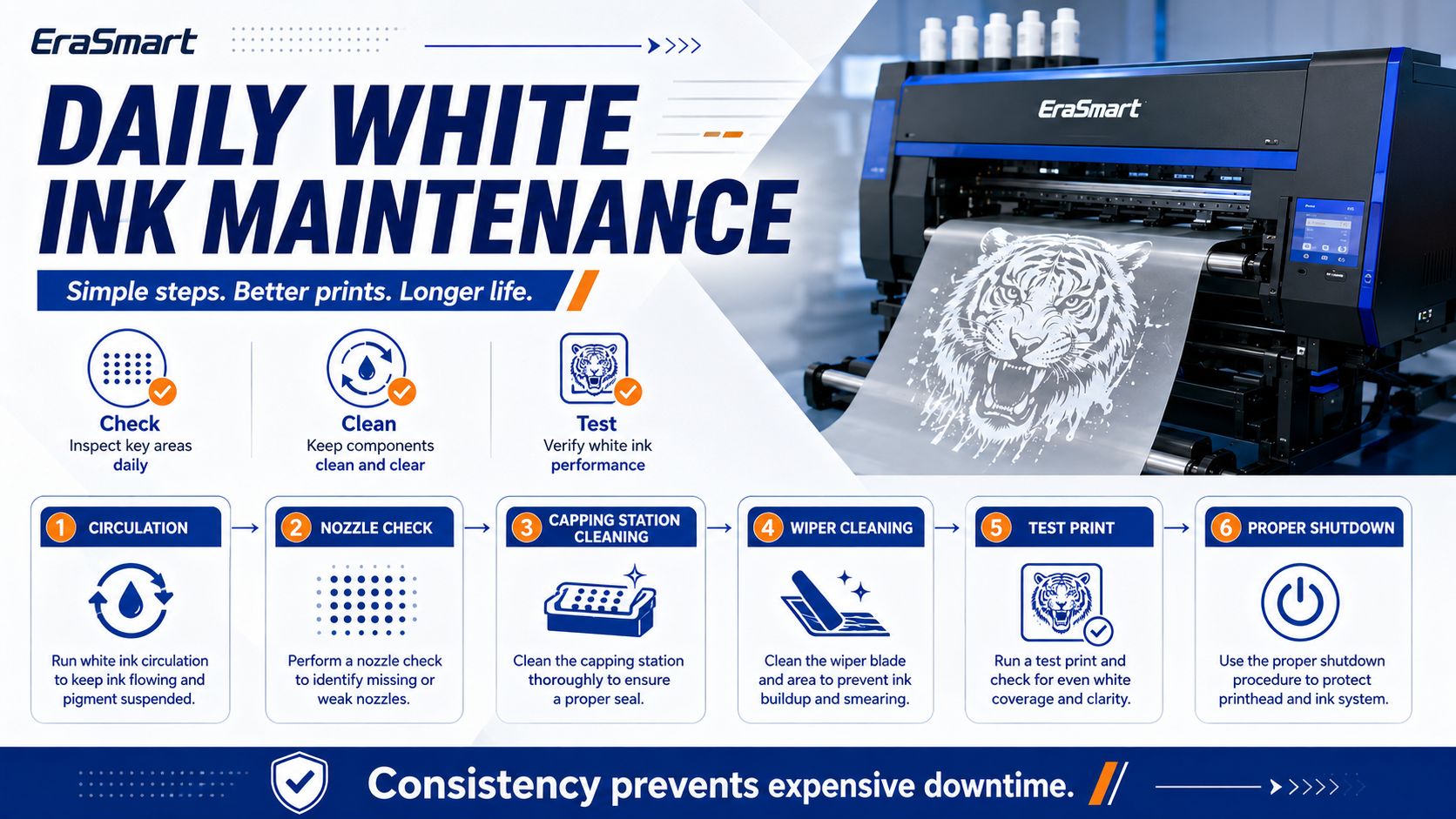
A practical daily routine should include:

1. Check White Ink Before Printing

Before starting customer work, confirm that the white ink is not ignored. Check ink level, bottle condition, circulation status, and whether the printer has been idle.

2. Activate White Ink Circulation

If your printer includes a white ink circulation system, use it as part of your normal routine. White ink should stay active instead of sitting still for long periods.

Many EraSmart DTF models are designed with white ink management features to help reduce settling pressure and support more stable output. You can compare suitable models on the EraSmart DTF 印表機 頁。

3. Run a Nozzle Check

A nozzle check is one of the easiest ways to prevent failed transfers. It helps you catch missing white ink, weak channels, or early clogging before wasting film and powder.

4. Keep the Print Area Clean

Dust, film debris, powder residue, and ink buildup can create bigger problems over time. Keep the printer area clean and avoid letting powder contaminate the print zone.

5. End the Day Properly

A casual shutdown can become tomorrow’s problem. Make sure the printhead is protected, the capping station is clean, and the printer is left in a safe condition according to the machine routine.

Weekly Maintenance for White Ink Stability

Weekly maintenance should focus on prevention.

A weekly routine may include:

  • deeper cleaning around the print zone
  • checking capping station condition
  • checking wiper condition
  • reviewing nozzle check patterns
  • inspecting ink lines
  • checking for repeated small defects
  • cleaning film dust and powder residue
  • reviewing temperature and humidity
  • checking white ink behavior after idle periods

Weekly maintenance is also a good time to review whether your workflow habits are drifting. Many DTF issues do not happen suddenly. They build up slowly because small warning signs were ignored.

Environmental Factors That Affect White Ink

The room environment has a direct impact on DTF stability.

Important environmental factors include:

  • 溫度
  • humidity
  • dust level
  • airflow
  • sunlight exposure
  • film storage
  • ink storage
  • powder storage
  • machine placement

If the room is too dry, static can increase. If humidity is too high, film and powder behavior may change. If the environment is dusty, the printhead, film, and capping system may become contaminated more easily.

A stable environment helps reduce white ink problems and improves repeat production quality.

White Ink Problems Caused by RIP Settings

Not every white ink issue is a mechanical problem. Sometimes the printer is working, but the file or RIP setting is wrong.

Check the RIP settings if:

  • the white ink does not print at all
  • the underbase is too thin
  • the white layer is not aligned
  • the design needs white ink but no white channel was generated
  • transparent artwork was prepared incorrectly
  • the white layer prints in the wrong area
  • the image looks dull even though the nozzle check is normal

For DTF printing, the white ink layer should be managed carefully because it affects color brightness, opacity, feel, and durability. Too little white ink can make dark garment prints weak. Too much white ink can increase thickness and affect hand feel.

White Ink Problems Caused by Consumables

Ink, film, and powder must work together. If one consumable is unstable, the final result can suffer.

Consumable-related causes may include:

  • poor white ink quality
  • expired ink
  • ink stored incorrectly
  • incompatible PET film
  • poor film coating
  • unstable adhesive powder
  • moisture in powder
  • mixed consumable brands without testing
  • cleaning solution not matched to the ink system

Before switching consumables, test carefully. A cheaper consumable may increase waste, reprints, and downtime if it does not match your printer and workflow.

時代智能的 DTF 耗材指南 can help buyers understand why ink, PET film, hot-melt powder, and maintenance supplies should be treated as one production system.

When to Contact Technical Support

Some issues can be handled by normal maintenance, but some should be escalated.

Contact technical support if:

  • white ink does not recover after proper basic maintenance
  • nozzle check remains seriously broken
  • ink backflow or channel mixing continues
  • the capping station does not seal correctly
  • the printhead appears physically damaged
  • air repeatedly enters the ink line
  • the printer reports hardware errors
  • white ink circulation does not function
  • the same problem returns immediately after cleaning
  • you are unsure whether a deeper cleaning is safe

Do not disassemble critical parts without guidance. Incorrect handling can make the problem worse.

How to Choose a DTF Printer with Better White Ink Management

If white ink reliability is important for your business, printer selection matters.

Look for DTF printer features such as:

  • 白色墨水循環
  • white ink stirring or agitation support
  • stable ink path design
  • reliable capping system
  • easy nozzle check routine
  • accessible maintenance area
  • compatible RIP software
  • clear support documentation
  • matched ink, film, and powder system
  • supplier technical support

For small businesses, a good DTF printer is not only about print size or speed. White ink management should be part of the buying decision.

EraSmart provides DTF printer options for different business stages, from compact startup machines to A3 and A1 production systems. Explore the EraSmart DTF 印表機 lineup if your business needs full-color apparel printing on T-shirts, hoodies, tote bags, uniforms, sportswear, and dark garments.

Best Practices for Long-Term White Ink Stability

To keep white ink stable over time:

  • use the printer regularly
  • keep white ink moving
  • avoid long idle periods without preparation
  • run nozzle checks before serious production
  • clean only when needed, not blindly
  • 保持封蓋站清潔
  • keep the working area free of powder residue
  • store ink correctly
  • avoid expired ink
  • use matched consumables
  • 控制房間溫度和濕度
  • test after changing film, ink, or powder
  • document successful settings
  • train operators to follow the same routine

Consistency is more important than emergency cleaning. A simple routine done every day is better than a complicated repair after the printer has already become unstable.

時代智慧推薦

For most apparel businesses, white ink stability should be considered before buying and during daily production.

選擇一個 EraSmart DTF 印表機 if your business needs:

  • full-color apparel printing
  • dark garment support
  • 棉、滌綸、混紡等
  • white ink underbase control
  • 小批量生產
  • 個性化 T 恤和連帽衫
  • 轉移生產
  • scalable custom apparel workflow

Use EraSmart’s DTF維護指南,,,, 白色墨水堵塞指南, 和 DTF 故障排除指南 to build a more stable maintenance routine before problems become expensive.

Final Answer: How Do You Solve DTF White Ink Issues?

To solve DTF printer white ink issues, start with the full system instead of guessing.

Check the ink level, ink condition, white ink circulation, nozzle status, capping station, wiper, ink path, RIP white layer, film, powder, curing, pressing, and environment. Most white ink problems are caused by a combination of maintenance habits, idle time, ink behavior, printhead condition, and workflow control.

The best solution is prevention.

Keep white ink moving. Run nozzle checks. Maintain the printhead area. Use matched consumables. Control the environment. Plan for idle time. Test before customer production. Document successful settings.

When white ink is managed correctly, DTF printing becomes more stable, more predictable, and more profitable for custom apparel businesses.

Need help solving white ink problems or choosing a more stable DTF printing workflow? Share your printer model, white ink issue, nozzle test result, ink condition, idle time, current maintenance routine, and target products with EraSmart.

我們的團隊可以幫助您選擇合適的 DTF打印機, white ink management routine, consumables, heat press workflow, powder shaker, and maintenance plan for stable custom apparel production.


也許你也喜歡

  • Erasmart打印機

    UV打印機
    DTF打印機
    DTG打印機
    熱壓機
    廣告打印機

  • 打印機工具

    DTF烤箱
    熱壓
    雕刻機
    杯傳熱
    層壓機

  • 消耗品

    打印墨水
    手機案例
    玻璃產品
    清潔液
    棉籤

  • 聯繫我們

    WhatsApp:+8618566233796
    微信:+8618566233796
    手機:+8618566233796
    網絡:www.erasmart.com
    店鋪:www.erasmartmall.com

  • 需要印表機價格嗎?

    告訴我們您的列印需求。我們的團隊將在 24 小時內回覆。

    請求報價

    只需提供一些細節,我們將幫助您獲得快速報價!