Fabricant d'imprimantes à jet d'encre à plat de petite taille

Imprimante UV DTF vs imprimante UV : quelle est la différence et laquelle devriez-vous acheter ?
6 janvier 2026 Blog
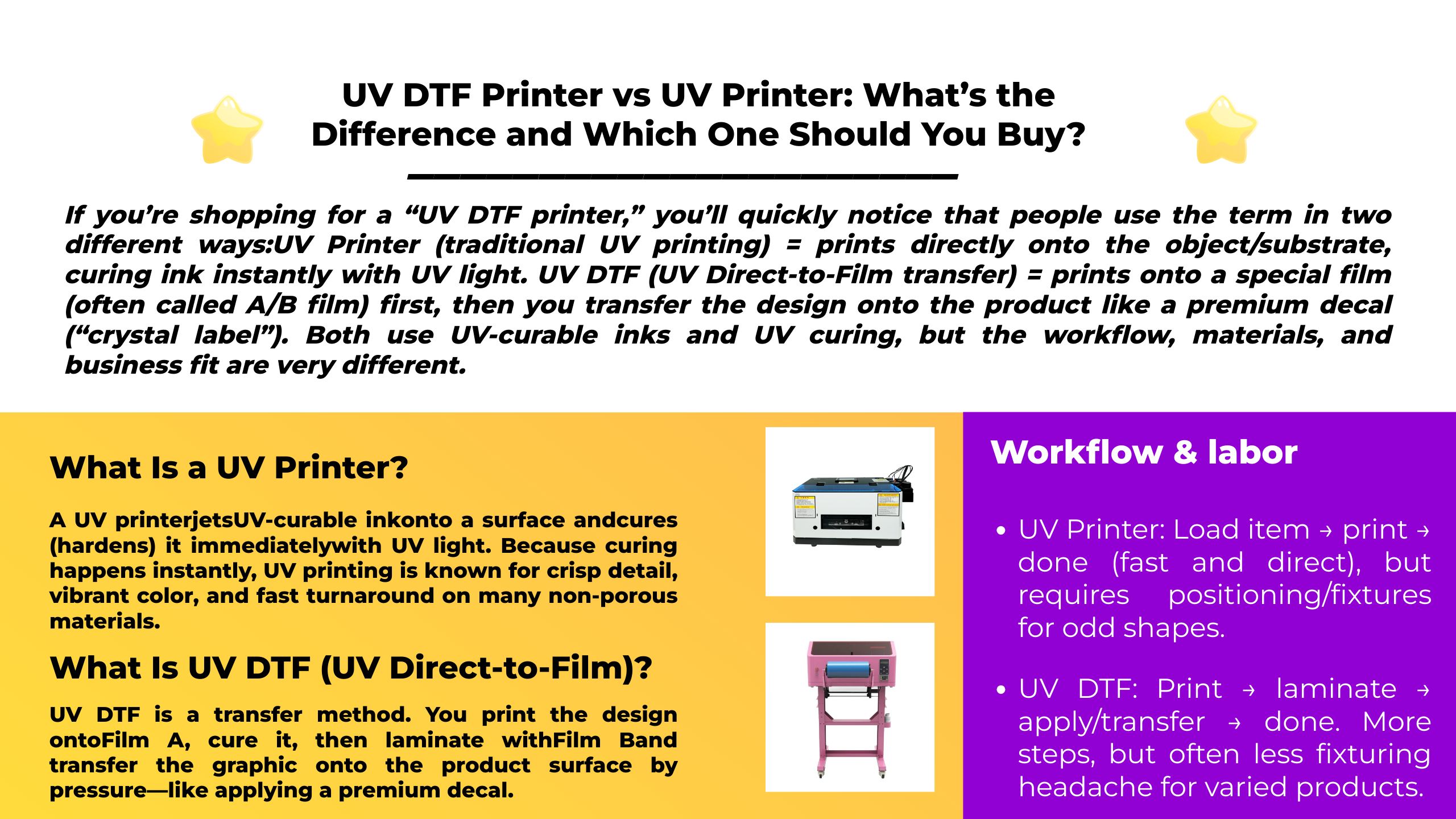
Si vous recherchez une « imprimante UV DTF », vous remarquerez rapidement que les gens utilisent le terme de deux manières différentes :
Imprimante UV (impression UV traditionnelle) = imprime directement sur l'objet/substrat, durcissant l'encre instantanément avec la lumière UV.
UV DTF (transfert UV direct sur film) = imprime sur un film spécial (souvent appelé Film A/B) Tout d'abord, vous transférez ensuite le motif sur le produit comme un autocollant haut de gamme (« étiquette en cristal »).
Les deux utilisent des encres durcissables aux UV et le durcissement aux UV, mais le flux de travail, les matériaux et l'adéquation commerciale sont très différents.
Comparaison rapide
| Catégorie | UV DTF (transfert de film) | Imprimante UV (directement sur objet) |
|---|---|---|
| "Où imprimez-vous?" | Sur Film A, puis plastifiez avec Film B et transfert | Directement sur le produit/substrat |
| Idéal pour | Beaucoup petits objets, formes mixtes, personnalisation rapide, stickers « label cristal » | Écrans plats, signalétique, supports rigides, séries de production, impression directe sur objet |
| Équipement supplémentaire | Communément un plastifieuse (ou unité intégrée) | Souvent, aucun autre que l'imprimeur ; rotatifs/fixations pour cylindres (si nécessaire) |
| Regardez et ressentez | Esthétique « étiquette » surélevée/brillante | Aspect « imprimé » ; peut être mat/brillant/texture selon le jeu d'encre |
| Produits courants | Gobelets (comme autocollants), étuis de téléphone, coffrets cadeaux, articles promotionnels | Panneaux acrylique/bois/PVC, enseignes, panneaux de contrôle, prototypes d'emballage |
Qu'est-ce qu'un Imprimante UV?
UN Imprimante UV jets Encre durcissable aux UV sur une surface et le guérit (durcit) immédiatement avec la lumière UV. Parce que le durcissement se produit instantanément, l’impression UV est connue pour ses détails nets, ses couleurs éclatantes et son délai d’exécution rapide sur de nombreux matériaux non poreux.
Types d'imprimantes UV courants
- UV à plat: impressions sur feuilles rigides et objets posés sur une table/lit plat.
- Rouleau à rouleau UV: impressions sur supports souples (films, banderoles, etc.).
- Plateau + accessoire rotatif: peut imprimer sur des objets cylindriques comme des bouteilles et des mugs, selon la configuration.
Meilleur quand : vous pouvez physiquement placer ou fixer l'article sur l'imprimante et vouloir le design imprimé directement dessus.
En savoir plus sur l'imprimante UV : Imprimante UV : le guide ultime de la technologie d'impression ultraviolette
Qu'est-ce que UVDTF (UV direct sur film) ?
UVDTF est une méthode de transfert. Vous imprimez le dessin sur Film A, guéris-le, alors stratifié avec Film B et transférez le graphique sur la surface du produit par pression, comme si vous appliquiez un autocollant haut de gamme.
C'est pourquoi l'UV DTF est souvent décrit comme "étiquette de cristal" production : ce n’est pas une impression directe sur l’objet ; c'est imprimer un graphique transférable qui peut être appliqué à de nombreux produits.
Flux de travail UV DTF typique (film AB)
- Imprimez le dessin sur Film A (Encre UV + durcissement UV)
- Stratifié avec Film B
- Décoller/transférer sur l'article final
- Terminez en retirant la couche de support
Meilleur quand : vous vendez de nombreux petits produits personnalisés, souhaitez des transferts « de type autocollant » ou avez besoin d'une méthode qui fonctionne sur de nombreux SKU sans créer de luminaires complexes.
Imprimante UV Erasmart et imprimante UV DTF
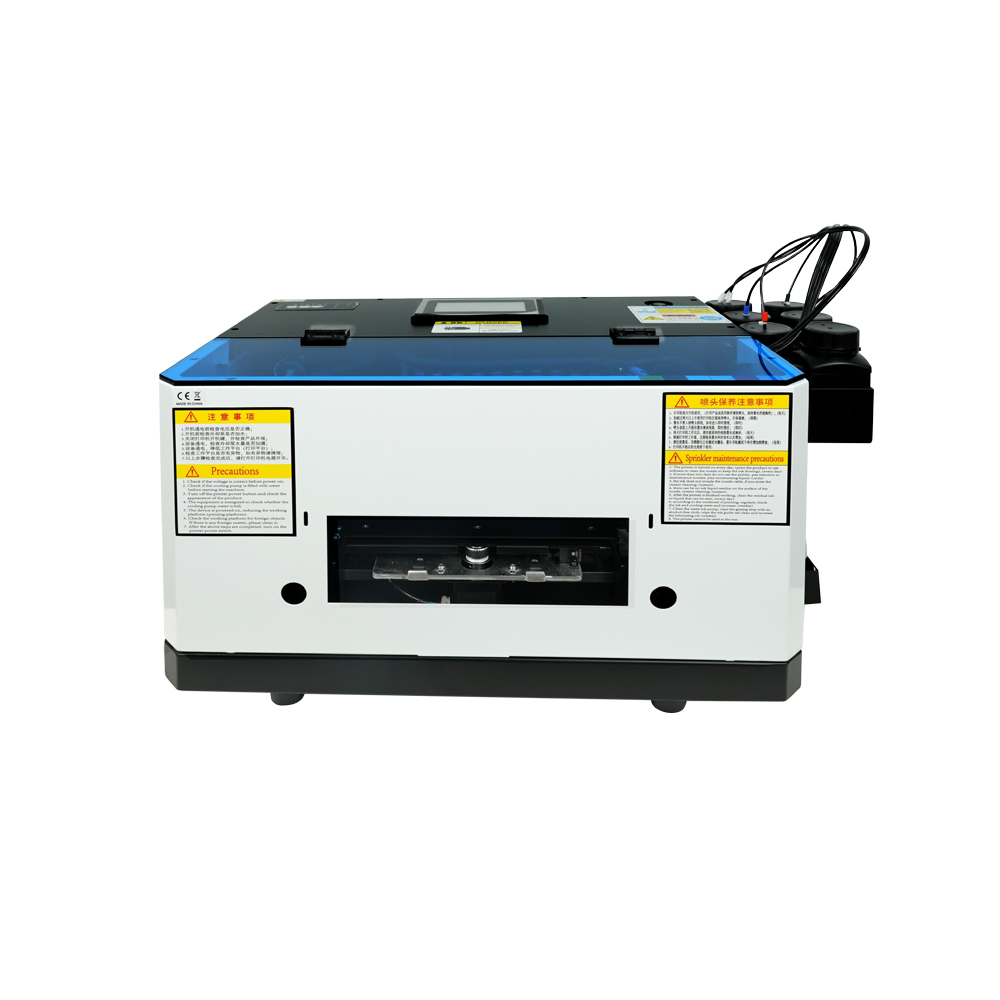
Modèle compact d'entrée de gamme avec tête d'impression L800, idéal pour les petits objets et les projets de loisirs (taille d'impression 120*210 mm).
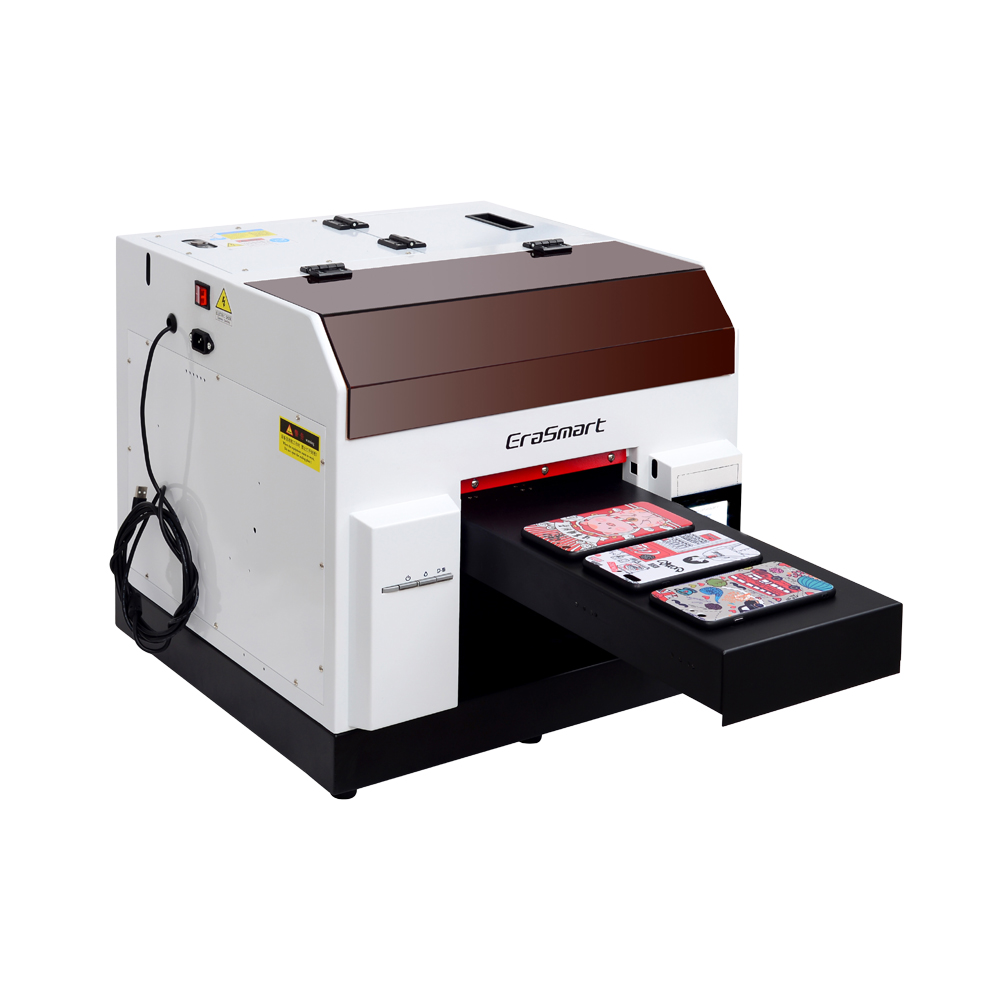
Tête d'impression L800 avec une taille d'impression de 210 x 290 mm, parfaite pour les petites entreprises et les cadeaux personnalisés (hauteur d'impression de 0 à 130 mm).
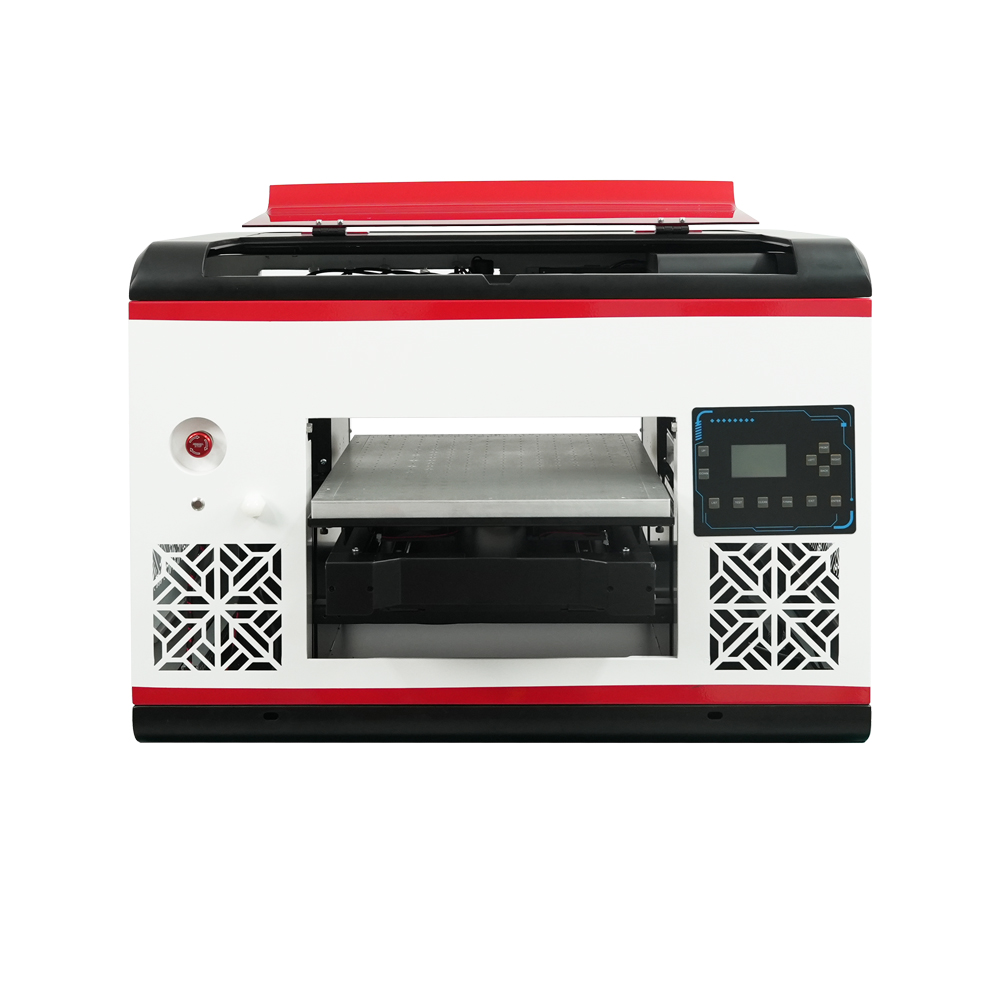
Tête d'impression DX7 avec taille d'impression 350*450 mm, plate-forme d'aspiration et CMJN+WW+VV pour une production en grand volume.
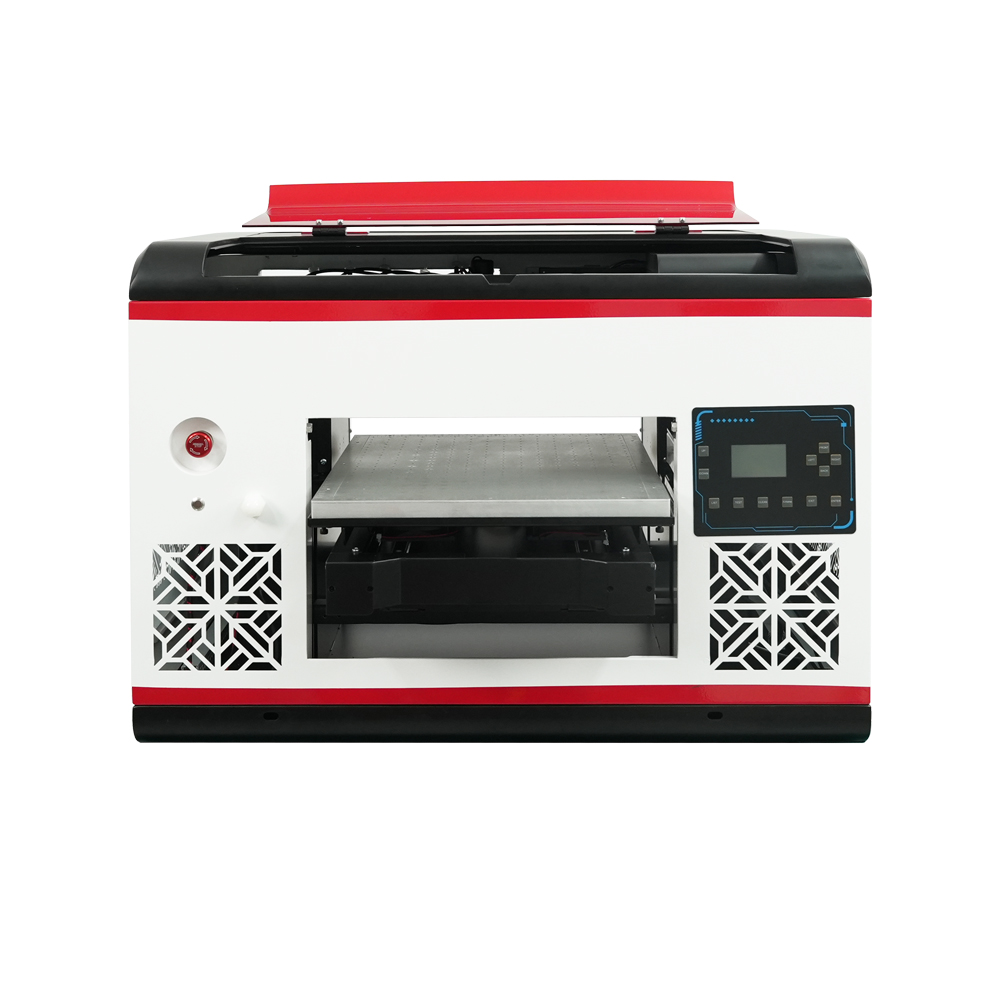
Tête d'impression XP600 avec une taille d'impression de 350*450 mm, vitesse de 5㎡/H, idéale pour les séries de production moyennes à grandes.

Deux têtes d'impression XP600 avec une vitesse de 5,5㎡/H, CMJN+WW+VVVVVV pour une gamme de couleurs et une productivité améliorées.
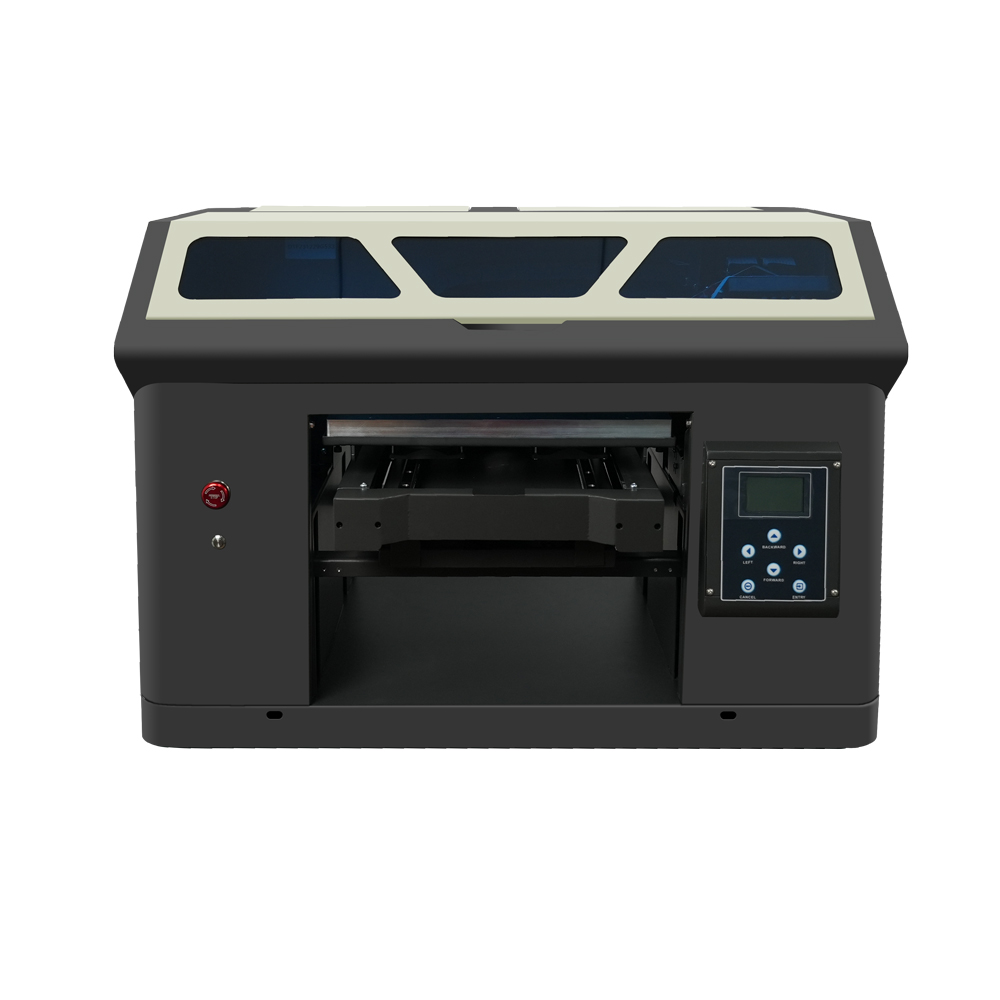
Deux têtes d'impression XP600 avec une taille d'impression de 350 x 450 mm, conçues pour une production continue de qualité industrielle.
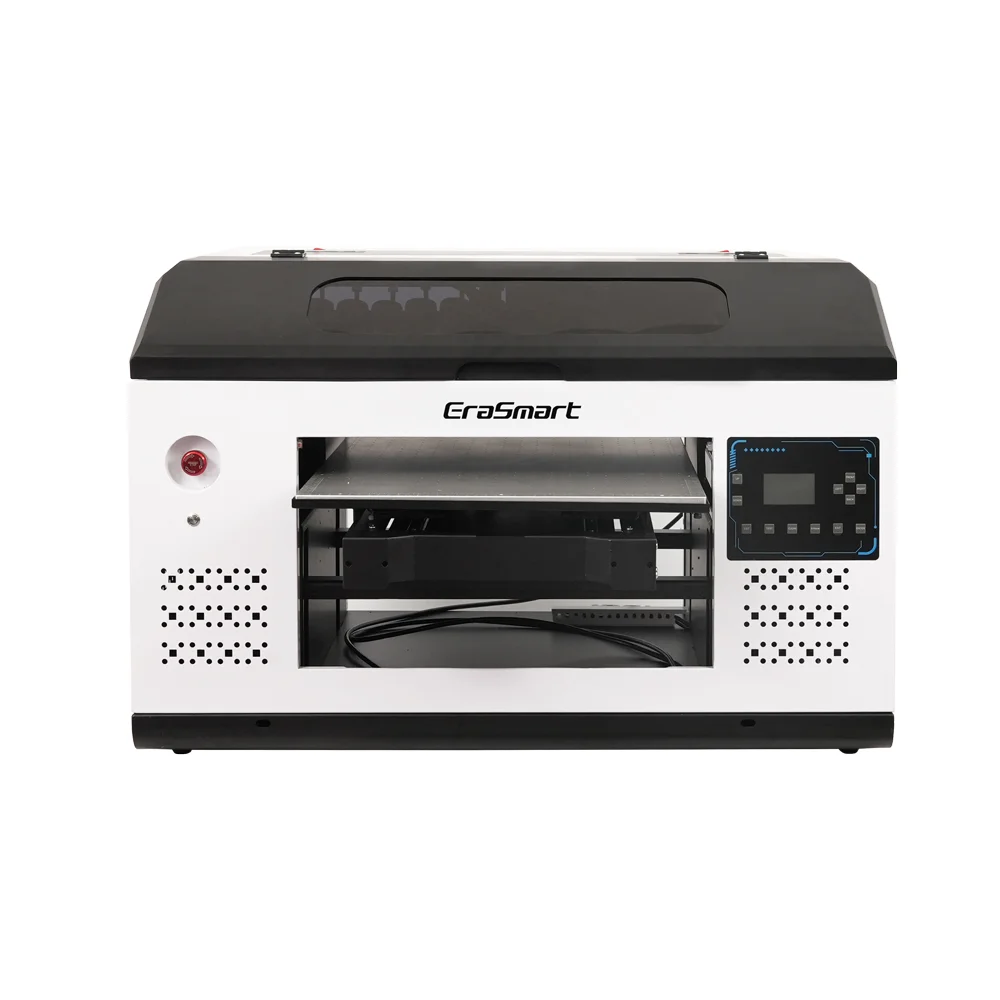
Imprimante grand format 420*600 mm avec deux têtes XP600, parfaite pour la signalétique, les panneaux et les grands matériaux.
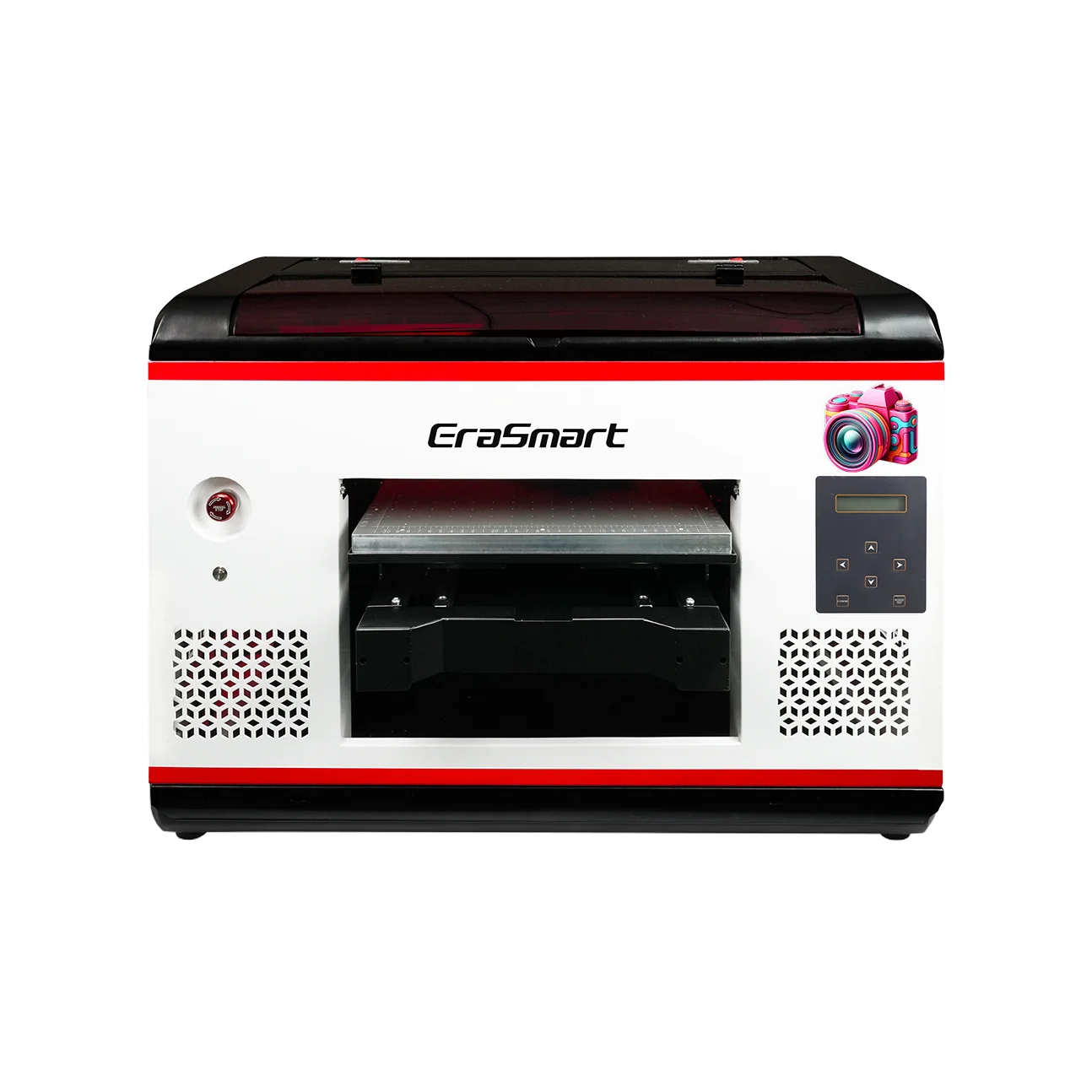
Deux têtes XP600 avec plastification automatique, spécialisées pour l'impression de films UV DTF (largeur jusqu'à 350 mm).
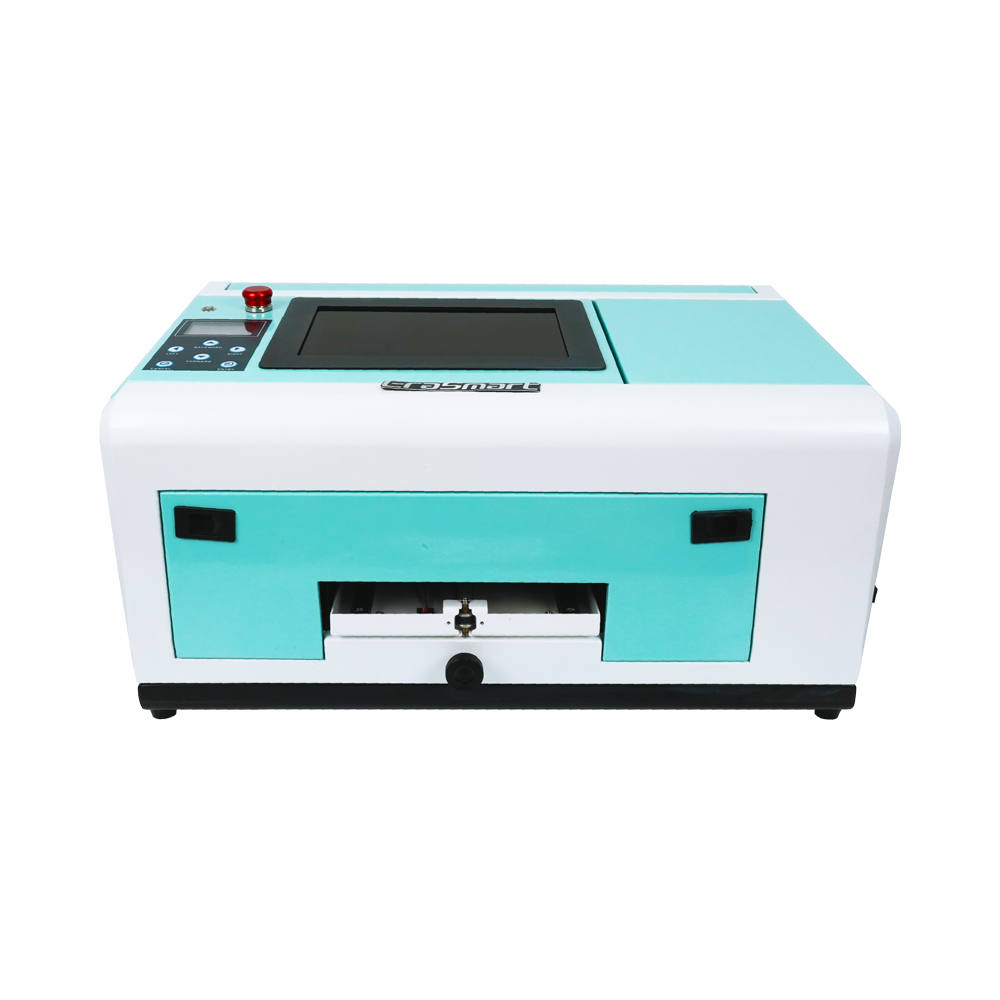
Spécialisé pour les coques de téléphone (TPV/PVC/bois/métal), avec écran 10 pouces et hauteur réglable de 0 à 10 mm.
Les plus grandes différences qui affectent votre entreprise
1) Flux de travail et main d'œuvre
- Imprimante UV : Charger l'article → imprimer → terminé (rapide et direct), mais nécessite un positionnement/des fixations pour les formes étranges.
- UVDTF : Imprimer → plastifier → appliquer/transférer → terminé. Plus d'étapes, mais souvent moins de casse-tête pour des produits variés.
À emporter pratique :
Si vous effectuez une personnalisation à grande échelle et en petites séries (plusieurs types d’articles par jour), UV DTF peut être plus facile à utiliser de manière cohérente.
2) Dans quels produits chaque méthode excelle « naturellement »
UV DTF excelle dans :
- Gobelets et bouteilles personnalisés (en transfert de décalcomanie)
- Étuis de téléphone, petits objets cadeaux, produits promotionnels
- Étiquettes de marque pour emballages, boîtes et accessoires
L'imprimante UV excelle dans :
- Panneaux acryliques, panneaux PVC, panneaux bois
- Plaques signalétiques industrielles, panneaux de contrôle, prototypes
- Feuilles rigides plus grandes et travaux de production à plat
3) Finition, texture et perception du client
- UV DTF produit généralement un finition semblable à une étiquette que les clients associent à un branding premium (brillant, bords relevés, aspect « cristal »).
- L'impression directe UV ressemble à imprimé sur la surface, et vous pouvez choisir les options de jeux d'encres/vernis/texture en fonction de l'imprimante et du flux de travail.
4) Durabilité dans la vraie vie
La durabilité dépend du système d'encre, de la compatibilité du substrat et de la préparation de la surface, mais de manière générale :
- Impression UV (directe) : Peut être très durable lorsque l’encre adhère bien au substrat et que le processus approprié est utilisé.
- UVDTF : La durabilité se comporte comme un autocollant/étiquette haute performance— excellent pour de nombreux cas d'utilisation, mais l'abrasion, les produits chimiques agressifs et la chaleur extrême peuvent réduire la durée de vie en fonction du film/adhésif et de la surface.
Règle générale :
Si le produit doit être fortement gratté, nettoyé chimiquement ou exposé à des conditions extrêmes, testez votre matériau exact + encre + processus avant de promettre « permanent ».
Coût et équipement : ce dont vous avez réellement besoin
Configuration typique UV DTF
- Capacité d'impression UV (unité UV DTF dédiée ou imprimante UV configurée pour DTF)
- Film AB (Film A + Film B)
- Souvent un plastifieuse (certains systèmes l'intègrent)
Configuration typique de l'imprimante UV
- Imprimante UV à plat / roll-to-roll / hybride UV
- Fixations pour produits répétés (facultatif mais recommandé)
- Fixation rotative pour bouteilles/bouteilles (en option, selon le modèle)
Inducteurs de coûts (pas seulement le prix d’achat) :
- Déchets consommables (chutes de film/stratification en UV DTF)
- Temps de fixation et erreurs d'impression (UV directs sur des objets impairs)
- Maintenance : contrôles des buses, cycles de nettoyage, contrôle de l'environnement
Lequel devriez-vous choisir ?
Choisir UVDTF si tu:
- Vendre des cadeaux personnalisés et des articles promotionnels (nombreux SKU)
- Besoin d'un chemin plus simple pour les formes mixtes sans luminaires complexes
- Vous souhaitez vendre ou appliquer des transferts premium de style « label cristal »
Choisissez un Imprimante UV si tu:
- Imprimez principalement sur des matériaux rigides plats (signalétique, panneaux, panneaux)
- Vous souhaitez une production directe sur objet en moins d’étapes
- Avoir des formes de produits reproductibles ou pouvoir construire des accessoires pour plus d'efficacité
Choisir les deux si vous construisez une boutique de personnalisation complète :
- Imprimante UV pour panneaux/panneaux + UV DTF pour petits produits/étiquettes
Ce jumelage couvre l’ensemble le plus large de commandes rentables.
Erreurs courantes (et comment les éviter)
Erreurs UV DTF
- Nettoyage de surface sautant → soulèvement des bords, bulles
- Mauvaise stratification → rides, argenture, transferts incohérents
- Attendre une adhérence parfaite sur des surfaces profondément texturées
Erreurs de l'imprimante UV
- Impression sur des substrats incompatibles sans préparation/apprêt
- Pas de stratégie de montage → positionnement lent, taux de rebut plus élevé
- Ne pas respecter les limites de hauteur/dégagement sur les objets épais (risque de coups de tête)
FAQ
1) Une imprimante UV DTF est-elle simplement une imprimante UV ?
Pas exactement. UV DTF est un flux de travail de transfert. De nombreux systèmes UV DTF utilisent la technologie d'impression UV, mais la clé est impression sur film et transfert, souvent avec laminage.
2) Ai-je besoin d’une plastifieuse pour UV DTF ?
Dans la plupart des flux de travail de films AB, oui (sauf si vous achetez une unité tout-en-un intégrée).
3) Une imprimante UV peut-elle imprimer sur des gobelets ?
Souvent oui, si l'imprimante prend en charge un accessoire rotatif ou un montage approprié, mais cela dépend du modèle et de la configuration.
4) Que signifie le film AB ?
Le film AB fait généralement référence à Film A (couche d'impression) et Film B (couche de stratification/transfert) utilisée pour créer des décalcomanies UV DTF transférables.
5) L’impression UV est-elle « sûre » dans un petit magasin ?
Cela peut être le cas, si vous suivez les directives de la FDS, les EPI et la ventilation. Les directives de sécurité mettent généralement en évidence les risques d’exposition cutanée/oculaire et les problèmes de sensibilisation liés aux matériaux et aux encres UV.
Conclusion
- Imprimante UV = meilleur quand tu veux impression directe sur des écrans plats ou des objets adaptés aux luminaires avec un flux de travail rationalisé.
- UVDTF = meilleur quand tu veux décalcomanies de transfert (« étiquettes en cristal ») qui s'appliquent à de nombreux produits et formes avec moins de complexité de montage.
Peut-être que tu as aussi


Imprimante EraSmart
imprimante uv
imprimante DTF
Imprimante DTG
Presse à chaud
Imprimeur publicitaire
Outils d'impression
four DTF
Presse à chaud
Machine à découper
Tasse transfert de chaleur
Machine de laminage
Consommables
Encre à imprimer
Cas de téléphone portable
Produit en verre
Liquide nettoyant
Coton-tige
Contactez-nous
WhatsApp: +8618566233796
WeChat: +8618566233796
Mobile: +8618566233796
Web :www.erasmart.com
Boutique:www.erasmartmall.com
Copyright 2020 © Erasmart. | Plan du site
WhatsApp nous
Demander un devis
Fournissez simplement quelques détails et nous vous aiderons à obtenir des citations rapides!