작은 크기의 플랫 베드 잉크젯 프린터 제조업체
86-18566233796 [email protected]

블로그 일반적인 DTF 인쇄 문제

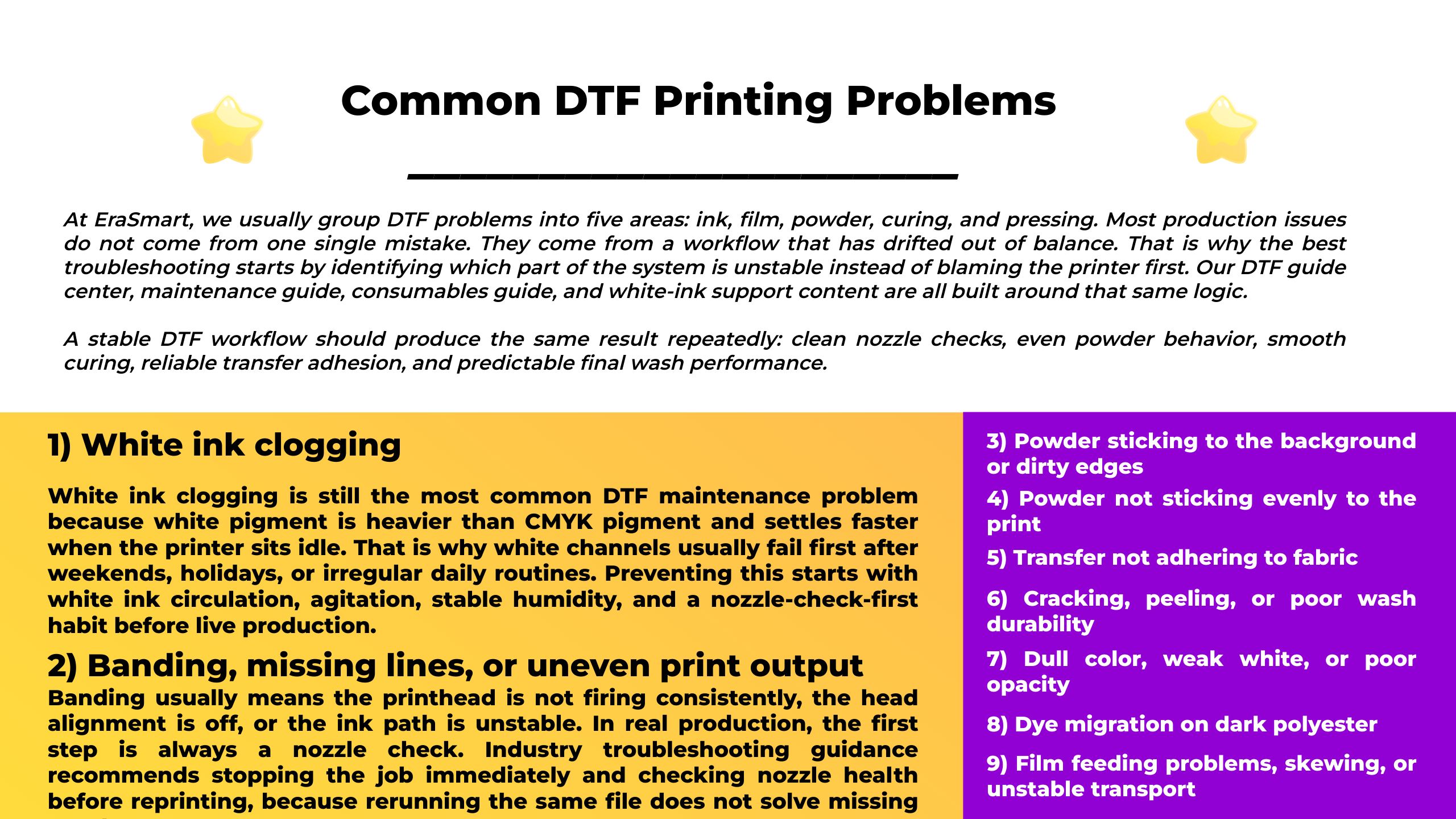
일반적인 DTF 인쇄 문제

April 19, 2026 블로그

At EraSmart, we usually group DTF problems into five areas: ink, film, powder, curing, and pressing. Most production issues do not come from one single mistake. They come from a workflow that has drifted out of balance. That is why the best troubleshooting starts by identifying which part of the system is unstable instead of blaming the printer first. Our DTF guide center,,, maintenance guide,,, consumables guide, and white-ink support content are all built around that same logic.

A stable DTF workflow should produce the same result repeatedly: clean nozzle checks, even powder behavior, smooth curing, reliable transfer adhesion, and predictable final wash performance. When one of those breaks, the visible symptom may look simple, but the root cause is often deeper.

1) White ink clogging

흰색 잉크 막힘 is still the most common DTF maintenance problem because white pigment is heavier than CMYK pigment and settles faster when the printer sits idle. That is why white channels usually fail first after weekends, holidays, or irregular daily routines. Preventing this starts with white ink circulation, agitation, stable humidity, and a nozzle-check-first habit before live production. EraSmart’s white-ink guide and maintenance guide both emphasize those points, and Epson’s white-ink maintenance documentation describes the same risk pattern.

The practical fix is not panic cleaning. Start by agitating white ink, run a nozzle check, use light cleaning only when needed, and keep the capping station and wiper clean. Across the EraSmart DTF lineup, white-ink support features such as circulation and auto-cleaning are important because they reduce stagnation pressure during normal shop downtime.

2) Banding, missing lines, or uneven print output

Banding usually means the printhead is not firing consistently, the head alignment is off, or the ink path is unstable. In real production, the first step is always a nozzle check. Industry troubleshooting guidance recommends stopping the job immediately and checking nozzle health before reprinting, because rerunning the same file does not solve missing nozzles.

If the nozzle pattern is incomplete, treat it as a printhead or ink-flow issue first. If the nozzle check looks clean but banding remains, then shift attention to alignment, print settings, and film transport stability. A good troubleshooting sequence is: nozzle check, light cleaning if needed, alignment check, then test print—not random setting changes.

3) Powder sticking to the background or dirty edges

One of the most common visual DTF problems is excess powder sticking outside the printed image area. This usually points to static, humidity imbalance, film behavior, or powder/film mismatch. Current troubleshooting guidance identifies static electricity, room humidity, powder fineness, and film compatibility as common reasons powder grabs the wrong areas of the film.

The fix is usually workflow-based: stabilize room humidity, reduce static, confirm film and powder compatibility, and make sure the print is still wet enough for controlled powder pickup. This is also why powder, film, and curing should be treated as one matched consumables system instead of separate purchases.

4) Powder not sticking evenly to the print

The opposite problem also appears: powder falls off, coats unevenly, or leaves blotchy transfer behavior. In most cases, this means the print surface, ink condition, powder condition, or curing rhythm is not stable. Current troubleshooting guidance notes that powder needs to bond to wet ink correctly, and that poor consistency often comes from uneven application, moisture exposure, or unstable curing temperature.

This is where a powder shaker and dryer become important. Shops that scale without stabilizing powder and curing usually see repeatability problems first. Matching the shaker width to the printer, using stable heating, and keeping powder dry and clean are often more important than simply increasing speed.

관련 읽기: https://www.erasmart.com/how-to-choose-a-dtf-powder-shaker-and-dryer/

5) Transfer not adhering to fabric

When a DTF transfer does not bond correctly, the problem is usually in the pressing stage, not the artwork stage. Common causes include incorrect temperature, incorrect dwell time, insufficient or inconsistent pressure, incomplete curing before pressing, or incompatible fabric behavior. Troubleshooting guidance for failed adhesion repeatedly points to press calibration and complete adhesive activation as the first things to verify.

A stable transfer workflow requires three checks: the adhesive powder must be melted correctly before pressing, the heat press must actually reach the intended temperature, and the fabric must match the transfer’s application range. Weak adhesion is rarely solved by pressing harder without checking the full chain first.

6) Cracking, peeling, or poor wash durability

When a DTF print looks acceptable at first but fails after washing, the most common causes are under-curing, over-curing, incorrect press settings, or an imbalanced film-powder-ink combination. Our DTF printing guide and consumables content both frame durability as a system issue, not only a press issue. Ink behavior, powder grade, curing consistency, and transfer feel all influence final wash performance.

In practical terms, durability problems usually mean the workflow needs to be standardized more tightly. Shops should retest curing and pressing whenever they change powder, film, or ink instead of assuming the previous settings still apply. Random ink mixing is especially risky because compatibility problems may not appear immediately but can still destabilize transfer behavior later.

관련 읽기: https://www.erasmart.com/guides/dtf-ink-compatibility-guide/

7) Dull color, weak white, or poor opacity

Weak color on DTF transfers is often not a color-profile problem alone. It can also come from unstable white behavior, poor ink compatibility, underperforming curing, or film mismatch. Our recent DTF ink compatibility guide explains that ink changes affect not only color but also white-ink rhythm, film behavior, transfer stability, and maintenance pressure.

That means dull output should be checked as a system issue. Before changing RIP settings, confirm that the white channel is healthy, the ink set is compatible, and the consumables are matched correctly. In many shops, inconsistent white output is what makes the whole image look weak, especially on dark garments.

8) Dye migration on dark polyester

DTF works well on dark polyester because of the film-first workflow and white underbase, but polyester still brings one major risk: dye migration. STAHLS’ dye-migration handbook explains that polyester dyes can reactivate under heat and move into the decoration layer, especially on dark or sublimated polyester. Our own dark-polyester guide also makes the same distinction: opacity and dye migration are not the same problem.

When prints shift color after pressing or later during storage, the workflow should be reviewed as a polyester heat-management issue, not only as a transfer defect. Lower effective application temperature, correct pressing, and testing unfamiliar polyester garments matter here more than generic “one-setting-fits-all” habits.

9) Film feeding problems, skewing, or unstable transport

If the film walks sideways, wrinkles, or feeds inconsistently, print quality problems usually follow. Even when the printhead and ink are healthy, unstable media movement creates misregistration, powder inconsistency, and curing trouble. Production shaker/dryer guidance emphasizes width matching, correct film path, and stable transport because film deviation creates downstream defects fast.

For production shops, film feeding should be treated as a quality variable, not only a mechanical nuisance. Stable take-up, matched equipment width, and clean roller paths make the difference between a workflow that scales and one that becomes fragile under volume.

Related read: https://www.erasmart.com/how-to-choose-a-dtf-powder-shaker-and-dryer/

10) Inconsistent results after changing ink, film, or powder

One of the most expensive DTF problems is inconsistency that appears only after a consumables change. A printer may appear to run normally for a short time, but the output becomes unstable later because the system is no longer matched. Our ink compatibility guide explains this directly: ink affects white behavior, profile response, film interaction, curing consistency, transfer feel, and long-term repeatability.

This is why random consumables substitution often creates “mystery problems.” Shops that want stability should treat DTF as a complete workflow: printer, ink, film, powder, shaker, curing, and pressing all have to support the same process target.

A better way to troubleshoot DTF problems

At EraSmart, the most practical troubleshooting method is to work in order:

  1. Check ink health first: white agitation, circulation, nozzle check, capping station.

  2. Check film and powder behavior next: powder pickup, static, background contamination, curing.

  3. Check pressing and fabric last: temperature, pressure, dwell time, polyester risk.

That sequence usually solves problems faster than adjusting multiple variables at once. Our maintenance, white-ink, consumables, and shaker guides are all built around making that workflow easier to control.

FAQ

What is the most common DTF printing problem?
White ink clogging is still one of the most common DTF problems because white pigment settles faster than CMYK pigment and usually shows trouble first after idle time.

Why is powder sticking around my design?
The most common causes are static, humidity imbalance, and film-powder mismatch.

Why are my DTF transfers peeling after pressing?
The usual causes are incomplete curing, incorrect heat-press settings, or fabric/application mismatch.

Why do DTF prints change color on dark polyester?
That is often dye migration from the polyester, not simply weak opacity.

결론

Common DTF printing problems usually look different on the surface, but most of them come back to the same issue: the workflow is out of balance. Stable DTF production depends on keeping the white side healthy, the consumables matched, the curing controlled, and the pressing process disciplined. When those four areas are stable, most “common problems” become much less common.


당신도 좋아할 수도 있습니다

  • 에라스마르트 프린터

    UV 프린터
    DTF 프린터
    DTG 프린터
    열 프레스 머신
    광고 프린터

  • 프린터 도구

    DTF 오븐
    핫 프레스
    조각 기계
    머그잔 열전달
    라미네이팅 머신

  • 소모품

    인쇄 잉크
    핸드폰 케이스
    유리 제품
    청소 유체
    면봉

  • 저희에게 연락하십시오

    whatsapp : +8618566233796
    WeChat : +8618566233796
    모바일 : +8618566233796
    편물:www.erasmart.com
    가게:www.erasmartmall.com

  • 견적을 요청하십시오

    몇 가지 세부 정보 만 제공하면 빠른 인용문을 얻을 수 있도록 도와 드리겠습니다!