작은 크기의 플랫 베드 잉크젯 프린터 제조업체

UV Printing Ideas for Pet Tags and Accessories
Pet owners increasingly look for products that feel personal rather than mass-produced. A pet’s name, a distinctive color palette, a paw-print graphic, or a small portrait can turn an ordinary accessory into a product that feels made for one particular dog or cat.
For print shops and customization businesses, this creates several opportunities: custom pet ID tags, metal collar plates, acrylic keepsakes, branded travel accessories, and personalized gifts. A UV flatbed printer is especially useful when the product has a stable, printable surface. UV DTF transfers can extend the range to selected smooth, rigid objects that are difficult to position on a flatbed.
The important point is to match the printing process to the material. A metal ID tag, a flexible nylon collar, and a curved water bottle are not the same kind of job. This guide explains which pet products are suitable for UV printing, how to produce a custom ID tag, and how to build a practical pet-accessory product line.

Quick Answer: What Pet Products Can You Make with UV Printing?
A UV flatbed printer can directly decorate compatible rigid pet products such as aluminum ID tags, acrylic tags, metal nameplates, acrylic memorial plaques, and selected hard plastic accessories. UV DTF transfers are useful for applying graphics to compatible smooth, rigid surfaces, including some curved travel bottles and containers.
Flexible fabric collars, nylon leashes, and bandanas usually need a textile decoration process such as DTF or sublimation, depending on the material. Do not assume that a UV DTF transfer will stretch with flexible fabric.
The most practical starting products are small, flat pet ID tags and collar nameplates. They are compact, easy to personalize, and can be arranged in a multi-position jig for batch production.
1. Custom Dog and Cat ID Tags
Pet ID tags are one of the clearest applications for UV printing. They are small, easy to personalize, and available in many shapes and materials.
Common tag shapes include:
- Bone-shaped tags for dogs
- Round tags for dogs and cats
- Heart-shaped tags for gift-oriented designs
- Paw-shaped tags for playful collections
- Shield-shaped tags for a more traditional look
- Custom-cut acrylic tags for distinctive product ranges
Aluminum, coated metal, and compatible acrylic blanks can provide a flat surface for direct UV printing. The choice depends on the blank’s coating, surface finish, thickness, and the ink system’s material compatibility. Always test a new blank before accepting a production order.
A useful design approach is to separate the decorative front from the essential identification information. The front can feature the pet’s name, a portrait, a paw print, or a themed illustration. The reverse side can carry a phone number and other essential contact details.
An ID tag is not just a decorative accessory. The information must remain readable. The American Kennel Club recommends choosing the most important contact details carefully because the printable space on a tag is limited. A current phone number should take priority over decorative wording. See the AKC guidance on dog collars and ID tags.

Pet ID Tag Design Tips
Keep the text large enough to read at normal handling distance. Avoid placing a detailed background behind a phone number, and maintain sufficient contrast between the text and the tag surface.
For a small tag, a practical layout may include:
- Pet name on the front
- One current phone number on the reverse
- A second contact number only if the tag has enough space
- A short medical or handling note when genuinely necessary
QR codes can provide access to additional information, but they should supplement rather than replace a readable phone number. A finder should not need a special app or an internet connection just to identify a way to contact the owner.
2. Personalized Acrylic Pet Tags
Acrylic offers more design flexibility than a standard metal tag. Clear, colored, translucent, and opaque acrylic blanks can support different visual styles, depending on the material and printing setup.
아이디어는 다음과 같습니다:
- Transparent tags with a white ink underbase
- Colored acrylic tags with contrasting names
- Double-sided designs with artwork on one side and contact details on the other
- Layered-looking graphics created with carefully prepared white and color layers
- Seasonal collections for birthdays, holidays, and adoption anniversaries
For clear or dark acrylic, a white ink layer may be needed to make the CMYK artwork more visible. The correct layer order depends on whether the design is printed on the front or reverse side and on the appearance required. Confirm the workflow with a small sample before running a batch.
Acrylic tags should have smooth, rounded edges and a secure attachment hole. Printing does not replace the need to inspect the blank itself. Reject pieces with cracks, sharp edges, or weak attachment points.
For larger acrylic pet keepsakes and display products, see EraSmart’s UV printer for acrylic applications.
3. Custom Metal Collar Nameplates and Accessories
A collar can contain several rigid components that are suitable for personalization. These include detachable metal nameplates, flat buckle plates, decorative tags, and selected hard hardware components.
A UV flatbed printer is most suitable when the component can be placed flat and held securely at a consistent height. If a collar plate can be detached from the flexible strap, print the plate separately and assemble it after inspection.
Do not treat a flexible nylon or woven collar as a rigid UV-printing substrate. The collar bends, twists, and experiences repeated movement. A rigid UV ink layer may not be suitable for that type of flexing. For the fabric portion, consider a textile process designed for the specific material. Keep UV printing focused on the rigid plate or hardware.
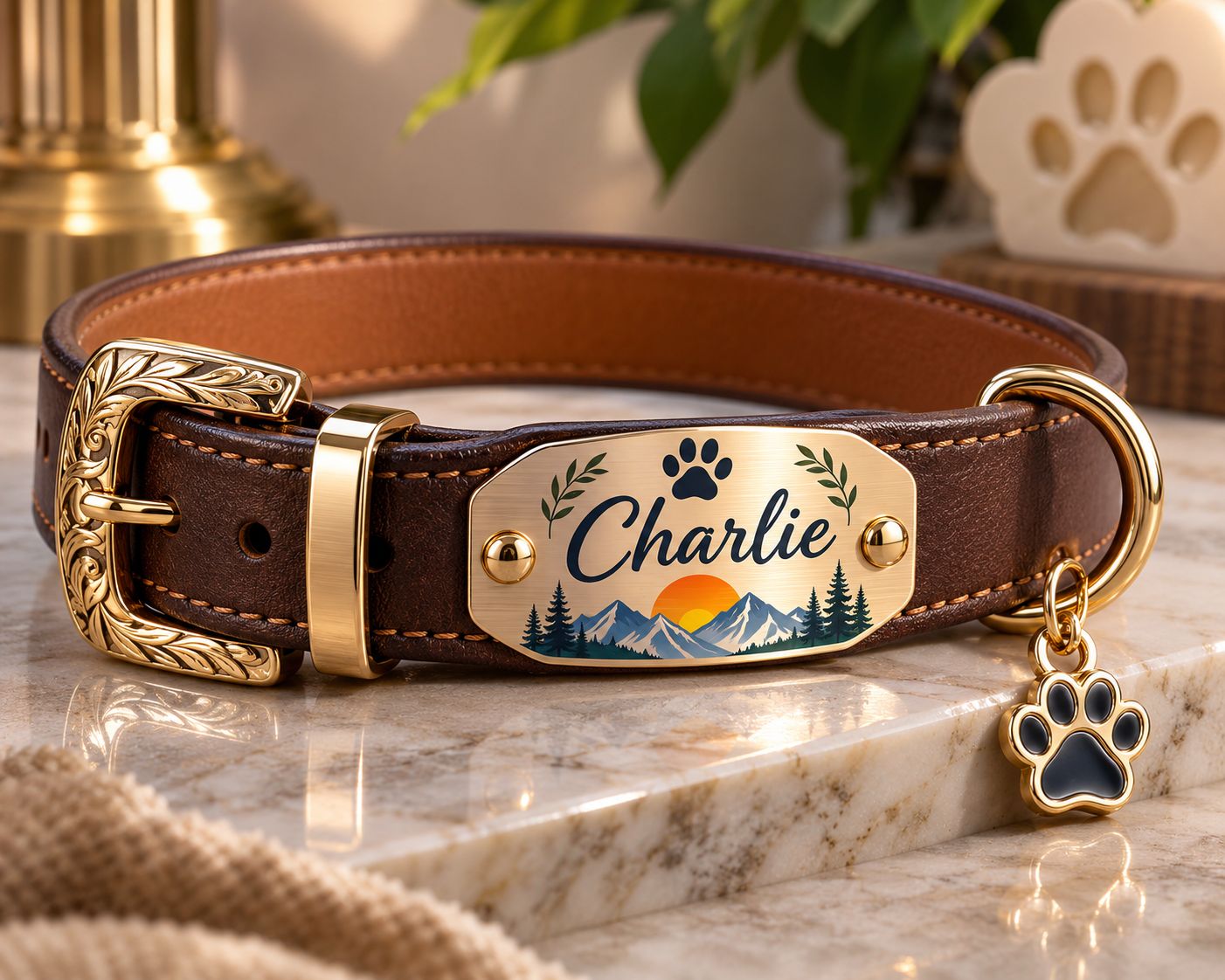
Product Ideas for Collar Accessories
- Metal nameplates with a pet’s name
- Small decorative plates with paw prints
- Matching collar and tag designs
- Branded hardware for pet boutiques
- Replacement nameplates for existing collars
For products that will be worn every day, test the finished component for abrasion, moisture exposure, edge quality, and attachment security. A print that looks attractive in a product photo still needs to withstand the actual use environment.
4. Pet Travel Accessories and Hard-Surface Decorations
Pet travel products create opportunities for matching designs. A pet owner might want a personalized water bottle, portable water dispenser, treat container, travel box, or storage accessory that matches the pet’s collar and ID tag.
The printing process depends on the shape and surface:
- Flat rigid panels may be suitable for direct UV flatbed printing.
- Smooth, curved rigid bottles may be more practical for UV DTF transfers.
- Flexible silicone or soft-touch surfaces need specific compatibility testing.
- Fabric travel bags and textile accessories generally need a suitable textile printing or transfer process.
UV DTF is a transfer workflow: the graphic is printed onto a dedicated film and then applied to a compatible object. It can be useful when the object is curved or awkward to position on a flatbed, but it is not a universal solution for every plastic, coating, or flexible material.

How to Evaluate a Curved Pet Accessory
Before producing a full order, check:
- Whether the surface is smooth, clean, and compatible with the transfer adhesive.
- Whether the curve is within the practical application range of the transfer.
- Whether the design can be applied without wrinkles, trapped air, or distortion.
- Whether the finished graphic remains attached after the intended cleaning and handling tests.
- Whether the product’s instructions allow the decorated area to be washed or exposed to moisture.
Do not promise dishwasher safety, scratch resistance, or long-term outdoor durability unless the specific blank, transfer, and application have been tested under those conditions.
5. Personalized Pet Bowls: Decorate with Care
Pet bowls are attractive personalization products because names and paw-print graphics are easy for customers to understand. Stainless steel and glazed ceramic bowls also have smooth exterior surfaces that may appear suitable for decoration.
However, a pet bowl is not an ordinary promotional item. The inside, rim, and other areas that may contact food, water, or a pet’s mouth require particular care. Do not assume that standard UV ink or a UV DTF transfer is suitable for food-contact use simply because it has been cured or applied to the outside of a bowl.
For a general customization workflow, keep decorative printing on the outside of the bowl and away from the rim and interior. Even then, do not describe the finished product as food-safe or pet-safe unless the complete ink, coating, substrate, and finished-product system has been verified for that intended use.
The U.S. FDA has published research on substances used in printing inks for the exterior of food packaging, including potential migration of some photoinitiators under certain conditions. This is a useful reminder that an exterior print location alone does not establish food-contact safety. See the FDA research summary.

For a lower-risk starting range, consider non-food-contact pet accessories such as tag holders, storage boxes, display plaques, and travel organizers. If you want to sell decorated bowls, obtain the relevant material and ink compliance information before making any safety claims.
6. Pet Memorial Keepsakes and Personalized Gifts
Pet memorial products are different from everyday accessories. They are often purchased to preserve a memory, mark an adoption anniversary, or create a personal gift for someone who has lost a companion animal.
Acrylic is particularly useful for this category because it can support photographs, names, dates, paw prints, and decorative backgrounds.
Product ideas include:
- Acrylic pet portrait plaques
- Photo blocks with a printed base
- Paw-print keychains
- Memorial ornaments
- Personalized display panels
- Keepsake boxes with printed nameplates
- Matching small gifts for family members
For clear acrylic, white ink can help create an opaque backing beneath the image. For a premium finish, a varnish layer may be used selectively if supported by the printer configuration and the chosen material. The result should be checked for color, alignment, edge quality, and surface defects.
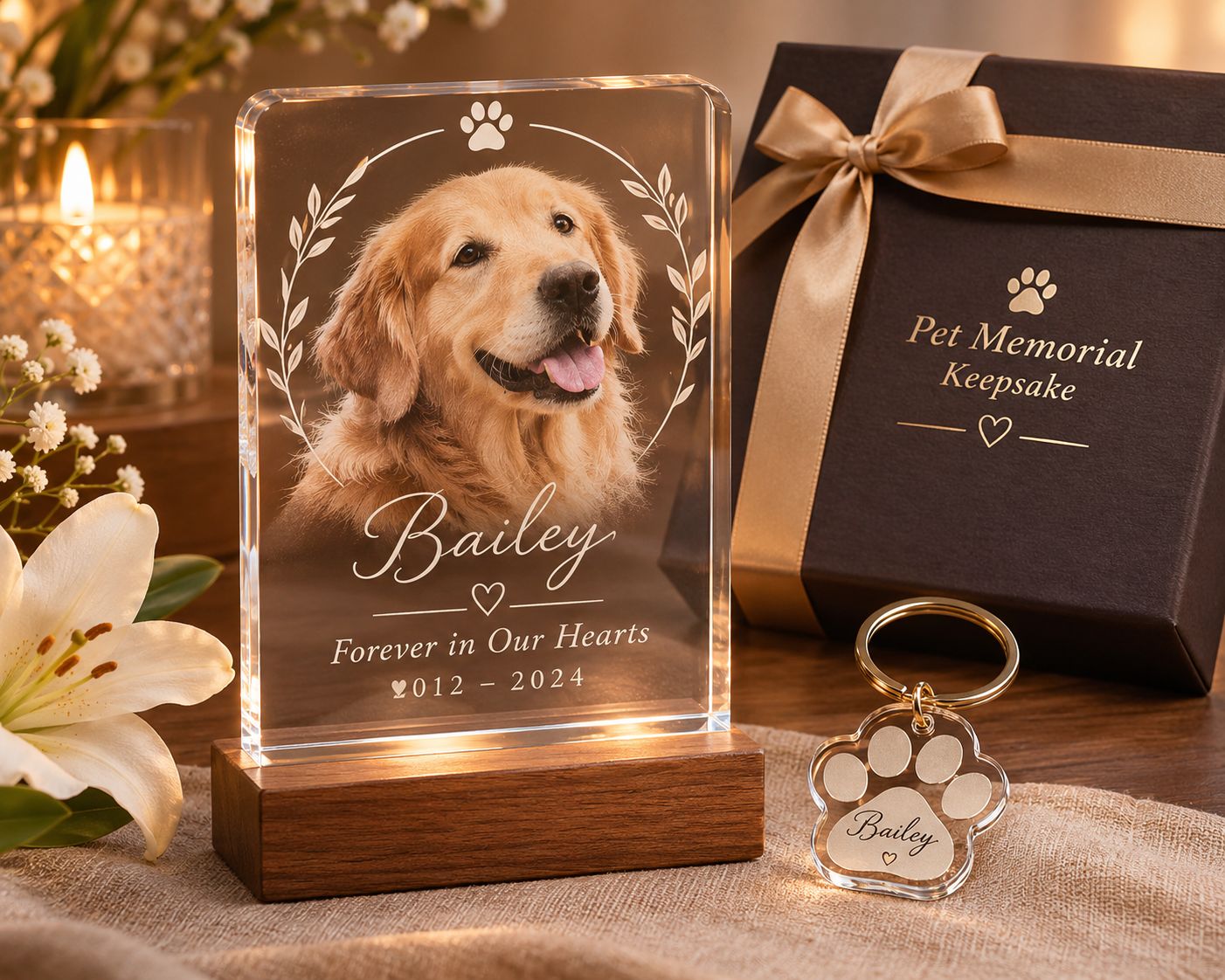
Memorial products benefit from a careful proofing process. Ask the customer to approve the spelling of the pet’s name, the image crop, and any dates before printing. Because these products can have strong emotional value, a clear approval step helps avoid preventable mistakes.
7. Pet Shop Branding and Identification Signs
Pet-related businesses can be customers as well as sales channels. Grooming salons, veterinary clinics, boarding facilities, trainers, breeders, and pet boutiques may need customized signs and accessories.
가능한 제품은 다음과 같습니다:
- Acrylic kennel and room signs
- Pet nameplates for boarding spaces
- Grooming station labels
- Branded counter displays
- Staff or service identification plates
- Promotional keychains and small gifts
- Custom tags for training or adoption events
These orders may be more repeatable than one-off consumer gifts. A pet business may need a set of matching signs, replacement plates, or seasonal promotional products. A print shop can create a standard design template and update only the name, number, logo, or color for each order.
8. Which Materials Work Best for UV Printing Pet Accessories?
Material compatibility depends on the blank’s coating, surface energy, shape, flexibility, and the specific ink or transfer system. The following table is a starting point for evaluating products, not a guarantee that every item made from the same material will print successfully.
| Pet product or material | Possible process | Important checks |
|---|---|---|
| Coated aluminum ID tags | 직접 UV 평판 | Coating compatibility, adhesion, surface preparation |
| Compatible stainless steel plates | Direct UV flatbed or UV DTF | Surface finish, primer requirements, abrasion testing |
| Acrylic tags and plaques | 직접 UV 평판 | White ink needs, print side, edge finish |
| Rigid plastic accessories | Direct UV flatbed or UV DTF | Plastic type, surface treatment, adhesion |
| Curved rigid bottles | UV DTF | Curve, coating, transfer adhesion, cleaning limits |
| Flexible nylon collars | Textile DTF or another suitable textile process | Flexibility, wash performance, fabric compatibility |
| Leather or PU collar straps | Material-specific textile or transfer process | Heat tolerance, flexibility, finish compatibility |
| Ceramic or metal bowls | Exterior decoration only, subject to compliance review | Food-contact and pet-contact safety; do not print the interior or rim with unverified inks |
Why Surface Testing Matters
Two blanks that look identical may have different coatings. One may accept UV ink well, while another may show poor adhesion or require a compatible primer. A supplier’s material description is not a substitute for a print test.
For each new blank, record:
- Supplier and exact blank model
- Material and surface finish
- 청소방법
- Primer or pretreatment, if required by the ink and blank suppliers
- White ink and CMYK layer settings
- Varnish settings, if used
- Curing and handling conditions
- Results of adhesion, abrasion, and moisture tests
Keep the record with the artwork and production settings. It makes repeat orders more consistent and helps identify why a new batch behaves differently.
9. UV Flatbed vs. UV DTF vs. DTF for Pet Products
These technologies solve different production problems. Choosing the right one is more important than trying to use one machine for every pet accessory.
| 특징 | UV 평판 인쇄 | UV DTF 전송 | 섬유 DTF |
|---|---|---|---|
| 주요 작업흐름 | Prints directly onto a compatible object | Prints a transfer on film, then applies it to an object | Prints a transfer for heat application to textiles |
| Best-fit pet products | Flat metal tags, acrylic plaques, rigid plates | Selected smooth, rigid curved or irregular accessories | Fabric collars, bandanas, and other compatible textiles |
| Object shape | Flat or securely fixtured surfaces | Selected curved or awkward hard surfaces | Flexible textile surfaces |
| 주요 고려사항 | Object height, fixture, adhesion | Surface compatibility and careful application | Fabric type, heat tolerance, and flexibility |
| Not a universal fit for | Deep curves and flexible fabrics | Stretchy fabric and unsuitable low-energy surfaces | Rigid metal or acrylic products without a textile application |
A practical product line may use more than one process. For example, a shop could print metal ID tags and acrylic memorial plaques directly with a UV flatbed printer, use UV DTF for selected rigid travel accessories, and use textile DTF for fabric collars or bandanas.
For more detail on direct printing and transfer preparation, see EraSmart’s UV printing workflow guide 그리고 UV DTF printer range.
10. How to Make Custom UV Printed Pet ID Tags
A repeatable production process helps keep small personalized orders accurate. The following workflow is designed for compatible flat tag blanks and a UV flatbed printer.
Step 1: Choose a Compatible Tag Blank
Start with a flat blank made from a material and surface finish that the ink system can print. Common options include coated aluminum, compatible metal blanks, and acrylic.
Check the blank’s dimensions, thickness, coating, attachment hole, and edge finish. If the surface is unknown, order a small sample quantity rather than committing to a large batch.
Step 2: Collect and Confirm the Customer’s Information
Create a simple order form that asks for:
- Pet name and preferred spelling
- Phone number to print
- Optional second contact number
- Tag shape, size, and color
- Front and reverse-side design preferences
- Customer-supplied photo, if applicable
Treat phone numbers as critical data. Copy them carefully and include a customer proof approval before printing. Avoid shrinking the text excessively just to fit decorative elements.
3단계: 작품 준비
Set the document size to the actual printable area of the blank. Include a safe margin around the edge and keep text away from the attachment hole.
Prepare separate artwork for the front and back if the tag is double-sided. Use high-contrast text and simple graphics. For a small tag, a clear phone number is more useful than a crowded design.
Step 4: Prepare the Print Layers
Use CMYK for the color artwork. A white ink underbase may be needed for dark or transparent blanks, depending on the desired result and the printing side. Varnish can add a gloss or selective finish when the printer and material support it.
The exact layer order and settings depend on the RIP software, printhead configuration, ink set, and substrate. Use the machine’s supported workflow and confirm the result on a sample.
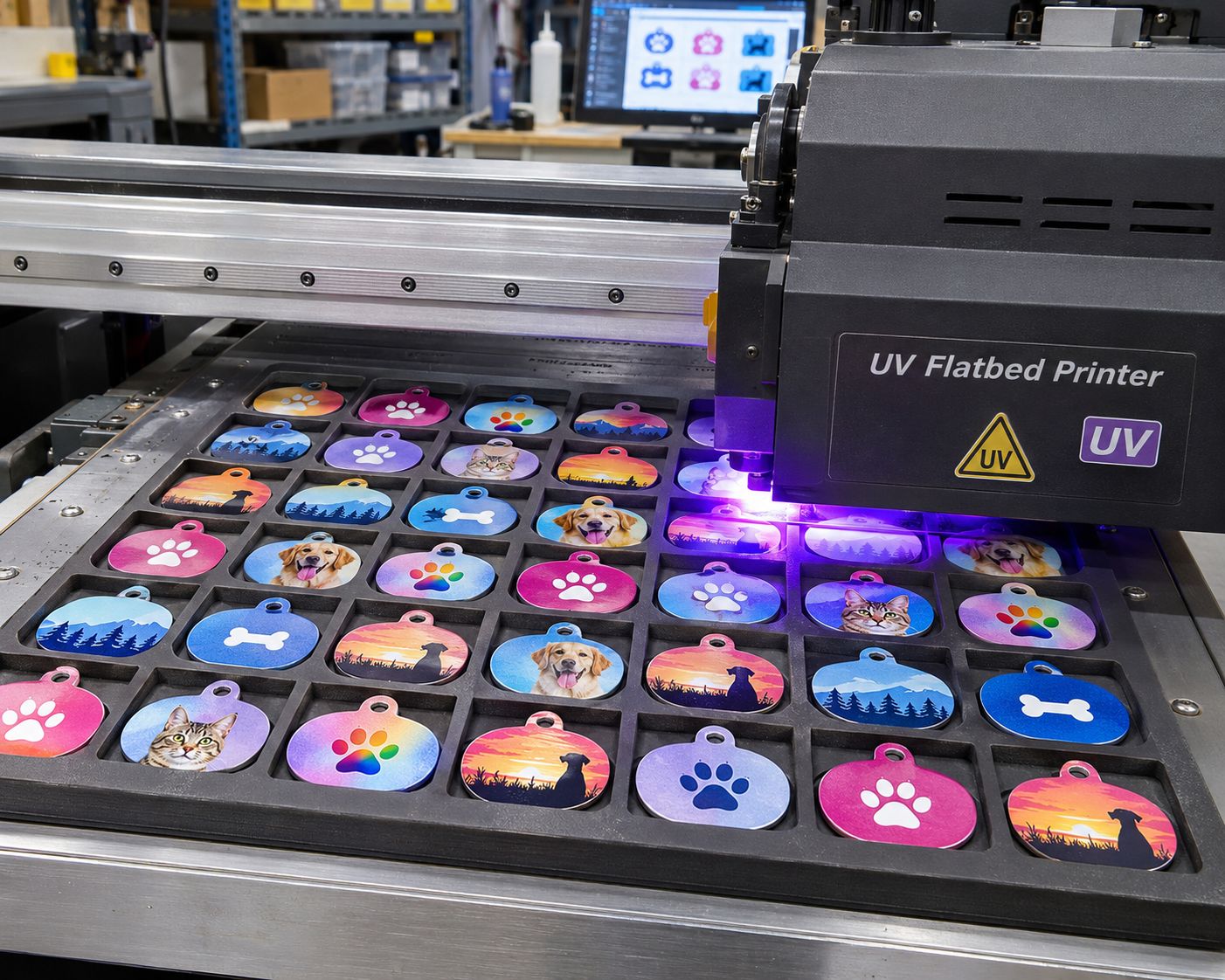
Step 5: Position the Tags in a Jig
Small blanks can shift during printing. A multi-position jig helps hold them in repeatable locations and allows several tags to be printed in one run.
지그는 다음을 수행해야 합니다.
- Match the tag outline and thickness
- Hold each blank securely without covering the print area
- Keep all surfaces at a consistent height
- Provide enough clearance for the printhead
- Make loading and unloading easy
Do not use a jig that allows a tag to lift or move into the printhead path. Check the platform and head clearance before starting.
Step 6: Print a Sample and Inspect It
Print one or a few samples before running a full batch. Check the color, registration, small text, white ink coverage, and any varnish effect.
Inspect the surface after curing and handling. If adhesion is weak, stop and review the substrate, cleaning method, primer compatibility, and print settings. Do not assume that adding more ink will solve an adhesion problem.
Step 7: Finish and Assemble the Tags
Remove the printed tags carefully. Check the edges and attachment holes, then install the split ring or other hardware. Make sure the hardware is secure and does not create sharp edges.
For double-sided tags, confirm that the front and reverse are correctly matched. Keep each customer’s order together during assembly.
Step 8: Complete Quality Control and Packaging
Before packaging, verify:
- The pet name is spelled correctly.
- The phone number is accurate and readable.
- The front and reverse designs belong to the same order.
- The print is aligned and free from obvious defects.
- The tag has no sharp edges or cracks.
- The ring or attachment hardware is secure.
A final photo of the finished tag can also help document the order before dispatch.
11. How to Improve Print Consistency and Durability
Pet accessories are handled, rubbed, exposed to moisture, and sometimes chewed. A visually attractive sample is not enough to establish that a product is suitable for daily use.
Use a material-specific test plan:
Adhesion test: Check whether the print remains attached to the blank after the recommended curing and handling process. Use a test method appropriate to the material and ink supplier’s guidance.
Abrasion test: Simulate normal contact with collars, rings, and other accessories. Inspect whether the printed image or small text becomes damaged.
Moisture test: Check the finished product under the cleaning and moisture conditions that the product is expected to encounter. Do not advertise immersion or dishwasher resistance without evidence.
Edge and hardware inspection: Check for sharp edges, cracks, weak holes, and loose rings. These mechanical details matter as much as the print.
Legibility check: Read the phone number at normal handling distance. If it is difficult to read, simplify the design or choose a larger tag.
For products intended for pets to lick, chew, or use around food and water, obtain specific safety and compliance information for the complete finished product. Do not make pet-safe, non-toxic, or food-safe claims based only on the fact that the ink has been UV cured.
12. How to Batch Produce Personalized Pet Tags
Personalized products can become time-consuming when every order is treated as a completely new design. A template-based workflow makes small orders easier to manage.
A practical batch process looks like this:
- Group orders by tag shape, size, and material.
- Use a standard layout for each blank type.
- Import customer names and phone numbers into the correct design fields.
- Generate a proof for each order.
- Obtain approval for spelling and contact details.
- Arrange approved designs in the matching jig layout.
- Print the batch and keep each order identified.
- Inspect, assemble, and package each customer’s items separately.
For example, a shop might offer three standard tag shapes, two material choices, and a limited set of color themes. Customers still receive a personalized product, but the production process remains manageable.
Build Matching Product Sets
A pet-themed product line can increase the value of each order without requiring an entirely new design for every item.
Possible bundles include:
- Matching ID tag and collar nameplate
- Pet tag and personalized travel bottle
- Pet tag and acrylic portrait keepsake
- Adoption gift set with a tag and keychain
- Pet shop starter pack with branded signs and tags
Keep the process clear: confirm the materials, printing method, and care instructions for each item in the bundle.
13. Which EraSmart UV Printer Should You Consider?
The right printer depends on the size of the blanks, the number of orders, the desired print layers, and the way the products will be fixtured.
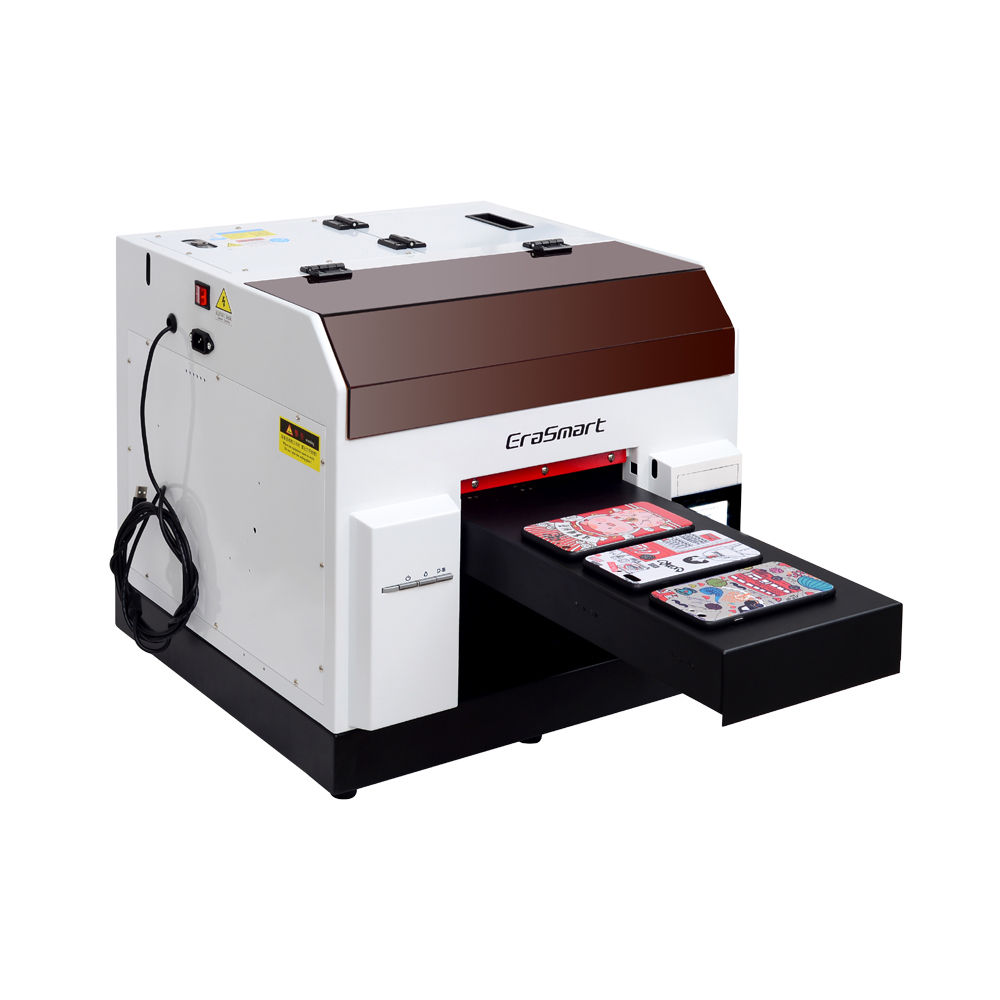
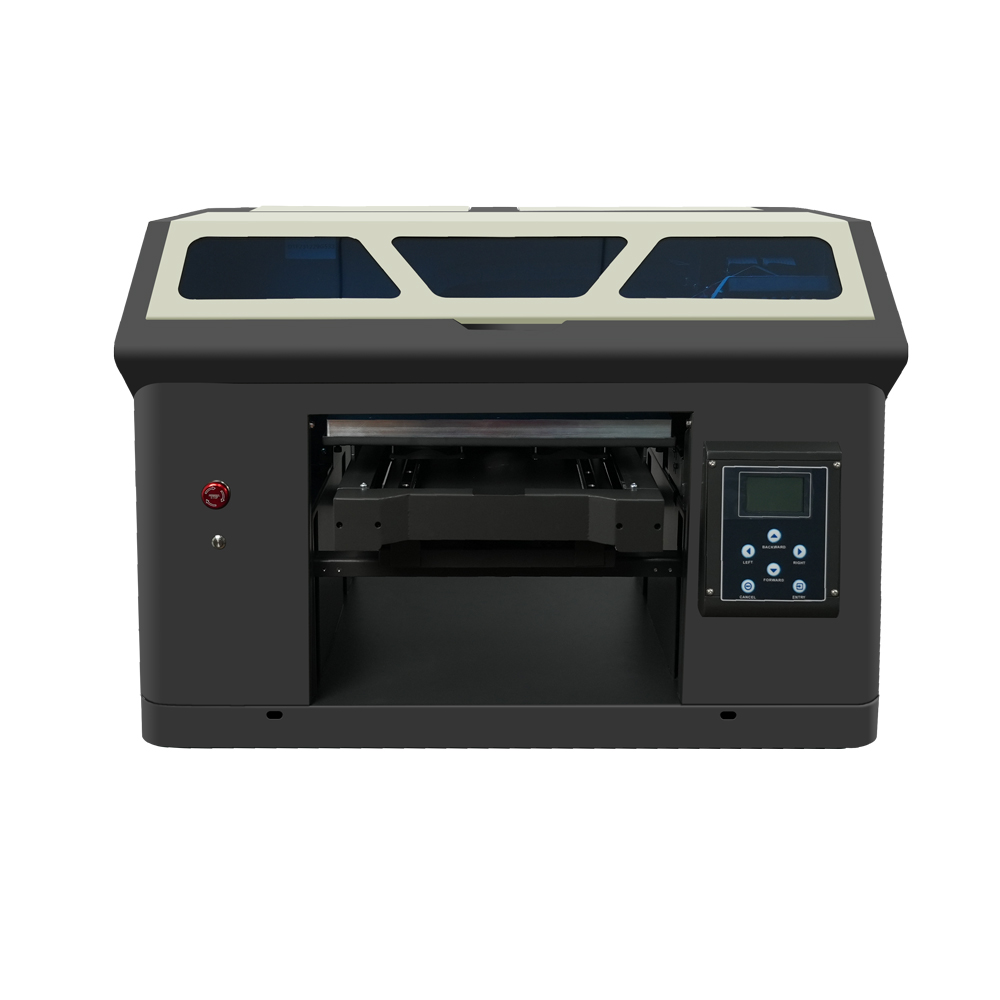
A4 UV Printer for Small Personalized Products
An A4-class UV flatbed printer can be a starting point for small tags, nameplates, keychains, and compact acrylic products. It is worth considering for a small customization studio that is testing demand or producing short runs.
Before choosing a model, compare the actual printable area with the size of the tag jig. The jig itself takes up space, so the usable production area may be smaller than the nominal bed size.
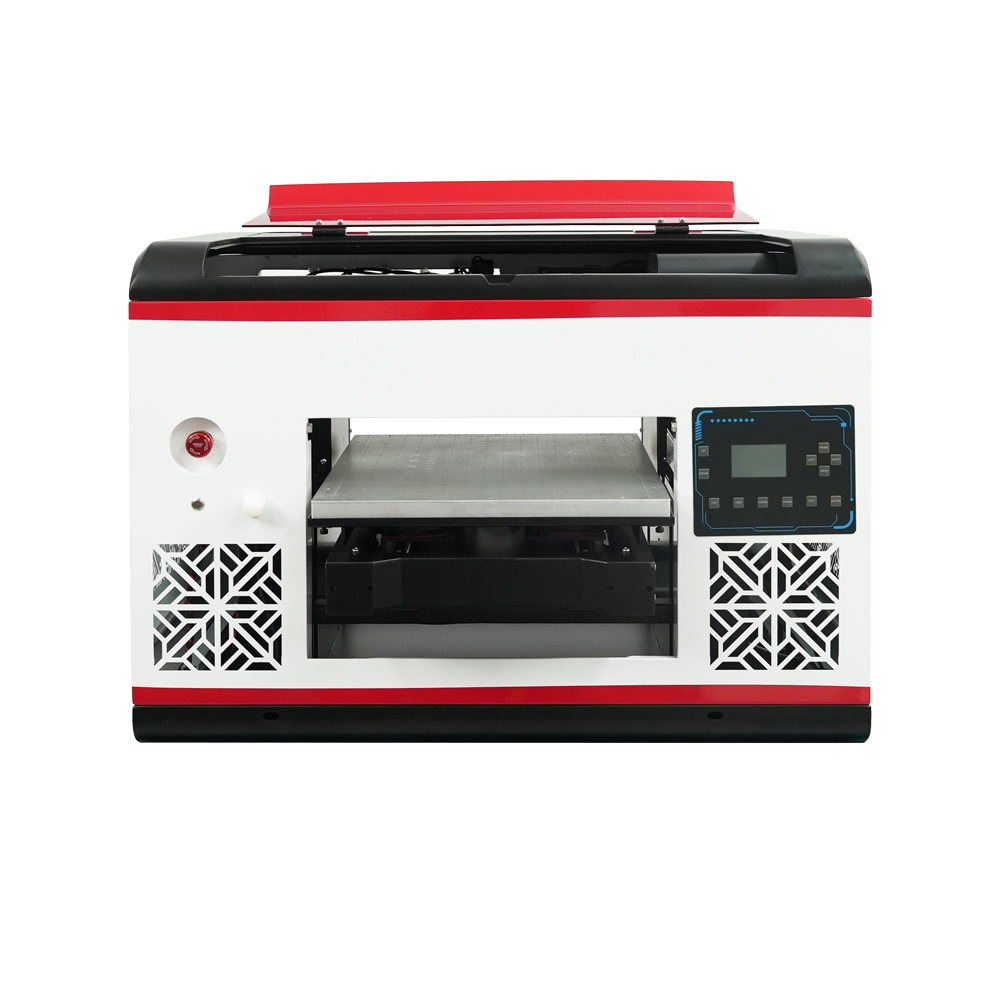
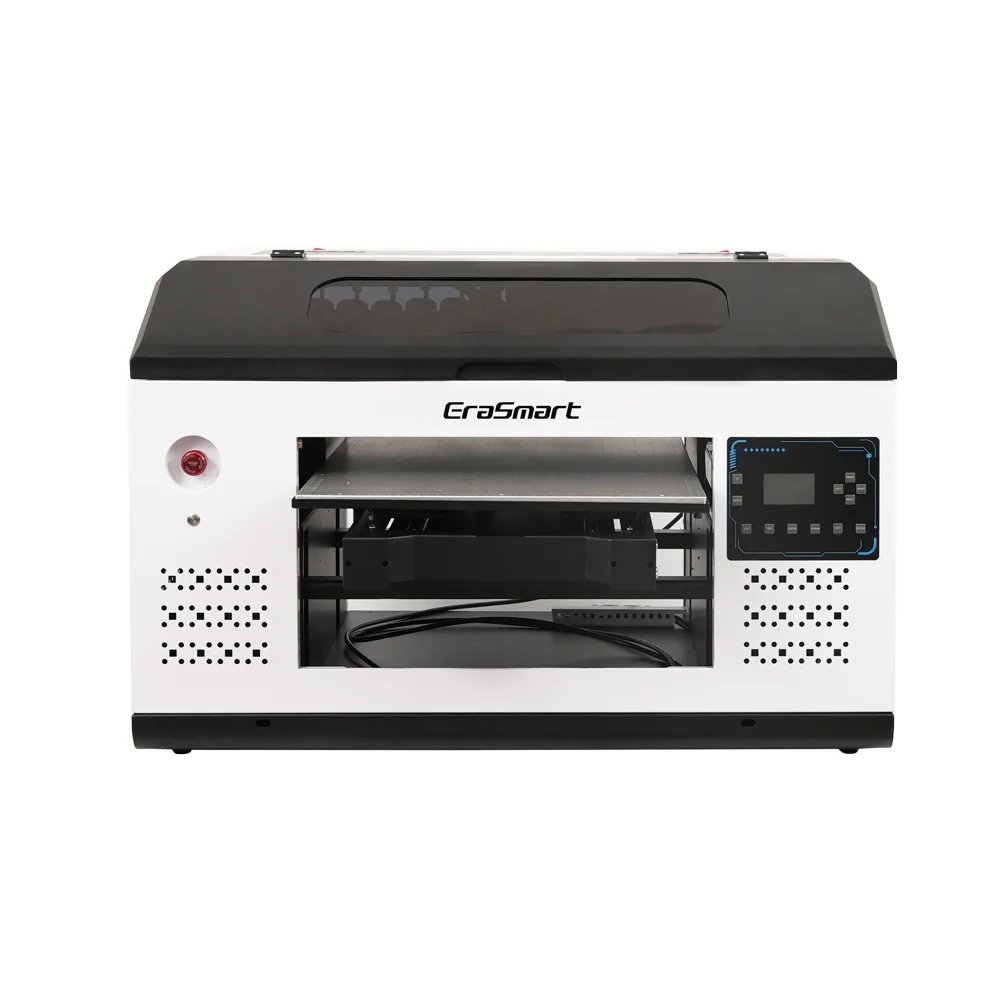
A3 MAX UV Printer for Batch Production
An A3 MAX-class printer offers a larger working area for arranging multiple blanks, printing matching product sets, or producing larger acrylic items. It may be more suitable when pet tags are part of a broader gift and promotional-product business.
The number of tags per run depends on their size, spacing, jig design, and print settings—not just the printer’s advertised print area.
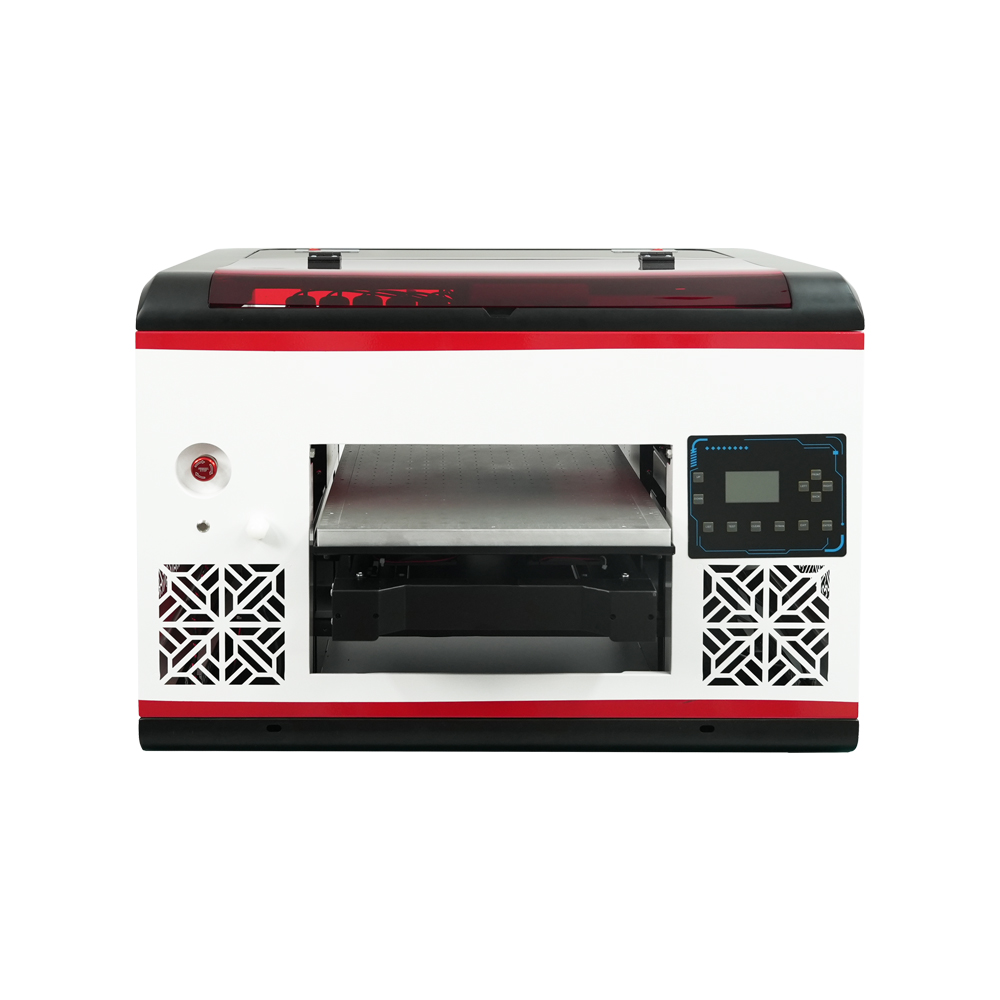
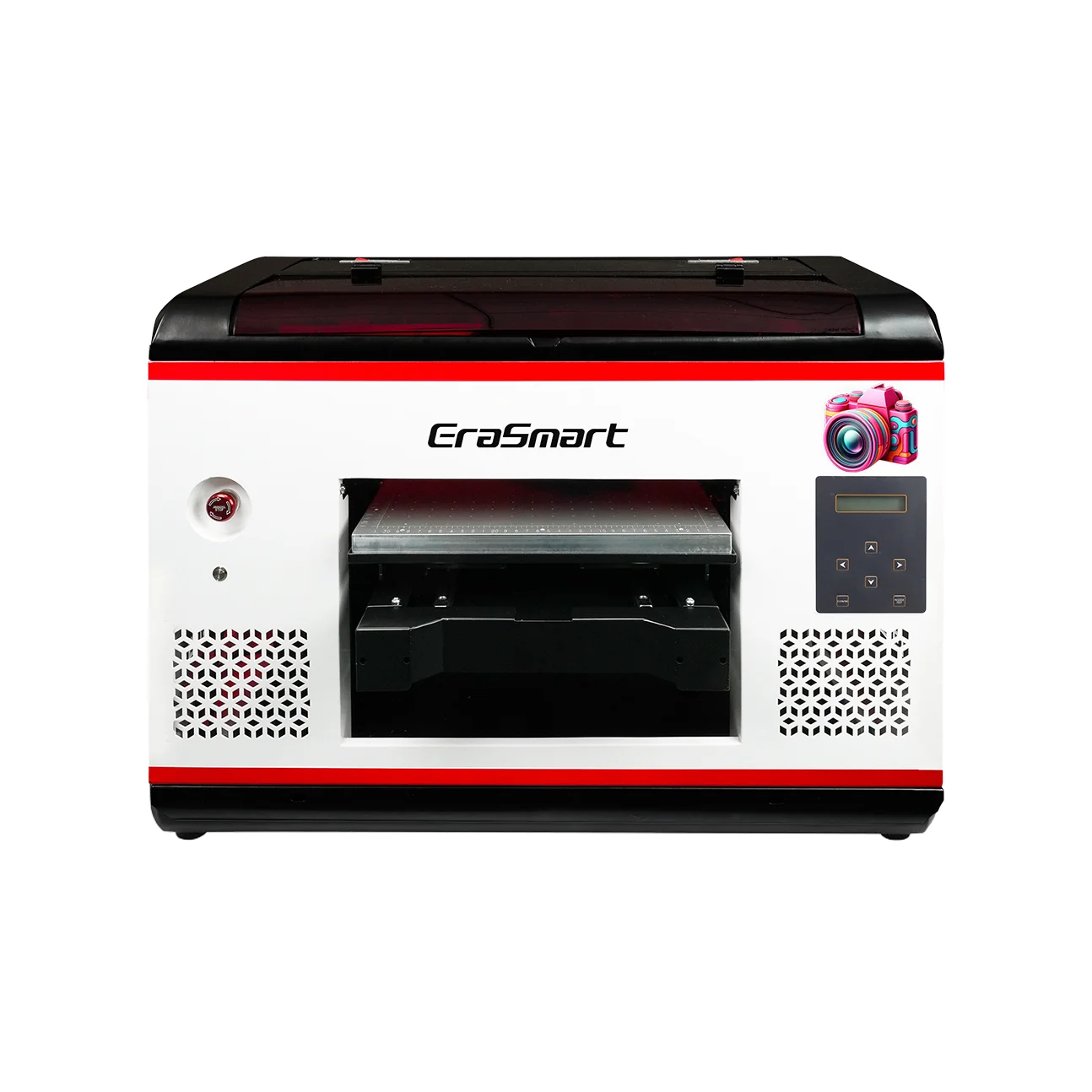
A2 UV Printer for Larger Products and Mixed Work
An A2-class UV printer is worth evaluating when the business also produces larger signs, display panels, acrylic plaques, and other wide-format rigid products. It may be more capacity than a shop needs if its only product is small pet tags.
탐색 EraSmart UV 프린터 제품군 and compare the available models, print areas, printhead configurations, and supported materials.
When Should You Choose UV DTF?
Choose a UV DTF workflow when the target product is a compatible smooth hard surface that is curved, irregular, or difficult to position directly on a flatbed. It is not a substitute for textile DTF on flexible collars or bandanas.
참조 EraSmart UV DTF 프린터 제품군 for equipment designed for UV DTF film production.
14. How to Start a Pet Accessory Customization Business
A new shop does not need to launch every possible pet product at once. Start with a small range that uses compatible materials and a repeatable production process.
Start with Three Product Groups
Group 1: Everyday identification products
Offer metal or acrylic ID tags in a few shapes and colors. These products are easy to explain and have a clear personalization purpose.
Group 2: Matching accessories
Add detachable collar plates, rigid travel accessories, or selected hard-surface decorations. Confirm the process for each material rather than assuming one transfer works on all products.
Group 3: Gifts and keepsakes
Add acrylic portrait plaques, paw-print keychains, and adoption or memorial gifts. These products can support more detailed artwork and premium presentation.
Find Customers Beyond Individual Pet Owners
Potential customer groups include:
- Independent pet shops
- Grooming salons
- Veterinary clinics
- Pet boarding facilities
- Dog trainers
- Breeders and adoption organizations
- Local pet events and markets
- Online personalized-gift stores
For business customers, offer a consistent template, clear minimum order quantities, repeat-order records, and simple artwork approval. For individual buyers, make the personalization process easy and show examples of the finished product.
Price the Work, Not Just the Blank
A personalized tag includes more than the cost of the blank. The price should account for design setup, customer communication, proof approval, printing time, ink and consumables, hardware, quality control, packaging, and rejected pieces.
Track the real production time for each product type. A low-cost blank can still become an unprofitable product if every order requires extensive manual design work.
자주 묻는 질문
Can a UV printer print directly on metal pet tags?
Yes, a UV flatbed printer can print on compatible flat metal tag blanks. The surface coating and finish matter. Test adhesion on the exact blank and use a compatible primer only when recommended for the ink and substrate.
Can I print a dog’s name and phone number on the same tag?
Yes. A common layout places the pet’s name on the front and a phone number on the reverse. Keep the contact information clear and readable, and obtain customer approval before printing.
Can UV printing be used on acrylic pet tags?
Yes, compatible acrylic blanks can be directly UV printed. Clear or dark acrylic may require a white ink layer to achieve the intended color appearance. Test the print side and layer order first.
Can I print directly on a flexible dog collar?
A flexible fabric collar is generally not a good target for direct UV flatbed printing because it bends and flexes during use. Print a detachable rigid metal plate instead, or use a textile process suited to the collar material.
Is UV DTF suitable for pet collars?
UV DTF is intended for compatible hard surfaces, not stretchy fabric. It may be suitable for a rigid collar plate or buckle, but not for a flexible nylon strap that bends repeatedly.
Can I use UV DTF on pet water bottles?
It may work on compatible smooth, rigid bottle surfaces. Test the bottle coating, curve, transfer adhesion, and cleaning conditions. Do not assume that every plastic or silicone bottle is suitable.
Can I UV print on the inside of a pet bowl?
Do not use ordinary UV ink or transfers on the inside, rim, or other pet-contact areas unless the complete finished system has been verified for that intended use. Keep decorative printing away from food and water contact areas and avoid unsupported safety claims.
Do I need white ink for pet tags?
Not always. White ink is useful when printing on transparent, dark, or colored materials where a white underbase is needed to improve opacity and color appearance. The correct setup depends on the blank and the artwork.
How can I print many pet tags in one run?
Use a multi-position jig designed for the exact tag shape and thickness. The jig should hold every blank securely, keep the print surfaces level, and maintain safe printhead clearance. Arrange the artwork to match the jig positions.
Which EraSmart printer is best for a pet tag business?
An A4-class UV printer may suit small personalized products and short runs. An A3 MAX-class printer can provide more room for batch layouts and a wider product range. An A2-class printer is more relevant when larger rigid products are also part of the business. Compare the actual usable print area, configuration, and production needs before choosing.
Create Personalized Pet Accessories with EraSmart
Custom pet products combine personalization with practical everyday use. Start with compatible flat ID tags and acrylic accessories, build a reliable workflow for customer names and contact details, and expand into rigid travel products, keepsakes, and business signage as demand grows.
EraSmart UV flatbed printers support direct printing on compatible rigid materials, while UV DTF equipment provides a separate transfer workflow for selected hard surfaces. The best setup is the one that matches the products you plan to make, the materials you can source consistently, and the volume you expect to produce.
탐색 EraSmart UV 프린터 제품군 또는 UV DTF printer range to compare the available production options.
당신도 좋아할 수도 있습니다
Copyright 2020 © Erasmart. | 사이트 맵