Small Size Flatbed Inkjet Printer Manufacturer

86-18566233796 [email protected]

Blog Laminator for UV DTF Printing: What It Does, Types, Setup, and Buying Checklist
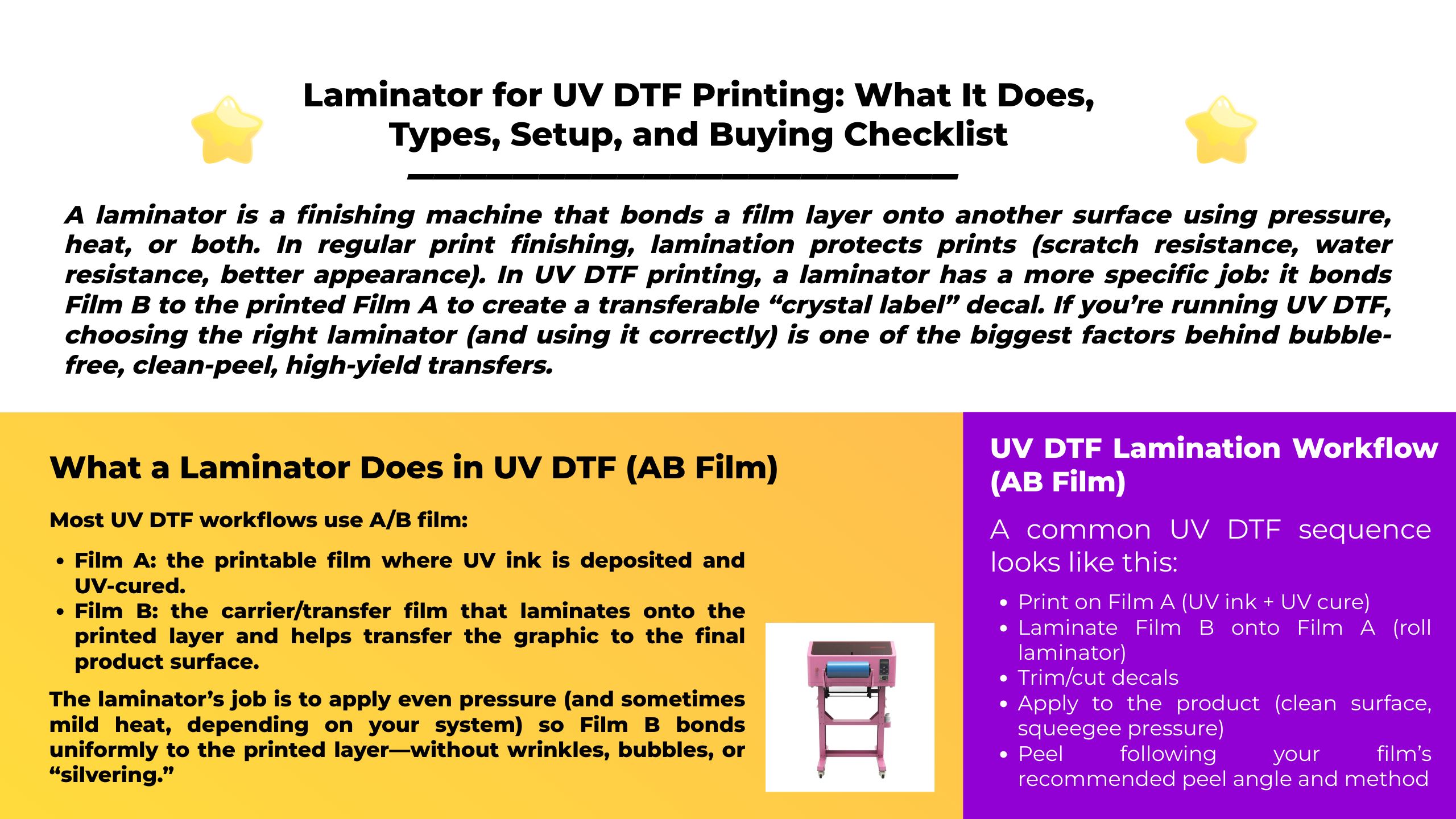
Laminator for UV DTF Printing: What It Does, Types, Setup, and Buying Checklist

January 9, 2026     Blog

A laminator is a finishing machine that bonds a film layer onto another surface using pressure, heat, or both. In regular print finishing, lamination protects prints (scratch resistance, water resistance, better appearance). In UV DTF printing, a laminator has a more specific job: it bonds Film B to the printed Film A to create a transferable “crystal label” decal.

If you’re running UV DTF, choosing the right laminator (and using it correctly) is one of the biggest factors behind bubble-free, clean-peel, high-yield transfers.

What a Laminator Does in UV DTF (AB Film)

Most UV DTF workflows use A/B film:

  • Film A: the printable film where UV ink is deposited and UV-cured.
  • Film B: the carrier/transfer film that laminates onto the printed layer and helps transfer the graphic to the final product surface.

The laminator’s job is to apply even pressure (and sometimes mild heat, depending on your system) so Film B bonds uniformly to the printed layer—without wrinkles, bubbles, or “silvering.”

Hot vs Cold Lamination (Which One UV DTF Usually Uses)

Cold (pressure-sensitive) lamination

Cold lamination uses pressure-sensitive adhesive films—no heat required. This is commonly used when heat could damage prints or materials.

For many UV DTF AB film systems, cold/pressure lamination is the mainstream approach: print on A film → laminate with B film → transfer.

Hot (thermal) lamination

Hot lamination uses heated rollers or heated pouches to activate adhesive. Many industrial roll laminators include features like variable speed, heated rollers, and reverse to clear misfeeds.

Important: “Hot laminator” in office terms usually means pouch laminator (for documents), which is not the same tool as a roll laminator used in UV DTF production.

Types of Laminators (and Which Fits UV DTF Best)

1) Pouch laminator (office style)

  • Works with sealed plastic pouches
  • Best for ID cards, paper documents, classroom materials
  • Not ideal for AB film roll-to-roll workflows

2) Roll laminator (recommended for UV DTF)

A roll laminator uses rollers to laminate film from rolls onto your media. Many machines provide production features like variable speed, reverse, tension control, and (optionally) heated rollers.

For UV DTF, roll laminators are preferred because AB film lamination benefits from:

  • stable feeding and alignment
  • adjustable pressure
  • consistent results across long runs

3) Cold roll laminator (pressure-sensitive specialist)

Cold roll laminators are designed for pressure-sensitive films and can handle release liners during application in many setups.

UV DTF Lamination Workflow (AB Film)

A common UV DTF sequence looks like this:

  1. Print on Film A (UV ink + UV cure)
  2. Laminate Film B onto Film A (roll laminator)
  3. Trim/cut decals
  4. Apply to the product (clean surface, squeegee pressure)
  5. Peel following your film’s recommended peel angle and method

Laminator Buying Checklist for UV DTF Shops

Here are the specs that matter for AB film success.

1) Working width (match your printer and film width)

Choose a laminator wider than your typical output (A3, 30 cm, 60 cm, etc.). If you run wider film later, you’ll avoid replacing the laminator.

2) Adjustable pressure (must-have)

UV DTF needs even pressure across the roller width to prevent bubbles and weak bonding. Production roll laminators often advertise adjustable pressure for consistent lamination.

3) Variable speed + reverse (highly recommended)

  • Variable speed helps you slow down for difficult films and speed up for stable jobs.
  • Reverse is extremely useful for clearing skewed feeds or misfeeds without damaging films.

4) Tension control / alignment guides

Tension control reduces wrinkles and helps keep AB film tracking straight during long runs. Some roll laminators explicitly highlight tension control features.

5) Roller material and maintenance access

Silicone rollers are common in laminators and can wear over time or be damaged by accidents; easy replacement/maintenance is a real operational advantage.

6) Cold capability (even if you buy hot+cold)

Even if your laminator has heated rollers, make sure it can run cold reliably for pressure-sensitive workflows. Pressure-sensitive films are designed to laminate without heat.

Setup Tips: Getting Clean UV DTF Lamination

Because AB film brands vary, always start with film supplier guidance—but these principles are universal:

Cleanliness first (dust is the #1 bubble source)

  • Wipe rollers and work surface before every run
  • Keep Film A/B covered when not in use

Start slow, then scale up

  • Start at slower speed and moderate pressure
  • Increase speed only after you confirm bubble-free lamination

Keep the film path straight

  • Use side guides and alignment marks
  • If your machine has tension control, use it to reduce edge waves.

Troubleshooting: Common UV DTF Lamination Problems

Problem 1: Bubbles / “silvering”

Likely causes

  • Dust between layers
  • Too fast lamination speed
  • Uneven pressure across rollers

Fix

  • Clean rollers + film path
  • Reduce speed, increase pressure slightly
  • Apply firm, even squeegee pressure during final application

Problem 2: Wrinkles or skew tracking

Likely causes

  • Film roll installed unevenly
  • Tension too loose/tight
  • Feeding not centered

Fix

  • Re-load film square
  • Adjust tension and guides (if available)
  • Use reverse to back out misfeeds safely.

Problem 3: Weak bonding (parts don’t transfer cleanly)

Likely causes

  • Insufficient lamination pressure
  • Wrong film pairing (A/B compatibility)
  • Incorrect peel technique

Fix

  • Increase pressure gradually
  • Test another AB film set designed for your substrates
  • Follow recommended peel angle/method (many guides emphasize controlled peel technique).

Maintenance: How to Keep Your Laminator Consistent

  • Clean rollers regularly (dust and adhesive residue create defects)
  • Avoid sharp tools near rollers (roller damage can be expensive)
  • Inspect rollers for wear; silicone rollers can lose performance over time and may need replacement.
  • Use reverse carefully to clear jams instead of forcing material forward.

FAQ

Do I need a laminator for UV DTF AB film?

In most AB film workflows, yes—lamination is the step that bonds Film B to the printed Film A so the decal can transfer properly.

Can I use a cheap office pouch laminator?

For UV DTF AB film production, a roll laminator is usually the correct tool because AB film lamination requires controlled roller pressure and stable feeding, not pouch sealing.

Is cold lamination better than hot lamination for UV DTF?

Many UV DTF setups rely on pressure-sensitive (cold) lamination, since pressure-sensitive films are designed to apply without heat.

Conclusion

A laminator isn’t just an “extra accessory” in UV DTF—it’s the machine that turns your printed Film A into a clean, transferable AB film decal. Choose a roll laminator with adjustable pressure, variable speed, reverse, and stable alignment, and your yield and finish quality will improve immediately.


MAY BE YOU LIKE ALSO

  • EraSmart Printer

    uv printer
    DTF printer
    DTG printer
    Heat press machine
    Advertising printer

  • Printer tools

    DTF oven
    Hot Press
    Carving machine
    Mug heat transfer
    Laminating machine

  • Consumables

    Printing INK
    Cellphone case
    Glass product
    Cleaning fluid
    Cotton swab

  • Contact Us

    WhatsApp:+8618566233796
    WeChat: +8618566233796
    Mobile: +8618566233796
    Web:www.erasmart.com
    Shop:www.erasmartmall.com

  • Request A Quote

    Just provide a few details and we will help you get quick quotes!