
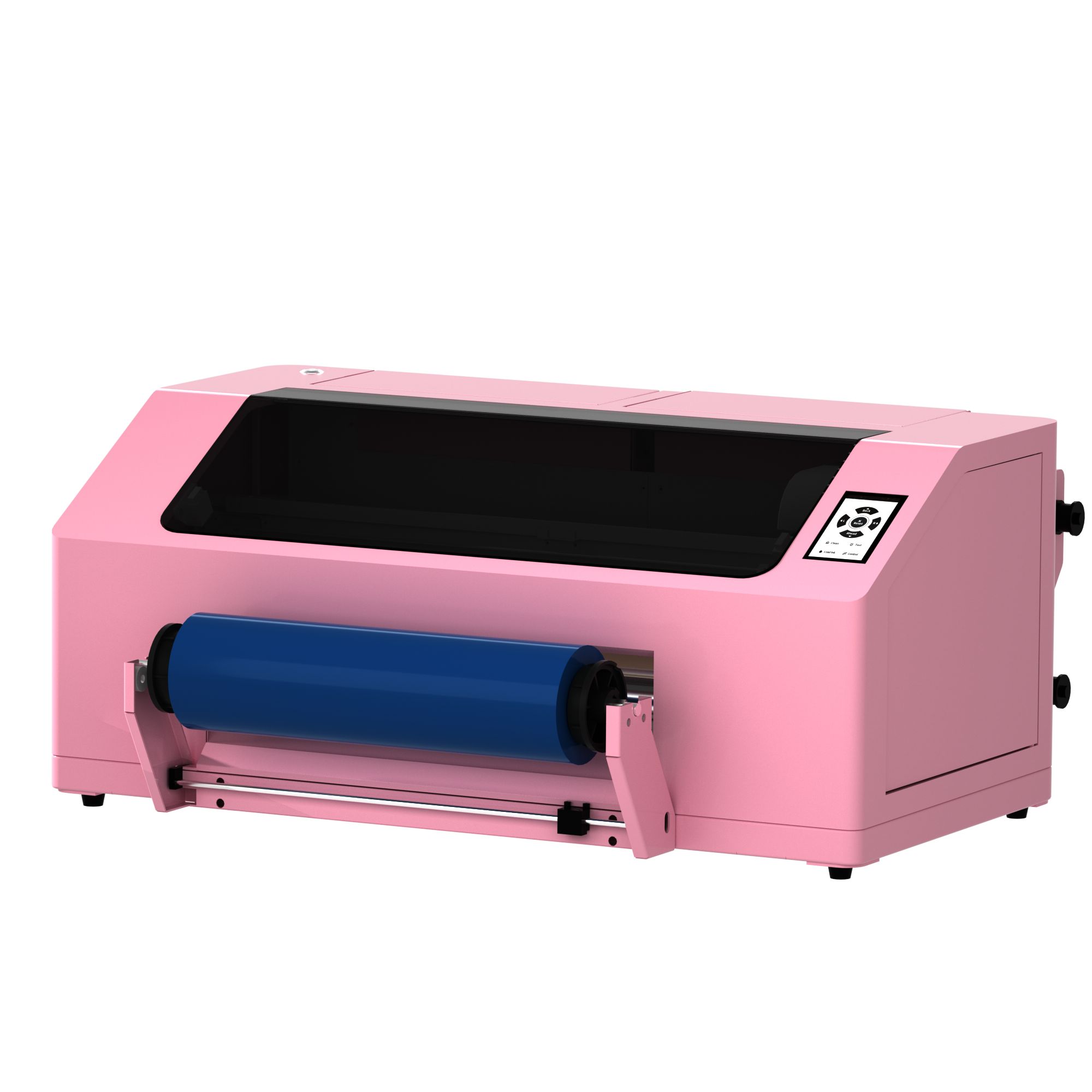
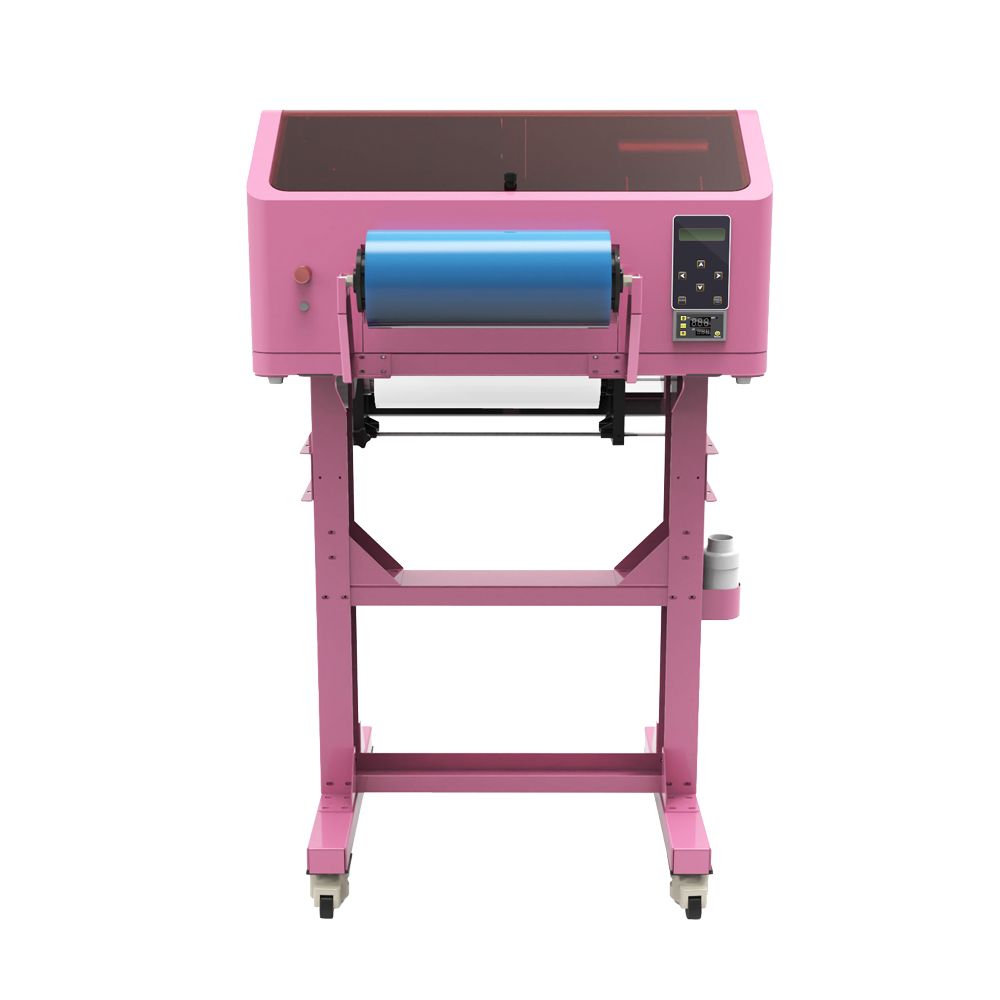
Choose an EraSmart UV DTF Printer
EraSmart now provides multiple UV DTF formats instead of a single A3 model. Use the category page to compare model-level differences, then open each product page for detailed specifications and configuration information.
EraSmart A2 Desktop UV DTF Printer
A desktop UV DTF model with listed printing width up to 420mm and three available printhead configurations.
EraSmart A3 UV DTF Printer
EraSmart's existing A3 UV DTF model for film-transfer production, with a listed print width up to 350mm.
A2 vs A3 UV DTF Printer
The two pages target different product-level search intent. Compare the published model information before opening the detailed product page.
| Feature | A2 Desktop UV DTF Printer | A3 UV DTF Printer |
|---|---|---|
| Format | A2 Desktop | A3 |
| Printing Width | Width Up to 420mm | Up to 350mm |
| Printhead Information | XP600 / DX7 / I3200 configurations | See A3 product page |
| Ink / Color Information | Varies by A2 configuration; see A2 product page | CMYK + White + Varnish |
| Resolution | Varies by A2 configuration; see A2 product page | Up to 1440 dpi |
| Film Workflow | Roll UV DTF Film; Automatic Integrated A film stripping and B film lamination | A/B UV DTF films |
| Product Page | A2 UV DTF Printer | A3 UV DTF Printer |
What Is a UV DTF Printer?
A UV DTF printer is a digital printing system that creates graphics on specialized transfer film rather than printing directly onto the final object. UV-curable ink is printed and cured on the film, the transfer is prepared through an A/B film workflow, and the finished graphic is then applied to a suitable hard surface.
This makes UV DTF different from a UV flatbed printer, which normally prints directly onto the object, and different from textile DTF, which is designed for fabric transfer workflows.
Print to Film
The artwork is printed onto UV DTF transfer film instead of the finished product.
UV Cure
UV light cures the UV ink during the printing process.
Transfer
The prepared graphic is transferred from film to a suitable hard-surface item.
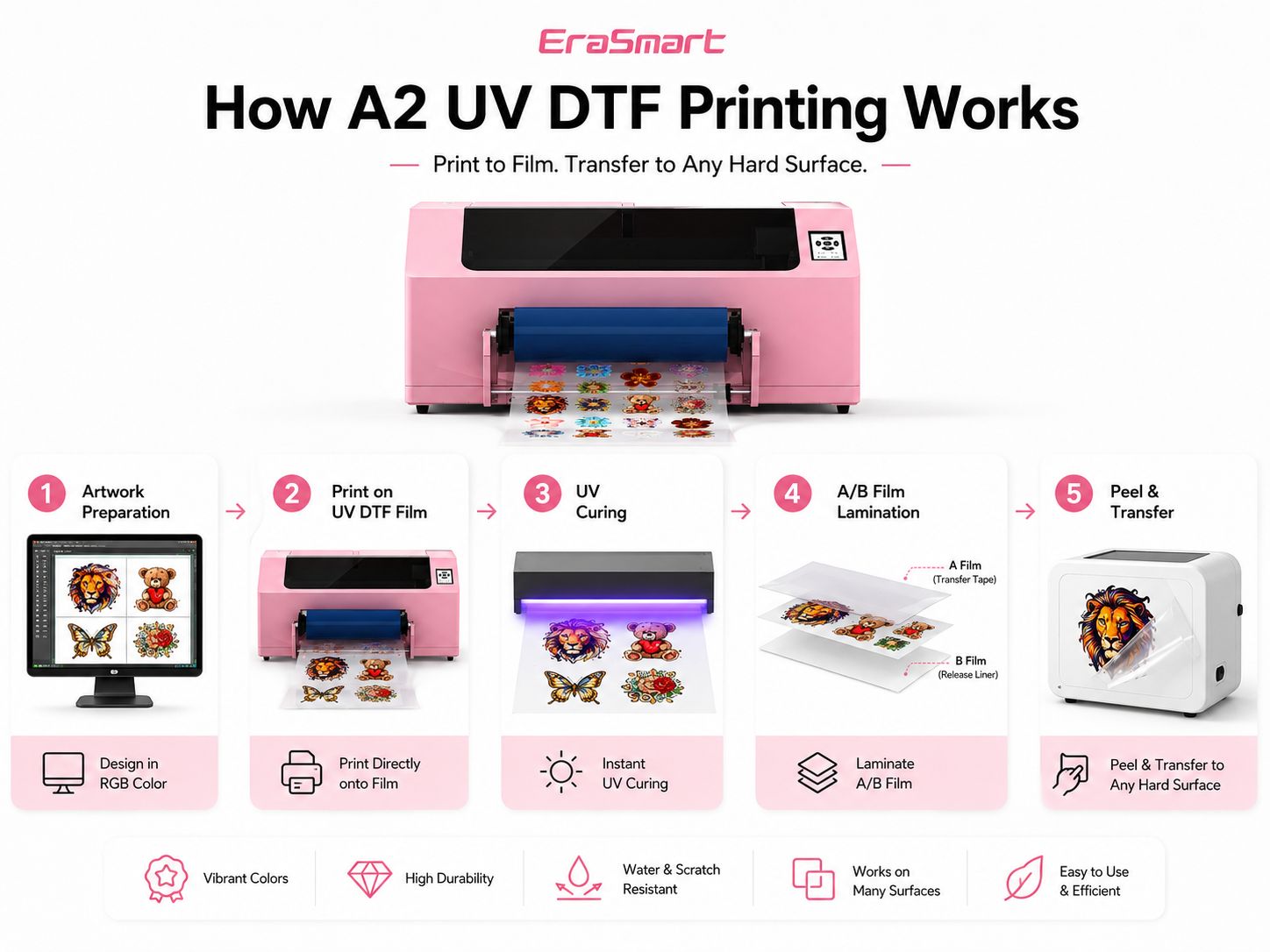
How UV DTF Printing Works
The exact machine configuration can differ by model, but the general UV DTF workflow follows the same print-to-film and transfer principle.
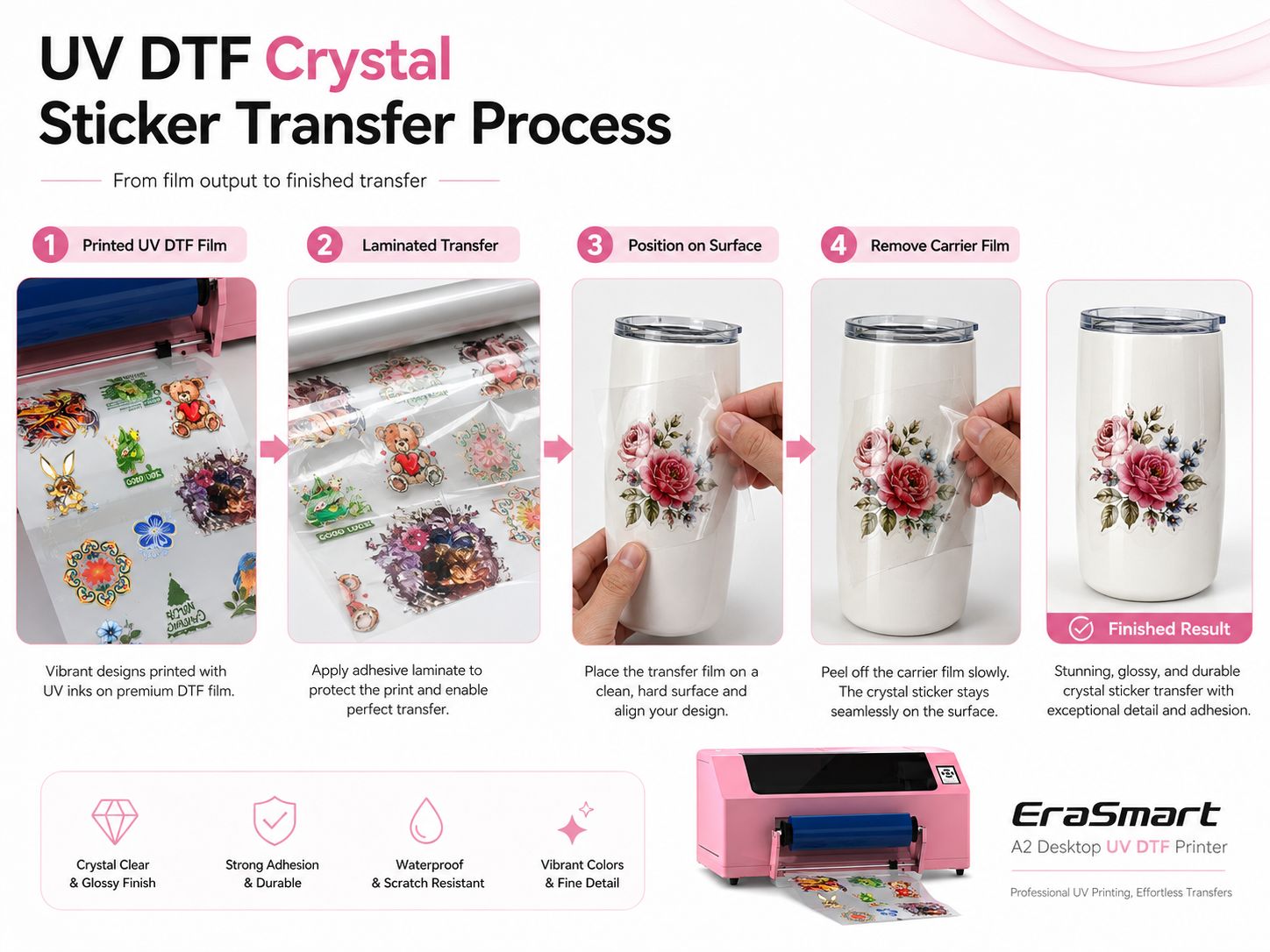
Prepare Artwork
Prepare the graphic and required print layers in the printing workflow.
Print on Film
Output the design onto the UV DTF printing film.
UV Curing
UV light cures the printed UV ink during production.
A/B Film Workflow
Prepare the printed graphic using the UV DTF film lamination workflow.
Apply Transfer
Position the finished transfer on the target hard surface and remove the carrier film.
What Can You Make with a UV DTF Printer?
Typical UV DTF applications include crystal stickers, decorative transfers, logos and product labels for suitable hard-surface products.
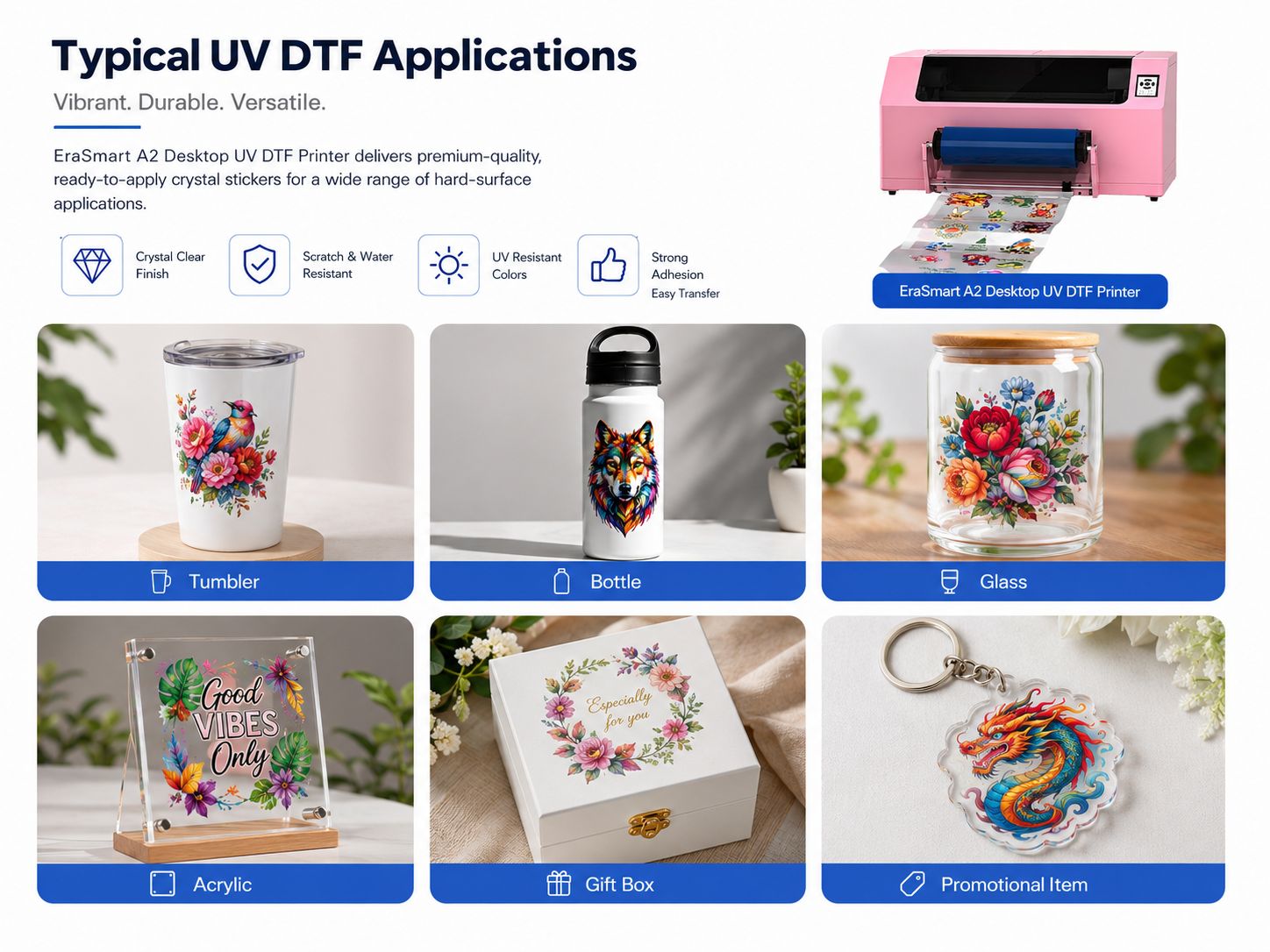
Common application categories include tumblers, bottles, glass, acrylic, gift boxes and promotional items. Actual adhesion and surface compatibility should be tested for the final product material and finish.
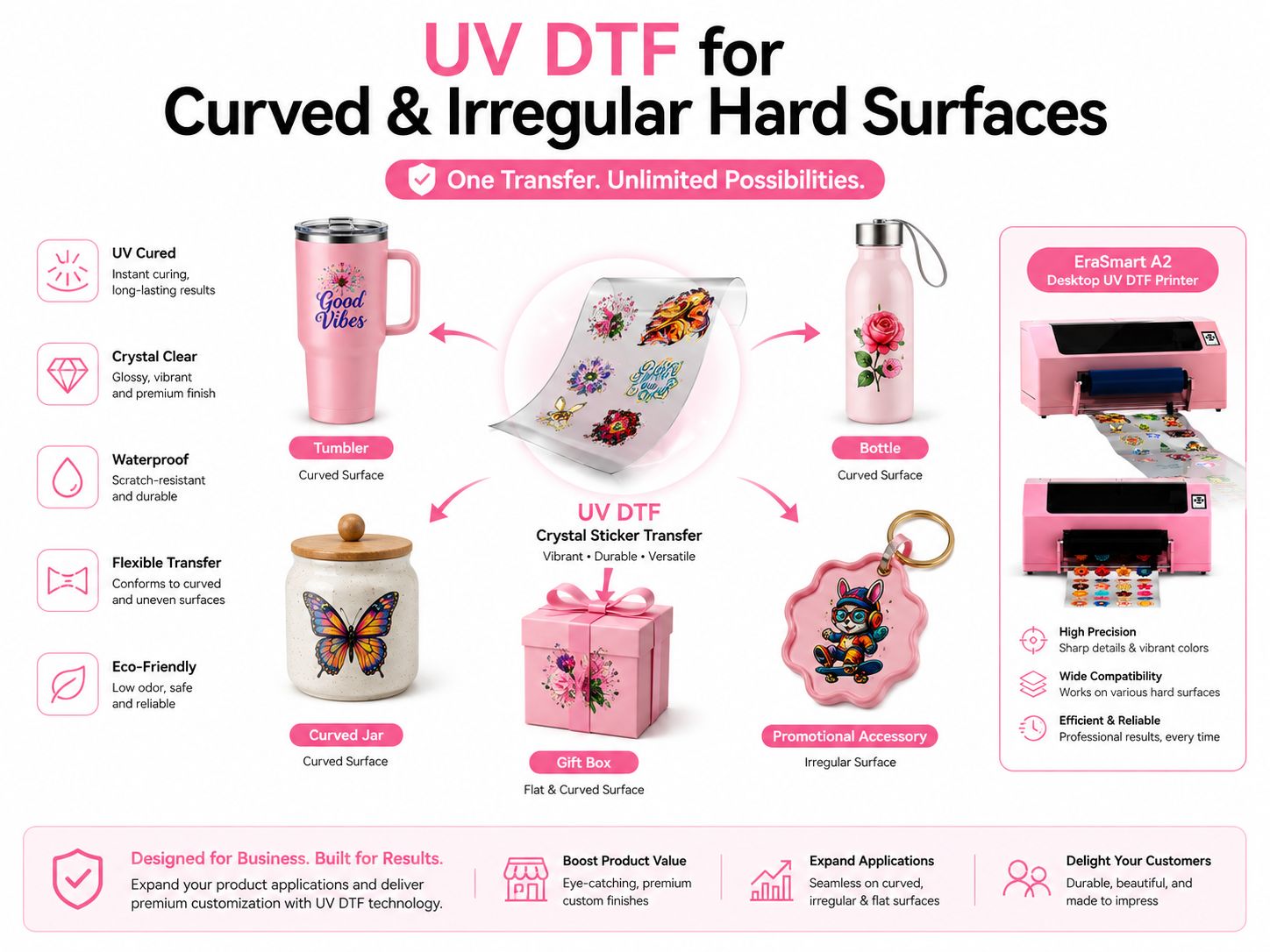
UV DTF for Curved and Irregular Products
One reason businesses consider UV DTF is that the design is created on film first. The finished transfer can then be positioned on selected products that may be inconvenient to place directly on a flatbed printing platform.
Common examples include bottles, tumblers, curved containers, gift packaging and selected irregular promotional items.
UV DTF vs UV Printer vs DTF Printer
These three technologies serve different decoration workflows. Choose based on whether you need a hard-surface transfer, direct-to-object printing, or textile transfer printing.
| Feature | UV DTF Printer | UV Printer | DTF Printer |
|---|---|---|---|
| Main Workflow | Print to UV DTF film, prepare transfer, apply to hard surface | Print directly onto compatible object / material | Print to film and transfer to textile with a heat-transfer workflow |
| Typical Target | Hard-surface transfer decoration | Rigid or compatible objects and panels | Garments and textile products |
| Film | UV DTF transfer film | Normally direct-to-object | DTF transfer film |
| Curved / Irregular Items | Transfer workflow can suit selected curved or irregular hard surfaces | Depends on printer platform, fixture and object geometry | Not the target workflow |
| Explore EraSmart | Current Page | UV Printers | DTF Printers |
How to Choose a UV DTF Printer
Compare the model around your actual workflow rather than choosing only by printer size.
Decide the maximum transfer width you need. EraSmart's A2 Desktop lists width up to 420mm, while the existing A3 model lists width up to 350mm.
The new A2 Desktop offers XP600, DX7 and I3200 configurations. Review the detailed A2 product table for head quantity, resolution and listed speed.
Confirm how printing, curing and A/B film lamination are handled on the exact model you are considering.
Identify whether your orders focus on crystal stickers, bottles, tumblers, packaging, gifts or other hard-surface transfer products.
Review the product-specific RIP software, supported operating system and accepted file formats before purchase.
Use the model product page for technical parameters. Avoid assuming that specifications from one UV DTF machine apply to another.
UV DTF Printer FAQ
Quick answers to common UV DTF printer, crystal sticker and model-selection questions.
What printer is used for UV DTF?
UV DTF production uses a printer configured for UV-curable ink and UV DTF transfer film. The workflow prints the graphic onto film before the design is transferred to the final hard surface.
Do I need a special printer for UV DTF?
Yes. UV DTF requires equipment configured for the UV DTF film workflow, UV-curable ink and UV curing rather than a standard office or textile printer.
How do I print UV DTF?
The general process is to prepare the artwork, print it onto UV DTF film, cure the UV ink, prepare the transfer through the A/B film workflow, then apply the finished graphic to a suitable hard surface.
What is a UV DTF crystal sticker?
A UV DTF crystal sticker is a finished transfer graphic created through the UV DTF film workflow. The design is transferred from film to the target hard surface rather than being printed directly onto the object.
Can UV DTF be used for tumblers and bottles?
Tumblers and bottles are common UV DTF application categories because the transfer workflow can be used on selected curved hard surfaces. Test adhesion and compatibility on the actual product material and finish.
Can I make UV DTF stickers at home?
Desktop-format UV DTF equipment can fit smaller workspaces, but it is still printing equipment using UV ink and UV curing. Follow the machine instructions, ink handling guidance, ventilation requirements and UV safety precautions for the exact setup.
What is the difference between UV DTF and DTF?
UV DTF is designed for transfer decoration on suitable hard surfaces. Standard DTF is designed primarily for textile transfer applications such as garments.
What is the difference between UV DTF and a UV flatbed printer?
UV DTF prints the design to transfer film first. A UV flatbed printer normally prints directly onto the compatible object or material placed on the printer platform.
What is the difference between the EraSmart A2 and A3 UV DTF printers?
The A2 Desktop lists printing width up to 420mm and offers XP600, DX7 and I3200 configurations. The existing A3 UV DTF product page lists print width up to 350mm. Review each product page for complete model-specific information.
Which EraSmart UV DTF printer should I choose?
Start with required print width, then compare the exact printhead configuration, printing parameters, film workflow, software and target applications. Use the A2 and A3 product pages for model-specific data.
Continue Your UV DTF Research
Use product pages for technical specifications and the EraSmart Guide Center for broader printing workflow and buying information.
A2 UV DTF Printer
Review the 420mm A2 Desktop model and XP600, DX7 and I3200 configurations.
View A2 Model →A3 UV DTF Printer
Review the existing A3 UV DTF model and its current product information.
View A3 Model →Printer Guides & Resources
Explore EraSmart guides covering DTF, UV printing and UV DTF transfer workflows.
Open Guide Center →Need Help Choosing a UV DTF Printer?
Tell EraSmart your target products, required printing width and preferred production workflow so the team can match you with a suitable model.