
Single vs Dual XP600 DTF Printer: Which Setup Is Right for Your Business?
A single XP600 and a dual XP600 can use the same printhead family yet serve very different production goals. The most useful comparison is not “one head versus two heads” in isolation. It is how printhead count works with the machine platform, production volume, turnaround expectations, maintenance routine and growth plan.
Quick answer
Choose a single XP600 setup when you want a compact A3 production platform, lower initial investment and a straightforward daily workflow for moderate order volume.
Choose a dual XP600 setup when recurring orders, tighter turnaround times and sustained production make additional printhead capacity valuable.
- Two XP600 printheads do not automatically mean twice the print width.
- Two printheads do not automatically mean exactly twice the speed.
- Print quality depends on the whole workflow, not head count alone.
- The machine platform determines the available print width.
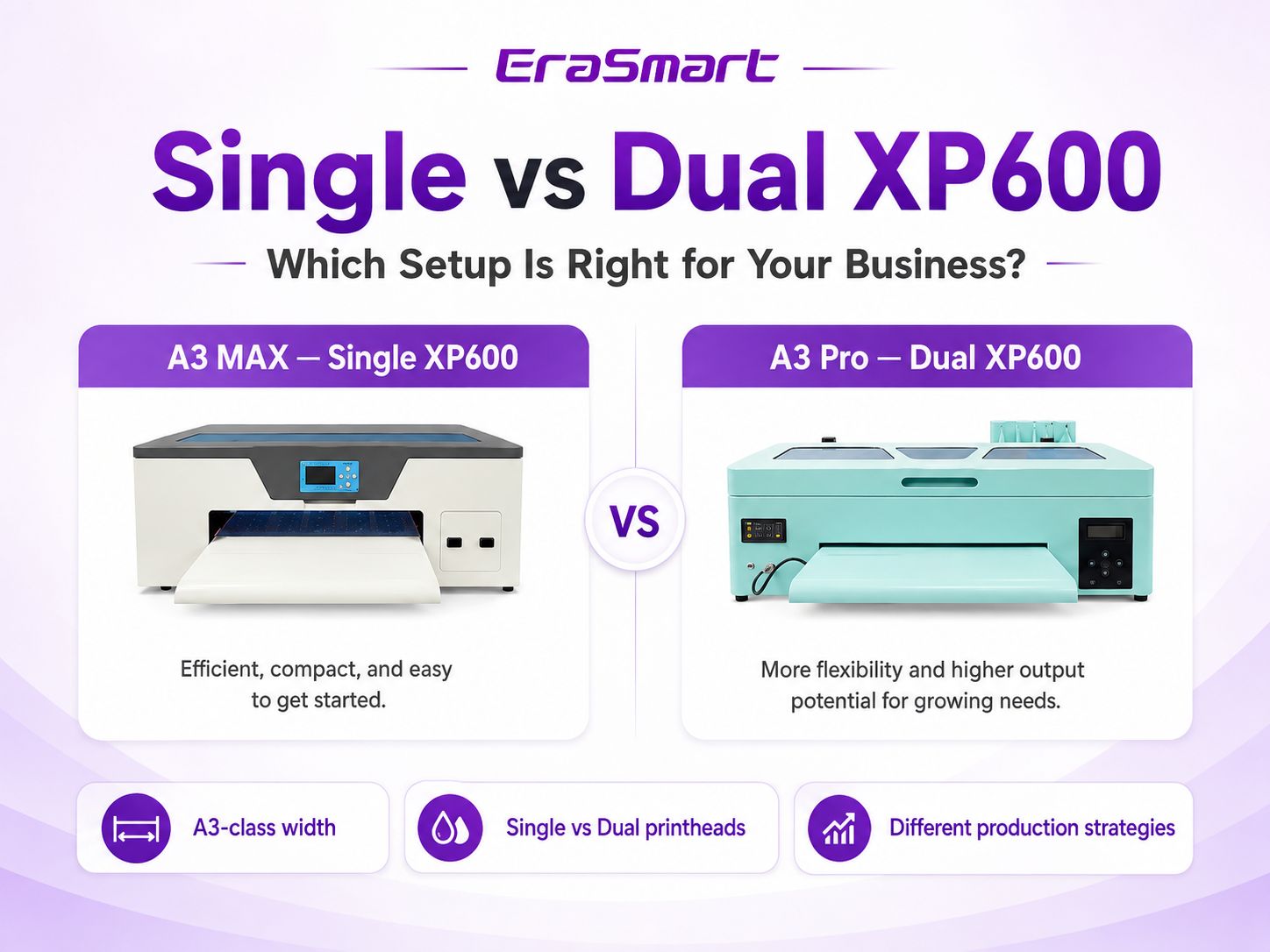
What Actually Changes When You Add a Second XP600 Printhead?
The second printhead changes production capacity and how the printer can divide printing tasks. It does not redefine every specification of the machine. Width, media handling, ink management and chassis design still come from the platform itself.
1Single XP600
A single-head machine has one XP600 doing the print work. For a small shop, that can be an advantage: fewer head-related components, a simpler maintenance routine and a lower entry point.
- Well suited to startup and small-studio production
- Good when orders are steady but not constantly queued
- Simpler head maintenance and monitoring
- Lower-capacity workflow with less system complexity
2Dual XP600
A dual-head machine uses two XP600 printheads. Depending on the printer design, color and white channels can be allocated across the two heads to increase production efficiency and give a growing shop more capacity.
- Better suited to recurring and batch orders
- More head capacity for sustained production
- Useful when turnaround time begins limiting sales
- Requires more consistent maintenance discipline
A3 MAX Single XP600 vs A3 Pro Dual XP600
A useful real-world comparison is EraSmart’s A3 MAX Single XP600 versus the A3 Pro Dual XP600. Both are A3-class DTF platforms, so the buying decision is primarily about production strategy rather than moving to a wider format.
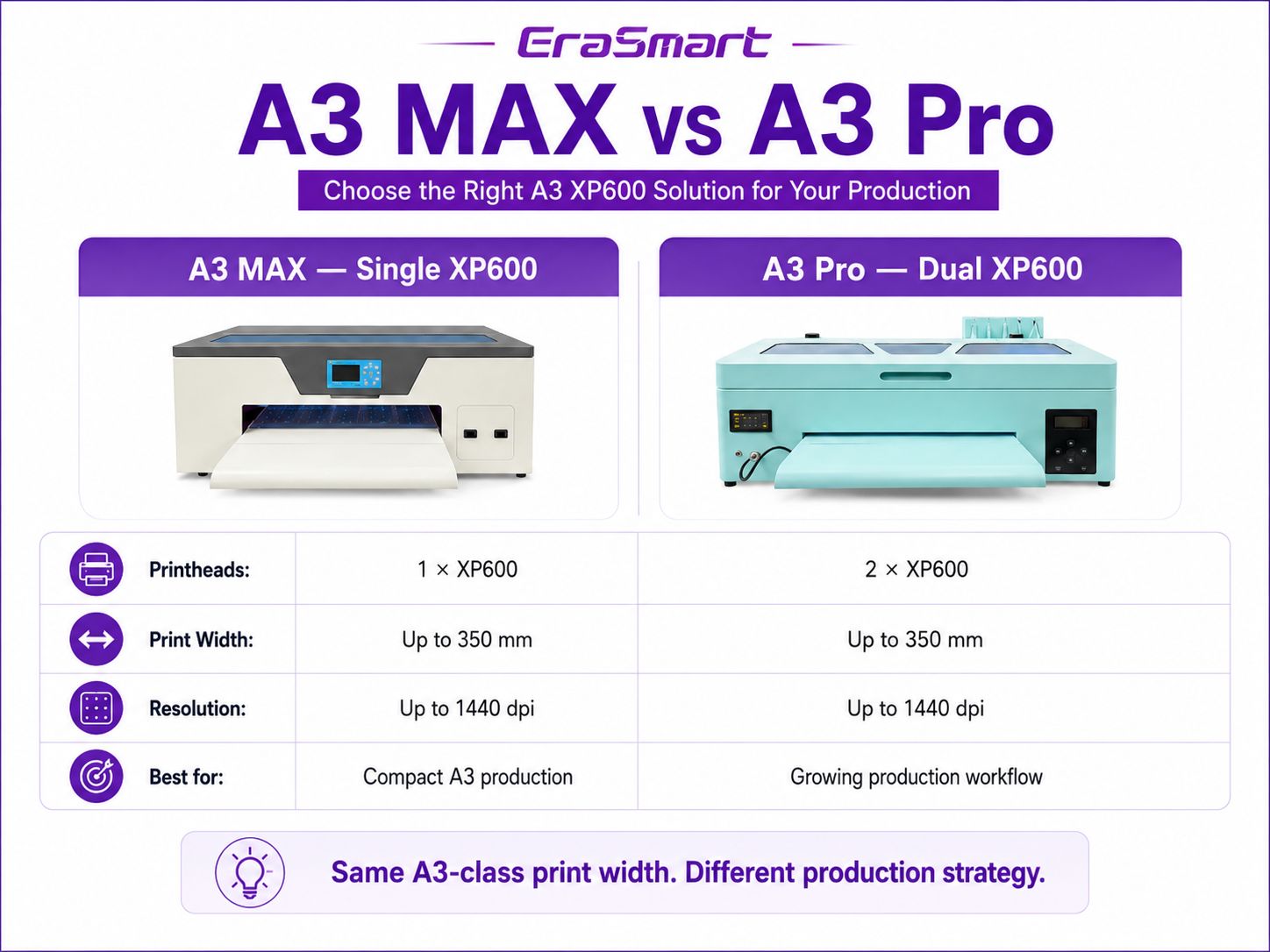
| Buying factor | A3 MAX — Single XP600 | A3 Pro — Dual XP600 |
|---|---|---|
| Printhead configuration | 1 × XP600 | 2 × XP600 |
| Maximum print width | Up to 350 mm | Up to 350 mm |
| Resolution | Up to 1440 dpi | 1440 dpi |
| Workflow emphasis | Compact A3 production | Higher-capacity A3 production |
| Best fit | Startups, POD sellers, smaller studios | Growing shops, recurring orders, batch work |
| Maintenance demand | One head to monitor and maintain | Two heads require more maintenance attention |
Actual output depends on artwork, pass mode, RIP settings, ink configuration and operating conditions.
Does Dual XP600 Mean a Wider DTF Printer?
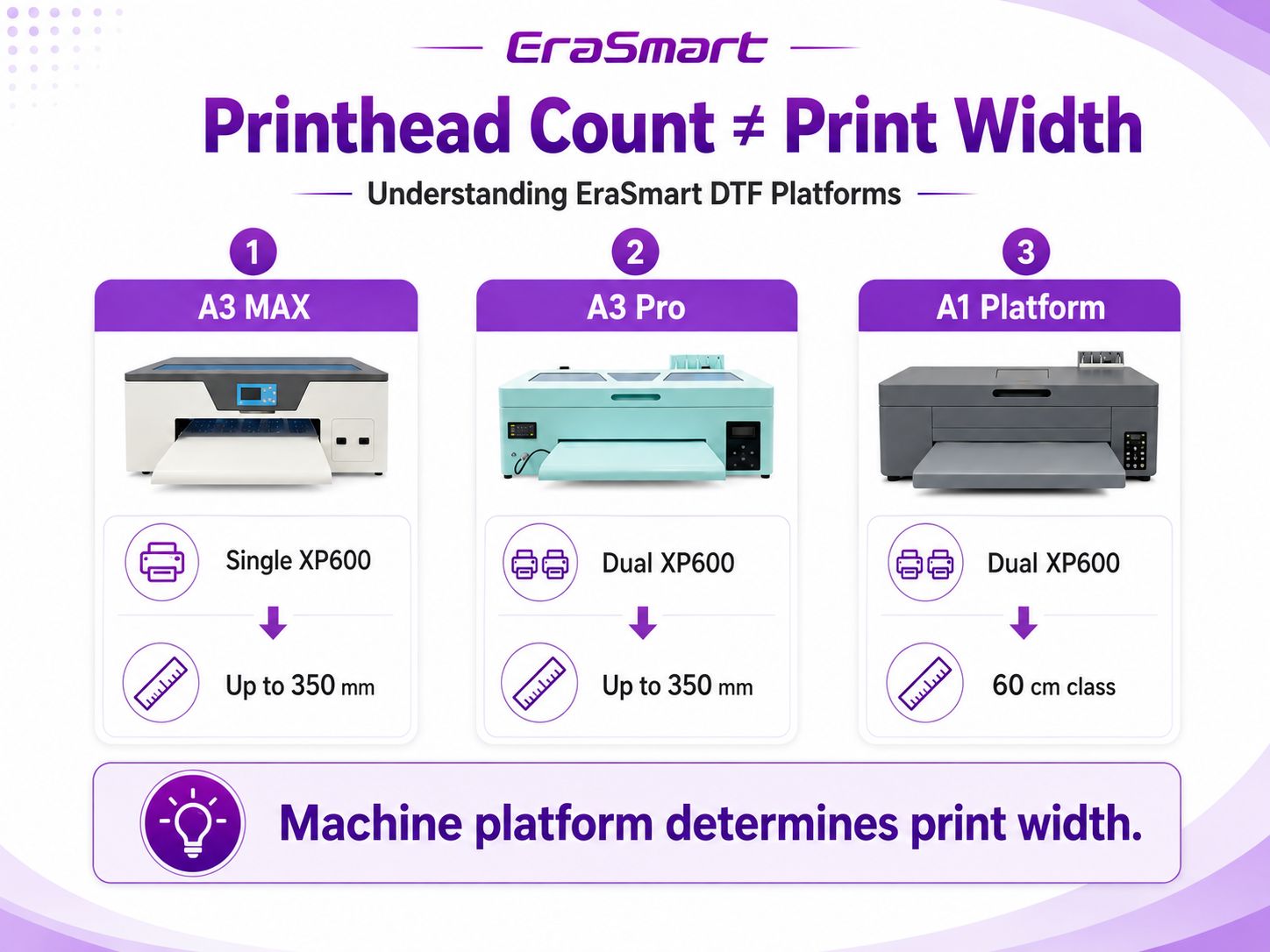
No. This is one of the most important distinctions in the buying process. Printhead count describes how many printheads are installed; print width describes how wide the machine platform can handle media and printing. They are related to different parts of the printer design.
In EraSmart’s A3 line, the A3 MAX Single XP600 and A3 Pro Dual XP600 both support up to 350 mm print width. If your requirement is a 60 cm-class DTF workflow, you should compare an A1 platform rather than assume any dual-XP600 model is automatically wide-format.
Does Dual XP600 Mean Twice the Printing Speed?
Not necessarily. Doubling printhead count does not create a simple “2× speed” formula. Real throughput is affected by pass count, RIP configuration, white-ink strategy, carriage movement, artwork coverage, media handling and the printer’s overall platform design.
The practical benefit of dual heads is better described as more production capacity and greater flexibility under sustained workload. That matters when jobs are queued, customers expect short lead times or a shop needs to produce batches throughout the day.
For a new shop without a continuous order queue, unused capacity may not generate extra profit. For a growing shop, however, production capacity can become a bottleneck before print width does.
How the Workflow Changes: Small Batches vs Recurring Production
This is where the single-versus-dual decision becomes more useful than comparing isolated specifications.
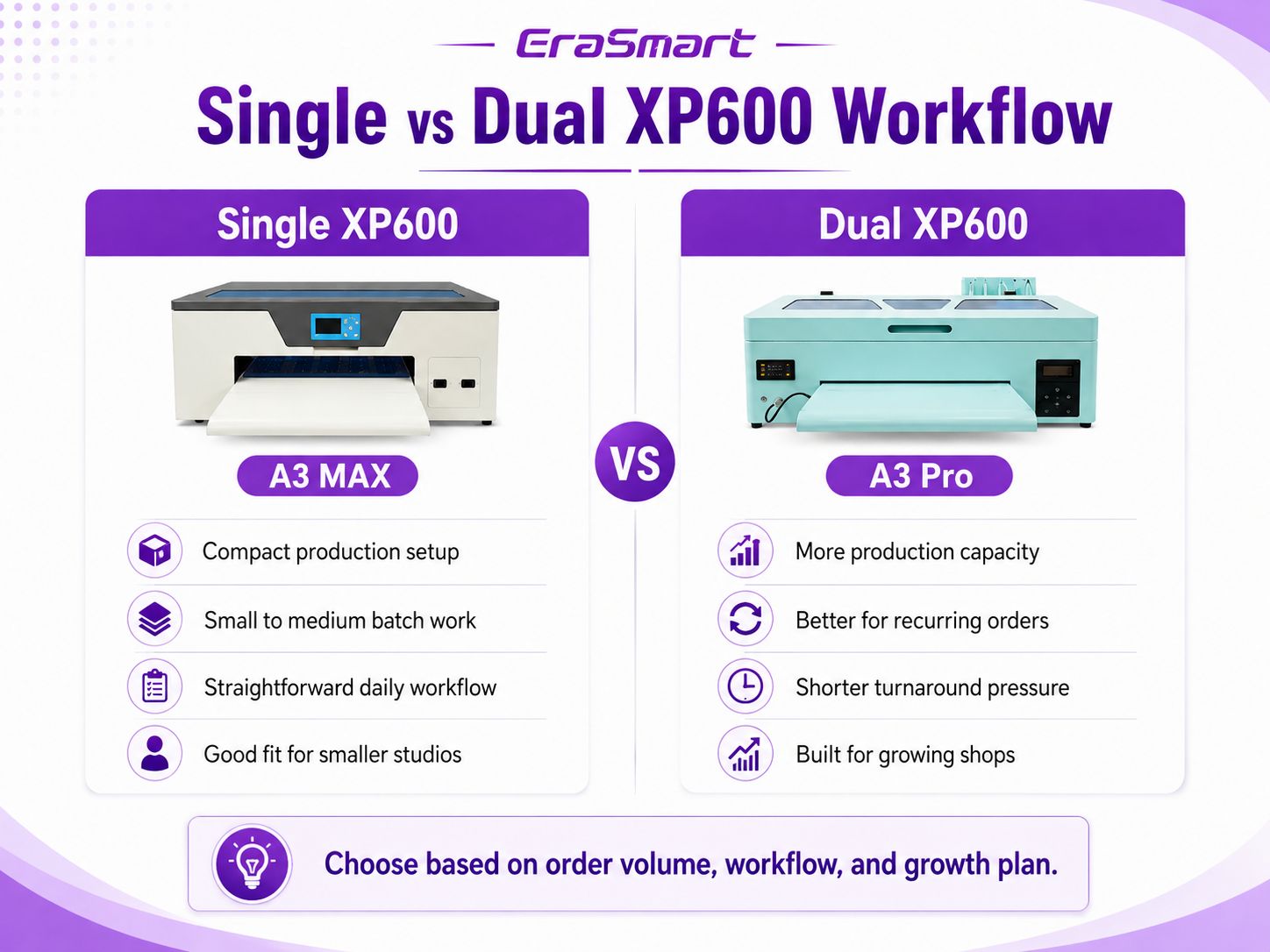
Single XP600 workflow
Think of the single-head setup as a compact production station. It works well when orders arrive in manageable batches and the operator values a straightforward routine more than maximum production capacity.
- Custom T-shirt and POD startup orders
- Short apparel runs and personalized items
- One-person or lean-team production
- Businesses still validating demand
Dual XP600 workflow
The dual-head setup becomes more attractive when printing is no longer an occasional job but a recurring production task. Capacity matters more when delays begin to affect dispatch times or sales.
- Regular e-commerce order queues
- Batch apparel and event merchandise
- More frequent repeat-customer jobs
- Shops preparing for higher daily volume
If you want to examine the whole production chain rather than the printer alone, see the DTF production workflow guide.
Print Quality: Is Dual XP600 Automatically Better?
No. Head count is not a simple print-quality ranking. Both A3 MAX and A3 Pro are designed for high-resolution DTF output. Final transfer quality also depends on artwork preparation, color management, white-ink density, PET film, hot-melt powder, curing, heat-press settings and routine printer condition.
A dual-head configuration can provide more production flexibility, but buying dual heads solely because you expect visibly sharper graphics is the wrong decision criterion. If image detail is your concern, evaluate resolution, RIP workflow, ink behavior and the quality of your complete transfer process.
Maintenance and Operating Complexity
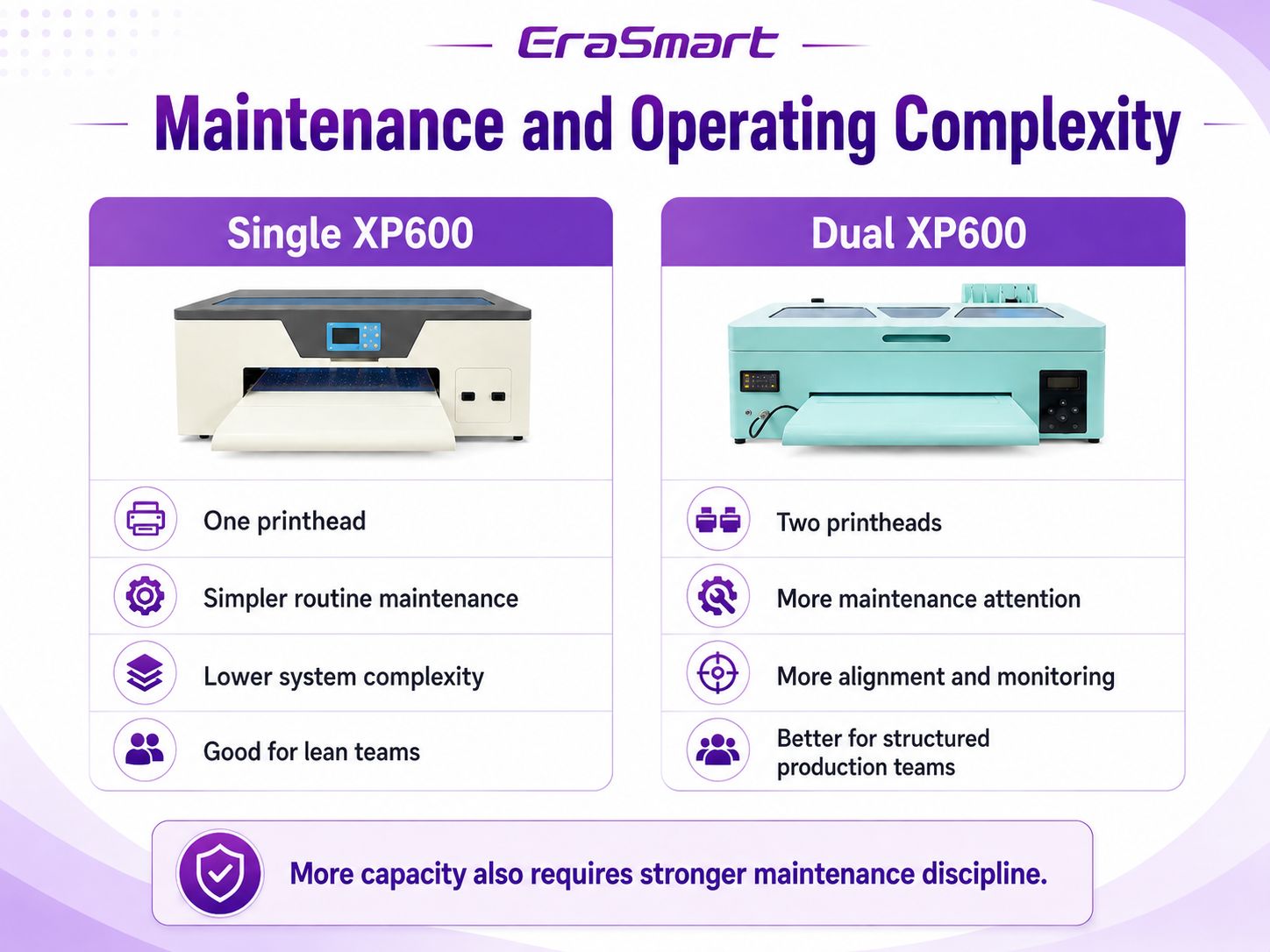
DTF printers work with pigment-rich white ink, so maintenance discipline matters on either configuration. The difference is that a dual-head machine has two printheads to monitor, clean and keep in good operating condition.
With one XP600
- Fewer printhead-related components to watch
- Simpler routine for a first-time operator
- Less complexity when troubleshooting head-related issues
With two XP600 heads
- More head components require routine attention
- Alignment and consistent maintenance become more important
- Best suited to users who can follow a structured production routine
For a practical maintenance schedule, use the EraSmart DTF maintenance guide.
Which XP600 Setup Fits Your Business?
Instead of asking which configuration is “better,” ask which one removes the biggest constraint in your business.
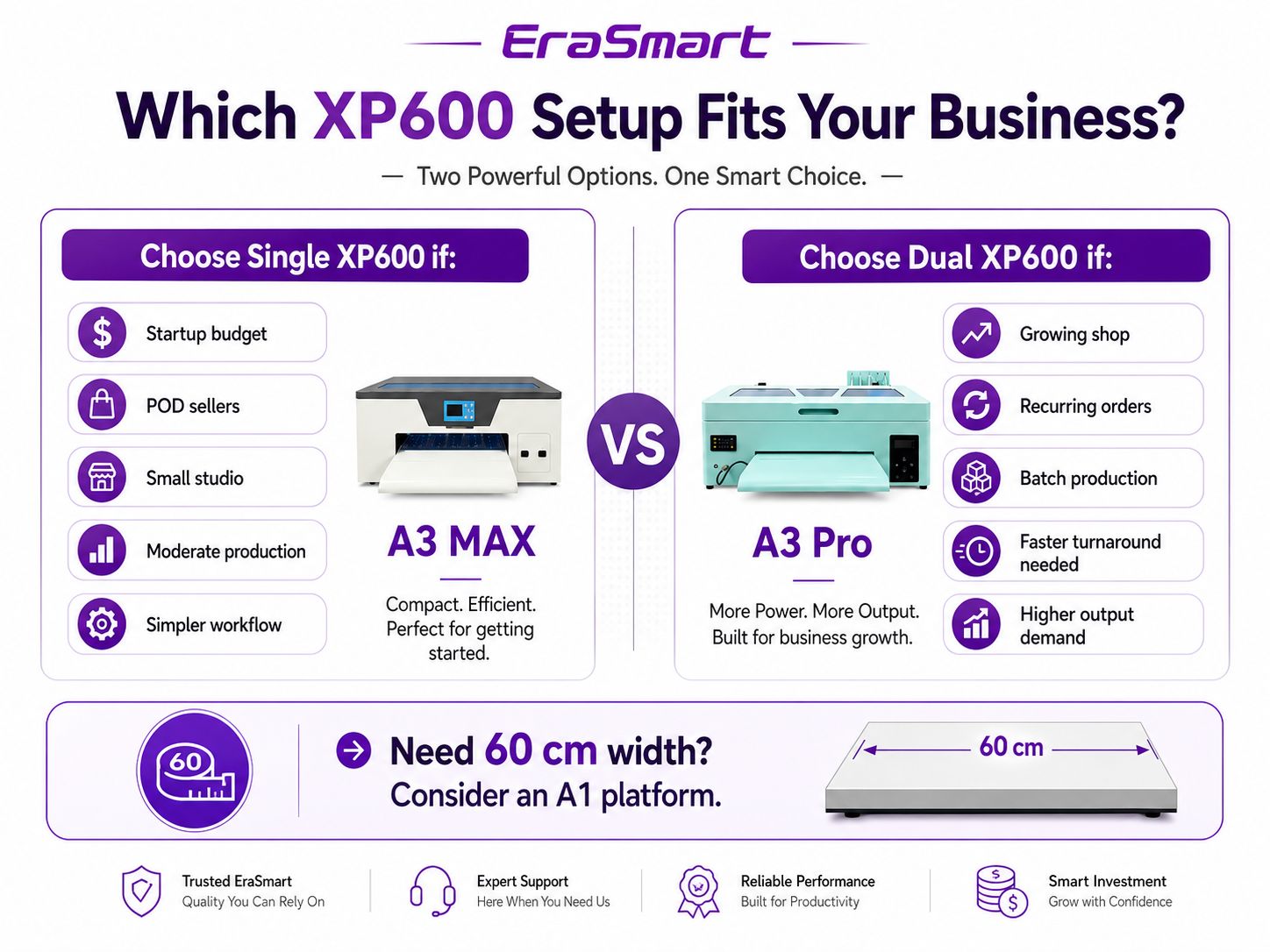
A3 MAX makes sense when...
- You are starting or expanding a small POD operation.
- Your current order volume does not require constant printing.
- You value a compact A3 setup and simpler daily maintenance.
- You prefer to keep initial equipment investment lower.
- You want room to learn the DTF process before scaling capacity.
A3 Pro makes sense when...
- You already have recurring orders or predictable production volume.
- Turnaround time is becoming a business constraint.
- You frequently print batches instead of one-off jobs.
- You need more A3 production capacity without moving to a wider platform.
- Your team can support a more structured maintenance routine.
When Should You Skip A3 and Move to a 60 cm A1 Printer?
Sometimes the answer is neither A3 MAX nor A3 Pro. If your business requirement is driven by wider gang sheets, larger production rolls or a 60 cm-class workflow, then moving to an A1 platform is a different upgrade path from simply adding another XP600 head.
A wider platform can change how you arrange gang sheets, how many transfers fit across the media and how the printer integrates with larger powder-shaker systems. That is a platform decision, not a single-versus-dual-head decision.
7 Questions to Ask Before Buying
For a broader purchasing framework, use the DTF printer buying checklist.
Frequently Asked Questions
Is a dual XP600 DTF printer twice as fast as a single XP600?
No. Two printheads can increase production capacity, but actual throughput depends on the printer platform, pass mode, RIP settings, ink configuration, artwork and media handling.
Does dual XP600 mean 600 mm print width?
No. Printhead count and print width are separate specifications. EraSmart A3 MAX Single XP600 and A3 Pro Dual XP600 are both up to 350 mm wide. A 60 cm-class workflow requires an A1 platform.
Is dual XP600 print quality better?
Not automatically. Head count is mainly a production-capacity decision. Final quality depends on resolution, RIP setup, ink, film, white underbase, curing, pressing and maintenance.
Is a single XP600 enough for a small DTF business?
For many startups, POD sellers and smaller studios, yes. A single XP600 A3 setup can be a practical starting point when daily volume and turnaround requirements are moderate.
When should I upgrade to dual XP600?
Consider dual XP600 when recurring orders, batch work and shorter promised lead times create a consistent need for more production capacity.
Are A3 MAX and A3 Pro the same print width?
In EraSmart's current A3 lineup, both are specified for up to 350 mm print width. The key difference here is the single versus dual XP600 configuration and the production strategy it supports.
When should I choose an A1 DTF printer instead?
Choose an A1 platform when 60 cm-class media width, larger gang sheets or higher-volume roll production is a core requirement. That is a width/platform decision rather than simply a printhead-count decision.
Not Sure Whether You Need Single XP600, Dual XP600 or A1?
Tell EraSmart your expected order volume, preferred print width, workspace and growth plan. We can help you compare the machine platform first, then choose the printhead configuration that makes sense for your production.