Small Size Flatbed Inkjet Printer Manufacturer

86-18566233796 [email protected]

Blog Can You Start a DTF Business Without a DTF Printer?
Can You Start a DTF Business Without a DTF Printer?

July 12, 2026     Blog

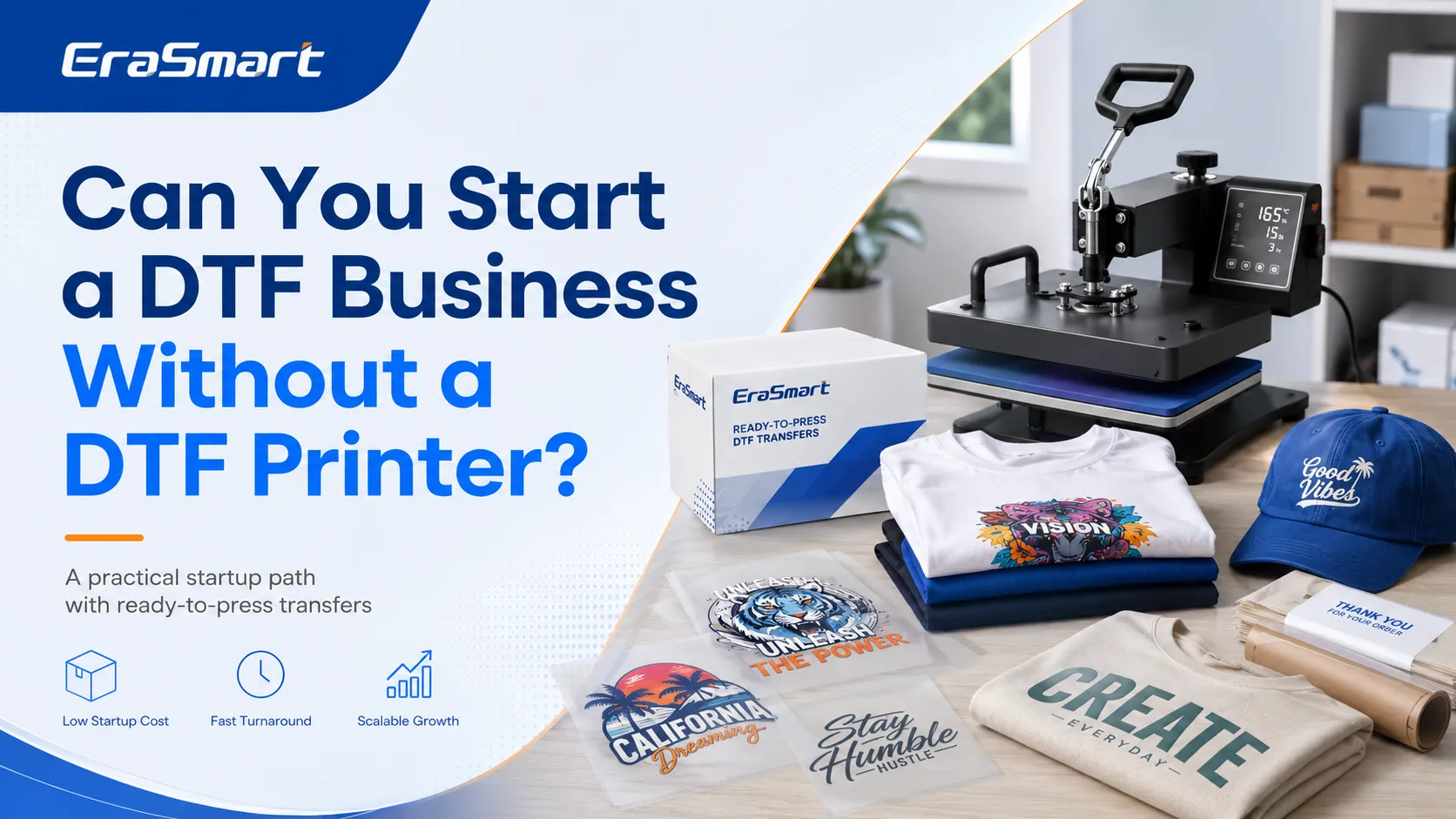
Yes, you can start a DTF business without owning a DTF printer.

Instead of printing transfers yourself, you can order ready-to-press DTF transfers from a supplier and apply them to garments with a heat press. This allows you to sell custom T-shirts, hoodies, tote bags, uniforms, and other apparel without managing white ink, adhesive powder, curing equipment, RIP software, or daily printer maintenance.

For many beginners, this is one of the lowest-risk ways to enter the custom apparel market.

You can focus first on:

  • Finding customers
  • Creating designs
  • Preparing print-ready files
  • Pressing garments
  • Packaging orders
  • Building your brand
  • Learning which products actually sell

Once your order volume becomes stable, you can decide whether purchasing your own DTF printer would improve your production speed, flexibility, and profit margin.

This guide explains how the business model works, what equipment you need, how to choose a transfer supplier, how to price your products, and when it makes sense to bring DTF production in-house.

How Can a DTF Business Work Without a Printer?
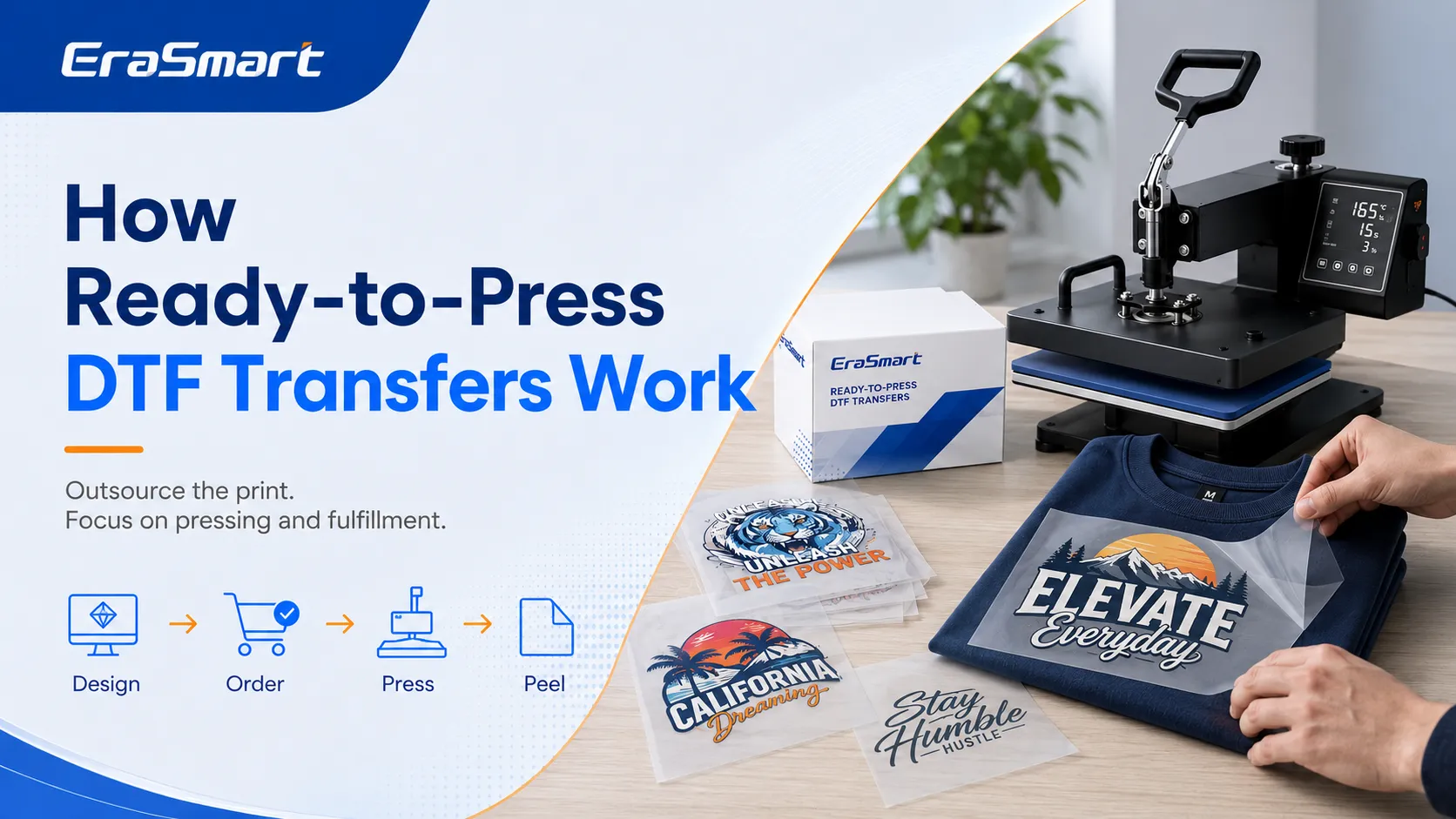
A complete DTF production workflow normally includes:

  1. Printing the color image onto PET film
  2. Printing a white ink underbase
  3. Applying hot-melt adhesive powder
  4. Removing excess powder
  5. Curing the adhesive
  6. Positioning the transfer on a garment
  7. Applying heat and pressure
  8. Peeling the carrier film
  9. Completing a finishing press

When you outsource transfer production, the supplier handles the first five steps.

You receive a transfer that is already:

  • Printed in color
  • Backed with white ink
  • Coated with adhesive powder
  • Properly cured
  • Ready to apply

Your own workflow becomes much simpler:

  1. Prepare the artwork.
  2. Order the correct transfer size.
  3. Prepare the blank garment.
  4. Position the transfer.
  5. Apply heat and pressure.
  6. Peel the film as instructed.
  7. Complete a second press when required.
  8. Inspect and package the finished product.

This means you can operate a DTF apparel business with a heat press, basic tools, blank garments, and a dependable transfer supplier.

What Are Ready-to-Press DTF Transfers?

Ready-to-press DTF transfers are completed printed films that can be applied directly to fabric.

They are commonly supplied as:

  • Left-chest logos
  • Full-front shirt graphics
  • Back prints
  • Sleeve prints
  • Neck labels
  • Individual customer designs
  • Repeated logos
  • Gang sheets

A gang sheet places several designs on one larger sheet. It may contain different sizes, repeated logos, small labels, and multiple customer graphics.

Using gang sheets can reduce transfer cost because you make better use of the printable film area.

A ready-to-press transfer normally includes:

  • CMYK color ink
  • White ink underbase
  • Hot-melt adhesive powder
  • PET carrier film
  • Properly cured adhesive

The quality of these materials affects:

  • Color
  • Opacity
  • Stretch
  • Hand feel
  • Wash resistance
  • Edge quality
  • Peel performance

Who Should Start With Outsourced DTF Transfers?

This business model is especially suitable for:

  • Home-based businesses
  • Etsy sellers
  • Social media sellers
  • Local T-shirt businesses
  • Event merchandise suppliers
  • School and sports apparel providers
  • Promotional product companies
  • Embroidery shops adding full-color printing
  • Sublimation businesses expanding into cotton apparel
  • Small clothing brands testing new designs

It is also practical for anyone who wants to validate demand before investing in printing equipment.

You may already own:

  • A heat press
  • A computer
  • Design software
  • A sublimation printer
  • A vinyl cutter
  • Basic packaging tools

Adding ready-to-press DTF transfers gives you access to full-color printing on cotton, blends, polyester, and dark garments without adding a complete DTF production line.

For a broader startup strategy, see EraSmart’s guide on how to start a T-shirt business with DTF printing.

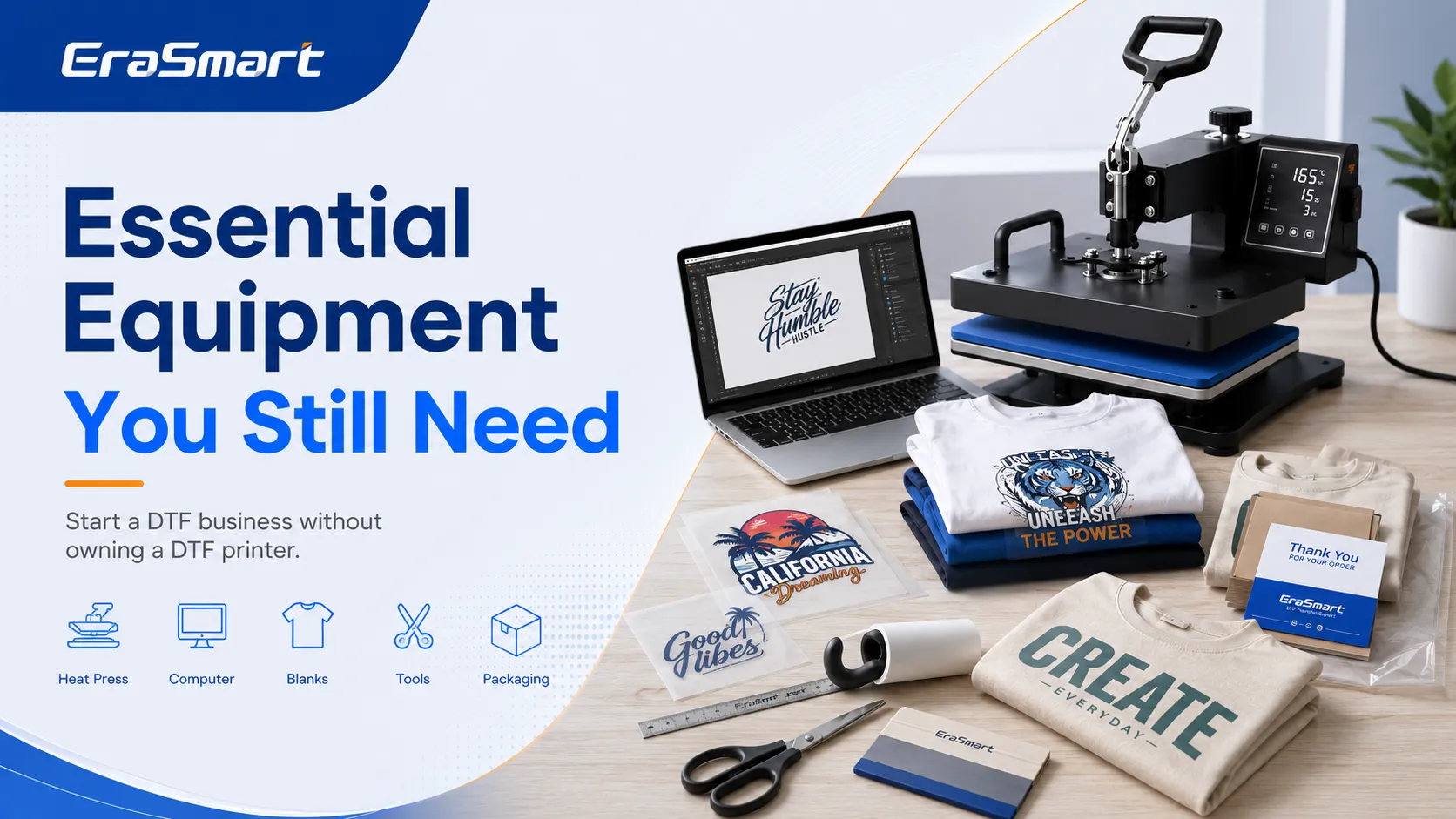
What Equipment Do You Still Need?

You do not need a DTF printer, powder shaker, curing oven, DTF ink, PET film inventory, or RIP software at the beginning.

However, you still need a reliable pressing and fulfillment setup.

Heat Press

The heat press is the most important machine in this business model.

For most beginners, a 15 × 15-inch or 16 × 20-inch flat heat press is suitable.

A reliable press should provide:

  • Even heat distribution
  • Stable pressure
  • Accurate temperature control
  • Adjustable pressure
  • A dependable timer
  • A strong frame
  • Easy garment loading
  • Repeatable results

A low-quality heat press may cause:

  • Incomplete adhesion
  • Edge lifting
  • Cracking
  • Uneven texture
  • Scorch marks
  • Press marks
  • Poor wash durability

A 16 × 20-inch press provides more room for large shirt graphics, hoodies, tote bags, and workwear. A 15 × 15-inch press may still be sufficient for a small home studio.

Computer or Laptop

You need a computer for:

  • Artwork preparation
  • Customer file management
  • Design resizing
  • Gang sheet layout
  • Supplier ordering
  • Product mockups
  • Invoicing
  • Order tracking
  • Online store management

Useful print file formats include:

  • PNG
  • PDF
  • TIFF
  • PSD
  • AI
  • EPS
  • SVG

Organize files by customer, order date, design version, product, and approved print dimensions.

Design Software

Common options include:

  • Canva
  • Adobe Photoshop
  • Adobe Illustrator
  • CorelDRAW
  • Affinity Designer
  • Inkscape

Canva may be sufficient for simple text and template designs. Photoshop is useful for raster images and background removal. Illustrator and CorelDRAW are better for scalable logos, vector graphics, and detailed layout work.

Image quality matters. Enlarging a small screenshot will not create a sharp print. EraSmart’s guide to the best DPI for printing explains how resolution affects print size and clarity.

Garment Alignment Tools

Useful tools include:

  • Garment alignment ruler
  • T-square ruler
  • Measuring tape
  • Centering ruler
  • Metal ruler
  • Heat-resistant tape

These tools help maintain consistent placement across repeated orders.

If a business orders 30 logo shirts, the logo should appear in the same position on every garment.

Lint Roller

A lint roller removes:

  • Dust
  • Fabric fibers
  • Hair
  • Loose particles

Lint trapped under a transfer may create visible marks or reduce surface quality.

Heat Press Pillows and Pads

Heat press pillows help when garments include:

  • Seams
  • Collars
  • Zippers
  • Buttons
  • Pockets
  • Thick edges

They create a more level pressing surface so pressure reaches the transfer evenly.

Protective and Finishing Sheets

Prepare:

  • Parchment paper
  • Silicone finishing sheets
  • Teflon sheets
  • Release paper
  • Butcher paper

These materials protect the heat press and printed surface.

Some transfer suppliers recommend a short second press with a finishing sheet to improve adhesion or adjust the final texture.

Cutting Tools

You may need:

  • Scissors
  • Craft knife
  • Cutting mat
  • Paper trimmer
  • Metal ruler

These tools are useful for separating individual graphics from gang sheets.

Blank Garments

A simple beginner inventory may include:

  • White T-shirts
  • Black T-shirts
  • Gray T-shirts
  • Basic hoodies
  • Cotton tote bags
  • Aprons
  • Polyester sports shirts

Avoid purchasing too many styles, colors, and sizes before you know what customers actually want.

A safer inventory strategy is:

  1. Keep a small number of common samples.
  2. Stock several popular sizes.
  3. Order special colors after receiving payment.
  4. Increase inventory only for proven sellers.

Packaging Supplies

Prepare:

  • Clear garment bags
  • Poly mailers
  • Kraft boxes
  • Tissue paper
  • Thank-you cards
  • Care instruction cards
  • Logo stickers
  • Shipping labels
  • Packing tape

Professional packaging helps a small business appear more reliable and established.

What Products Can You Sell?

You can use ready-to-press DTF transfers for far more than basic T-shirts.

Custom T-Shirts

Possible print placements include:

  • Full front
  • Full back
  • Small left chest
  • Sleeve
  • Neck label
  • Oversized streetwear print

T-shirts are usually the easiest entry product because they are widely available and easy to photograph, package, and sell.

Hoodies and Sweatshirts

Hoodies can create a higher order value than basic T-shirts.

Pay attention to:

  • Thick fabric
  • Pockets
  • Seams
  • Zippers
  • Press marks
  • Heat sensitivity

Use a pressing pillow when raised garment areas interfere with pressure.

Tote Bags

Cotton tote bags are suitable for:

  • Events
  • Schools
  • Weddings
  • Small businesses
  • Promotional campaigns
  • Gift packaging

Their flat surface makes them relatively easy to press.

Workwear and Uniforms

You can offer:

  • Staff shirts
  • Restaurant uniforms
  • Cleaning company apparel
  • Contractor work shirts
  • Delivery uniforms
  • Salon apparel
  • Team polos

Business customers can become repeat buyers if you maintain consistent color, sizing, and placement.

Event and Group Apparel

Potential markets include:

  • Family reunions
  • School events
  • Sports teams
  • Birthday parties
  • Clubs
  • Charity events
  • Corporate activities

These orders often use repeated artwork, making gang sheets more cost-effective.

Small Clothing Brands

Startup clothing brands often need:

  • Low minimum quantities
  • Multiple garment colors
  • Short production runs
  • Frequent design changes
  • Fast sampling

DTF transfers are well suited to this flexible production model.
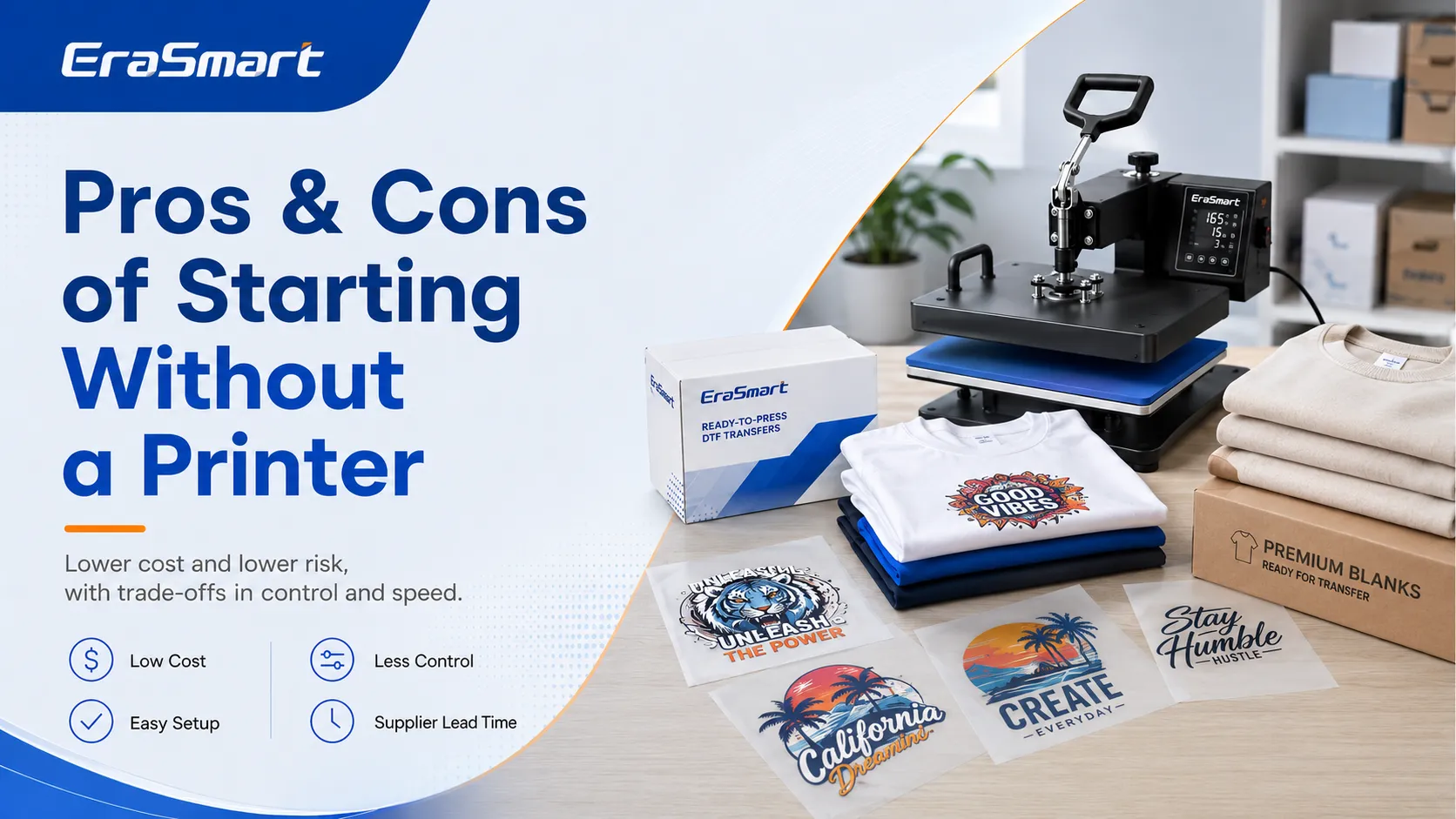
Advantages of Starting Without a DTF Printer

Lower Startup Cost

A complete in-house DTF setup may require:

  • DTF printer
  • RIP software
  • DTF ink
  • PET film
  • Adhesive powder
  • Powder shaker
  • Curing oven
  • Ventilation
  • Cleaning supplies
  • Spare maintenance parts

Starting with outsourced transfers removes most of these initial expenses.

Your main equipment investment is the heat press.

Less Maintenance

DTF printers require regular maintenance because white ink contains pigment that can settle.

Typical maintenance includes:

  • White ink circulation
  • Nozzle checks
  • Printhead cleaning
  • Capping station care
  • Wiper cleaning
  • Waste ink management
  • Humidity control
  • Ink line inspection

When you outsource transfer production, the supplier handles printer operation and maintenance.

Easier Learning Curve

You can learn the business in stages.

First, master:

  • Artwork preparation
  • Garment selection
  • Transfer positioning
  • Heat press settings
  • Quality inspection
  • Packaging
  • Customer communication

Later, you can learn printing, powder application, curing, and RIP software if demand supports the investment.

Lower Risk While Testing Demand

Outsourcing allows you to test:

  • Design categories
  • Garment styles
  • Customer groups
  • Price points
  • Seasonal products
  • Local markets

You can collect sales data before purchasing a printer.

Flexible Small-Batch Production

You can order:

  • One-off designs
  • Short runs
  • Multiple logos
  • Mixed gang sheets
  • Detailed full-color artwork
  • Personalized names and numbers

This flexibility is valuable for custom orders and product testing.

Limitations of Operating Without a Printer

Less Control Over Lead Time

Your production schedule depends on:
  • Supplier processing time
  • Shipping time
  • Courier delays
  • Holiday schedules
  • Supplier workload
Same-day production may be difficult unless you already have the transfer in stock.

Higher Per-Transfer Cost

The supplier’s price includes:
  • Ink
  • Film
  • Powder
  • Equipment
  • Labor
  • Maintenance
  • Waste
  • Profit
At higher order volumes, producing transfers in-house may reduce the cost per design.

Limited Color Control

The supplier controls:
  • Ink
  • Printer settings
  • RIP profile
  • White ink density
  • Print resolution
  • Color management
You control the artwork, but the final output still depends on the supplier’s production system.

Slower Reprints

If a transfer is damaged, incorrectly sized, or applied incorrectly, you may need to order another one. This can delay delivery.

Dependence on the Supplier

Your business depends on the supplier’s:
  • Quality
  • Communication
  • Turnaround time
  • Packaging
  • Consistency
  • Shipping service
Maintain a backup supplier whenever possible. For a wider review of the technology, read EraSmart’s guide to the pros and cons of DTF printing.

How to Choose a DTF Transfer Supplier
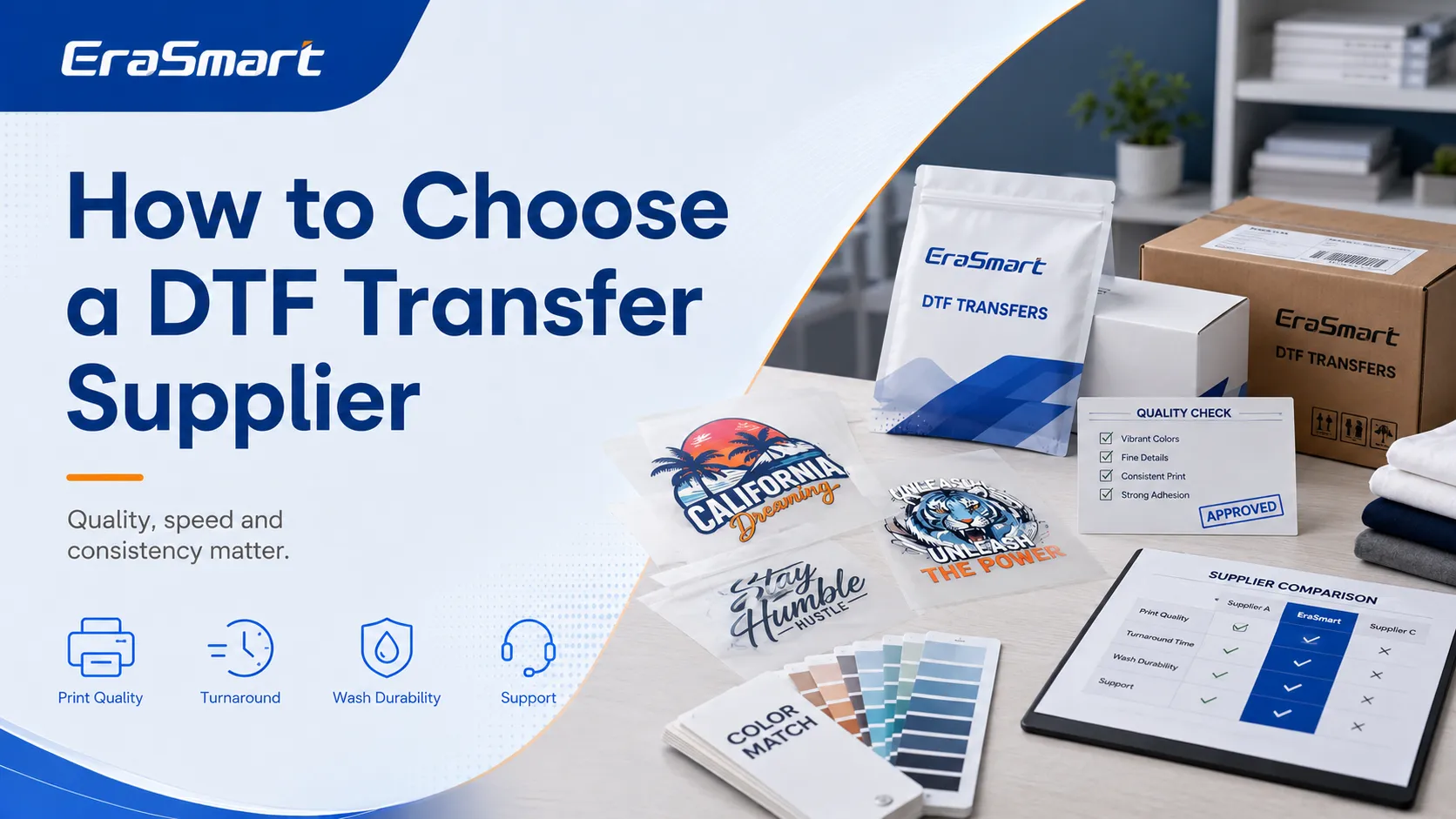
Do not choose a supplier based only on price.

Order Samples First

Test several types of artwork:

  • Fine text
  • Small logos
  • Bright colors
  • Dark colors
  • Gradients
  • Photographic designs
  • Thin lines
  • Large solid areas

One simple sample may not reveal all quality issues.

Check White Ink Opacity

White ink should provide a strong underbase on dark garments.

Test the same transfer on:

  • Black
  • Navy
  • Red
  • Gray
  • Other dark colors

Weak white ink may allow the garment color to affect the printed design.

Test Stretch

Gently stretch the printed area after pressing and cooling.

A good transfer should tolerate normal garment movement without immediate cracking.

Stretch performance also depends on:

  • Ink
  • Adhesive powder
  • Curing
  • Garment
  • Pressing conditions

Perform Wash Tests

Wash test garments several times before accepting large orders.

Inspect for:

  • Edge lifting
  • Cracking
  • Fading
  • Separation
  • Surface changes
  • Adhesion loss

Confirm Peel Type

Ask whether the transfer is:

  • Hot peel
  • Warm peel
  • Cold peel

Peeling at the wrong time may damage the design.

Review Gang Sheet Requirements

Ask about:

  • Available sheet sizes
  • Minimum spacing
  • Artwork formats
  • Maximum print width
  • File resolution
  • Quantity requirements

Confirm Turnaround Time

Check:

  • Production time
  • Shipping time
  • Rush service
  • Weekend processing
  • Holiday delays
  • Tracking availability

Do not promise a customer deadline before confirming the supplier’s schedule.

Inspect Packaging

Transfers should arrive:

  • Flat
  • Dry
  • Clean
  • Protected from bending
  • Protected from moisture
  • Clearly identified

How to Prepare Artwork for Outsourced Transfers

Suppliers may have different requirements, but common recommendations include:

  • Transparent PNG background
  • Correct print dimensions
  • High resolution
  • Clean edges
  • No unnecessary background
  • Correct orientation
  • Accurate quantity
  • No mirroring unless requested

Many suppliers also accept:

  • PDF
  • TIFF
  • PSD
  • AI
  • EPS

Ask whether the supplier prefers RGB, CMYK, or a particular color profile.

Remove Unwanted Backgrounds

A DTF printer may print white ink under every visible pixel.

An unwanted background in the file may become part of the transfer.

Check Fine Details

Very thin lines and tiny text may not transfer well.

Small detached elements can also be difficult to powder and press consistently.

Confirm Exact Size

Use exact measurements such as:

  • 10 inches wide
  • 25 centimeters high
  • 3.5-inch left-chest logo

Avoid vague descriptions such as “medium” or “full front.”

Obtain Customer Approval

Confirm:

  • Garment color
  • Print size
  • Print position
  • Artwork version
  • Quantity

Keep written approval before ordering the transfer.

How to Apply a Ready-to-Press DTF Transfer

Always follow the supplier’s exact instructions.

The general process is below.

Step 1: Prepare the Garment

Place the garment flat on the lower platen.

Check for:

  • Wrinkles
  • Moisture
  • Lint
  • Seams
  • Pockets
  • Buttons
  • Zippers

Use a lint roller.

Step 2: Pre-Press If Recommended

A short pre-press can:

  • Remove moisture
  • Flatten wrinkles
  • Prepare the fabric

Do not use excessive heat or time.

Step 3: Position the Transfer

Place the printed side against the garment.

Use an alignment ruler to confirm:

  • Center position
  • Distance from collar
  • Left-chest placement
  • Sleeve position

Secure small transfers with heat-resistant tape if necessary.

Step 4: Press the Transfer

Apply the recommended:

  • Temperature
  • Time
  • Pressure

Do not assume every transfer uses the same settings.

Step 5: Peel the Film

Peel according to the supplier’s instructions:

  • Hot peel
  • Warm peel
  • Cold peel

Peeling too early may lift the print. Peeling too late may affect workflow or surface appearance.

Step 6: Complete a Finishing Press

Some transfers benefit from a short second press.

Use:

  • Parchment paper
  • Silicone sheet
  • Finishing paper

Step 7: Inspect the Product

Check:

  • Edges
  • Small details
  • Position
  • Color
  • Adhesion
  • Surface finish
  • Press marks

Allow the garment to cool before packaging.

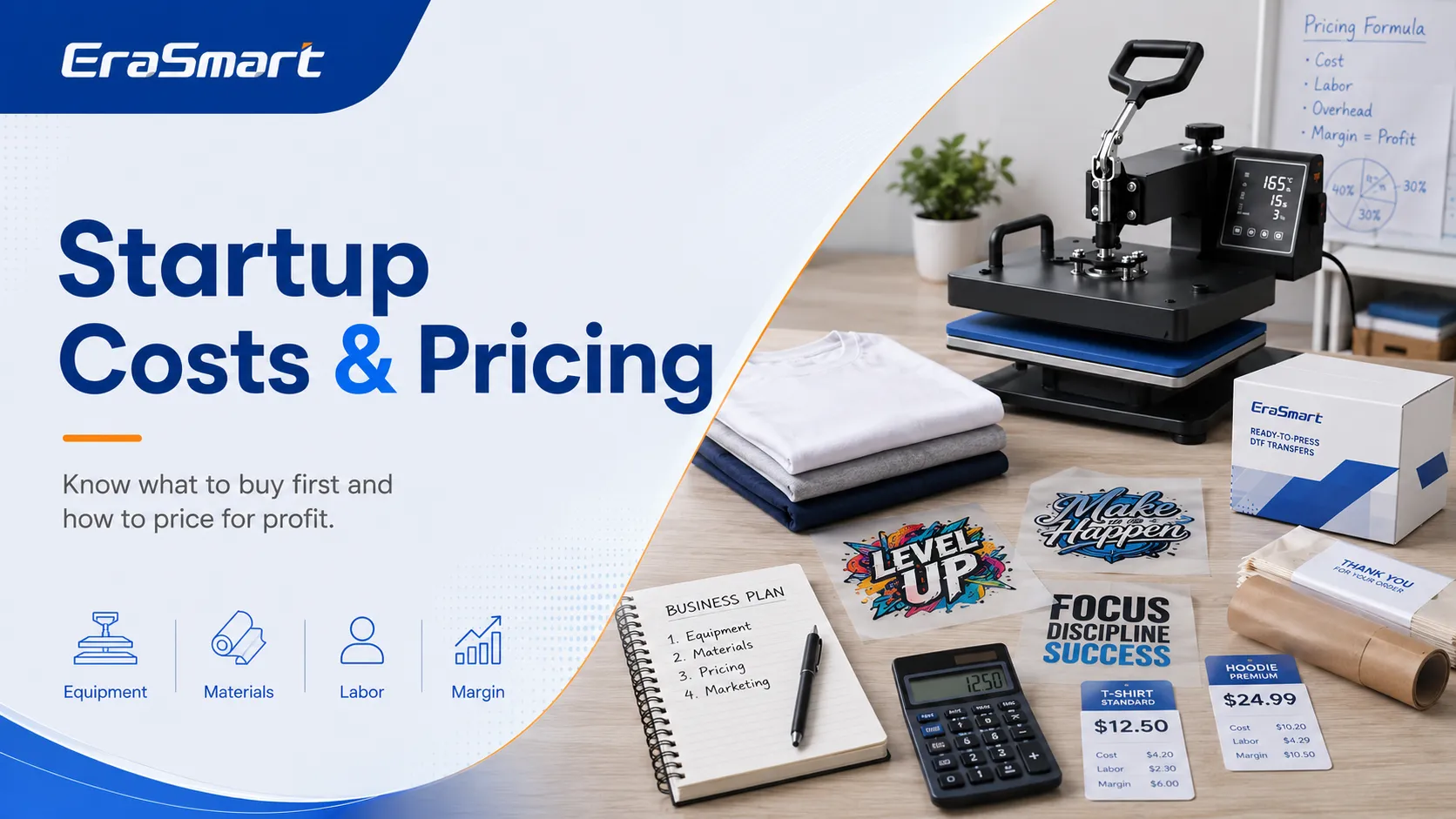
How Much Does It Cost to Start?

A basic outsourced-transfer setup may include:

ItemPriority
Heat pressEssential
ComputerEssential if not already owned
Design softwareEssential
Alignment toolsEssential
Cutting toolsEssential
Protective sheetsEssential
Heat press pillowsRecommended
Blank garmentsEssential
Transfer samplesEssential
Packaging suppliesEssential
Product photography setupOptional
Label printerOptional

Your total startup cost depends on equipment quality, blank inventory, workspace, and sales channel.

Also budget for:

  • Failed garments
  • Sample transfers
  • Shipping
  • Packaging
  • Software subscriptions
  • Marketplace fees
  • Marketing
  • Product photography
  • Business registration

How to Price DTF Products

Your selling price should include more than the garment and transfer.

Calculate:

  • Blank garment cost
  • Transfer cost
  • Supplier shipping
  • Design time
  • Pressing time
  • Electricity
  • Packaging
  • Payment fees
  • Marketplace fees
  • Failed products
  • Overhead
  • Profit

A basic pricing formula is:

Total product cost + labor + overhead + profit margin = selling price

Charge for Artwork When Necessary

Customers may provide:

  • Screenshots
  • Blurry logos
  • Low-resolution images
  • Photos with backgrounds
  • Incorrect colors
  • Hand-drawn ideas

Create separate charges for:

  • Basic text setup
  • Background removal
  • Logo tracing
  • Complete custom design
  • Additional revisions
  • Rush service

Use Minimum Order or Setup Fees

One custom shirt may require nearly as much communication as a larger order.

You can protect your time with:

  • Minimum order values
  • One-piece premium pricing
  • Design setup fees
  • Rush fees
  • Bulk pricing tiers

How to Find Customers

Local Small Businesses

Approach:
  • Restaurants
  • Cleaning companies
  • Cafés
  • Gyms
  • Salons
  • Contractors
  • Repair shops
  • Delivery companies
Offer:
  • Staff shirts
  • Logo hoodies
  • Workwear
  • Event clothing

Schools and Clubs

Possible products include:
  • Club shirts
  • Sports apparel
  • Event merchandise
  • Teacher gifts
  • Fundraising clothing
Make sure you have permission to use protected logos.

Events

Target:
  • Birthdays
  • Family reunions
  • Weddings
  • Festivals
  • Charity events
  • Corporate activities

Online Sales

Possible channels include:
  • Etsy
  • Shopify
  • WooCommerce
  • Instagram
  • Facebook
  • TikTok
  • Local marketplaces
Use real product photography whenever possible.

Business Partnerships

Potential partners include:
  • Embroidery shops
  • Sign shops
  • Graphic designers
  • Marketing agencies
  • Event planners
  • Gift shops

Common Mistakes to Avoid

Choosing the Cheapest Supplier

Low price does not always provide good value. Poor transfers may cause:
  • Peeling
  • Weak color
  • Thick hand feel
  • Powder residue
  • Cracking
  • Customer complaints

Using One Press Setting for Every Transfer

Different films, powders, and suppliers may require different conditions. Keep a production record for every supplier.

Skipping Wash Tests

A transfer may look good immediately after pressing but fail after washing.

Buying Too Many Garments

Large blank inventory uses cash and storage space. Stock only proven sizes, colors, and styles.

Underpricing Design Time

Artwork preparation and customer communication can take longer than pressing the shirt.

Promising Deadlines Too Early

Build supplier production and shipping time into the customer schedule.

Ignoring Fabric Type

Some garments may experience:
  • Dye migration
  • Scorching
  • Shrinkage
  • Press marks
  • Adhesion problems
Test unfamiliar materials before accepting large orders.

When Should You Buy Your Own DTF Printer?
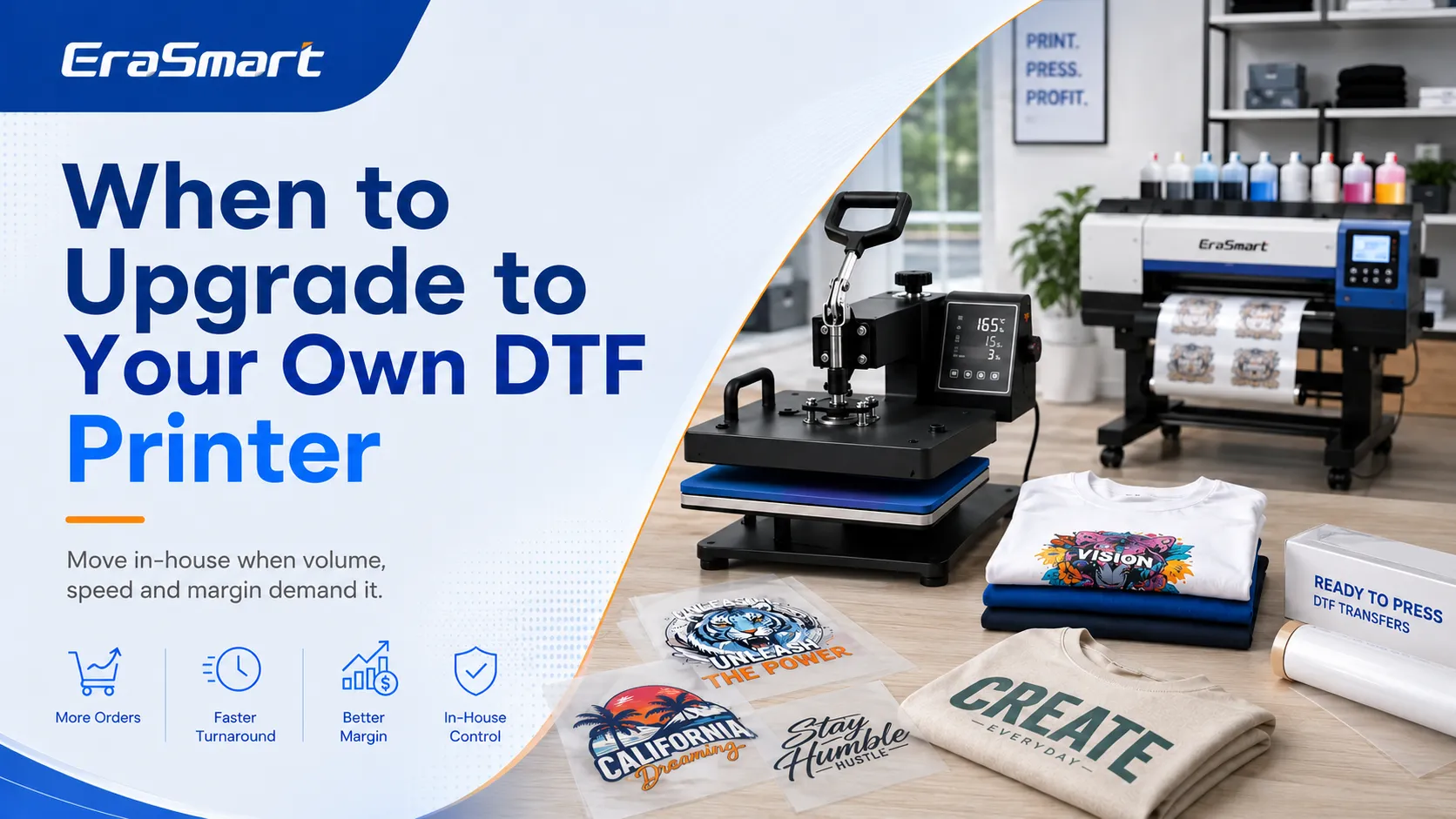
Starting without a printer is practical, but outsourcing may eventually limit growth.

Consider purchasing a printer when:

  • You order transfers every week
  • Transfer costs reduce your margin
  • Shipping costs become significant
  • Customers need faster turnaround
  • You frequently need urgent reprints
  • You want to print gang sheets on demand
  • You want greater color control
  • You plan to sell transfers
  • You have enough workspace
  • You can perform daily maintenance

Compare Outsourcing and In-House Costs

Review your current outsourcing costs:

  • Transfer price
  • Shipping
  • Rush fees
  • Reprints
  • Delays
  • Lost urgent orders

Then compare in-house costs:

  • Printer
  • Ink
  • PET film
  • Powder
  • RIP software
  • Curing equipment
  • Maintenance
  • Electricity
  • Labor
  • Waste

A printer may reduce the cost per transfer, but only when production volume is high enough.

Choose the Right Printer Size

An A4 DTF printer may be suitable for small graphics and limited production.

An A3 DTF printer provides more room for commercial shirt graphics and gang sheets.

Larger roll-fed systems are better for high-volume production and transfer sales.

Before buying, review EraSmart’s DTF printer buying checklist.
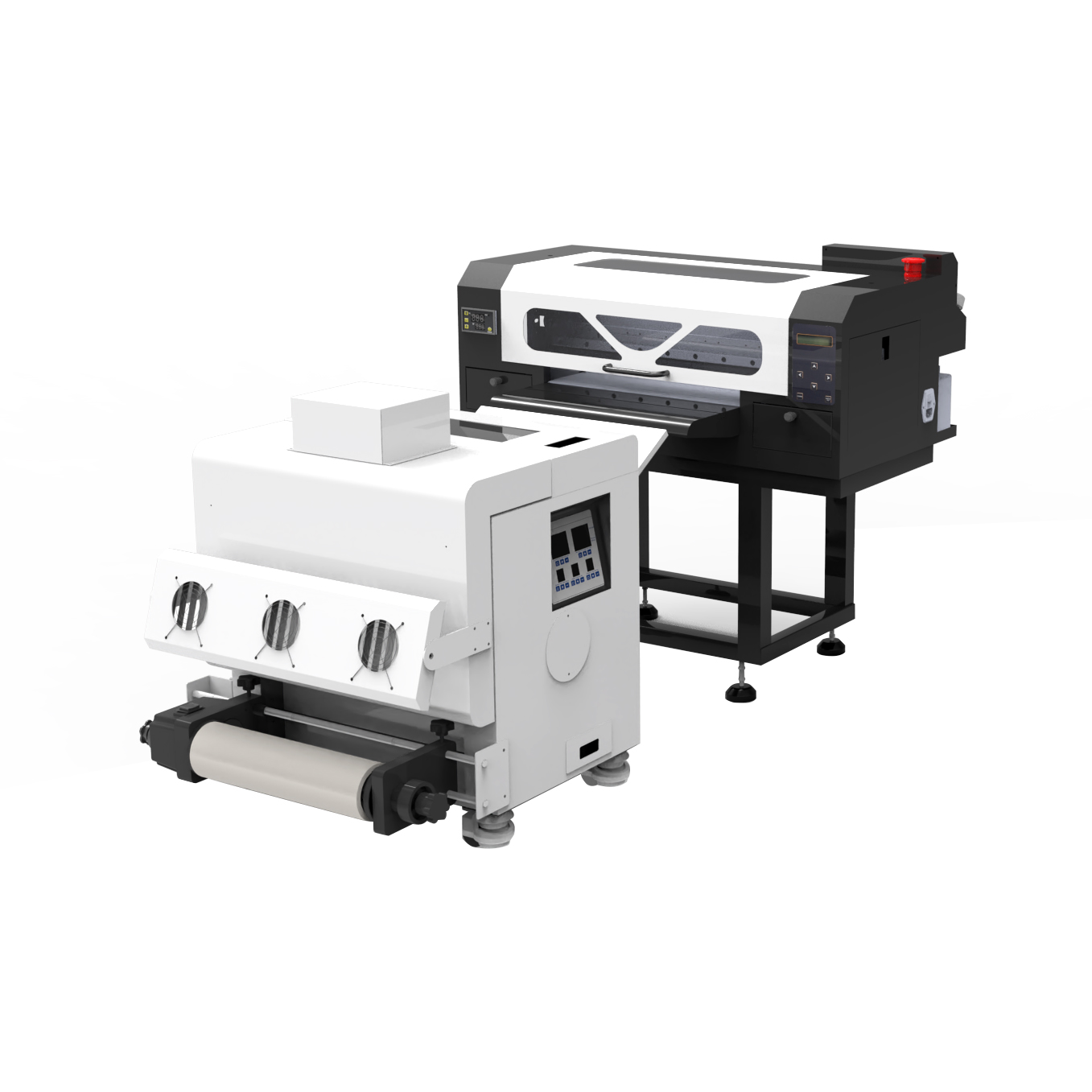
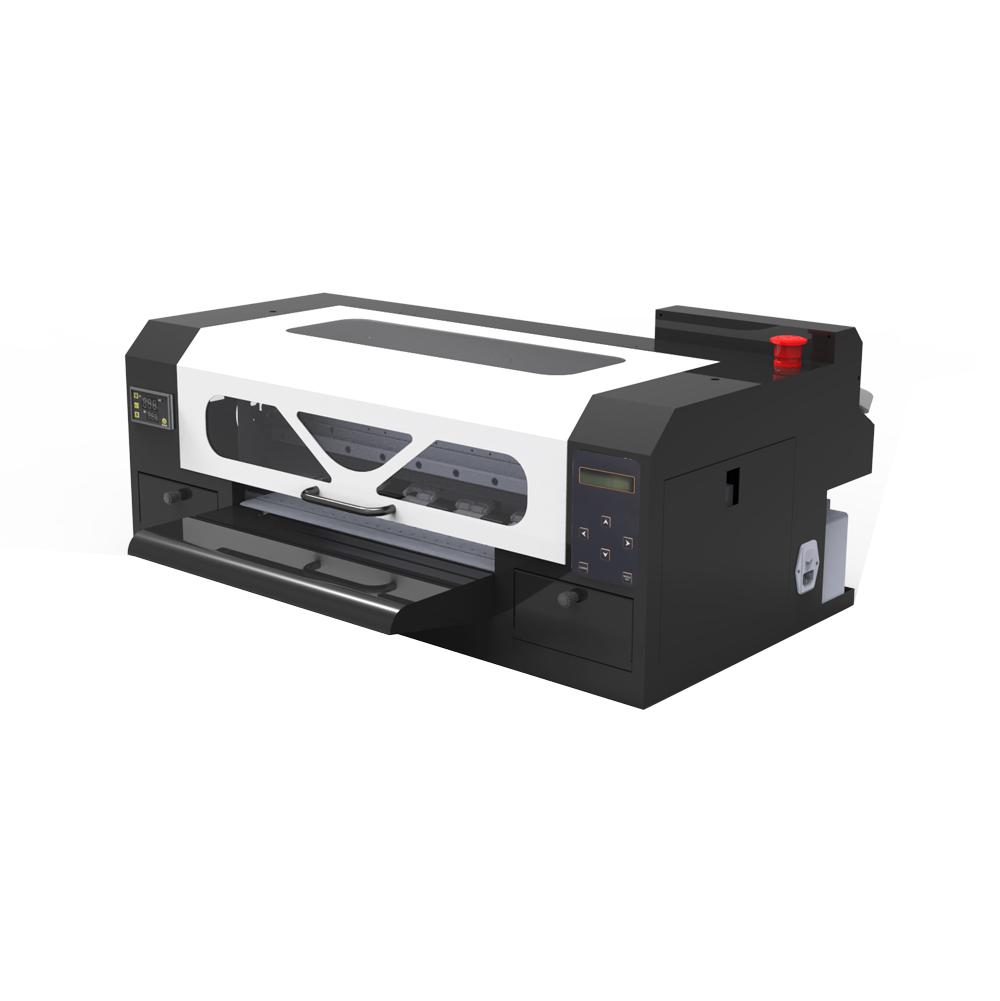
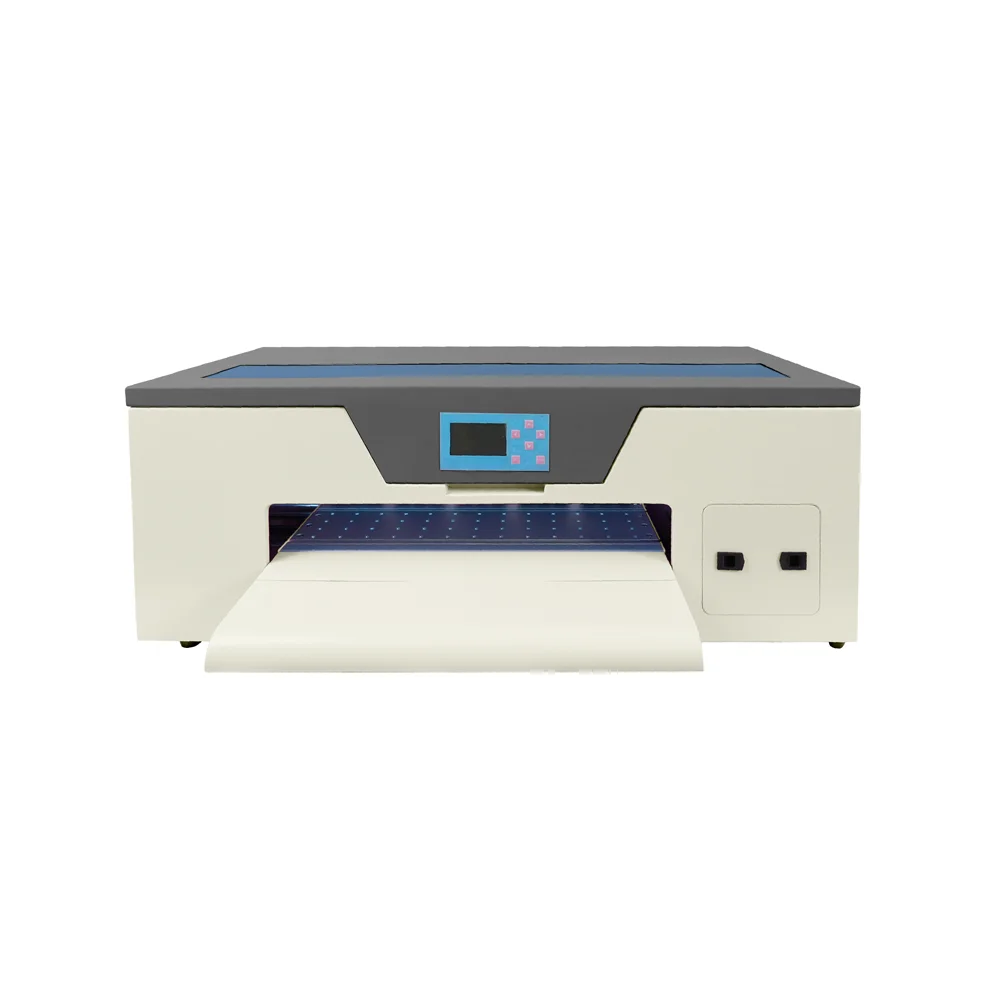
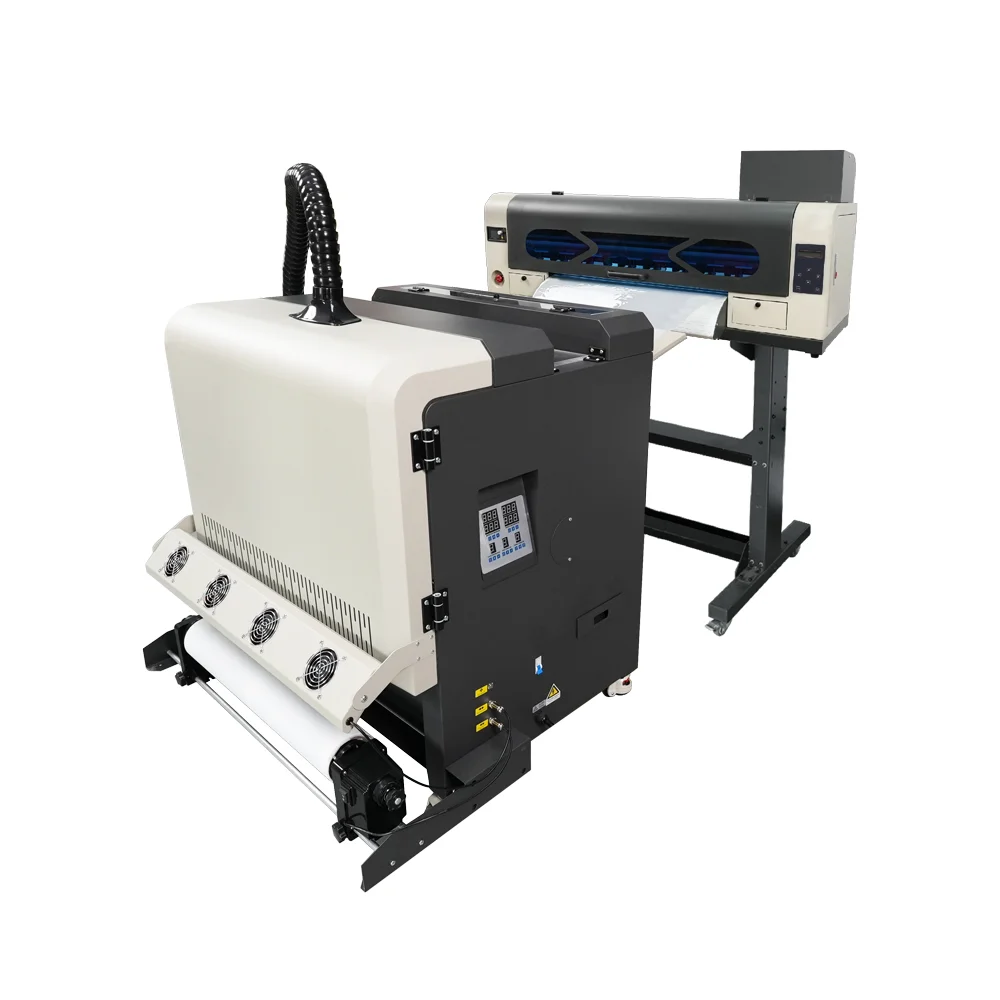
A production-ready solution designed for shops that need higher throughput and a more automated workflow.

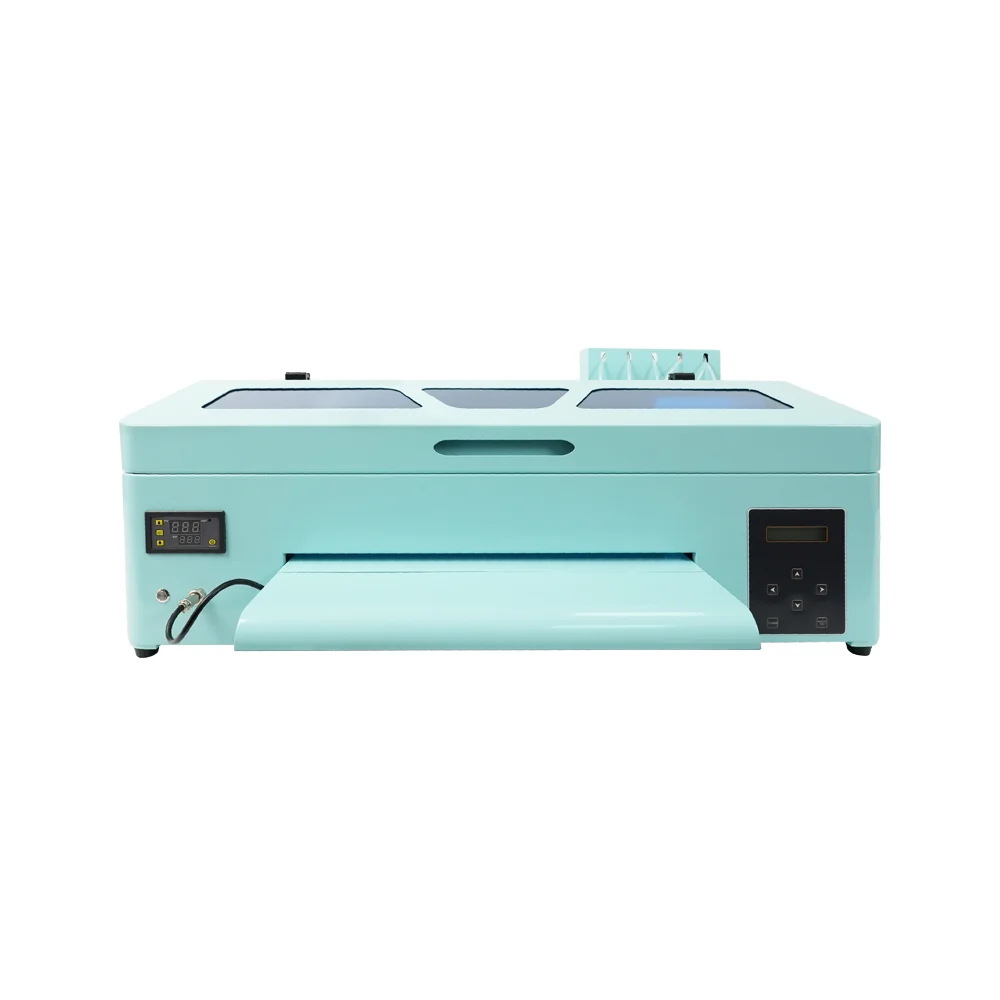
A practical choice for startups and small studios that want reliable output without over-investing.

Balanced performance for print shops that need speed + stable output in an A3 footprint.

Designed for users who prioritize fine detail, smooth gradients, and premium print feel.

A dependable A3 model for steady daily output, popular for small-business production routines.

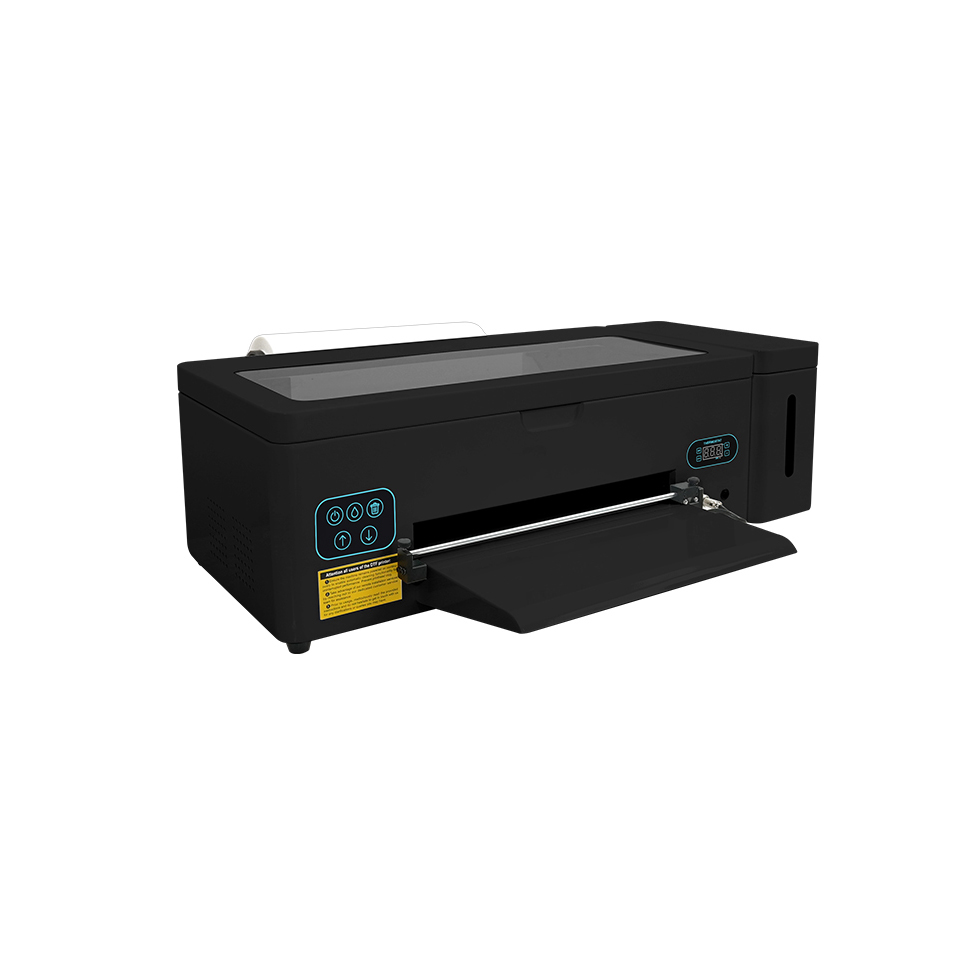
Compact entry-level model perfect for startups and small batch production.

Enhanced A4 model with improved ink efficiency for daily small-scale production.

A3 format printer with reliable R1390 motherboard for medium production.

Standard A3 model with 250ml ink tanks for consistent daily operation.

L1800 print head model offering superior color reproduction for detailed designs.

A3 Max series with XP600 print head for increased speed and efficiency.

A3 Max DTF Printer

High-performance A3 model with DX7 print head for professional results.

High-performance A3 model with XP600 print head for professional results.

Professional dual print head A3 printer for high-volume production.

a1 xp600 dtf printer

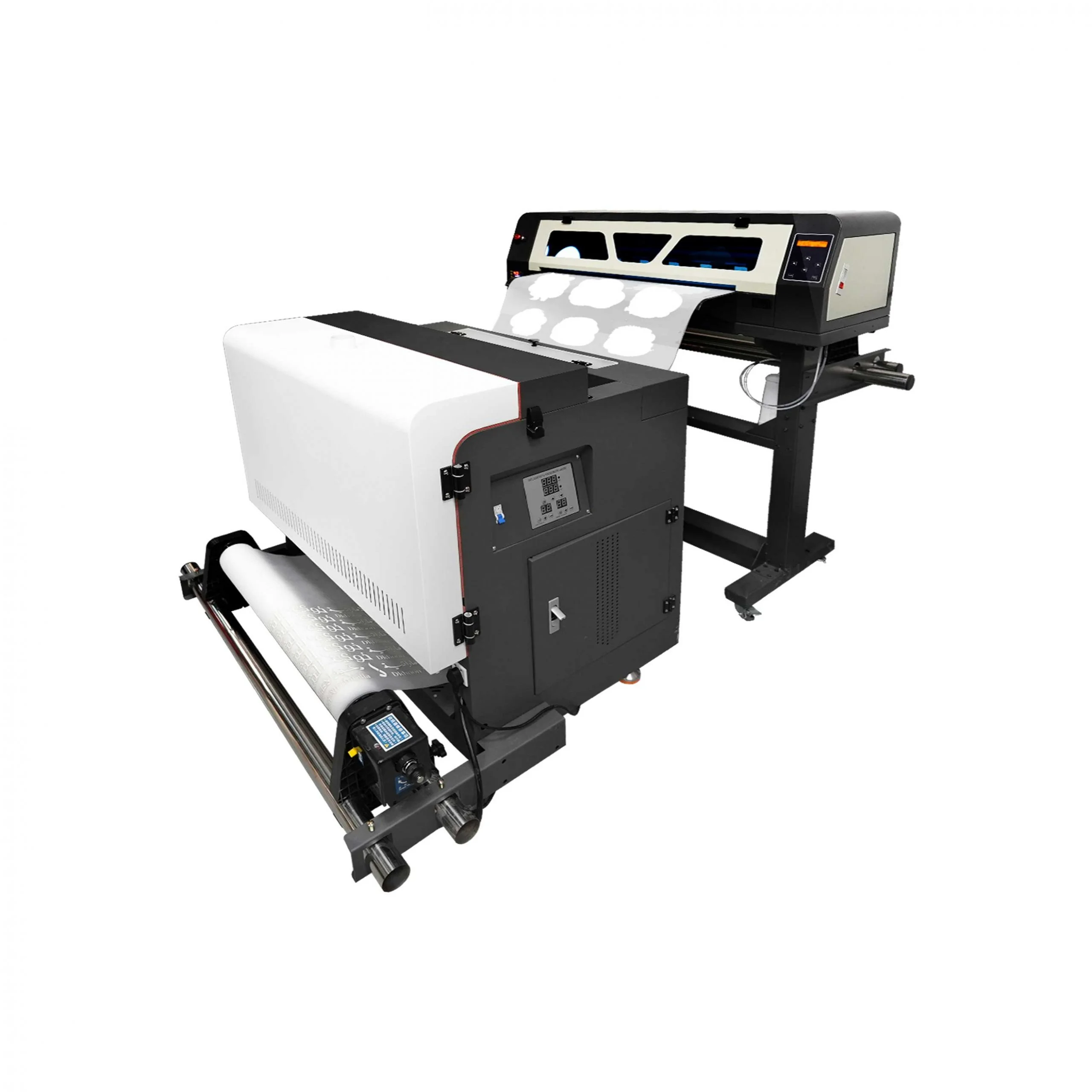
Industrial wide-format printer with dual XP600 heads (620mm width).

High-speed industrial model with dual I1600 heads (10㎡/h output).

Premium industrial printer with dual I3200 heads for maximum productivity.

A Practical Growth Plan

Stage 1: Outsource Every Transfer

Focus on:

  • Finding customers
  • Testing products
  • Improving heat press quality
  • Preparing artwork
  • Building a portfolio
  • Learning pricing

Stage 2: Stock Repeated Designs

For repeat customers, keep common transfers such as:

  • Staff logos
  • Small business branding
  • Neck labels
  • Popular event graphics

Stage 3: Buy a Compact DTF Printer

Move production in-house when order data supports the investment.

Stage 4: Expand Production

Later, you may add:

  • Powder shaker
  • Integrated dryer
  • Larger printer
  • Better ventilation
  • Additional heat presses
  • Transfer sales

Is Starting Without a Printer Profitable?

It can be profitable if you:

  • Select reliable transfers
  • Price products correctly
  • Charge for design work
  • Use gang sheets efficiently
  • Control blank inventory
  • Reduce pressing mistakes
  • Build repeat customers
  • Focus on profitable products

Profitability depends more on customer demand, pricing, and workflow than on owning a printer.

A business with one heat press and a strong customer base may outperform a business with expensive equipment but no consistent orders.

Final Thoughts

You do not need a DTF printer to start a DTF business.

A beginner can order ready-to-press DTF transfers, apply them with a reliable heat press, and sell custom apparel without managing printing, white ink, powder, curing, or RIP software.

This approach helps you:

  • Reduce startup cost
  • Test customer demand
  • Learn the pressing process
  • Build a product portfolio
  • Develop repeat customers
  • Delay equipment investment

The trade-offs are supplier dependence, longer lead times, reduced production control, and higher transfer costs at larger volumes.

Once your order volume becomes consistent, bringing production in-house may improve margin, speed, and flexibility.

EraSmart offers compact and production-level DTF printing solutions for businesses ready to move from outsourced transfers to in-house production. The right time to upgrade is when actual customer demand supports the investment.

Frequently Asked Questions

Can I legally sell shirts made with outsourced DTF transfers?

Yes, provided you have the right to use the artwork, logo, character, trademark, or design being printed.

Do I need a heat press?

A reliable heat press is strongly recommended. A household iron cannot provide the same stable temperature and pressure.

Can DTF transfers be used on cotton?

Yes. DTF transfers are commonly used on cotton, polyester, and blended fabrics.

Can DTF transfers be used on dark shirts?

Yes. The white ink underbase helps the design remain visible on dark garments.

What size heat press should a beginner buy?

A 15 × 15-inch or 16 × 20-inch heat press is suitable for many small businesses.

Do I need RIP software when outsourcing transfers?

No. The supplier uses RIP software to prepare and print the transfer.

How should ready-to-press transfers be stored?

Keep them flat, dry, clean, and protected from heat, moisture, and dust. Follow the supplier’s storage recommendations.

Should I buy a DTF printer or continue outsourcing?

Continue outsourcing while order volume is inconsistent and maintenance is not practical. Consider purchasing a printer when demand is stable and outsourcing affects margin or turnaround time.

Can I combine this business with sublimation?

Yes. DTF can cover cotton and dark apparel, while sublimation can add mugs, mousepads, polyester shirts, phone cases, and other coated products.


MAY BE YOU LIKE ALSO
  • EraSmart Printer

    uv printer
    DTF printer
    DTG printer
    Heat press machine
    Advertising printer

  • Printer tools

    DTF oven
    Hot Press
    Carving machine
    Mug heat transfer
    Laminating machine

  • Consumables

    Printing INK
    Cellphone case
    Glass product
    Cleaning fluid
    Cotton swab

  • Contact Us

    WhatsApp:+8618566233796
    WeChat: +8618566233796
    Mobile: +8618566233796
    Web:www.erasmart.com
    Shop:www.erasmartmall.com

  • Request A Quote

    Just provide a few details and we will help you get quick quotes!

    Need Printer Price?

    Tell us your printing needs. Our team will reply within 24 hours.