Small Size Flatbed Inkjet Printer Manufacturer

86-18566233796 [email protected]

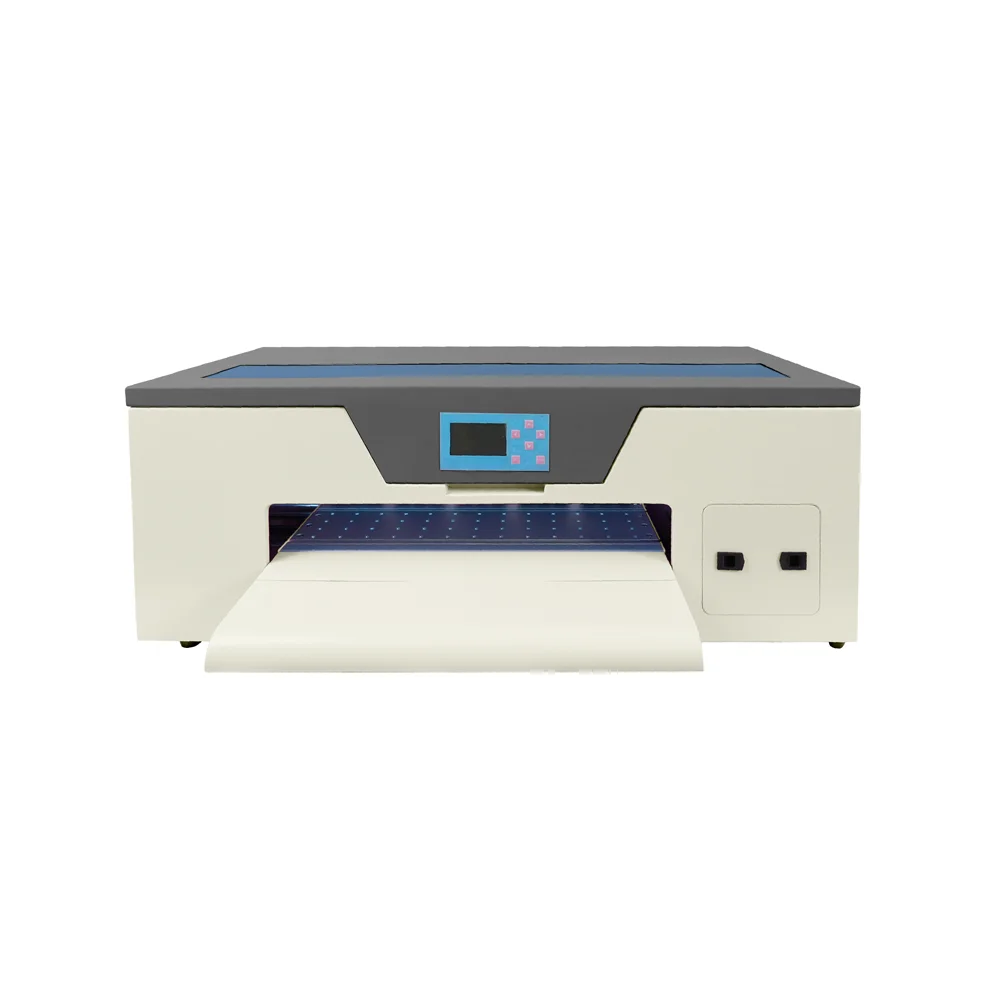
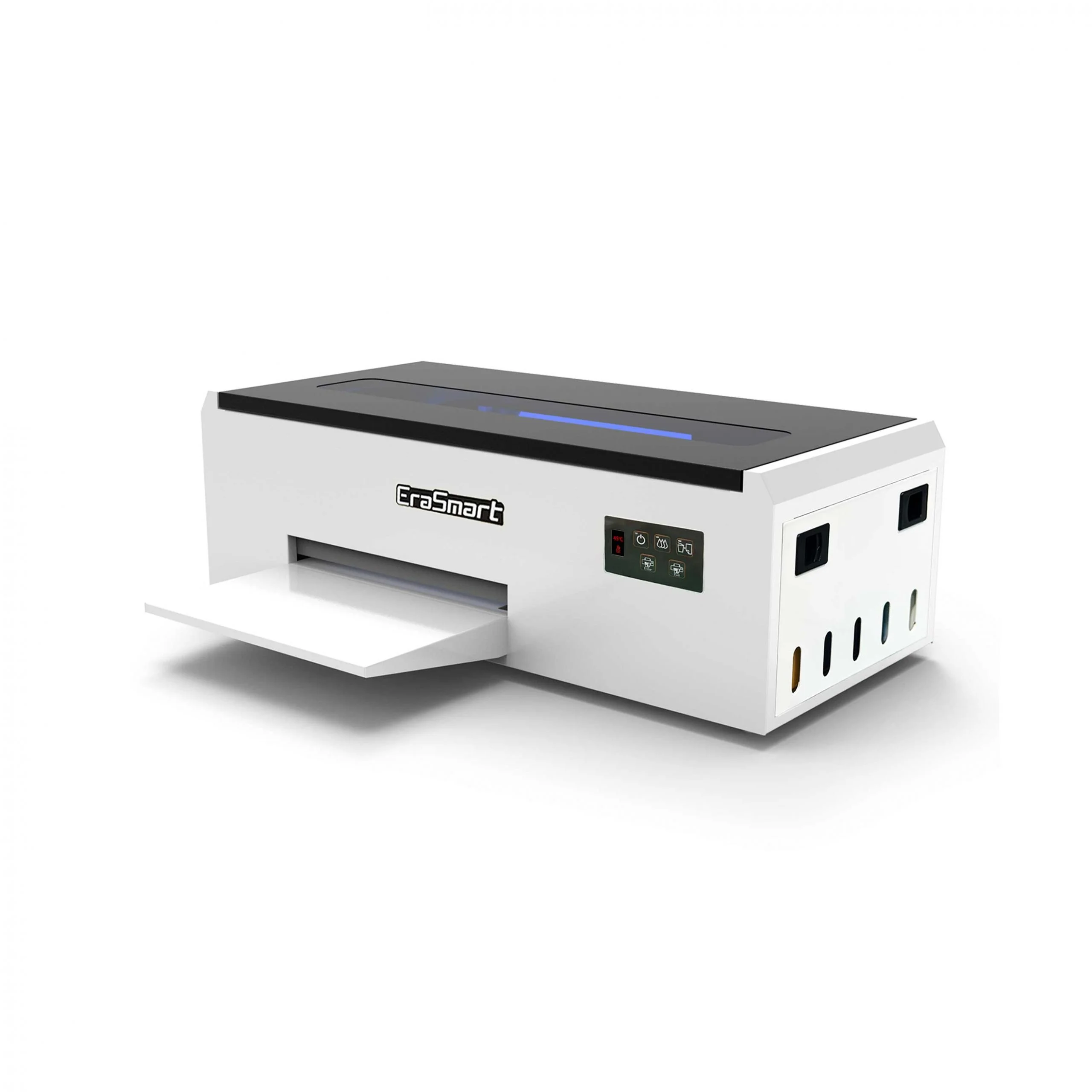
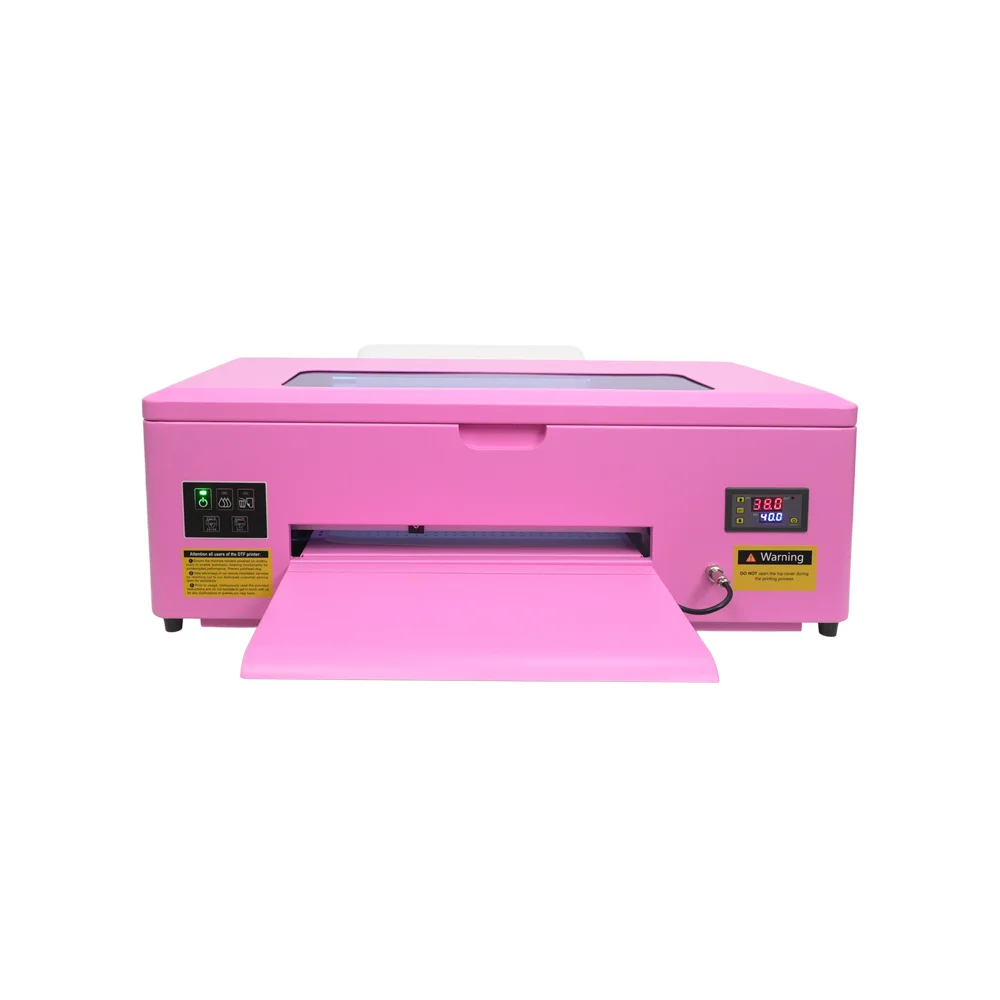
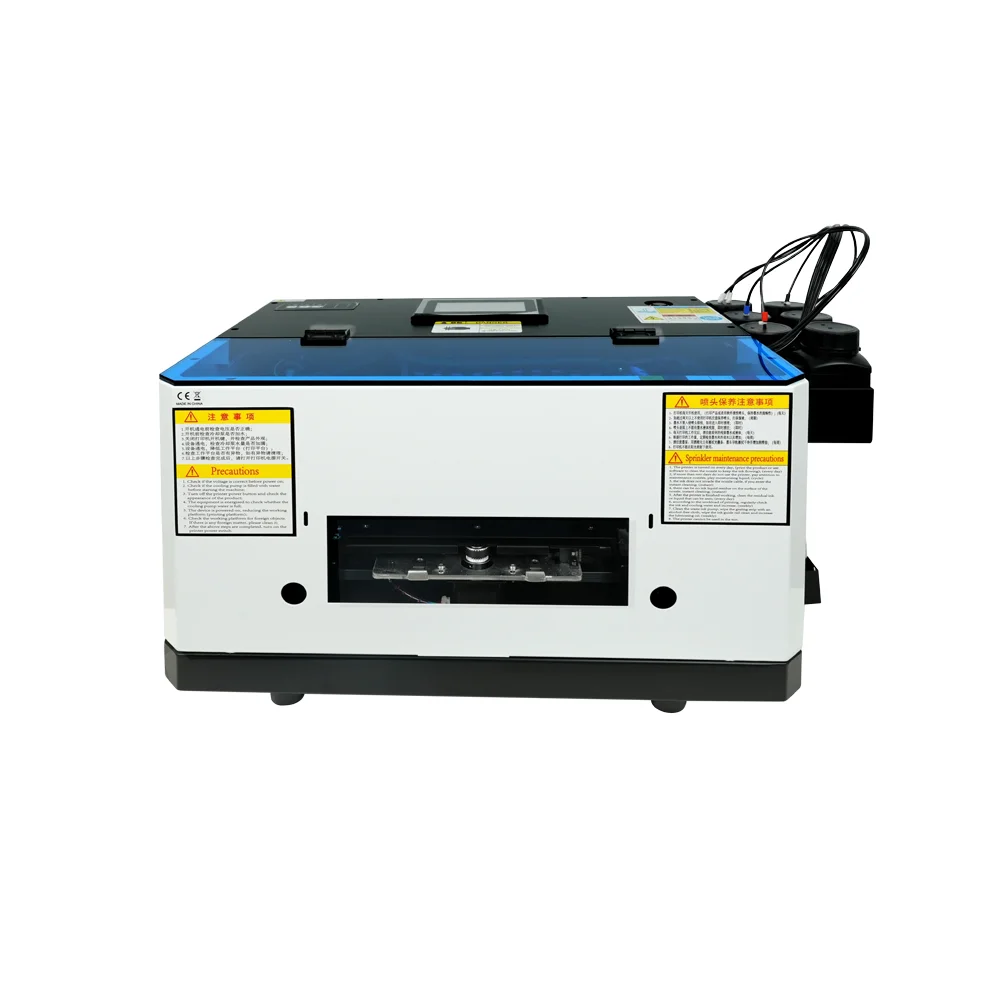
EraSmart A3 Max DTF Printer — 14-inch Single XP600

Create professional direct-to-film transfers for cotton, polyester, denim, canvas, and more. The A3 Max pairs a proven XP600 head with CMYK+White inks, 1440dpi output, and automated maintenance to keep production smooth.

Product Highlights

Exceptional quality, versatile fabrics and a straightforward workflow.

Vivid 1440dpi Resolution

Sharp details, smooth gradients, and excellent color consistency for pro-grade results.

Versatile Fabrics

Cotton, polyester, blends, denim, canvas, leather—light or dark, you’re covered.

Automated Maintenance

Auto head cleaning and white ink circulation reduce clogs and downtime.

Desktop & Efficient

Compact A3 footprint with roll & sheet PET handling for flexible workflows.

Built to Scale Creative Production

The A3 Max empowers artists, POD sellers, and studios to produce durable, wash-resistant designs at speed. CMYK+White layering delivers true-to-brand color on dark garments, while the single XP600 head balances quality, cost, and reliability.

Best For

• Custom apparel brands & boutiques
• Print-on-demand / Etsy & Shopify sellers
• School, team & corporate merch
• Startups adding premium dark-fabric prints

How to Use

On-demand transfers with fast turnaround and consistent results.

Design

Create artwork on a Windows PC using your preferred software.

Print

Load PET film and print via your RIP with CMYK+White as needed.

Powder

Apply hot-melt powder evenly; tap off excess.

Cure

Cure the film in a DTF oven per the film vendor’s guidance.

Press

Heat-press to the garment; follow peel mode and time/temp notes.

Finish

Optional post-press for durability; share wash-care with customers.

Technical Specifications

Specification Parameter
ModelA3 Max
Print HeadEpson XP600 (Single)
Printing ColorsCMYK + White (WW)
Max Printing WidthUp to 350 mm (≈14 in)
Resolution1440 dpi
MediaRoll & Sheet PET Transfer Film
White Ink CirculationYes
Print Head CleaningAutomatic Cleaning
Printing SpeedReference: up to 4 m²/h (8-pass)*
Ink TypeDTF Ink
Supported File FormatsTIFF / JPEG / JPG / PNG / PDF / EPS
Operating SystemWindows XP/7/8/10/11
InterfaceUSB / Network (varies by configuration)
Environment15–30℃ (59–86℉), 40–60% RH
Voltage / Power110V/220V · ~100 W
MaterialsTextile, Fabric, Leather, Canvas, Cotton, Linen, Blends, etc.

Applications

Expand your offering with durable, vivid transfers across apparel and accessories.

Custom Apparel

T-shirts, hoodies, joggers, denim jackets—consistent color and wash-fastness.

POD & E-commerce

On-demand drops with roll or sheet film. Small MOQs, pro finish, fast turnaround.

Teams & Events

Uniforms and spirit wear with opaque whites and true brand colors on dark fabrics.

Corporate Branding

Staff wear, promotional tees, and giveaways—durable prints that last.

Accessories

Tote bags, caps, canvas, and leather panels for premium merch lines.

Micro Batches

Limited runs & custom names/numbers with efficient setup and media handling.

Compatible Materials

Get Factory Pricing and Free Technical Support Now!

Just provide a few details and we will help you get quick quotes!

Frequently Asked Questions

Just provide a few details and we will help you get quick quotes!

  • 1. What is DTF printing and how does it differ from DTG?

    DTF (Direct-to-Film) prints your design on PET film, adds hot-melt powder, cures it, and heat-presses it to the fabric. Unlike DTG, there’s no fabric pretreatment and it works on a wider range of textiles—including dark polyester—while delivering durable, wash-resistant results.

  • 2. Is the A3 Max suitable for beginners?

    Yes. The A3 Max is beginner-friendly with straightforward setup, auto head cleaning, and white-ink circulation to reduce clogs. We recommend a humidity of 40–60% and weekly nozzle checks for the best experience.

  • 3. Which film, powder, and inks should I use?

    Use DTF-grade PET film (roll or sheet), DTF hot-melt powder matched to your film’s peel mode (hot/cold), and DTF inks compatible with XP600 heads. Using matched consumables improves color, stretch, and wash durability.

  • 4. What press settings should I start with?

    Start with 150–165℃ (302–329℉) for 10–15s at medium pressure, then post-press for 5–10s if needed. Always follow your film vendor’s time/temperature/peel guidance and run a test for each fabric.

  • 5. How do I maintain the XP600 print head?

    Keep humidity at 40–60%, enable auto cleaning and white-ink circulation, park the head on a moist capping station, and print a small purge pattern daily if idle. Clean wipers/caps weekly and use compatible cleaning fluid only.

EraSmart Printer Series

High-quality Direct to Film Printers for cotton, polyester, leather & more. No pretreatment, fast speed, wash-resistant.

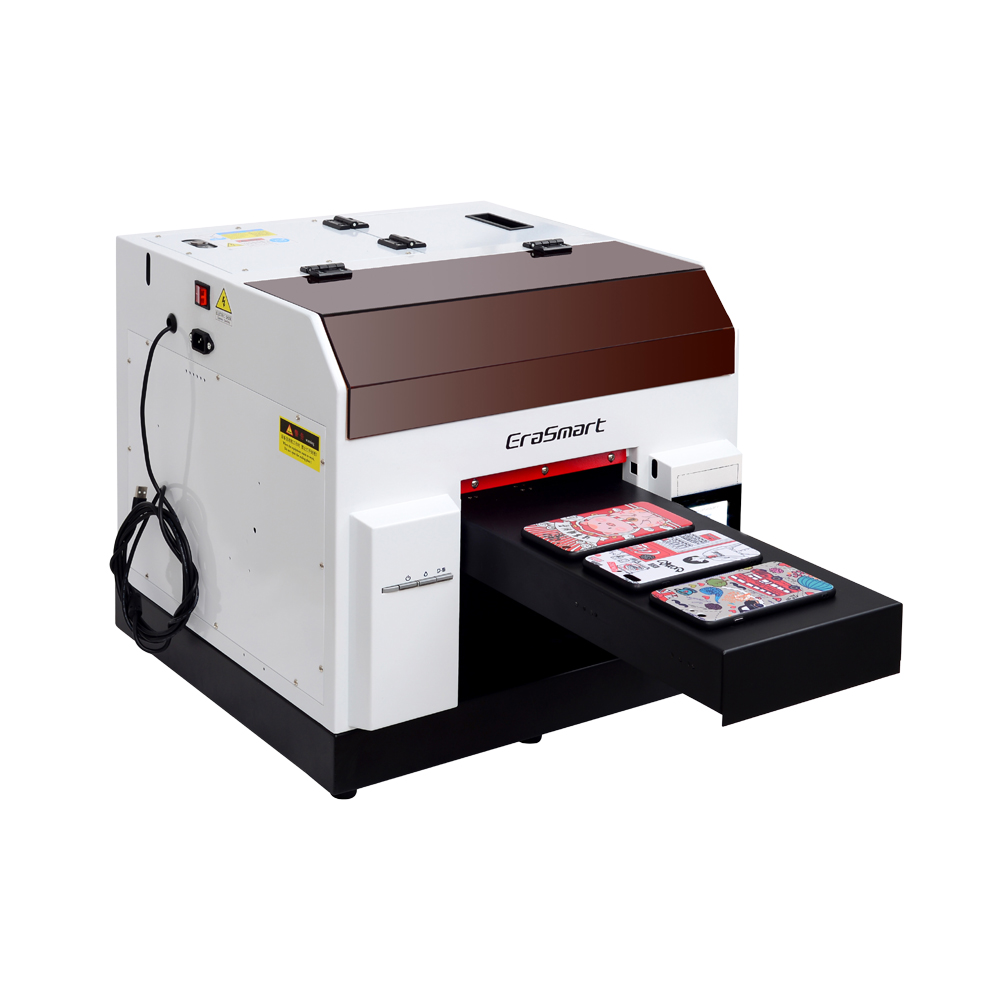
High-quality UV Printers for metal, acrylic, glass, wood & more. Instant curing, vivid 1440dpi prints, versatile for diverse materials.

What Our Customers Say

Get Pricing & Samples

Contact Information

Phone

+8618566233796

Whatsapp

+8618566233796

Wechat

18566233796

  • EraSmart Printer

    uv printer
    DTF printer
    DTG printer
    Heat press machine
    Advertising printer

  • Printer tools

    DTF oven
    Hot Press
    Carving machine
    Mug heat transfer
    Laminating machine

  • Consumables

    Printing INK
    Cellphone case
    Glass product
    Cleaning fluid
    Cotton swab

  • Contact Us

    WhatsApp:+8618566233796
    WeChat: +8618566233796
    Mobile: +8618566233796
    Web:www.erasmart.com
    Shop:www.erasmartmall.com

  • Request A Quote