작은 크기의 플랫 베드 잉크젯 프린터 제조업체

86-18566233796 [email protected]

블로그 How Much Does UV Printing Cost? A Practical Cost Guide for Small Businesses

How Much Does UV Printing Cost? A Practical Cost Guide for Small Businesses

May 28, 2026 블로그

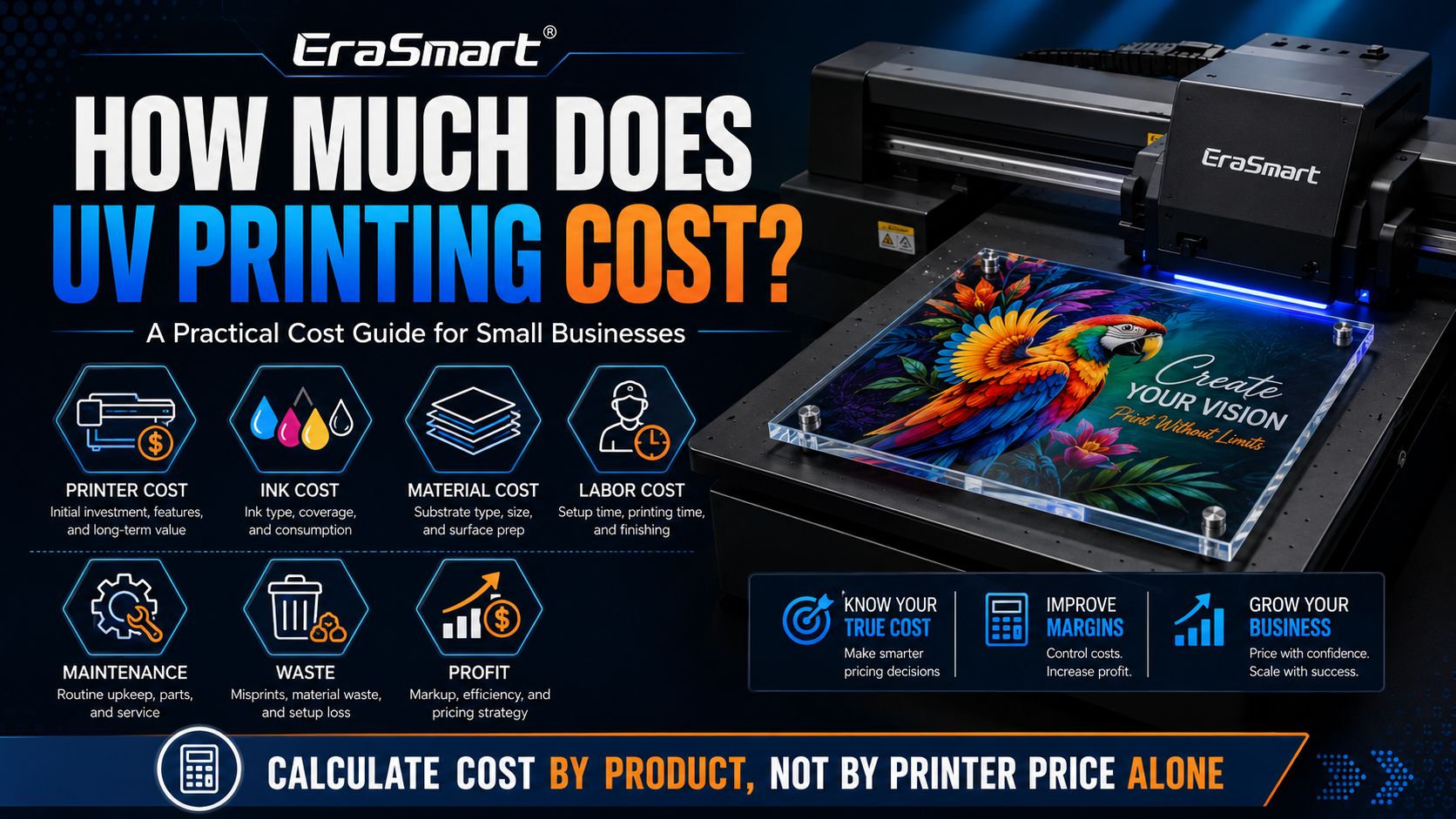
UV printing cost is not a single fixed number. It depends on the printer you choose, the product you print, ink coverage, white ink usage, varnish effects, material cost, labor time, maintenance, waste rate, and how you price the final product. For a small business, the real question is not only “How much does one print cost?” but “Can this product generate enough margin after all production costs are included?”

In many small and mid-size UV printing setups, cost is often estimated by square meter, by product, or by job. Public 2026 cost guides commonly model UV printing at around $5–$15 per m² for many normal jobs, while heavy ink coverage, premium materials, complex white ink layers, or high-end production setups can push the cost higher. This is a useful reference, but it should not be copied blindly into your pricing. Your real cost must be calculated from your own printer, material, ink usage, labor, and order volume.

For EraSmart customers, the better approach is simple: calculate UV printing cost by workflow, not by printer price alone. A UV printer can create high-value products such as acrylic plaques, phone cases, glass gifts, metal signs, packaging samples, leather accessories, wood panels, and promotional products. But the cost structure behind each product is different. That is why UV printing should be evaluated as a full business system, not only as a machine purchase.


Quick Answer: What Affects UV Printing Cost?

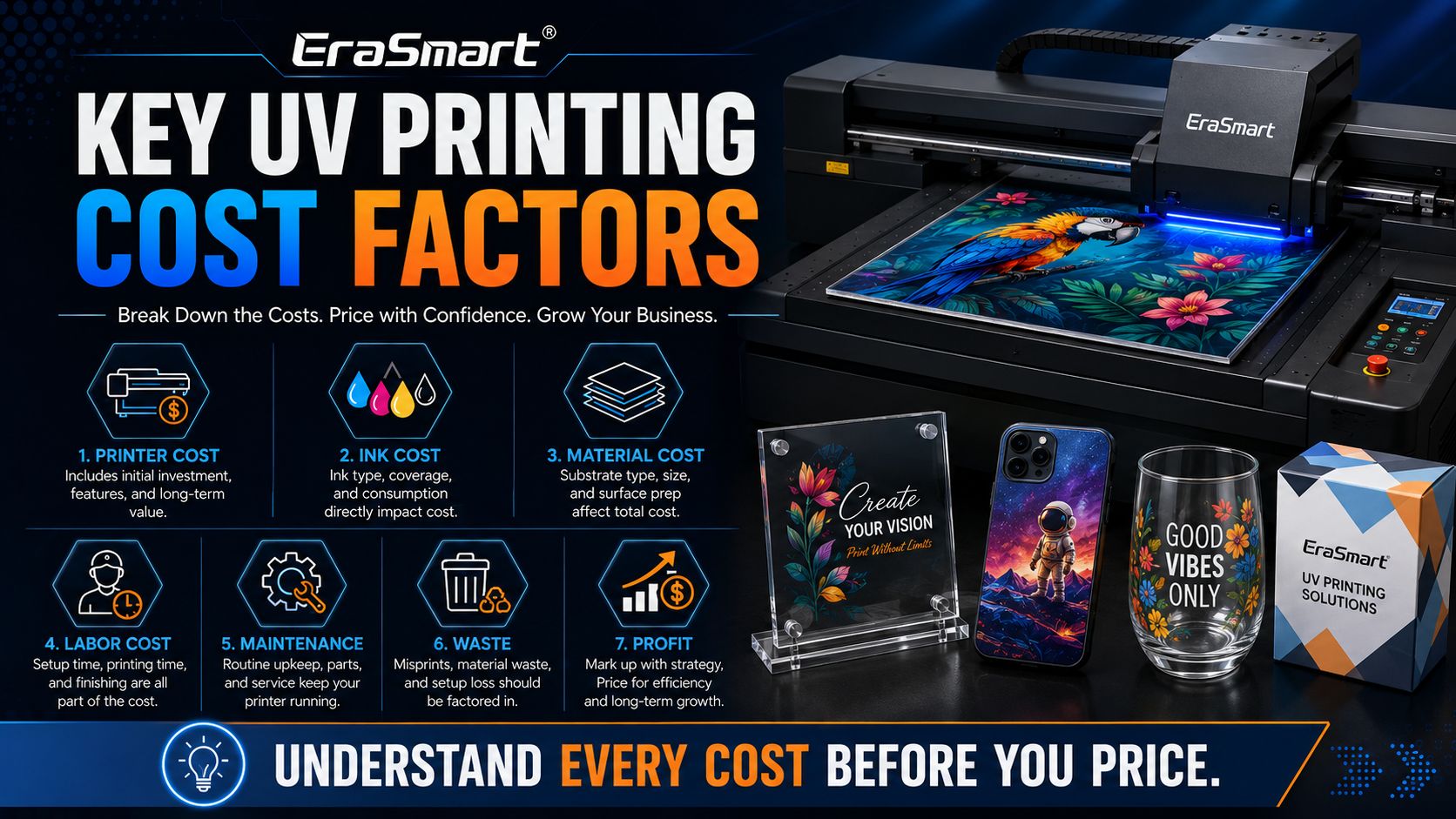
The main cost factors are:

Cost FactorWhat It Includes중요한 이유
Printer costMachine purchase, depreciation, useful lifeDetermines long-term equipment cost per print
Ink costCMYK, white ink, varnish, cleaning fluidHeavily affected by design coverage and print layers
Material costAcrylic, glass, metal, wood, phone cases, packaging blanksOften the largest cost per product
Labor costArtwork setup, positioning, printing, finishing, packingAffects small-batch and custom order profitability
Maintenance costCleaning, nozzle checks, capping station care, UV lamp careProtects print quality and reduces downtime
Waste costMisprints, failed adhesion, wrong positioning, material damageDirectly reduces profit
Workspace costRent, electricity, ventilation, storageImportant for commercial studios
Software and workflowRIP software, color setup, fixtures, templatesControls repeatability and efficiency

The most important point: material cost and labor often matter more than ink cost alone. A small UV print may use very little ink, but if the blank product is expensive or the setup time is long, the real cost per item can still be high.

Basic UV Printing Cost Formula

A practical UV printing cost formula looks like this:

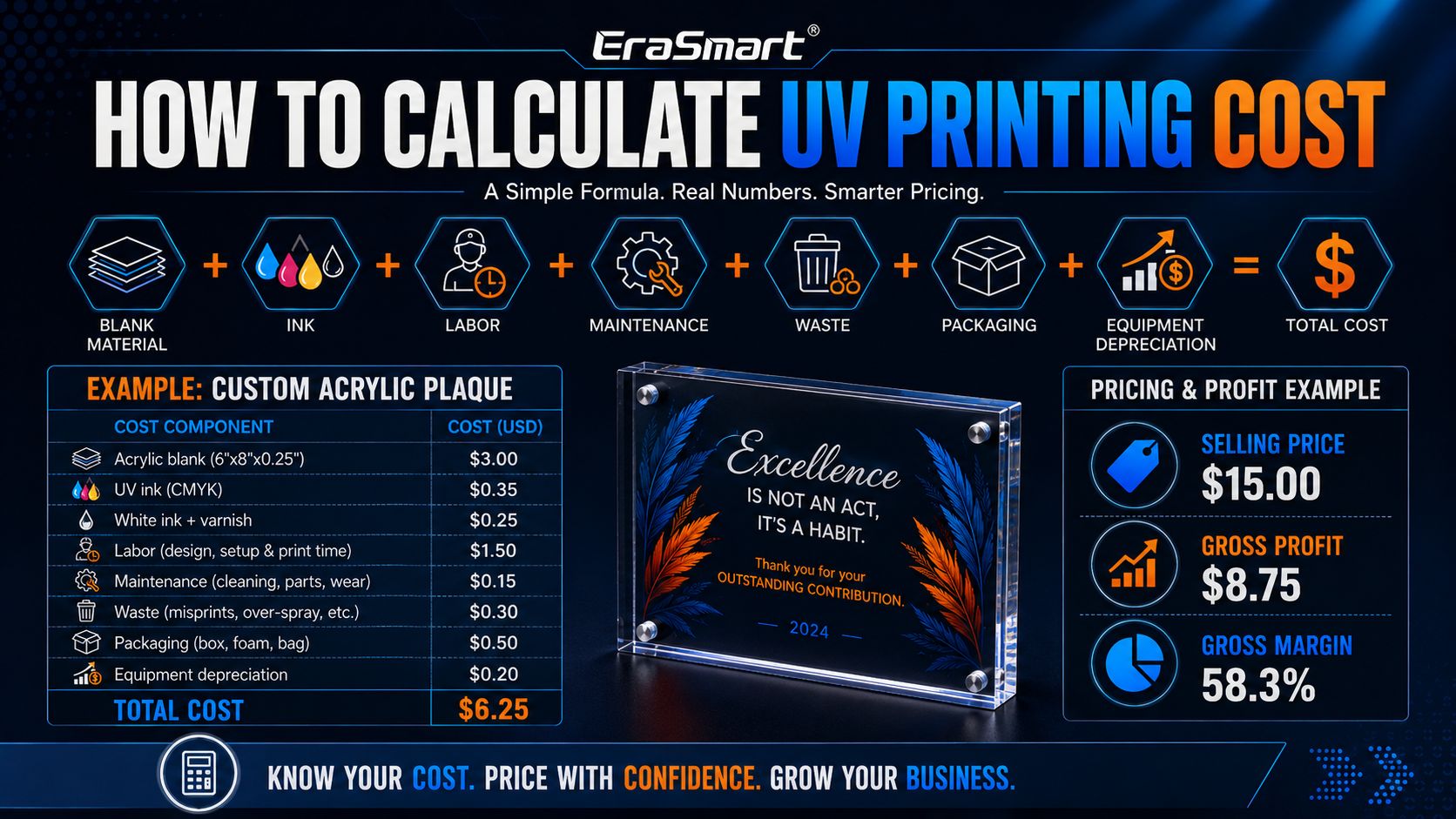
Total Cost Per Product = Blank Material Cost + Ink Cost + Labor Cost + Maintenance Allowance + Waste Allowance + Packaging Cost + Equipment Depreciation

Then your selling price should be calculated like this:

Selling Price = Total Cost Per Product ÷ Target Cost Ratio

For example, if one custom product costs $4.00 to produce and you want a 50% gross margin, the selling price should be around $8.00.

If you want a 60% gross margin, the selling price should be around $10.00.

This is why UV printing businesses should not only ask, “How much does it cost to print?” They should ask, “How much profit does this product leave after every cost is counted?”

관련 읽기: UV Printer ROI Calculator

1. Printer Cost: The First Investment, Not the Full Cost

The UV printer is usually the largest upfront investment. But in real pricing, you should not place the entire machine cost into one order. You spread it across the useful production life of the printer.

A simple depreciation model:

Printer Cost Per Product = Printer Purchase Cost ÷ Estimated Total Products Printed During Useful Life

예를 들어:

Printer InvestmentExpected Output Over Useful LifeEquipment Cost Per Product
$5,00020,000 products$0.25
$10,00050,000 products$0.20
$20,000100,000 products$0.20

This shows why the cheapest printer is not always the lowest-cost business choice. A more stable printer may cost more upfront, but if it prints more consistently, wastes fewer blanks, reduces downtime, and supports higher-value products, the real long-term cost can be better.

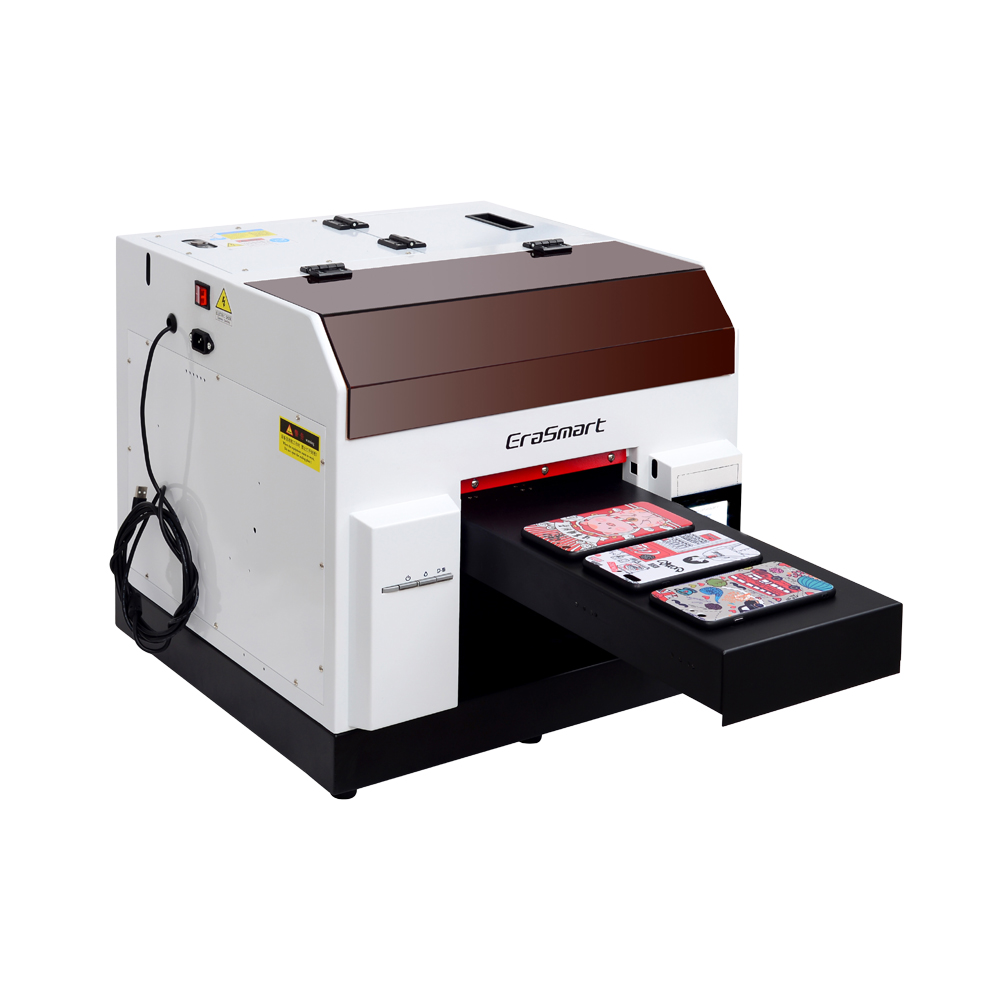
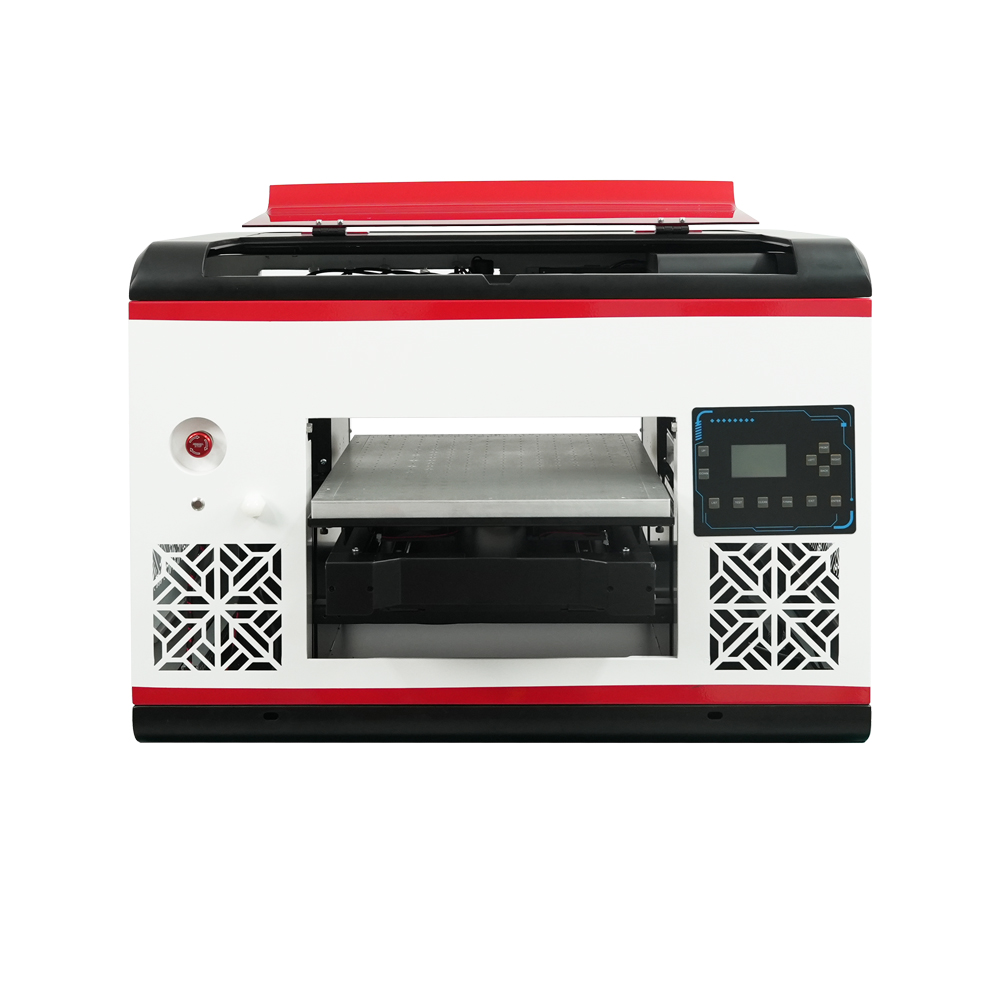
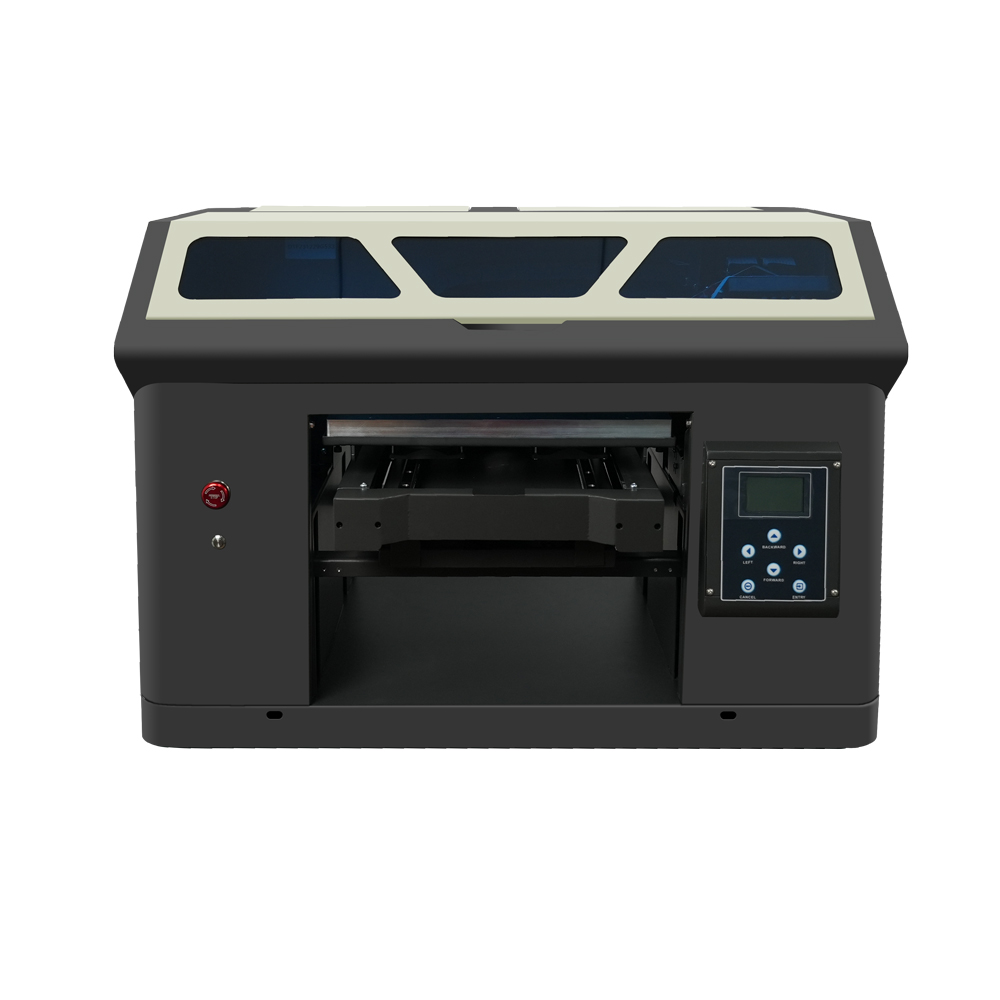
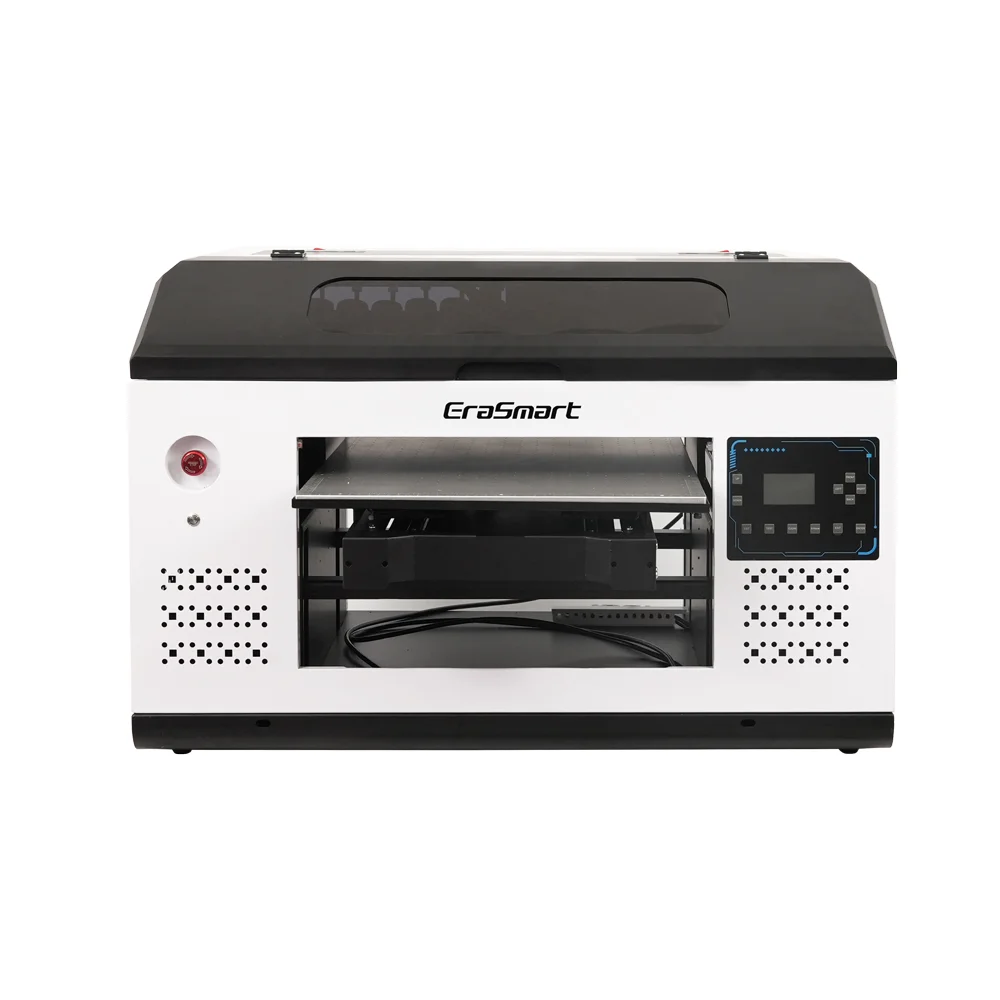
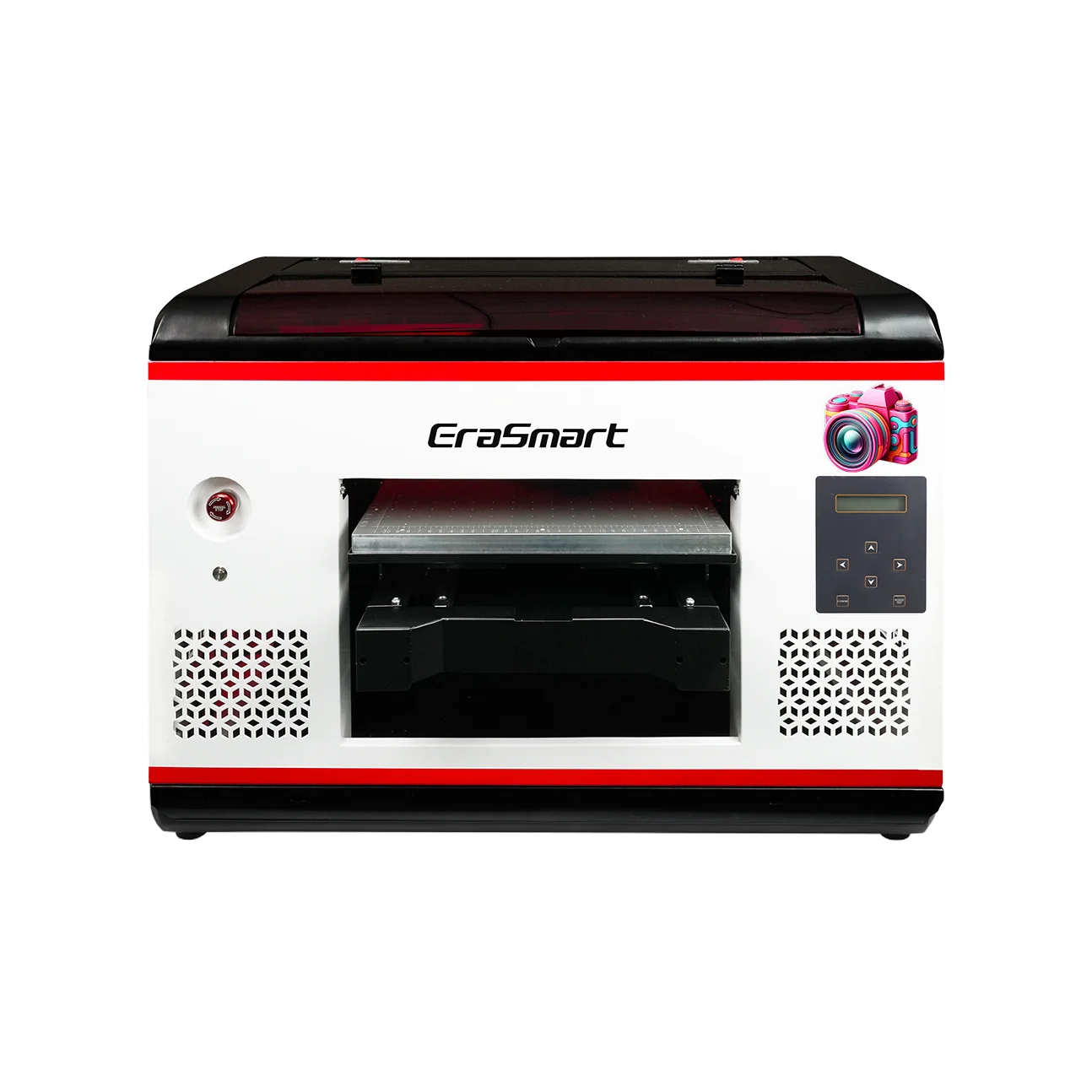
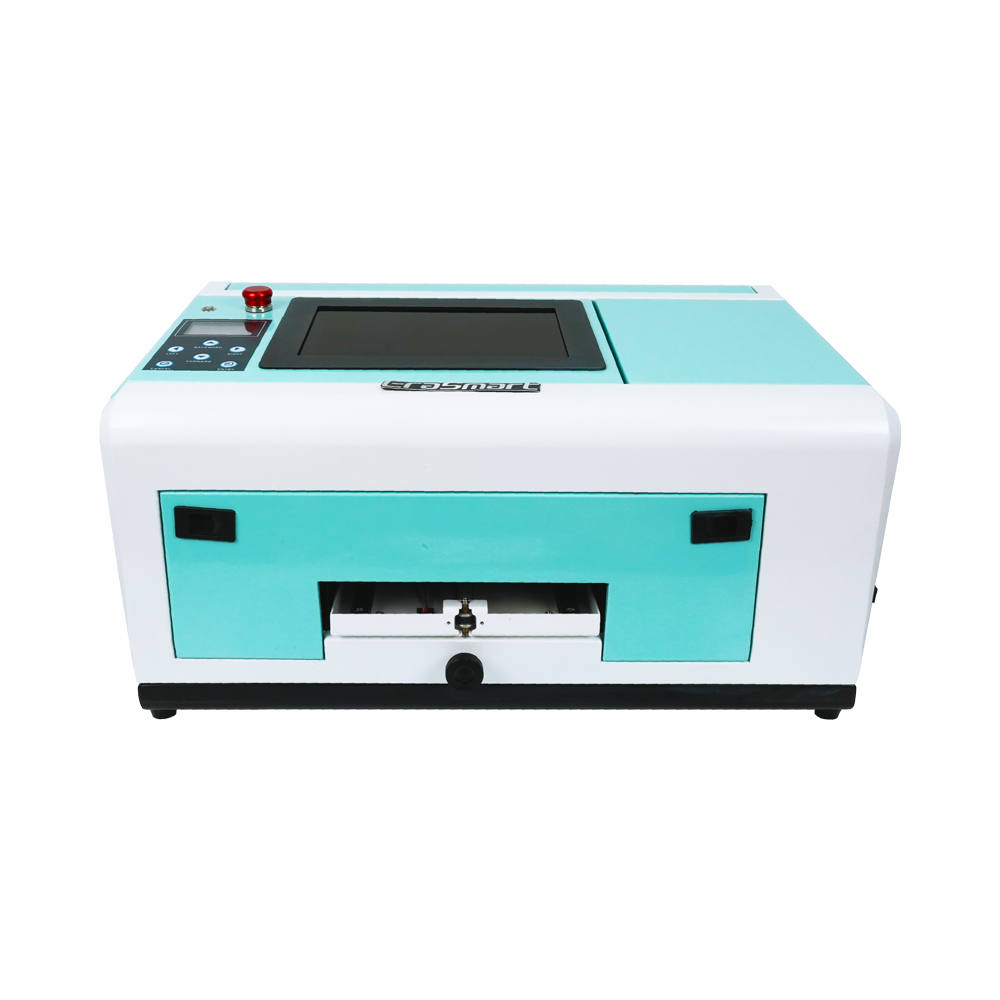
EraSmart’s UV printer range includes compact and larger-format options for different business stages, including A5, A4, A3 Max, A3 Pro, A2, and UV DTF solutions. The right choice should be based on product size, daily order volume, material type, and whether you need CMYK only, white ink, varnish, or a larger platform.

2. UV Ink Cost: CMYK, White Ink, and Varnish Matter

UV ink cost depends on print area, ink coverage, resolution, number of passes, white ink layer, and varnish layer. A small logo on a light material uses much less ink than a full-color print on transparent acrylic with white ink and varnish.

EraSmart’s UV ink guide explains the three main ink layers clearly:

  • CMYK creates full-color images, logos, text, gradients, and artwork.

  • White ink supports dark, colored, and transparent materials.

  • 광택 adds gloss, spot coating, raised texture, and premium surface effects.

This matters because a product with only CMYK may be cheaper to print, but it may not deliver the result your customer expects. For clear acrylic, glass, dark phone cases, colored plastics, and premium gifts, white ink is often necessary. For high-value decorative products, varnish may help justify a higher selling price.

Simple Ink Cost Logic

Print TypeInk UsageCost Level
Small logo on white materialCMYK only낮은
Full-color design on light materialCMYKMedium
Clear acrylic or glassWhite + CMYKHigher
Premium gift with raised glossWhite + CMYK + VarnishHighest
Large full-coverage artworkHigh ink coverageHigher

The goal is not always to reduce ink as much as possible. The goal is to use the right ink layers for the product value. A white ink and varnish effect may cost more, but it can also help sell a product at a much higher price.

3. Material Cost: Often the Biggest Cost Per Product

For many UV printing businesses, the blank product costs more than the ink.

예를 들어:

제품 유형Main Cost Driver
Phone caseBlank case quality and model variety
Acrylic plaqueAcrylic thickness, size, and polishing
Glass giftGlass quality, packaging, breakage risk
Metal signMetal sheet type and coating
Wood panelWood quality, surface preparation
Packaging sampleBox material, folding, surface coating
Leather accessoryMaterial quality and adhesion testing

A small UV print on an expensive blank may still have a high total cost. A larger print on a low-cost material may have a lower total cost than expected. This is why product-level costing is more useful than only square-meter costing.

EraSmart’s UV printer material guide and UV ink guide both emphasize that different materials require different preparation, ink layers, and adhesion testing. For transparent, dark, or colored materials, white ink becomes especially important; for premium gifts and decorative panels, varnish may add more commercial value.

4. Labor Cost: The Hidden Cost in Custom UV Printing

Labor is easy to ignore, but it can decide whether a small UV printing business is profitable.

Labor includes:

  • design adjustment

  • artwork checking

  • RIP setup

  • print positioning

  • product cleaning

  • fixture or jig setup

  • height adjustment

  • test printing

  • finished product inspection

  • packaging

  • customer communication

For one-off custom orders, labor cost can be higher than ink cost. For repeat products with templates and jigs, labor cost drops quickly.

Example Labor Difference

Job TypeLabor RequirementBusiness Impact
One custom phone caseArtwork + positioning each timeHigher labor cost
50 phone cases using same jigRepeat setupLower labor cost per item
Personalized acrylic awardsDesign and name changesMedium to high labor
Standard packaging labelsBatch workflowLower labor per unit

This is why small businesses should standardize product sizes, create print templates, use repeatable fixtures, and group similar orders together.

5. Maintenance Cost: A Necessary Part of UV Printing

UV printers need regular maintenance. This includes nozzle checks, cleaning, white ink circulation, capping station care, platform cleaning, and UV lamp inspection. Maintenance is not just a technical task; it is a cost-control strategy.

EraSmart’s UV printer maintenance guideexplains that stable output depends on daily cleaning, white ink circulation, nozzle checks, capping station care, platform cleaning, UV lamp inspection, and long-idle protection.

Skipping maintenance may save a few minutes today but can create:

  • clogged nozzles

  • failed prints

  • wasted materials

  • unstable white ink

  • color inconsistency

  • downtime

  • printhead damage

For cost calculation, it is smart to add a small maintenance allowance to each product. This protects your pricing from being too optimistic.

6. Waste Cost: Misprints Can Destroy Profit

Waste cost includes failed prints, wrong positioning, dust contamination, poor adhesion, incorrect height, color errors, and damaged blanks.

Even a small waste rate affects profit.

예를 들어:

Waste RateMeaning
2%Good control for repeat jobs
5%Common for mixed custom products
10%+Needs workflow improvement

If one blank product costs $8 and 1 out of 10 prints fails, your real average blank cost is not $8 anymore. It is closer to $8.89 before ink, labor, and packaging.

That is why UV printing businesses should test new materials before taking large orders. Surface cleaning, correct height adjustment, suitable ink layers, and fixture stability all reduce waste.

7. Workspace, Ventilation, and Software Cost

A home studio and a commercial workshop have different cost structures.

Workspace costs may include:

  • rent

  • electricity

  • ventilation

  • air filtration

  • storage

  • worktables

  • safety tools

  • cleaning supplies

  • RIP 소프트웨어

  • fixtures and jigs

  • packaging station

Public cost guides often include workspace, ventilation, software, and safety gear as part of the real UV printing business cost, not just the printer and ink.

For EraSmart customers, this is important because many buyers start with a compact UV printer and later expand into more structured production. A small workspace can work well at the beginning, but as order volume grows, layout efficiency becomes part of profitability.

Example: How to Calculate UV Printing Cost Per Product

Here is a simple example for a custom acrylic plaque.

비용 항목Example Cost
Acrylic blank$3.00
UV 잉크$0.35
White ink + varnish effect$0.25
노동$1.50
Maintenance allowance$0.15
Waste allowance$0.30
포장$0.50
Equipment depreciation$0.20
Total Cost$6.25

If you sell it for $15.00:

Gross Profit = $15.00 – $6.25 = $8.75
Gross Margin = 58.3%

This is a healthy product if demand is stable and production is repeatable.

Now compare that with a low-value product where the customer only pays $7.00. If the total cost is still $6.25, the margin is too low. The problem is not UV printing itself. The problem is poor product positioning.

Example: Cost Difference by Product Type

제품Cost LevelProfit Potential메모
Simple logo sticker-style print낮은MediumGood for volume orders
Phone caseMediumMedium to highModel variety affects inventory
Acrylic plaqueMedium높은Good premium product
Glass giftMedium to high높은Needs surface testing
Metal nameplateMediumMedium to highGood for B2B orders
Packaging sampleMedium높은Strong for short-run branding
Premium varnish giftHigher높은Higher selling price possible

UV printing is most attractive when the product has high perceived value. A small amount of ink can turn a blank product into a personalized gift, brand item, or premium custom product.

How to Reduce UV Printing Cost Without Reducing Quality

1. Choose the right printer size

Do not buy only by price. A printer that is too small may limit your product range. A printer that is too large may increase investment pressure before you have enough orders. Choose based on your product size, order volume, and material type.

2. Control white ink usage

White ink is essential for transparent, dark, and colored materials, but it should be used intelligently. Use the correct white layer only where needed. Avoid unnecessary full-area white layers when the product design does not require them.

3. Use varnish for value, not decoration only

Varnish adds cost, but it can also increase selling price. Use it for premium products such as acrylic signs, gift boxes, awards, nameplates, and luxury packaging samples.

4. Standardize popular products

Create standard sizes for phone cases, acrylic plaques, packaging samples, tags, and gifts. Standardization reduces setup time and mistakes.

5. Use fixtures and templates

Good positioning reduces waste. Templates and jigs are especially important for repeated product types.

6. Batch similar jobs together

Batching saves setup time, ink change pressure, and operator attention.

7. Maintain the printer daily

Regular nozzle checks, cleaning, and white ink circulation are cheaper than printhead problems and failed orders.

8. Price by value, not only by cost

A custom acrylic award and a simple sticker may use similar ink quantities, but the customer value is different. UV printing businesses should price based on product value, use case, urgency, personalization, and finish.

Is UV Printing Expensive?

UV printing can be expensive if you only compare it with mass-production methods for large identical orders. But for short-run customization, personalized gifts, premium hard-surface products, packaging samples, and low-MOQ branding, UV printing can be very cost-effective.

The reason is simple: UV printing reduces setup barriers. You can produce one custom product, ten samples, or a short personalized batch without the same tooling or plate-making process required by many traditional methods.

For small businesses, UV printing becomes more profitable when you focus on:

  • premium gifts

  • short-run branding

  • personalization

  • 포장 샘플

  • custom phone cases

  • 아크릴 명판

  • glass and metal gifts

  • business nameplates

  • high-value promotional products

If the product is too low-value, UV printing may feel expensive. If the product has strong personalization and premium positioning, UV printing can deliver excellent margin.

EraSmart 구매 추천

If you are starting a UV printing business, choose your machine by product direction.

Business Direction추천 초점
Small gifts, phone cases, acrylic, samplesCompact A4 / A3 UV printer
Larger panels, signs, packaging samplesA3 Max / A2 UV printer
Cup wraps, stickers, labels, decalsUV DTF 프린터
Premium gifts with gloss and textureUV printer with white ink and varnish
Mixed custom product businessUV flatbed + UV DTF workflow

EraSmart’s UV 프린터 category includes compact and larger systems for different production stages, while the UV DTF printer supports A3 350 mm width, CMYK + White + Varnish, up to 1440 dpi, powderless A/B film workflow, and cold lamination for decals, labels, and cup wraps.

How Much Does UV Printing Cost?

UV printing cost depends on seven things: printer investment, ink usage, material cost, labor, maintenance, waste rate, and workspace cost.

For daily business decisions, the best method is not to rely on a universal price. Instead, calculate cost per product:

Blank + Ink + Labor + Maintenance + Waste + Packaging + Equipment Depreciation = Real Cost Per Product

Then price based on value, not only cost.

UV printing is most profitable when used for high-value custom products, premium gifts, short-run branding, packaging samples, acrylic signs, phone cases, glass items, metal plates, and personalized hard goods.

Need help estimating your UV printing cost and profit? Share your target products, material size, expected daily order volume, ink effect requirements, and budget range with EraSmart. Our team can help you choose the right UV printer, ink configuration, workflow, and ROI path for your custom product business.

EraSmart UV 프린터 시리즈

다양한 재료에 탁월한 결과를 제공하도록 설계된 광범위한 UV 프린터 제품군을 살펴보세요. 소형 A5 모델부터 대형 A2 프린터까지 귀하의 비즈니스에 딱 맞는 솔루션을 찾아보세요.

L800 프린트 헤드가 장착된 컴팩트한 보급형 모델로 소형 품목 및 취미 프로젝트(120*210mm 인쇄 크기)에 이상적입니다.

a4 uv 프린터

210*290mm 인쇄 크기의 L800 프린트 헤드는 중소기업 및 맞춤형 선물에 적합합니다(인쇄 높이 0-130mm).

a3 max UV 프린터 DX7

350*450mm 인쇄 크기, 흡입 플랫폼 및 대량 생산을 위한 CMYK+WW+VV를 갖춘 DX7 프린트 헤드.

a3 max UV 프린터 XP600

350*450mm 인쇄 크기, 5㎡/H 속도를 갖춘 XP600 프린트 헤드는 중대형 생산에 이상적입니다.

A3 프로 UV 프린터 XP600

향상된 색 영역 및 생산성을 위한 5.5㎡/H 속도, CMYK+WW+VVVVVV의 듀얼 XP600 프린트 헤드.

산업 등급 연속 생산을 위해 설계된 350*450mm 인쇄 크기의 듀얼 XP600 프린트 헤드.

듀얼 XP600 헤드를 갖춘 대형 420*600mm 프린터로 간판, 패널 및 대형 자재에 적합합니다.

UV DTF 필름 인쇄에 특화된 자동 라미네이션 기능을 갖춘 듀얼 XP600 헤드(폭 최대 350mm).

휴대폰 케이스(TPV/PVC/목재/금속)에 특화되어 있으며 10인치 디스플레이와 0~10mm 높이 조절이 가능합니다.


당신도 좋아할 수도 있습니다

  • 에라스마르트 프린터

    UV 프린터
    DTF 프린터
    DTG 프린터
    열 프레스 머신
    광고 프린터

  • 프린터 도구

    DTF 오븐
    핫 프레스
    조각 기계
    머그잔 열전달
    라미네이팅 머신

  • 소모품

    인쇄 잉크
    핸드폰 케이스
    유리 제품
    청소 유체
    면봉

  • 저희에게 연락하십시오

    whatsapp : +8618566233796
    WeChat : +8618566233796
    모바일 : +8618566233796
    편물:www.erasmart.com
    가게:www.erasmartmall.com

  • 견적을 요청하십시오

    몇 가지 세부 정보 만 제공하면 빠른 인용문을 얻을 수 있도록 도와 드리겠습니다!