Small Size Flatbed Inkjet Printer Manufacturer
86-18566233796 [email protected]

Blog PET Transfer Film: The Complete Guide for DTF Printing (2026)

PET Transfer Film: The Complete Guide for DTF Printing (2026)

February 7, 2026     Blog

PET transfer film (often called DTF PET film or DTF transfer film) is the special coated film used as the image carrier in Direct-to-Film (DTF) printing. Instead of printing directly onto fabric, you print your design onto this PET film, apply adhesive powder, cure it, and then heat-press it onto the garment.

If you want consistent DTF results—clean release, strong adhesion, crisp detail, and fewer misprints—choosing the right PET film matters as much as ink and powder.


What Is PET Transfer Film?

PET stands for polyethylene terephthalate, a polyester plastic commonly used in films due to its dimensional stability and durability in many industrial applications.

In DTF printing, PET film functions as the transfer medium—the “canvas” where the design is printed before being transferred to fabric.

Why PET Film Needs a Special Coating

DTF PET film isn’t just a plain sheet. It’s typically coated so that:

  • Ink adheres correctly during printing

  • Hot-melt powder sticks where it should

  • The film releases cleanly after heat pressing

Many guides describe DTF PET film as specially coated, often with a frosted/matte printable side and a glossy opposite side (or frosted on both sides for double-sided film).

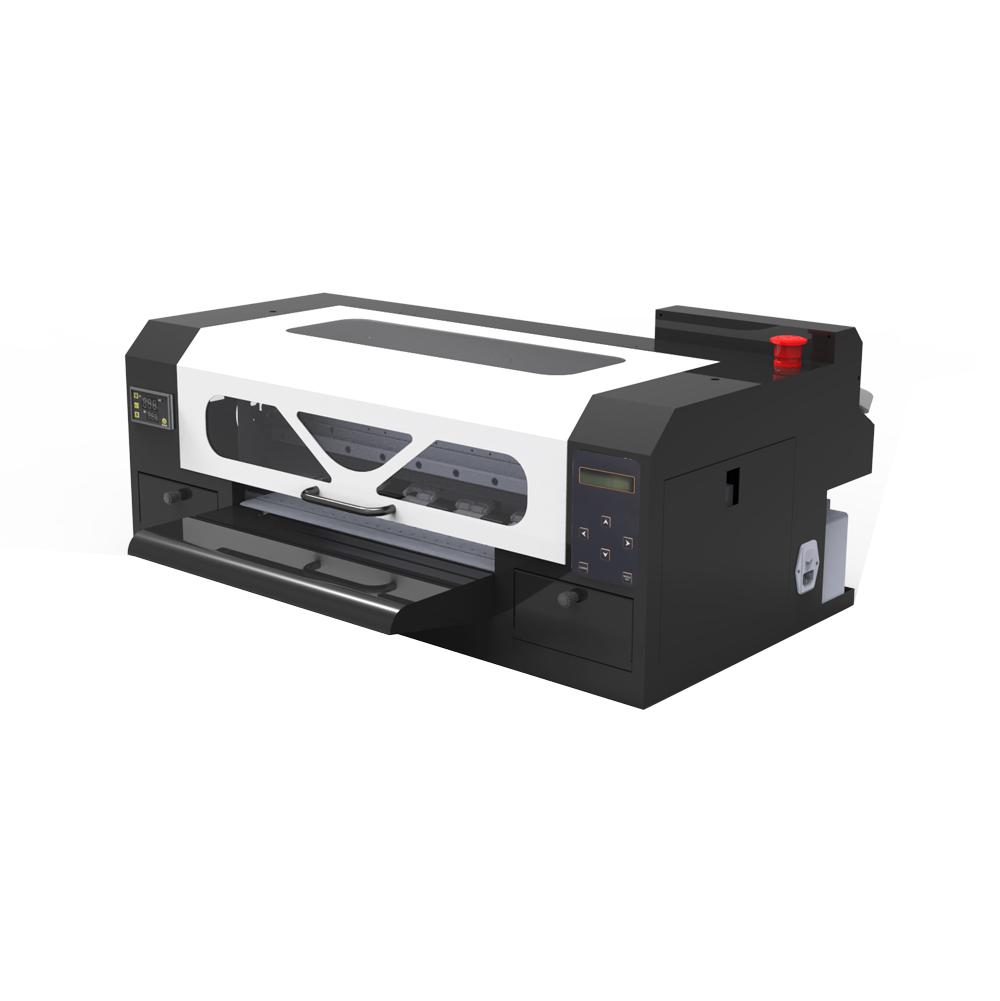
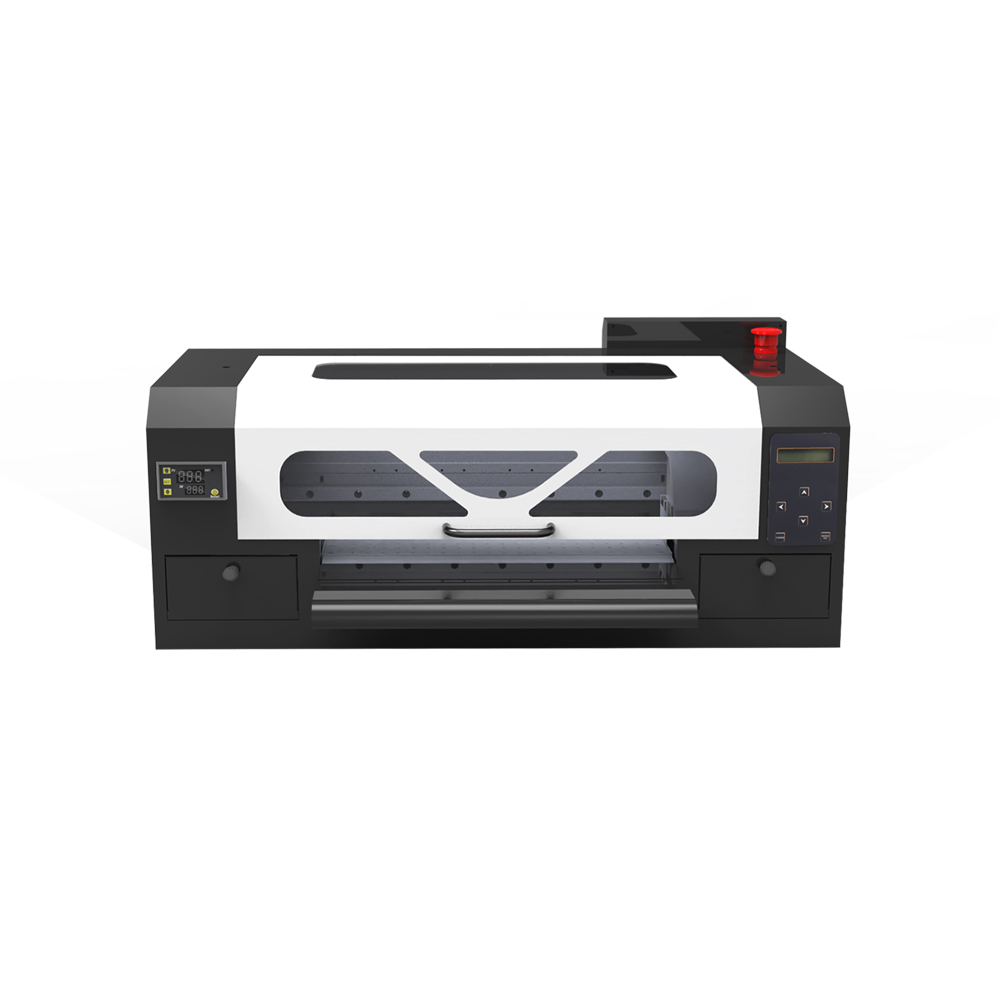
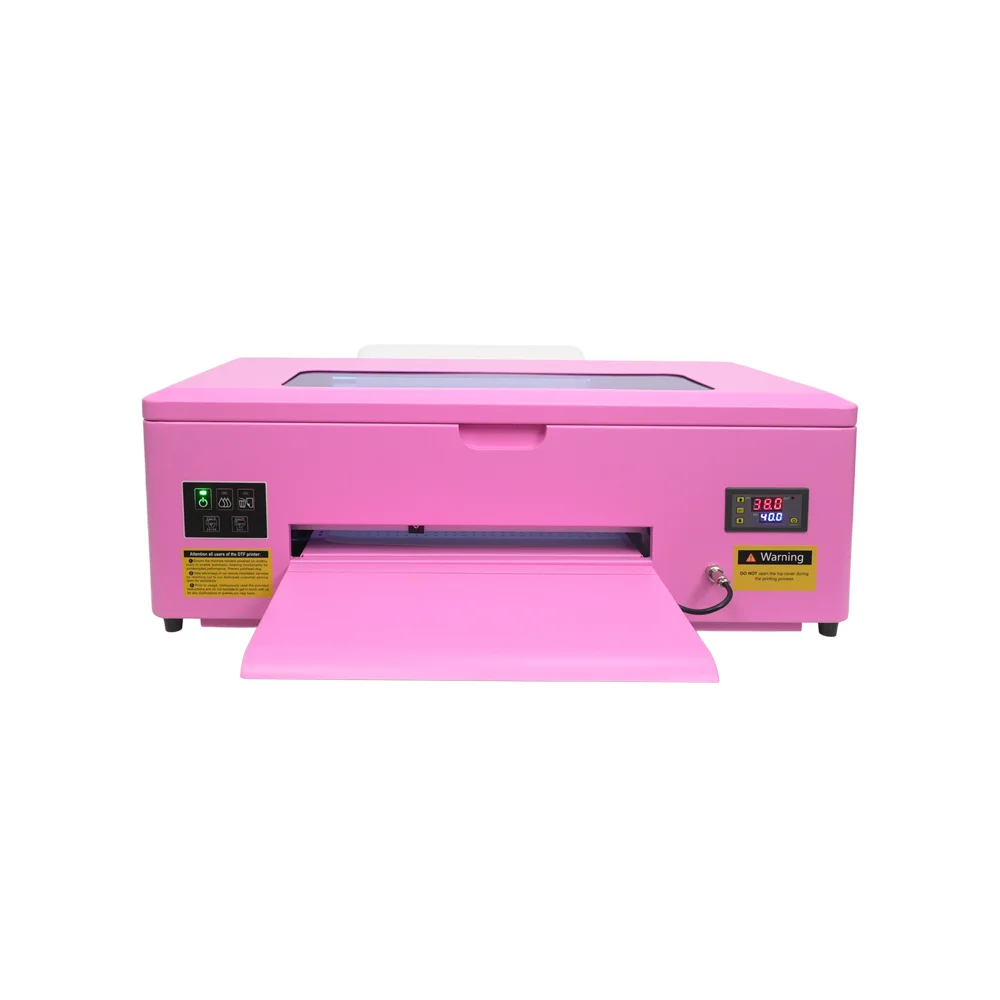
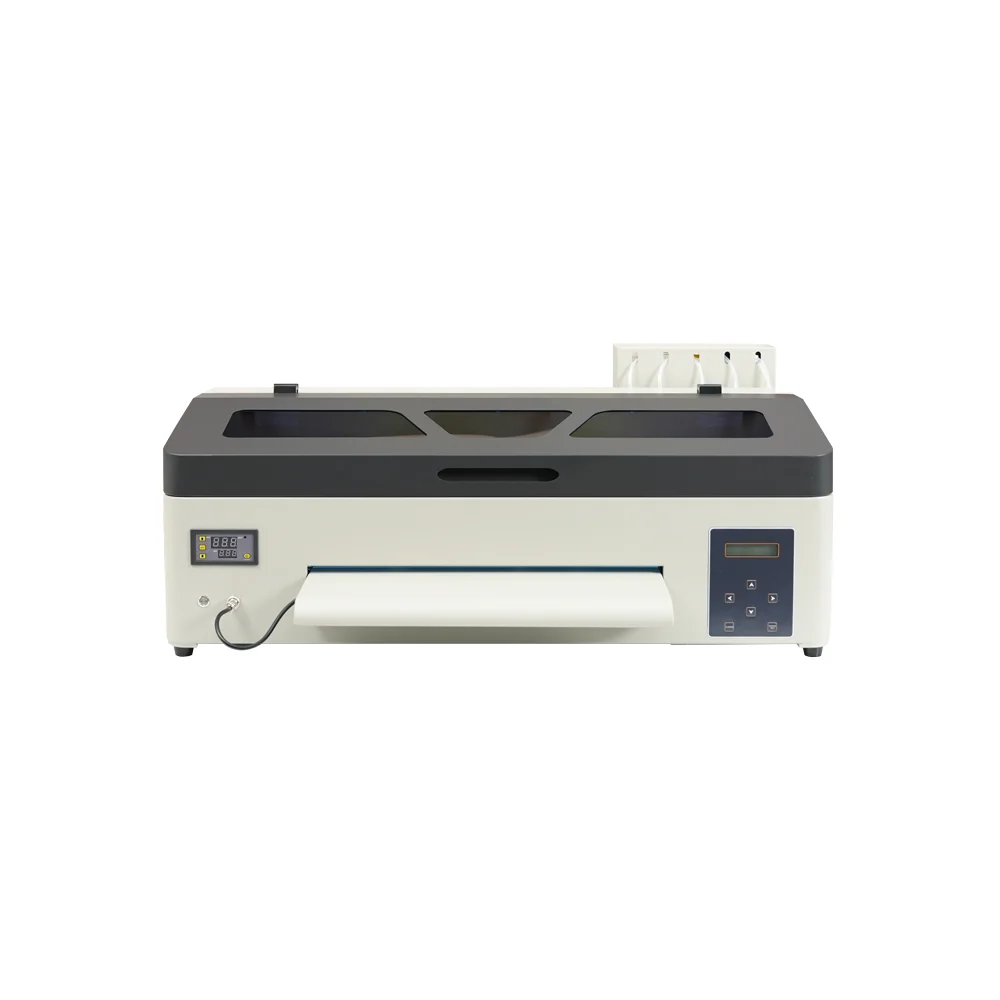
A production-ready solution designed for shops that need higher throughput and a more automated workflow.

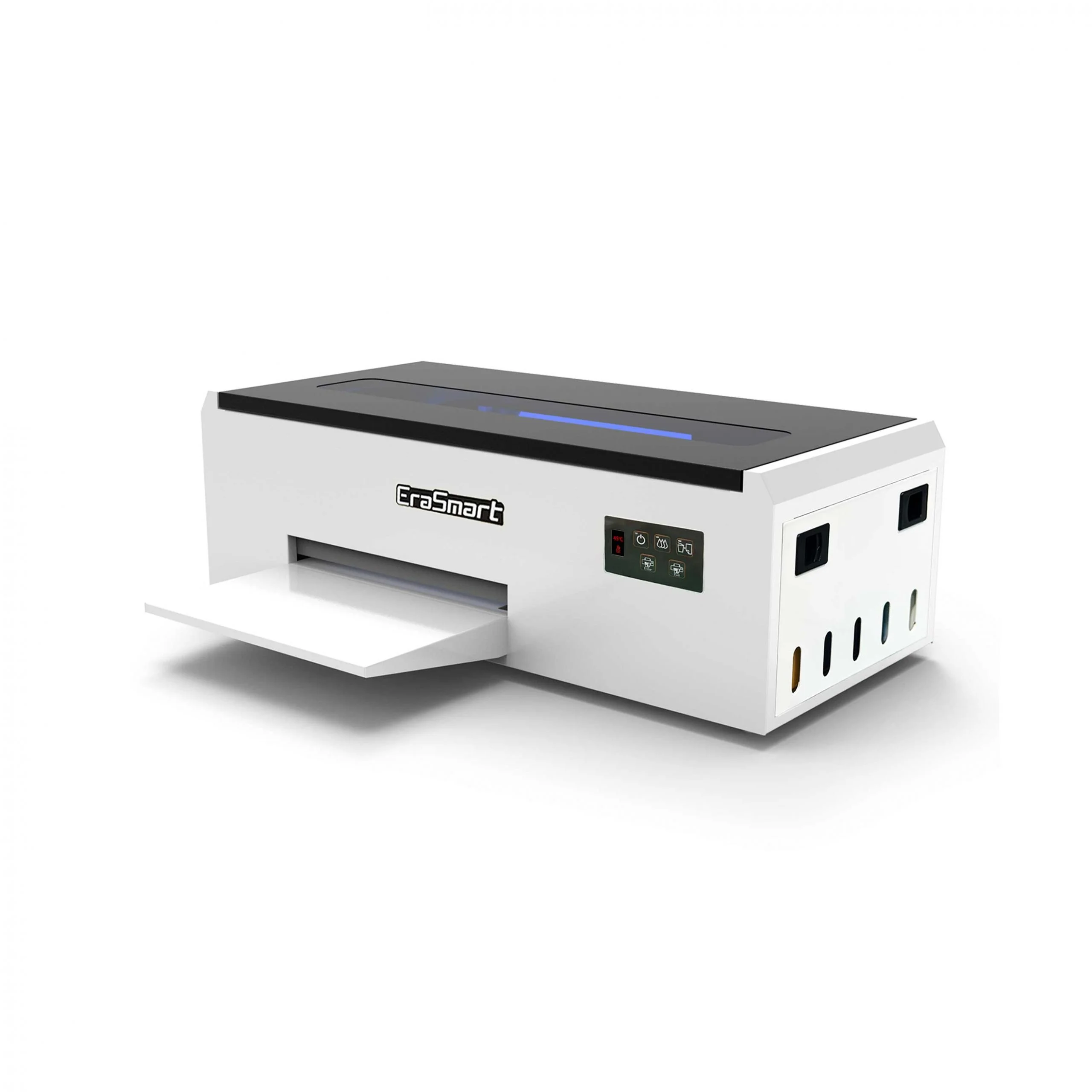
A practical choice for startups and small studios that want reliable output without over-investing.

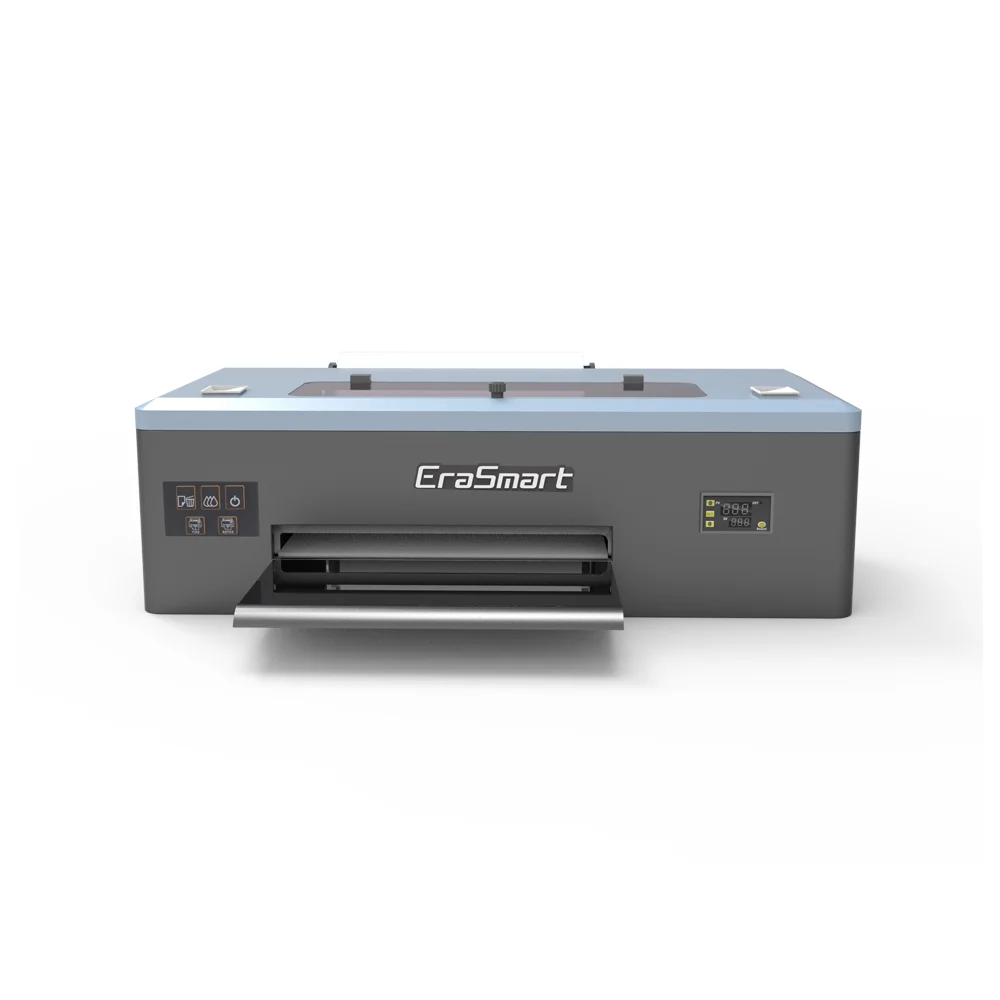
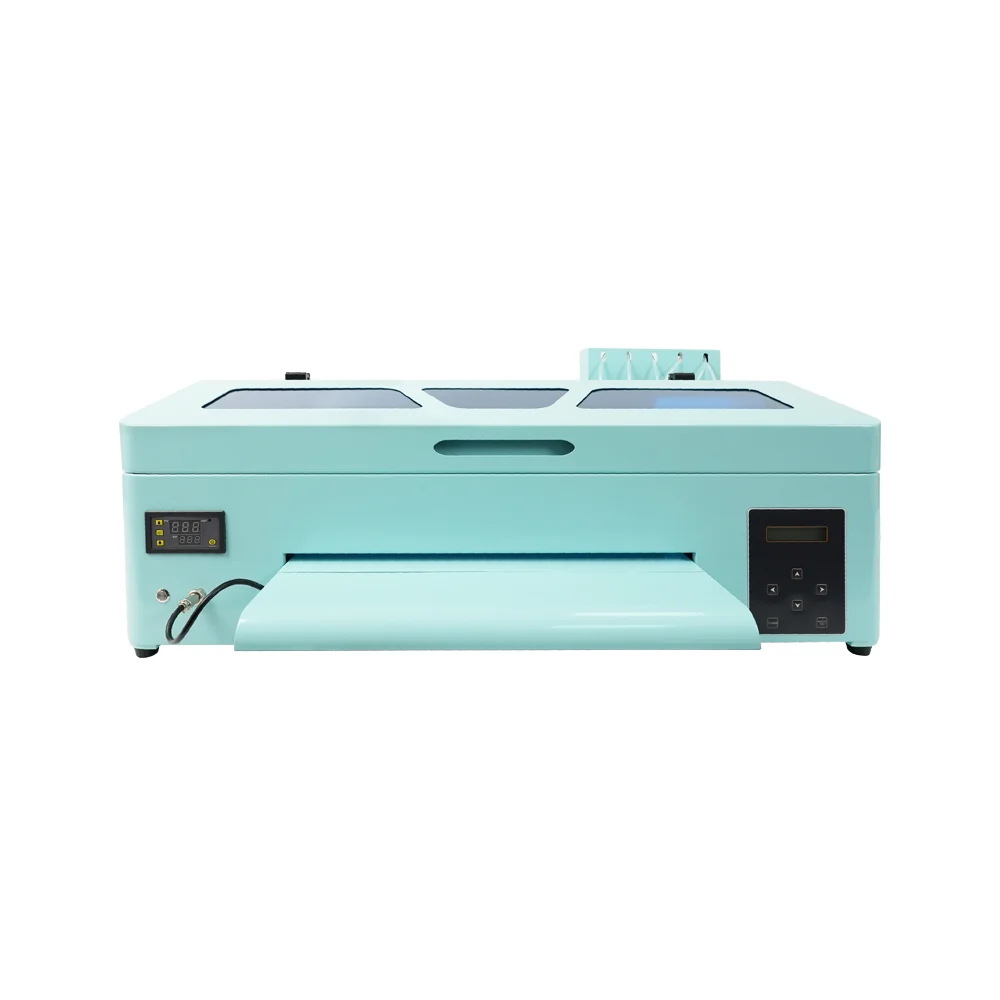
Balanced performance for print shops that need speed + stable output in an A3 footprint.

Designed for users who prioritize fine detail, smooth gradients, and premium print feel.

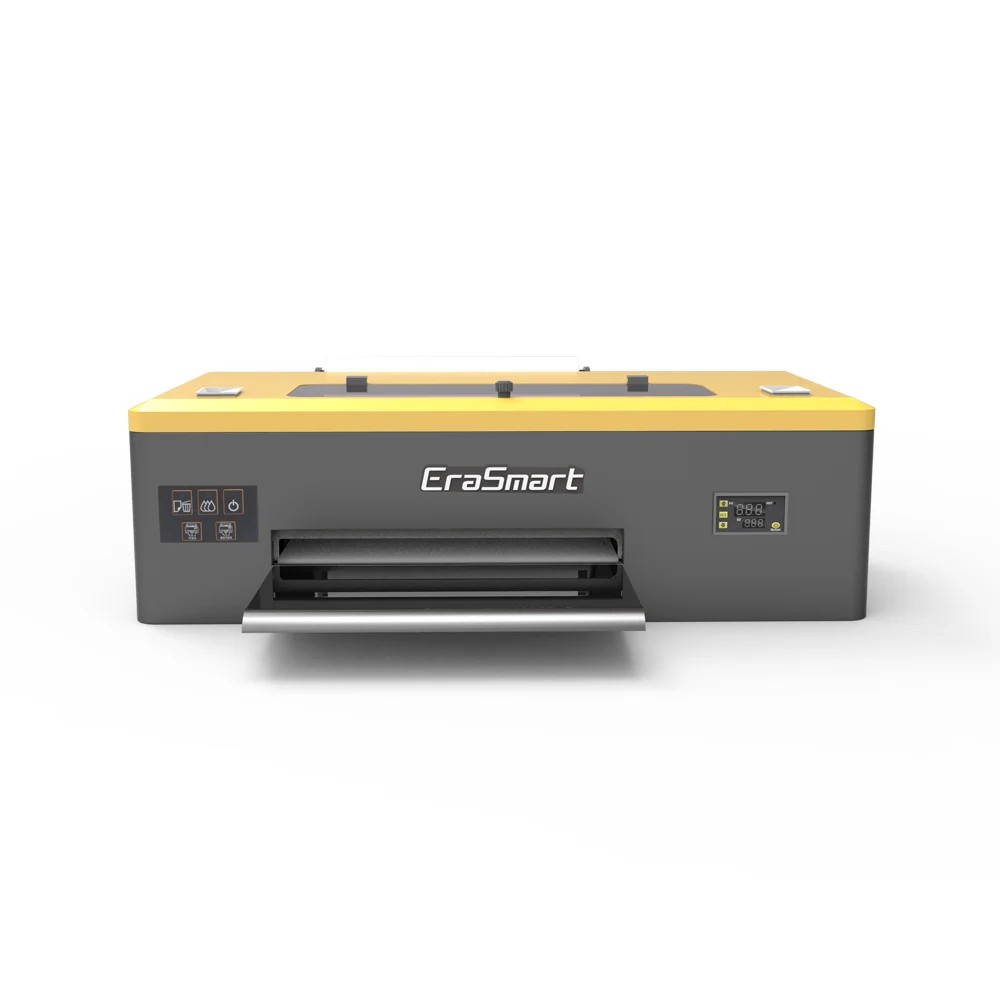
A dependable A3 model for steady daily output, popular for small-business production routines.

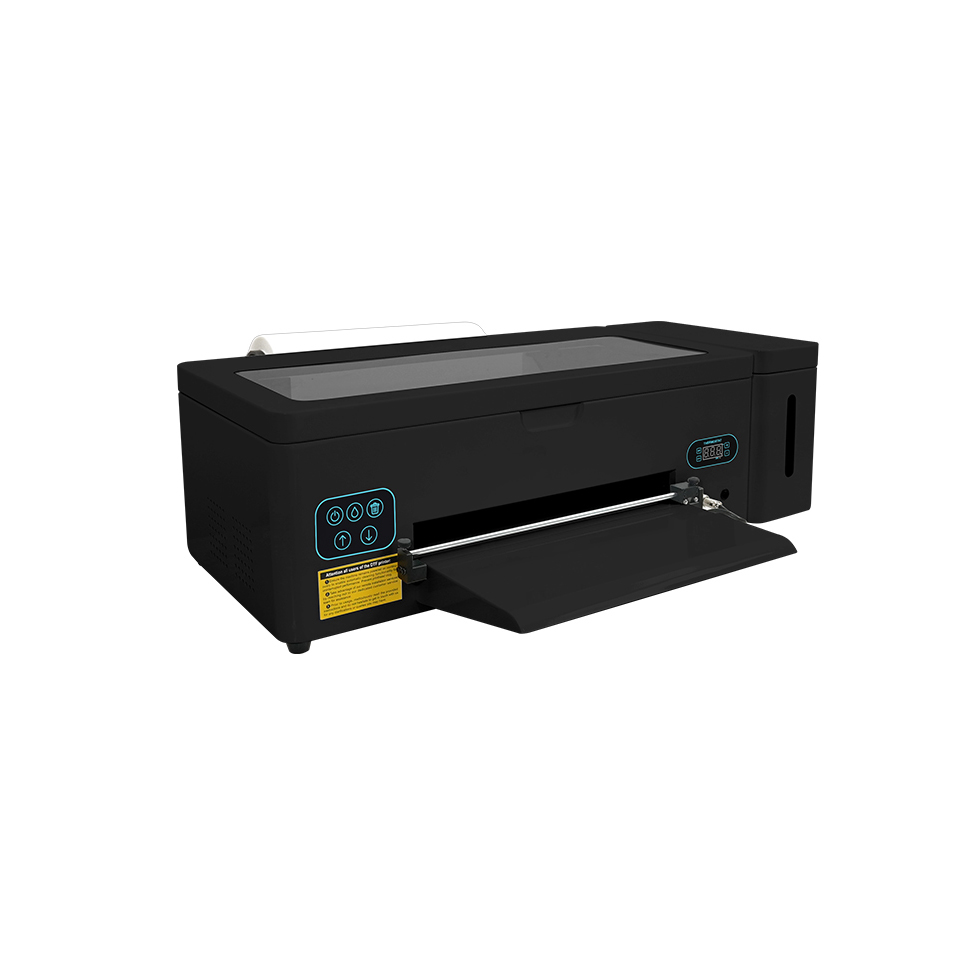
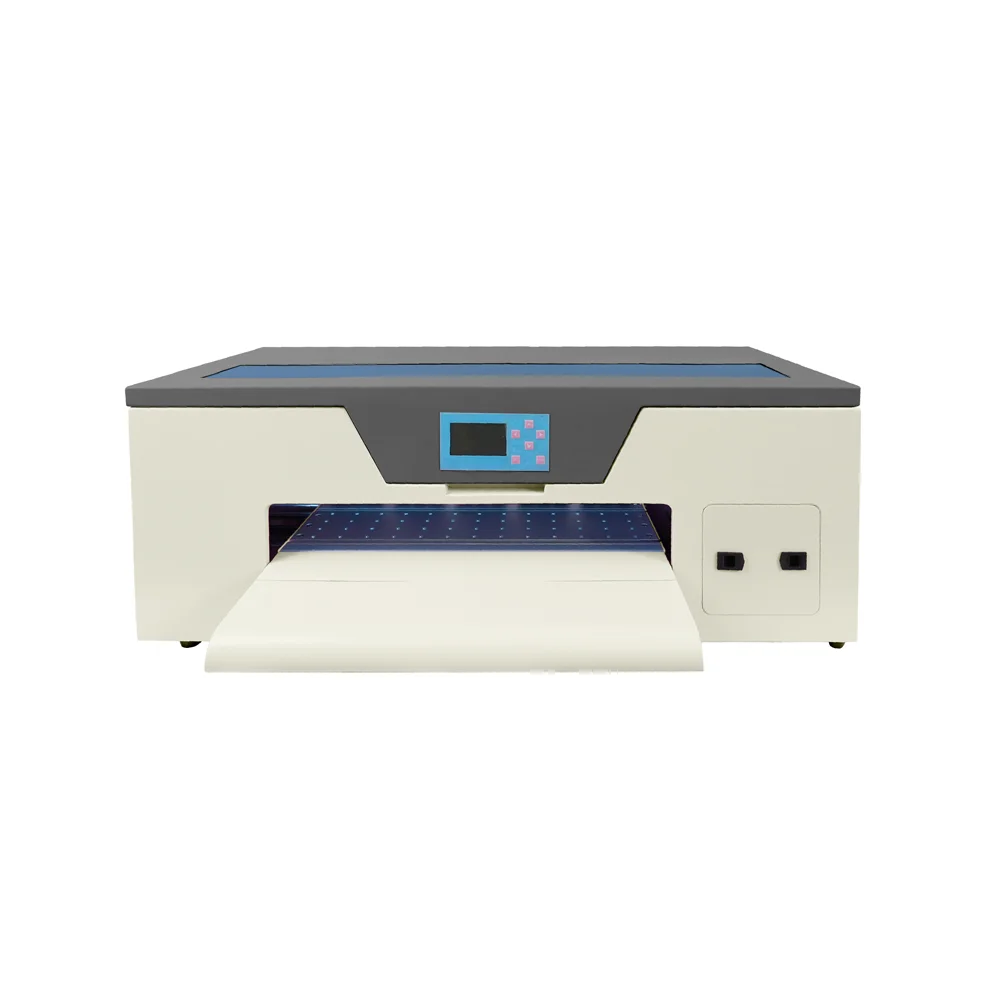
Compact entry-level model perfect for startups and small batch production.

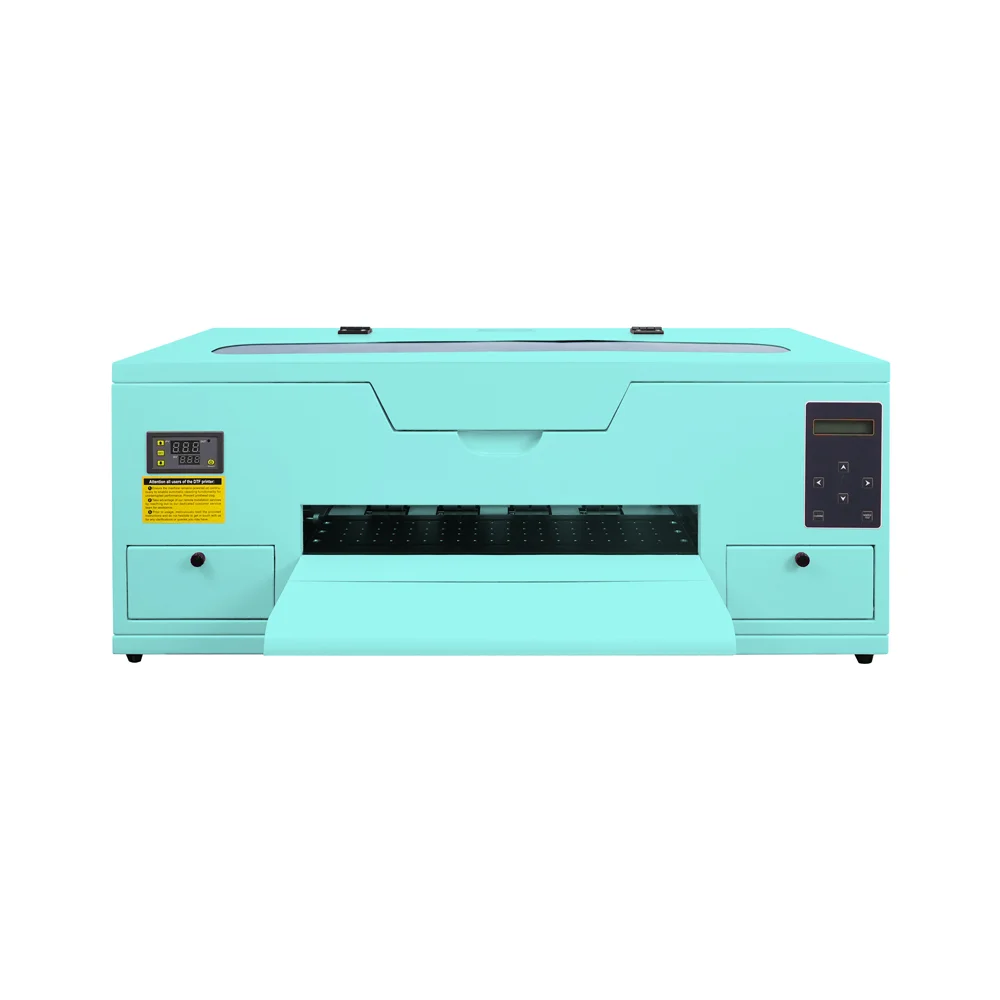
Enhanced A4 model with improved ink efficiency for daily small-scale production.

A3 format printer with reliable R1390 motherboard for medium production.

Standard A3 model with 250ml ink tanks for consistent daily operation.

L1800 print head model offering superior color reproduction for detailed designs.

A3 Max series with XP600 print head for increased speed and efficiency.

A3 Max DTF Printer

High-performance A3 model with DX7 print head for professional results.

High-performance A3 model with XP600 print head for professional results.

Professional dual print head A3 printer for high-volume production.

a1 xp600 dtf printer

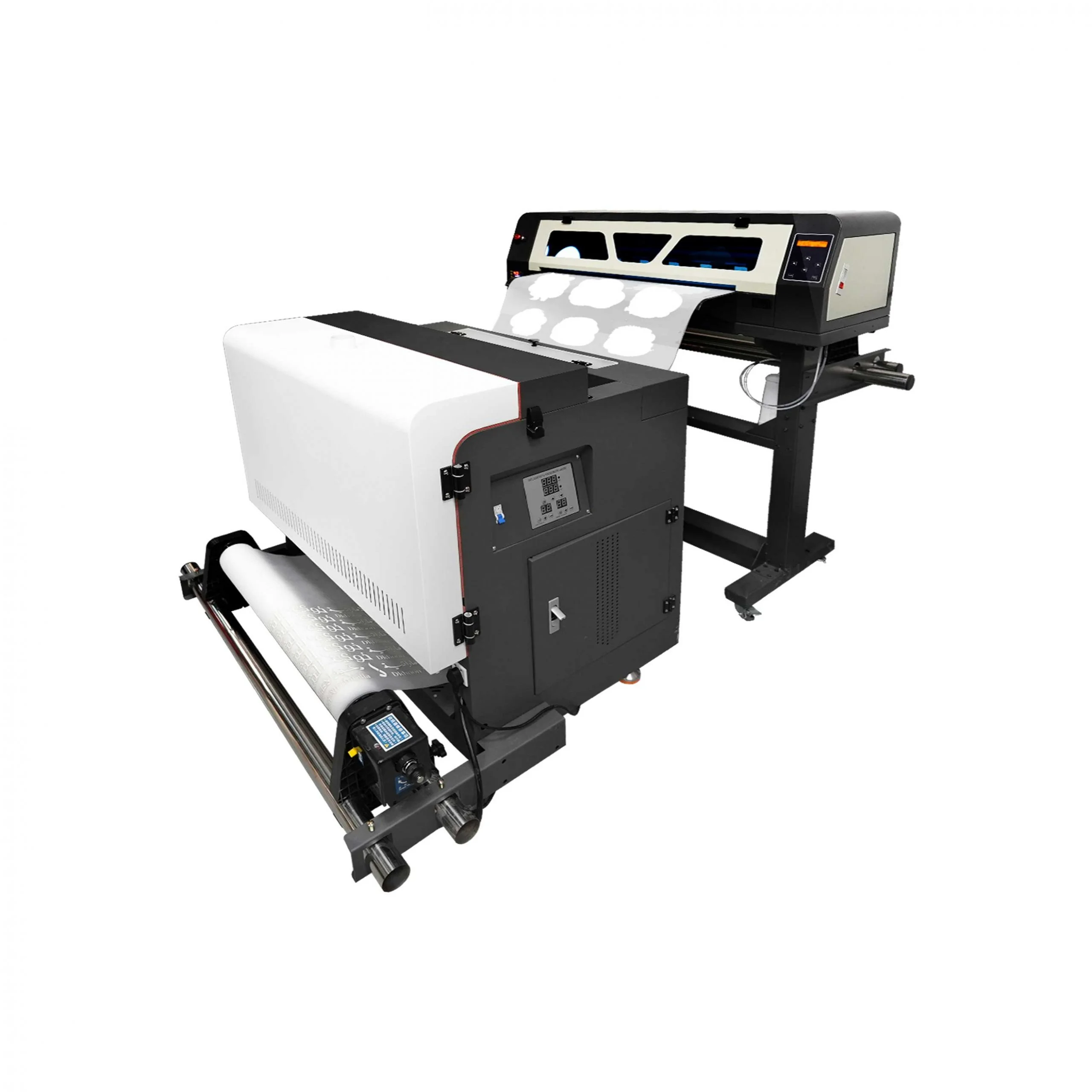
Industrial wide-format printer with dual XP600 heads (620mm width).

High-speed industrial model with dual I1600 heads (10㎡/h output).

Premium industrial printer with dual I3200 heads for maximum productivity.

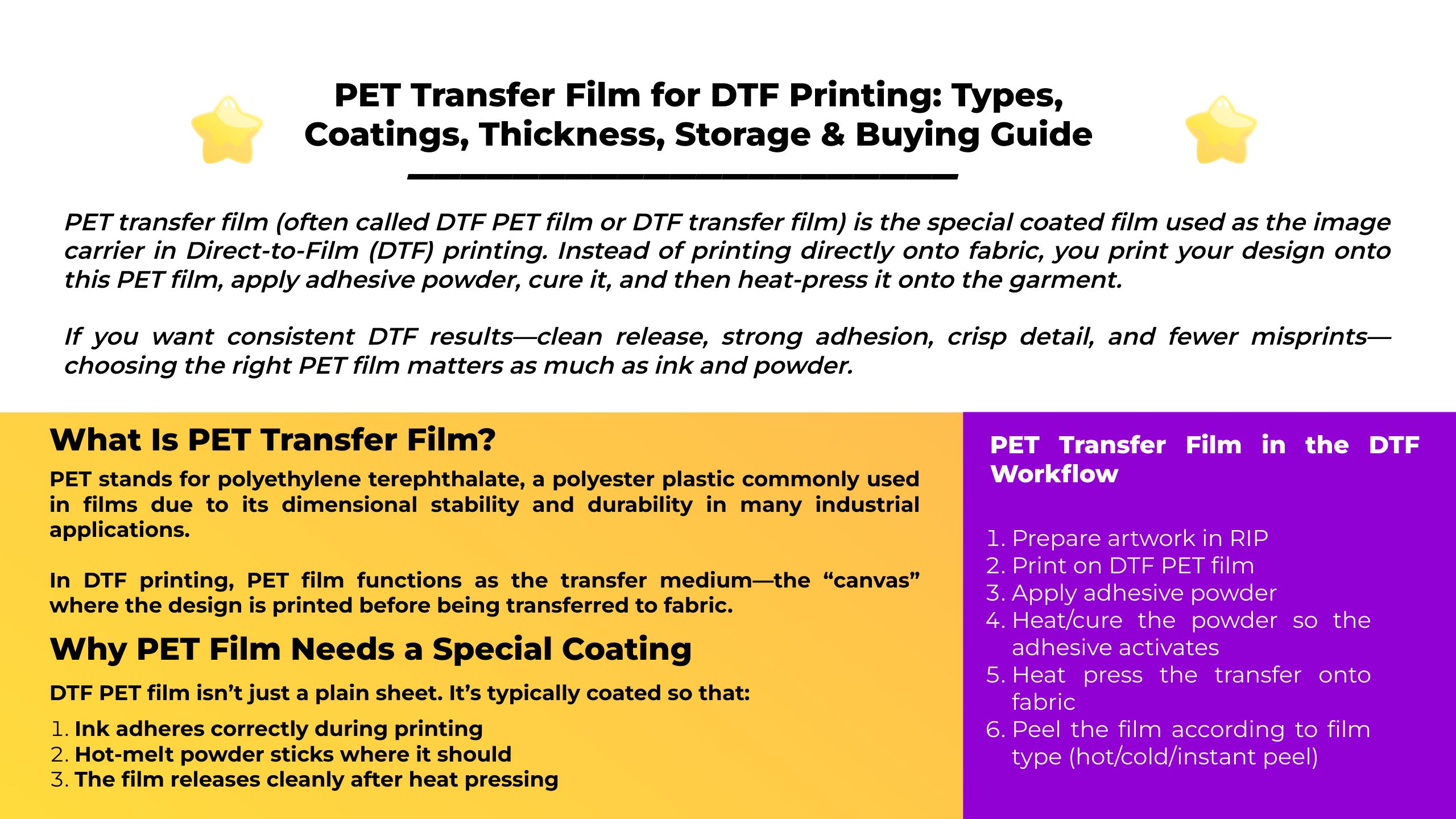
PET Transfer Film in the DTF Workflow (Step-by-Step)

A standard DTF workflow looks like this:

  1. Prepare artwork in RIP

  2. Print on DTF PET film

  3. Apply adhesive powder

  4. Heat/cure the powder so the adhesive activates

  5. Heat press the transfer onto fabric

  6. Peel the film according to film type (hot/cold/instant peel)

Types of DTF PET Transfer Film

1) Hot Peel vs Cold Peel vs Instant Peel

DTF films are commonly sold as:

  • Hot peel (peel soon after pressing)

  • Cold peel (wait until it cools before peeling)

  • Instant/warm peel (varies by supplier—typically peel after a short wait)

Film makers and guides commonly categorize DTF film this way because peel behavior affects workflow speed, release quality, and repeatability.

Practical rule:

  • If you run production and want speed → many shops prefer hot/instant systems

  • If you want a more forgiving release process → cold peel systems are common

(Always follow your film supplier’s press + peel instructions; “hot peel” between brands can behave differently.)

2) Single-Sided vs Double-Sided DTF Film

Single-sided film typically has a printable coating on one side (often frosted/matte) and a smoother/glossier back side.
Double-sided film typically has a frosted/matte texture on both sides—not because you print both sides, but to improve feeding stability and reduce slipping/static-related issues.

Many suppliers and guides state that double-sided film can improve handling (less slipping) and can reduce static problems that attract powder dust.

When to choose which:

  • Single-sided: cost-effective, works well on many setups

  • Double-sided: better for higher stability feeding, some printers that struggle with glossy backs, and shops fighting static/powder dust

3) Matte/Frosted vs Glossy

A very common DTF PET film structure is:

  • Frosted/matte side = printable side

  • Glossy side = non-print side
    (or both sides frosted for double-sided film)

This matters because printing on the wrong side can cause:

  • poor ink adhesion

  • powder not sticking correctly

  • muddy detail or release failures

PET Transfer Film Thickness (75 Micron vs 100 Micron)

A very common spec range for DTF PET film is 75–100 microns (µm), seen across multiple product listings and buying guides.

Choosing thickness (shop logic)

  • 75 µm: more flexible, often feeds easily, popular for general use

  • 100 µm: stiffer, can feel more stable in some workflows, sometimes preferred for larger designs/roll workflows

Your “best thickness” depends on your printer’s feeding behavior, your environment (static/humidity), and whether you’re running sheets or rolls.

Sheet vs Roll PET Film

  • Sheets (A4/A3, etc.) are convenient for entry-level workflows and small jobs

  • Rolls (30/60cm widths, etc.) are preferred for higher throughput and automated cutting/feeding setups

If you’re scaling, roll film usually delivers better consistency and lower handling time—assuming your printer and take-up are dialed in.

How to Identify the Printable Side of PET Film

Most DTF films have a coated side intended for printing. Many guides summarize it as: one coated side and one uncoated side, and the coated side is the correct print side.

Quick shop checks:

  • Printable side is usually matte/frosted (slightly textured)

  • Non-print side is often glossy/smoother (single-sided films)

(Some films can be subtle—always label rolls once you confirm the print side.)

Compatibility: Film + Ink + Powder Must Match

DTF relies on three consumable systems working together:

  • DTF ink adheres to the film coating

  • Powder bonds to the printed ink layer

  • Curing + pressing activate and bond the transfer to fabric

If your film is mismatched to your powder/ink, you’ll see symptoms like:

  • powder not sticking evenly

  • grainy edges or pinholes

  • weak adhesion after washing

  • film not releasing cleanly

Storage & Handling: How to Protect PET Film Quality

DTF films and transfers are sensitive to heat, humidity, dust, and static. Multiple guides recommend storing film in a cool, dry, dark environment and controlling humidity to reduce defects.

Common storage targets (seen in industry guides):

  • temperature around 18–24°C and 40–60% RH for film storage

  • keep sealed in original packaging; reduce dust and static

Handling tips that reduce waste:

  • Store rolls upright and sealed to prevent warping and contamination

  • Avoid direct sunlight/UV exposure for long periods (helps preserve coatings)

  • Use FIFO (first-in-first-out) so older rolls get used first

Troubleshooting: Common PET Film Problems (and What They Usually Mean)

1) Powder sticks everywhere (dusty background)

Likely causes

  • static charge on film

  • environment too dry

  • using film/powder combo that’s too “grabby”

Fixes

  • consider double-sided/anti-static film options (many products market anti-static properties)

  • increase humidity slightly (within safe limits) and reduce dust

2) Ink beads up or looks inconsistent

Likely causes

  • printing on the wrong side

  • contaminated film surface (fingerprints, oil)

Fixes

  • confirm you print on the coated/matte side

  • handle film by edges; keep work surface clean

3) Film won’t release cleanly (peeling pulls the design)

Likely causes

  • wrong peel timing (hot vs cold peel mismatch)

  • insufficient cure or press settings not matched to film type

Fixes

  • follow your film’s peel type (hot/cold/instant)

  • verify your cure/press steps align with the workflow described by DTF process guides

4) Curling or wavy film / feeding issues

Likely causes

  • poor storage (humidity/heat swings)

  • film tension/alignment issues

  • low-quality film thickness tolerance

Fixes

  • store film in controlled temp/humidity ranges

  • consider thicker film or higher stability film for your setup


Buying Checklist: How to Choose the Right PET Transfer Film

When comparing PET films, ask for these details:

  1. Peel type: hot peel / cold peel / instant peel

  2. Coating style: single-sided vs double-sided (feeding stability + static control)

  3. Thickness: commonly 75–100 µm; match to your printer handling

  4. Finish: matte/frosted print side, glossy back (or matte both sides)

  5. Roll width & core size: match your printer/take-up system

  6. Compatibility notes: confirm the film is intended for your ink/powder system (ask supplier for recommended settings)

FAQ: PET Transfer Film

What does PET stand for?

PET is polyethylene terephthalate, a polyester plastic widely used in films.

Is “PET transfer film” the same as “DTF film”?

In most garment-printing contexts, yes—DTF film is commonly described as PET film with a special coating for DTF transfers.

Which side of PET film do you print on?

Typically the coated/matte (frosted) side is the printable side.

What thickness is best: 75 micron or 100 micron?

Both are widely used; many buying guides and product specs list 75–100 µm as common ranges. Pick based on feeding stability, shop humidity/static, and whether you run sheets or rolls.

Does double-sided film mean I can print both sides?

Usually no. Double-sided typically means both sides have a matte/frosted texture to improve stability and reduce slipping—not that both sides are meant for printing.

Conclusion

A high-quality PET transfer film is the foundation of reliable DTF production. Look for the right peel type, coating style (single vs double-sided), and thickness (often 75–100 µm), store it properly, and your print quality and yield will improve immediately.


MAY BE YOU LIKE ALSO

  • EraSmart Printer

    uv printer
    DTF printer
    DTG printer
    Heat press machine
    Advertising printer

  • Printer tools

    DTF oven
    Hot Press
    Carving machine
    Mug heat transfer
    Laminating machine

  • Consumables

    Printing INK
    Cellphone case
    Glass product
    Cleaning fluid
    Cotton swab

  • Contact Us

    WhatsApp:+8618566233796
    WeChat: +8618566233796
    Mobile: +8618566233796
    Web:www.erasmart.com
    Shop:www.erasmartmall.com

  • Request A Quote

    Just provide a few details and we will help you get quick quotes!