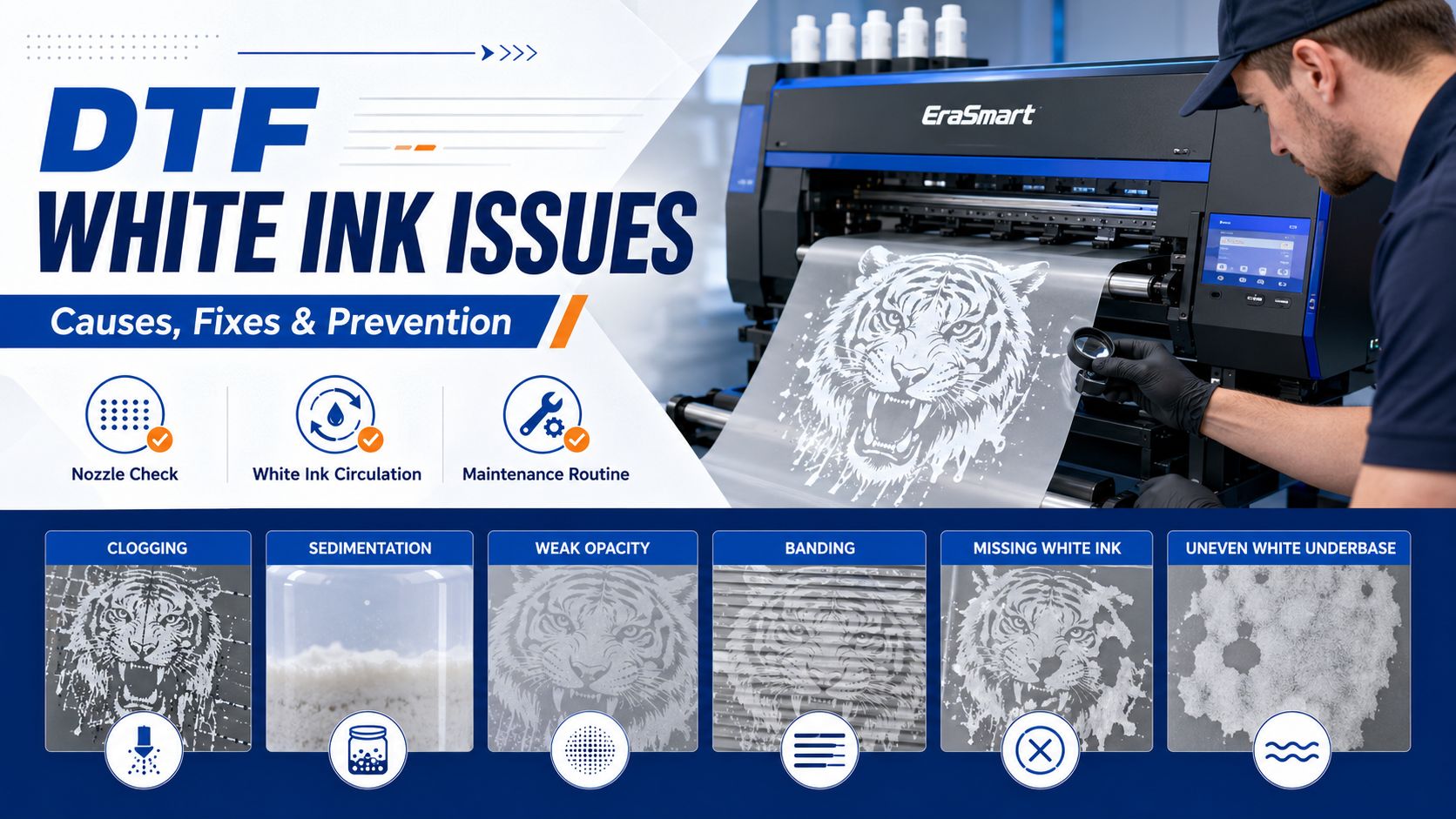
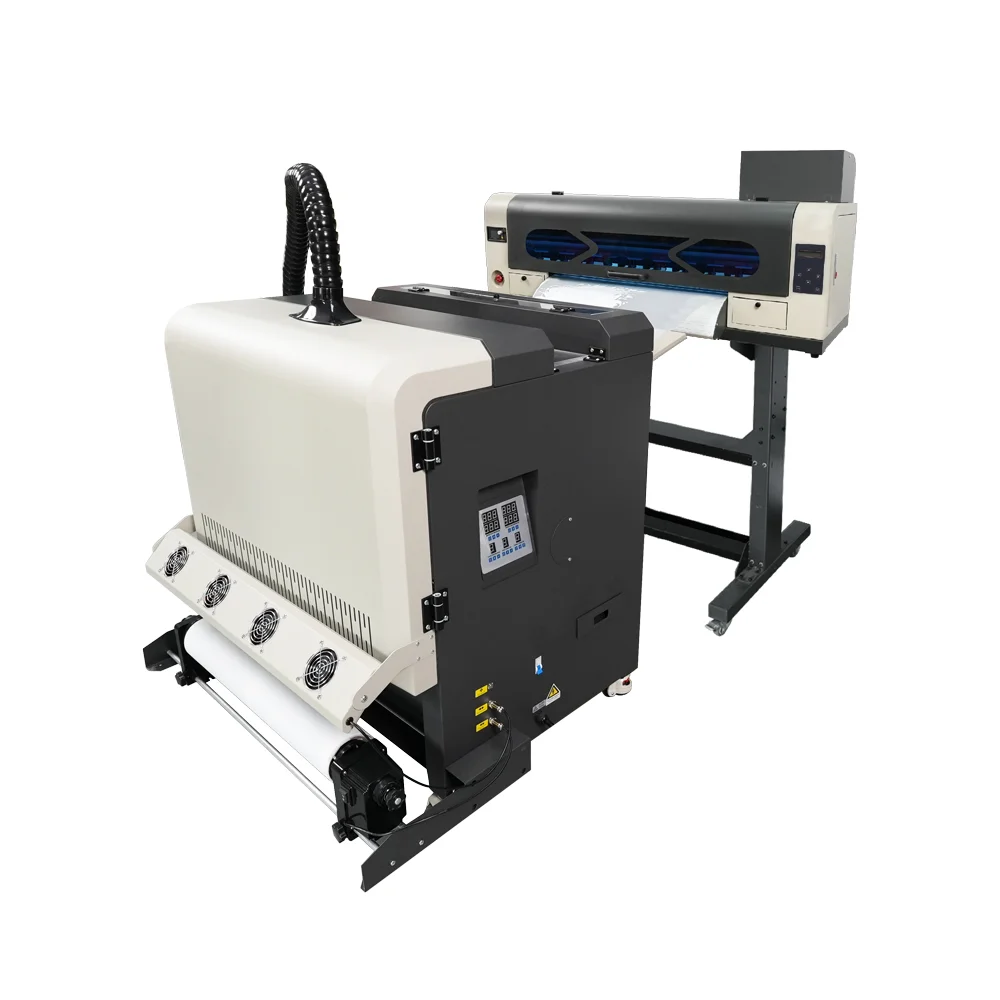
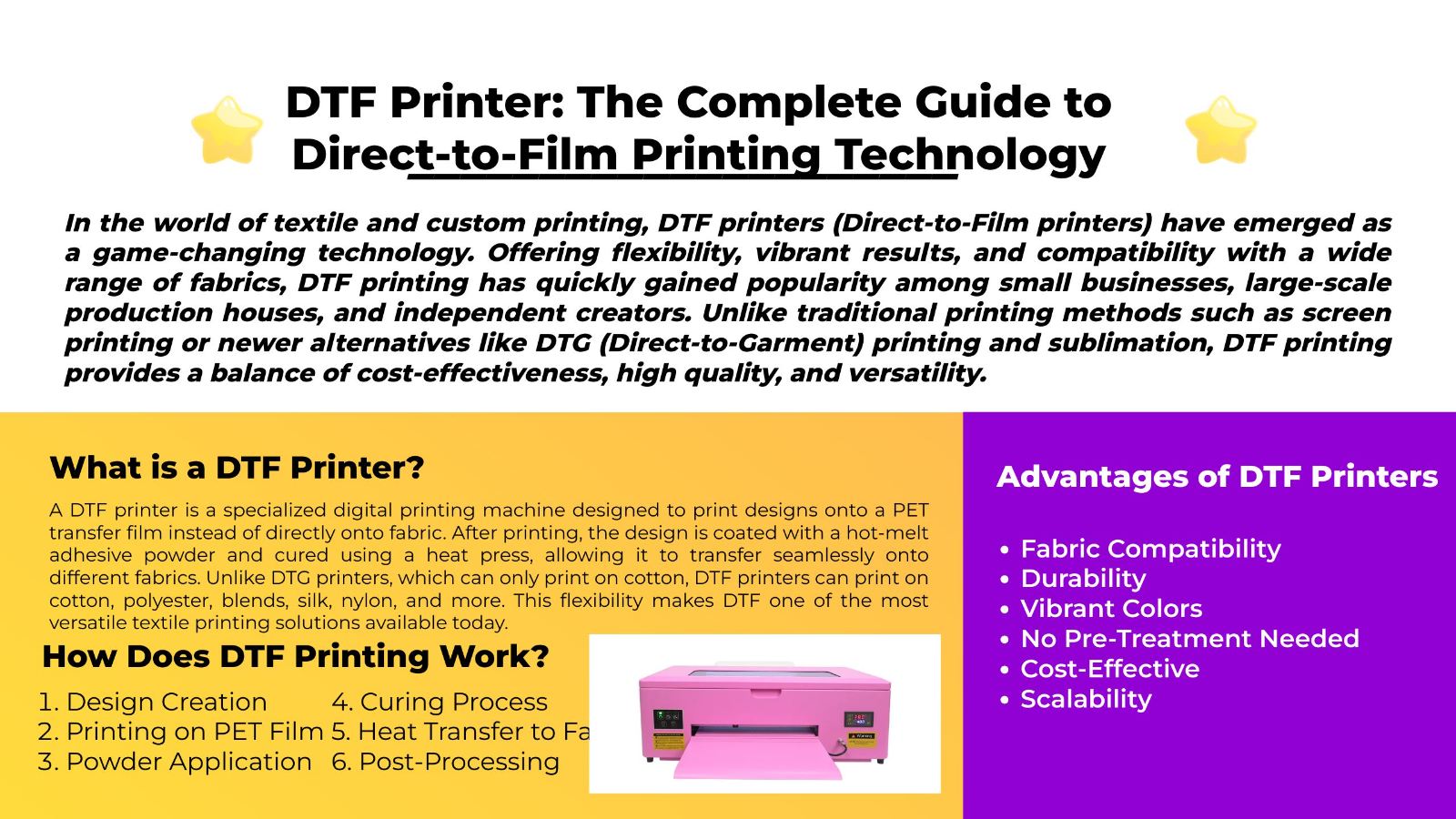
White ink is one of the most important parts of DTF printing. It creates the base layer that helps colors appear bright, opaque, and clear on dark garments, colored fabrics, hoodies, tote bags, uniforms, sportswear, and custom apparel.
When white ink works well, DTF prints look vibrant and professional. When white ink becomes unstable, the whole production workflow can suffer. Common problems include missing white ink, weak opacity, grayish white output, nozzle clogging, banding, mixed colors on the test page, uneven underbase, and dull final prints after heat pressing.
For small apparel businesses, these issues are more than technical problems. They can cause wasted film, failed transfers, delayed orders, customer complaints, and unnecessary downtime.
The good news is that most DTF white ink problems can be reduced with the right maintenance routine, proper ink handling, clean printhead care, stable environment, matched consumables, and a printer designed with white ink circulation support.
If you are still building your DTF workflow, start with EraSmart’s DTF Printer lineup and the DTF Maintenance Guide to understand why white ink management should be part of daily production, not an emergency task.
To solve DTF printer white ink issues, follow this practical sequence:
The most important rule is simple: do not let white ink stay inactive for long periods.
White ink needs regular movement, observation, and maintenance. If it is treated casually, small issues can quickly become bigger production problems.
DTF printing usually uses CMYK ink plus white ink. CMYK creates the color image, while white ink creates the backing layer that supports color brightness and opacity.
White ink is especially important when printing on:
Without a strong white layer, the printed design may look dull, transparent, uneven, or weak after heat pressing.
White ink helps improve:
For more details on how DTF printing works from artwork to film printing, powdering, curing, and pressing, see EraSmart’s DTF Production Workflow.
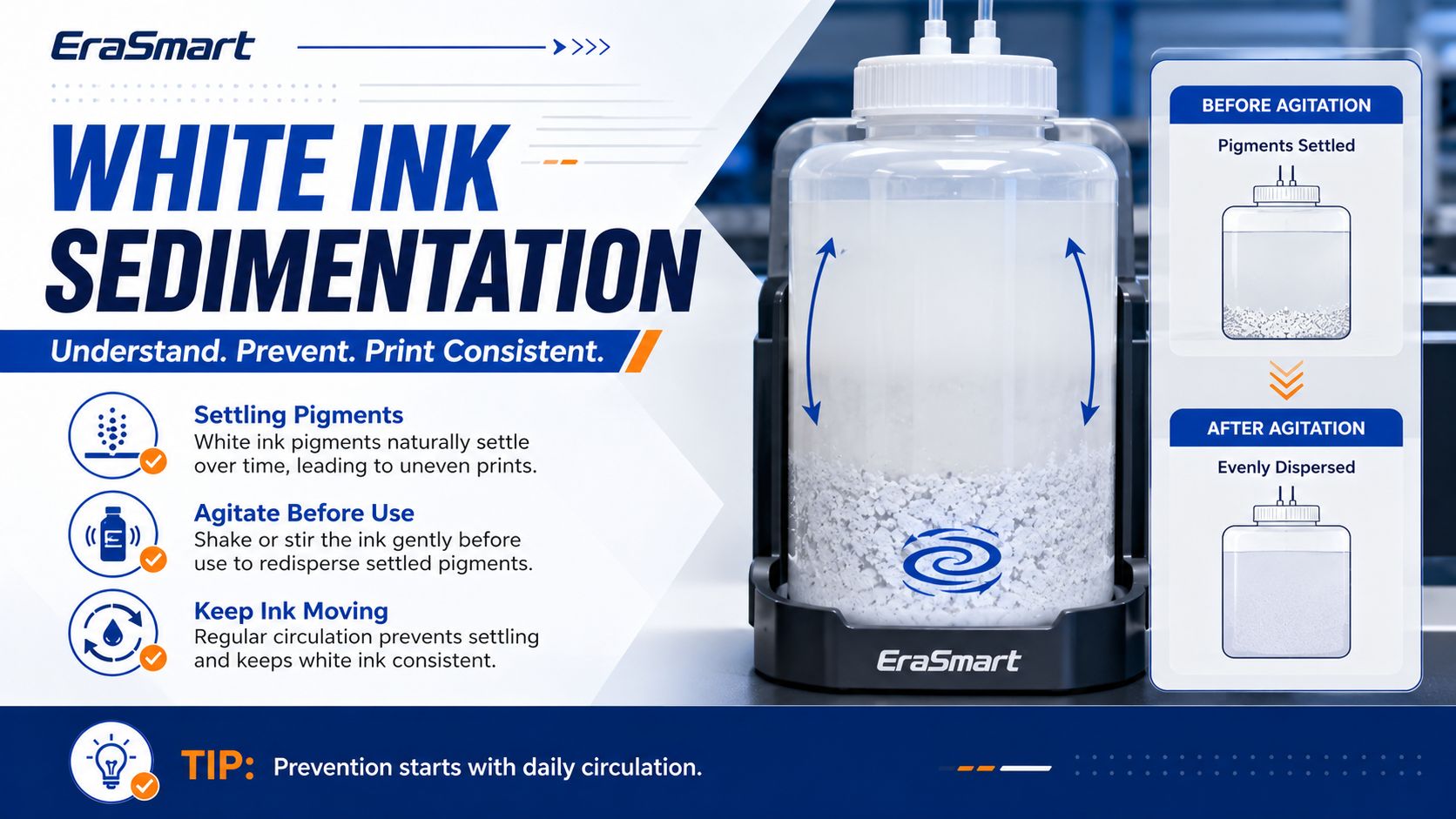
White ink is more sensitive than CMYK ink because it contains heavier pigment particles. These particles help create opacity, but they also make white ink more likely to settle when the printer is idle.
This is why white ink needs more attention than standard color ink.
Common white ink risks include:
A DTF printer with white ink circulation, stirring, or automatic maintenance support can reduce these risks, but operator habits still matter. Machine design helps, but daily care is still necessary.
EraSmart’s White Ink Clogging Guide for DTF Printing explains why white ink should be treated as a daily workflow responsibility, especially during idle periods or inconsistent production schedules.

This is one of the most common DTF white ink problems. The printer may still print CMYK colors, but the white layer is missing, weak, or incomplete.
Start with the simplest checks first.
Do not run repeated deep cleaning cycles without reason. Excessive cleaning can waste ink and may not solve the real cause if the issue is air, sedimentation, poor capping, or wrong settings.
Sometimes white ink prints, but it does not look bright or opaque. The transfer may look grayish, thin, dull, or uneven.
White ink opacity should be checked after the full transfer process, not only by looking at the film. A transfer may look acceptable on film but appear weak after pressing onto a dark garment.
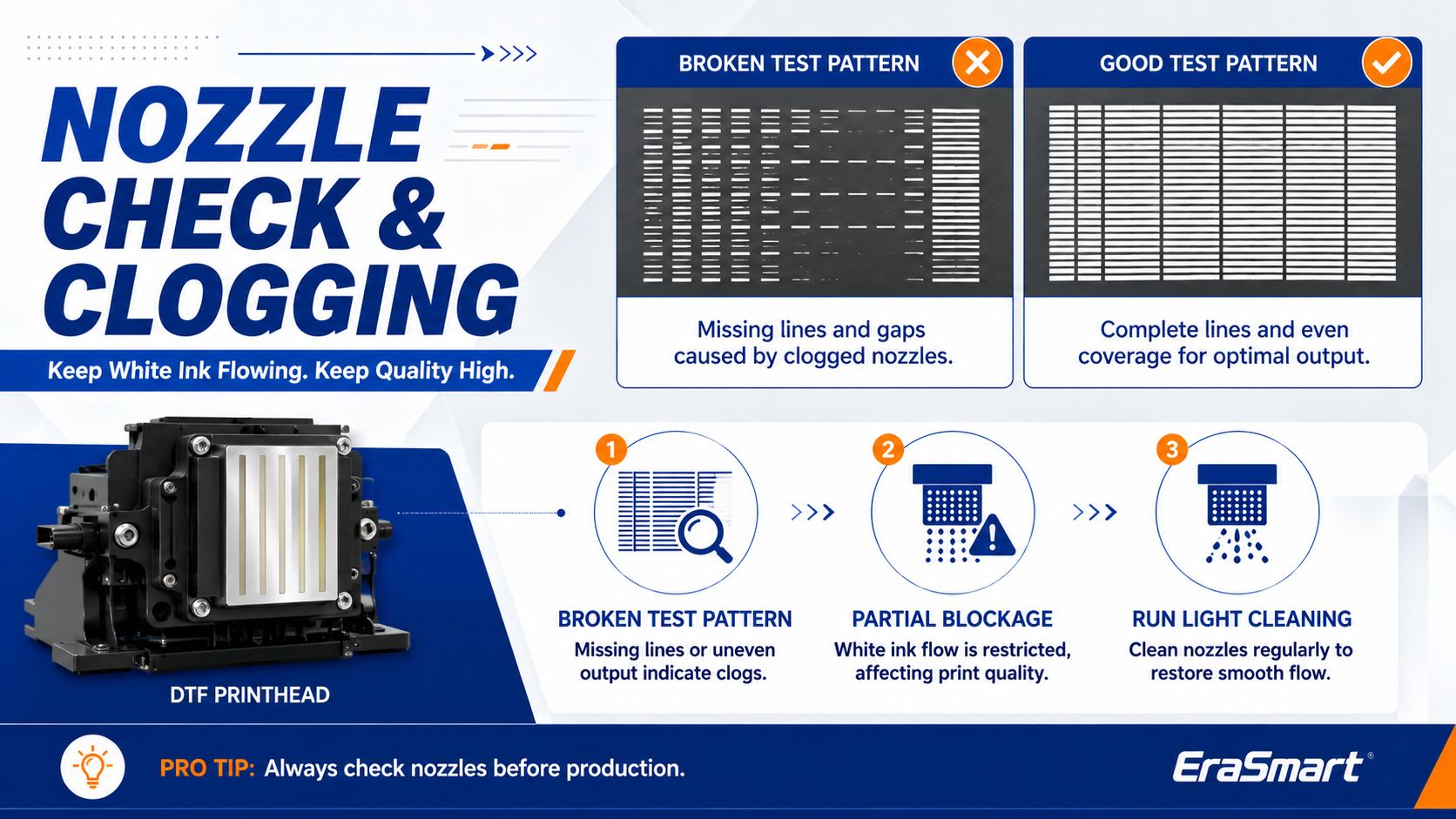
White lines, missing lines, or uneven white output usually indicate nozzle problems, ink flow instability, or printhead contamination.
If cleaning does not improve the result, do not keep forcing the printer. Repeated cleaning without diagnosis may waste ink and make troubleshooting harder.
For broader production issues, EraSmart’s DTF Troubleshooting Guide can help connect print defects with workflow causes.
If the test page shows white ink mixed with colors, or if color channels appear contaminated, the issue may be related to capping, suction, backflow, or printhead sealing.
This type of issue should not be ignored because mixed ink can affect color accuracy, white opacity, and production consistency.
Sometimes the film looks fine, but the final garment looks dull, uneven, or weak after heat pressing.
This means the problem may not be only the printer. It may be the transfer workflow.
DTF print quality depends on the complete workflow: printer, ink, film, powder, curing, heat press, garment, and operator settings all matter.
EraSmart’s DTF Consumables Guide is useful for understanding why ink, film, powder, and maintenance materials should work together as a matched system.
Idle time is one of the biggest risks for DTF white ink. If the printer is not used for several days, white ink can settle, dry, or become harder to restart.
If your printer will not be used for several days, plan maintenance before the downtime. Do not treat an idle printer as risk-free.
EraSmart’s How to Prevent White Ink Clogging guide explains how daily white ink movement, nozzle checks, and idle-time planning can reduce clogging risk.
If the first transfers look normal but later transfers become weaker, inconsistent, or banded, the issue may be related to ink flow stability, white ink supply, or environmental conditions.
For larger orders, do not wait until the full batch is printed to check quality. Add periodic inspection points during production.
| Problem | Common Cause | Practical Fix |
|---|---|---|
| White ink missing | Low ink, clogging, air in line, wrong RIP setting | Check ink, nozzle, damper, and white layer setup |
| White ink looks gray | Sedimentation, weak underbase, old ink | Agitate ink, activate circulation, check RIP density |
| White ink has lines | Partial nozzle clogging or unstable ink flow | Nozzle check, clean printhead area, inspect capping station |
| White ink mixes with color | Dirty cap, backflow, contamination | Clean capping station, wiper, and printhead bottom |
| Color looks dull on dark shirt | Weak white underbase | Increase white layer properly and check nozzle status |
| White clogs after idle time | Poor shutdown or no circulation | Follow idle maintenance routine before and after downtime |
| Good film but poor garment result | Powder, curing, pressing, or fabric issue | Check full DTF workflow, not only printer output |
| Repeated white ink failure | Bad habits, environment, consumables, or parts | Review routine, room conditions, ink system, and support needs |

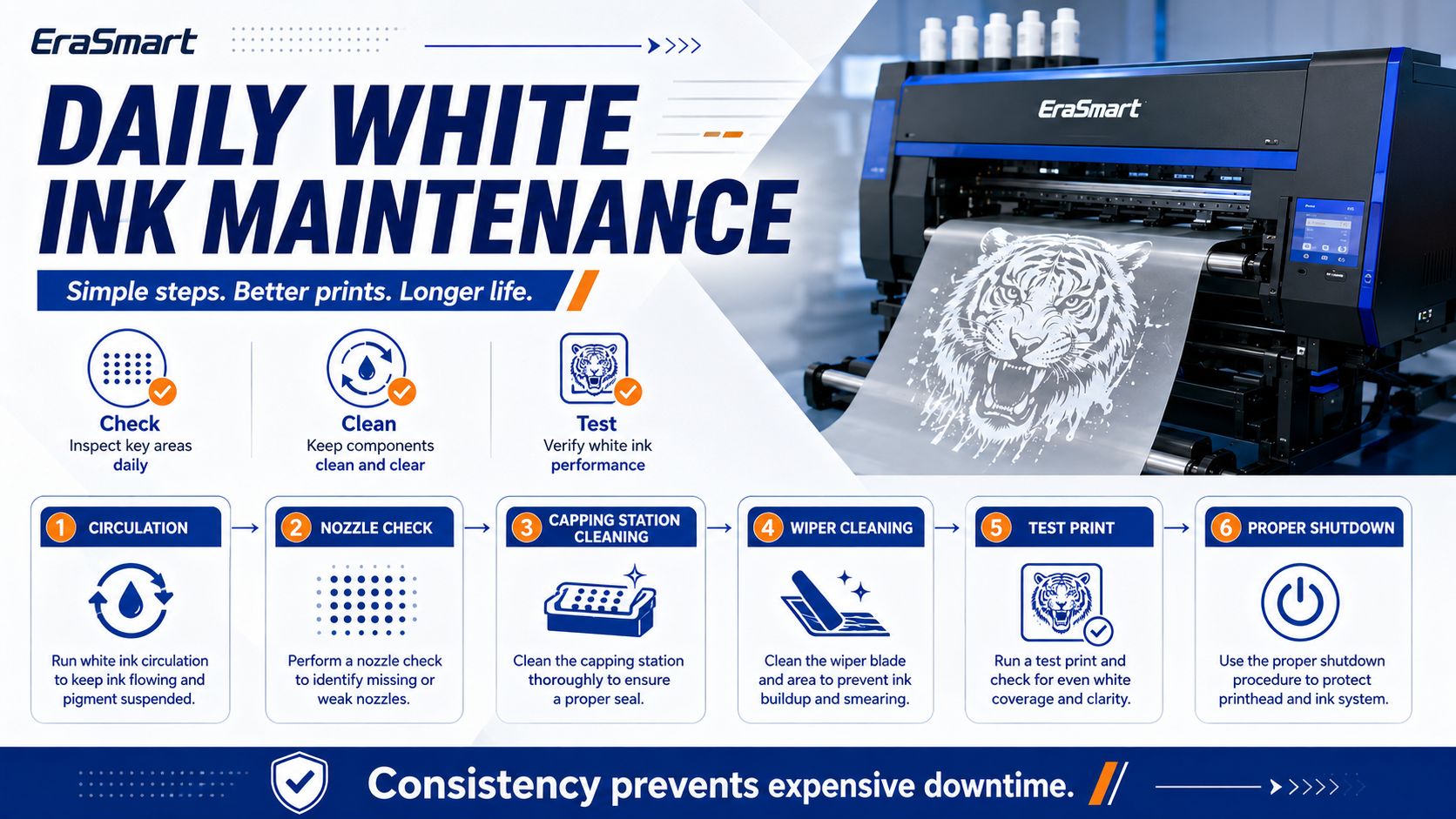
The best way to solve white ink problems is to prevent them before they interrupt production.
A practical daily routine should include:
Before starting customer work, confirm that the white ink is not ignored. Check ink level, bottle condition, circulation status, and whether the printer has been idle.
If your printer includes a white ink circulation system, use it as part of your normal routine. White ink should stay active instead of sitting still for long periods.
Many EraSmart DTF models are designed with white ink management features to help reduce settling pressure and support more stable output. You can compare suitable models on the EraSmart DTF Printer page.
A nozzle check is one of the easiest ways to prevent failed transfers. It helps you catch missing white ink, weak channels, or early clogging before wasting film and powder.
Dust, film debris, powder residue, and ink buildup can create bigger problems over time. Keep the printer area clean and avoid letting powder contaminate the print zone.
A casual shutdown can become tomorrow’s problem. Make sure the printhead is protected, the capping station is clean, and the printer is left in a safe condition according to the machine routine.
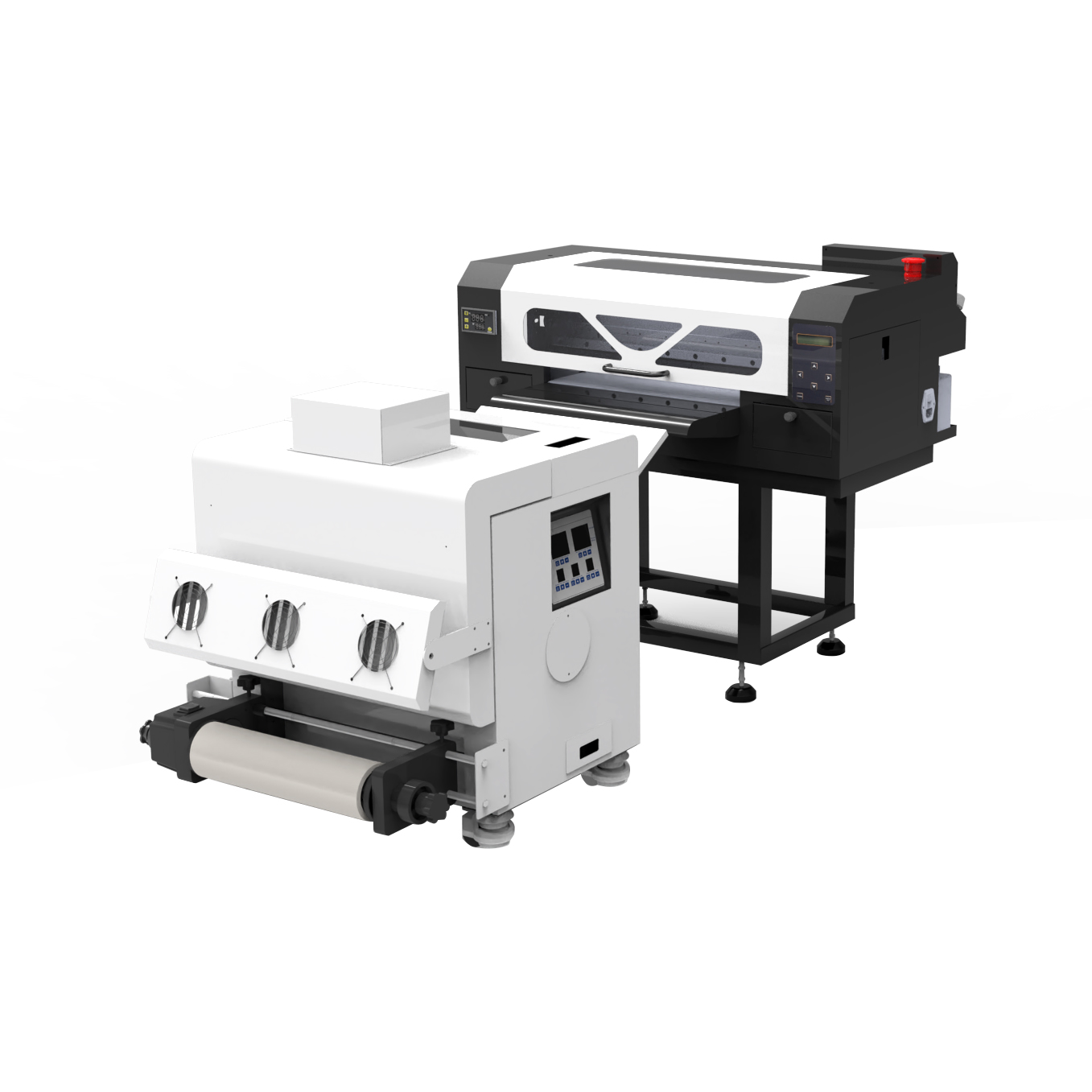
Weekly maintenance should focus on prevention.
A weekly routine may include:
Weekly maintenance is also a good time to review whether your workflow habits are drifting. Many DTF issues do not happen suddenly. They build up slowly because small warning signs were ignored.
The room environment has a direct impact on DTF stability.
Important environmental factors include:
If the room is too dry, static can increase. If humidity is too high, film and powder behavior may change. If the environment is dusty, the printhead, film, and capping system may become contaminated more easily.
A stable environment helps reduce white ink problems and improves repeat production quality.
Not every white ink issue is a mechanical problem. Sometimes the printer is working, but the file or RIP setting is wrong.
Check the RIP settings if:
For DTF printing, the white ink layer should be managed carefully because it affects color brightness, opacity, feel, and durability. Too little white ink can make dark garment prints weak. Too much white ink can increase thickness and affect hand feel.
Ink, film, and powder must work together. If one consumable is unstable, the final result can suffer.
Consumable-related causes may include:
Before switching consumables, test carefully. A cheaper consumable may increase waste, reprints, and downtime if it does not match your printer and workflow.
EraSmart’s DTF Consumables Guide can help buyers understand why ink, PET film, hot-melt powder, and maintenance supplies should be treated as one production system.
Some issues can be handled by normal maintenance, but some should be escalated.
Contact technical support if:
Do not disassemble critical parts without guidance. Incorrect handling can make the problem worse.
If white ink reliability is important for your business, printer selection matters.
Look for DTF printer features such as:
For small businesses, a good DTF printer is not only about print size or speed. White ink management should be part of the buying decision.
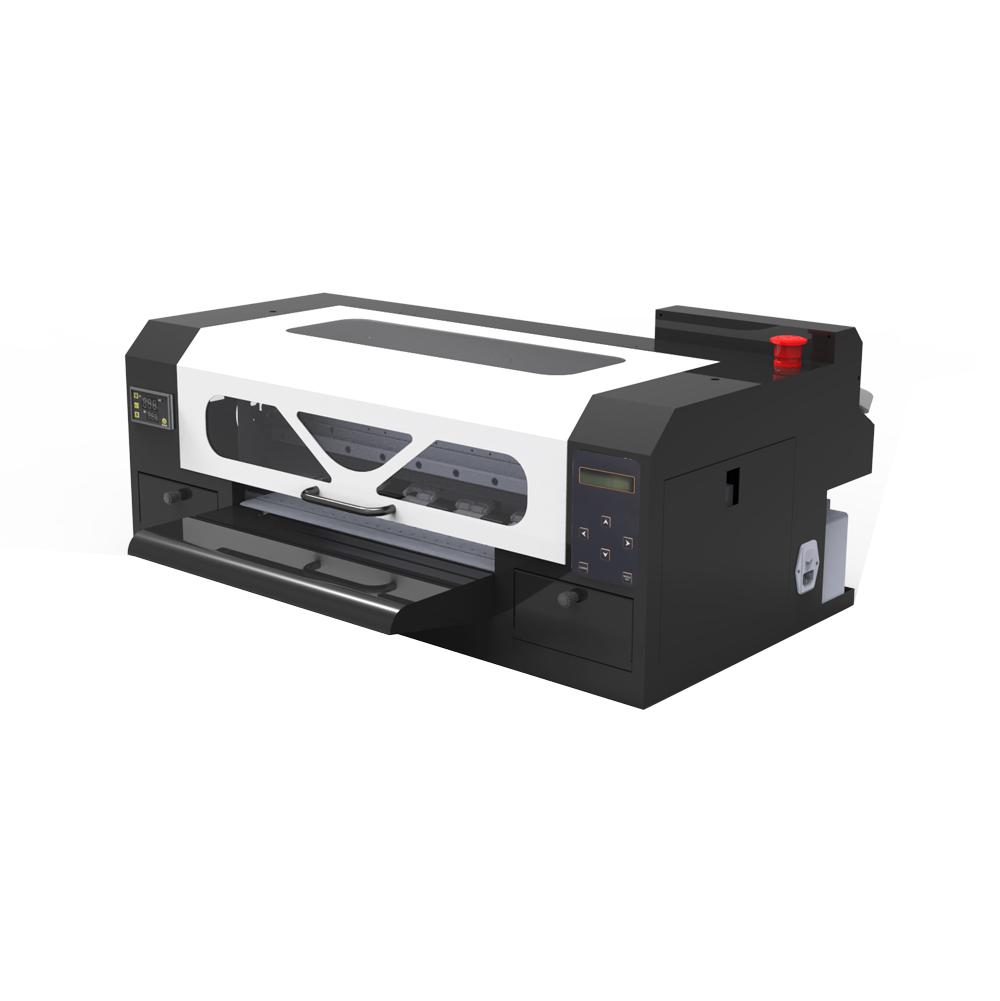
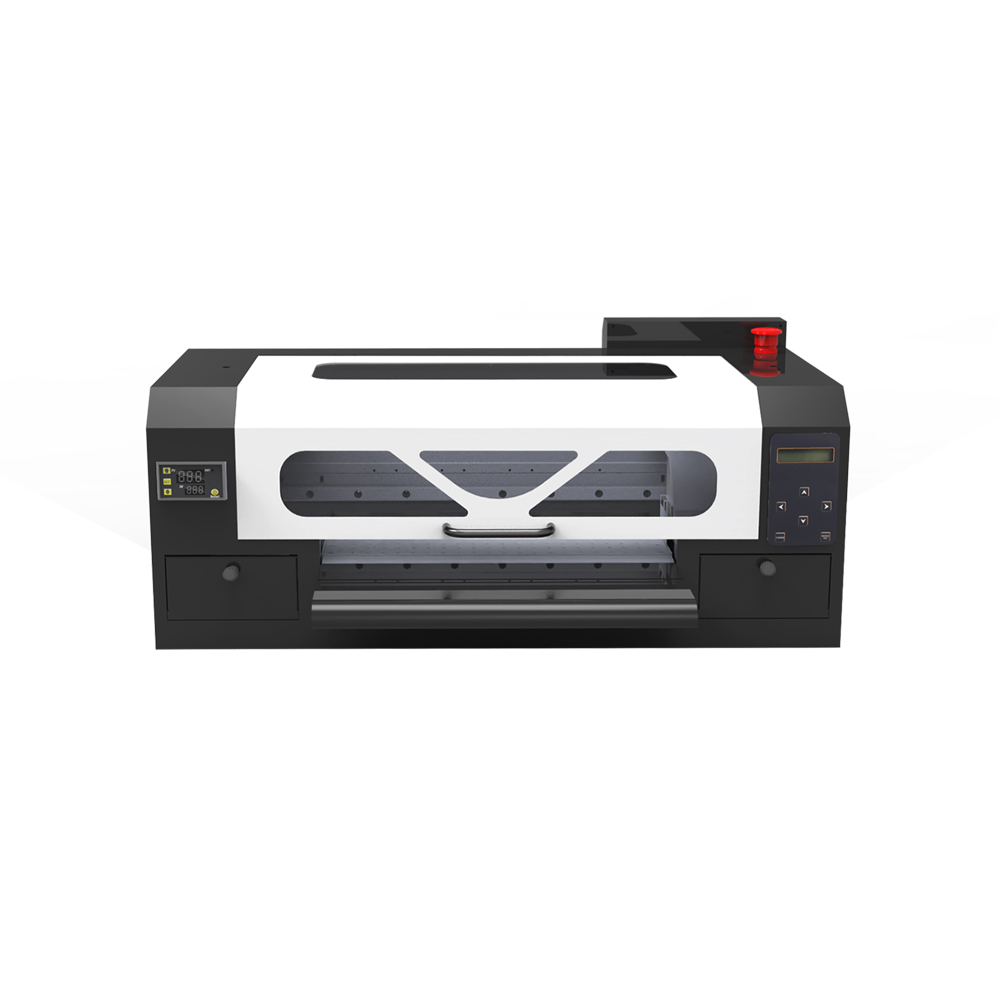
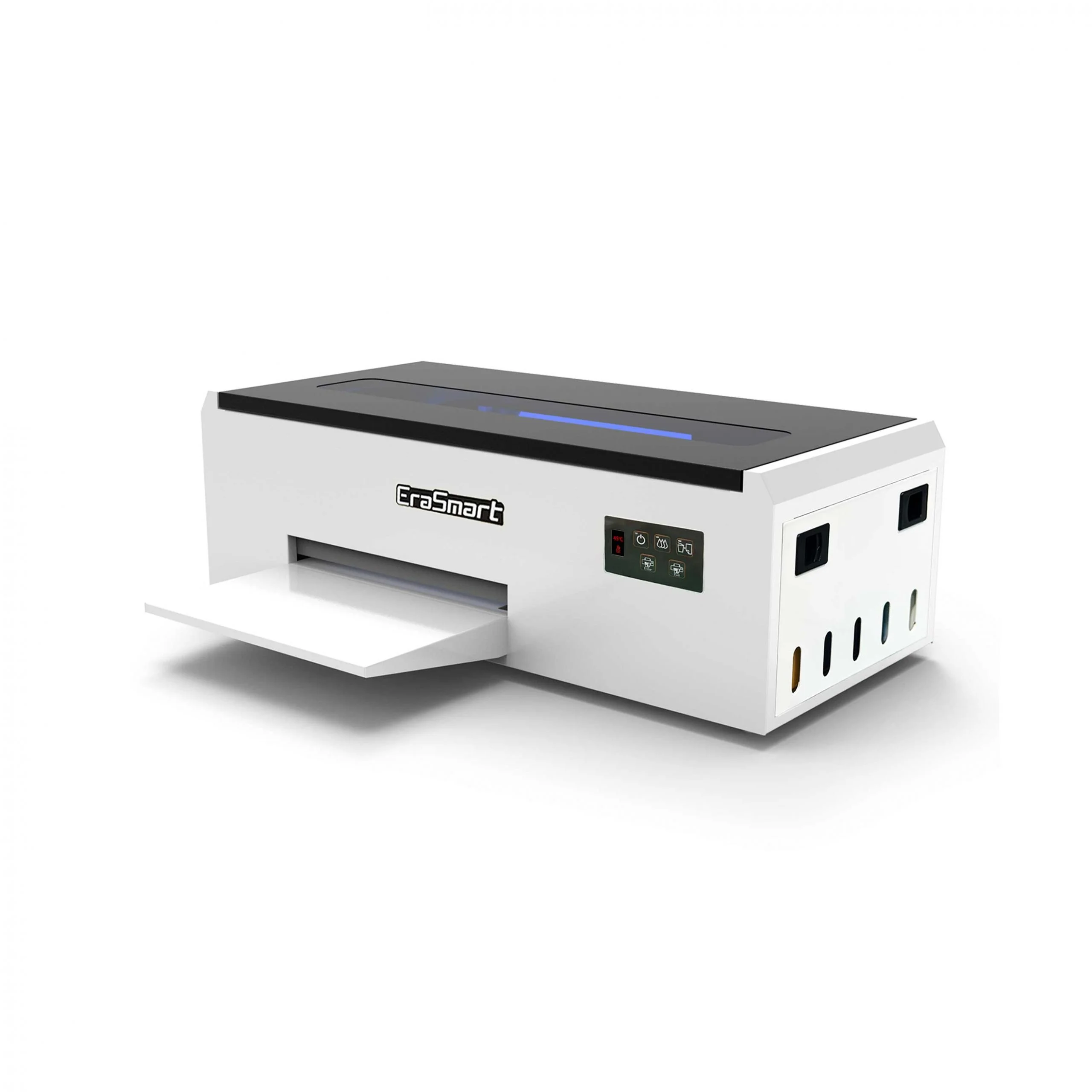
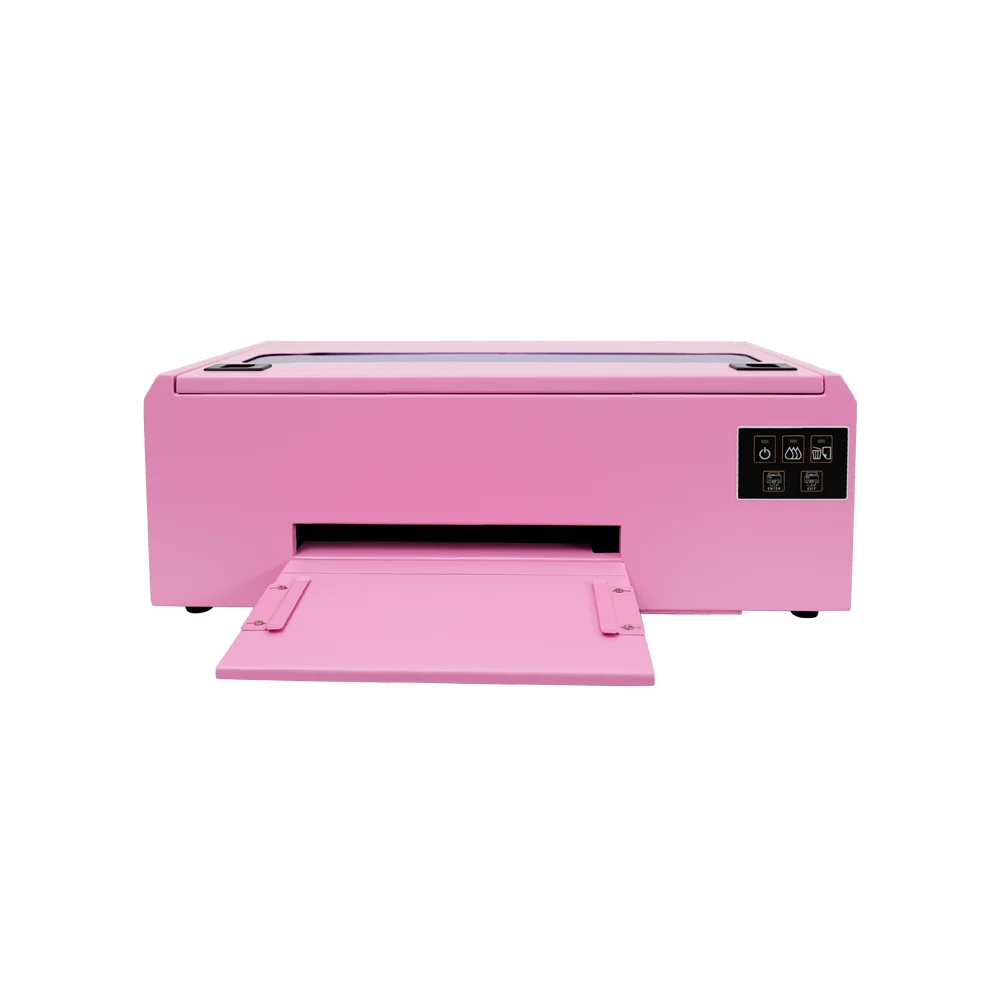
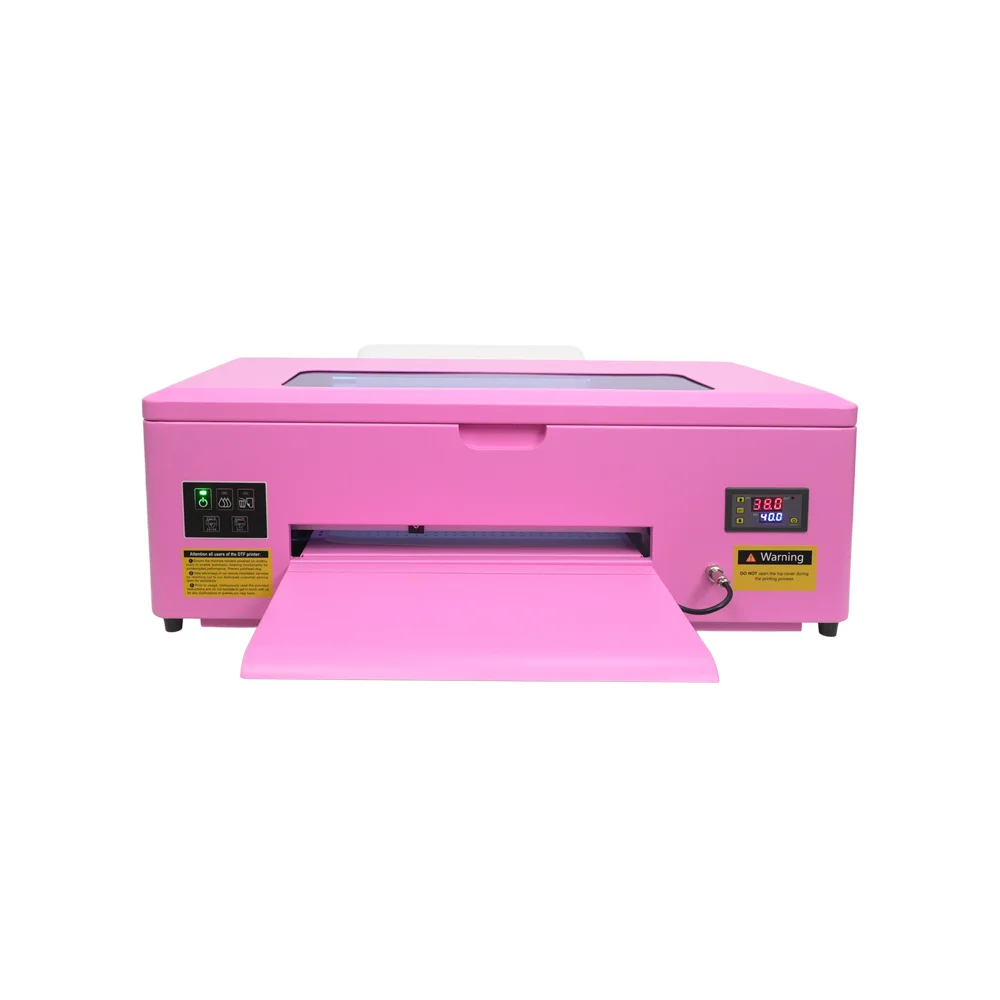
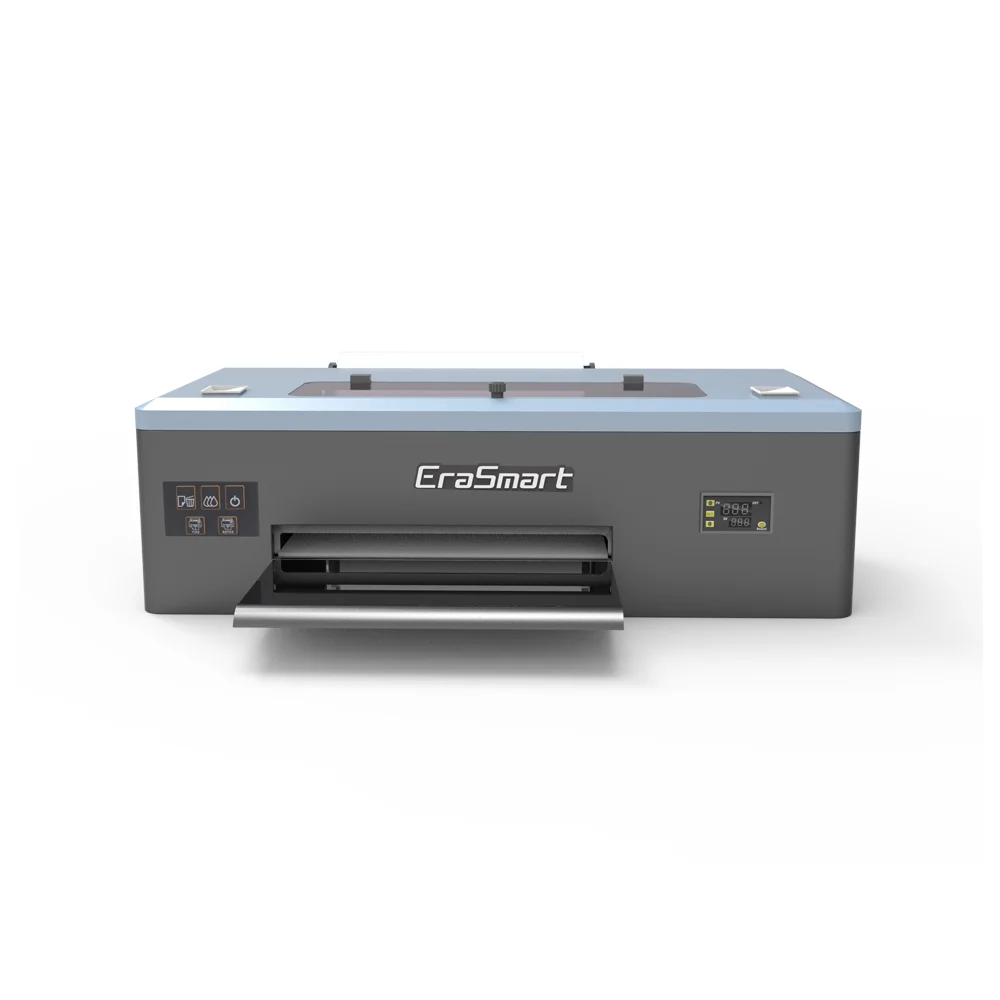
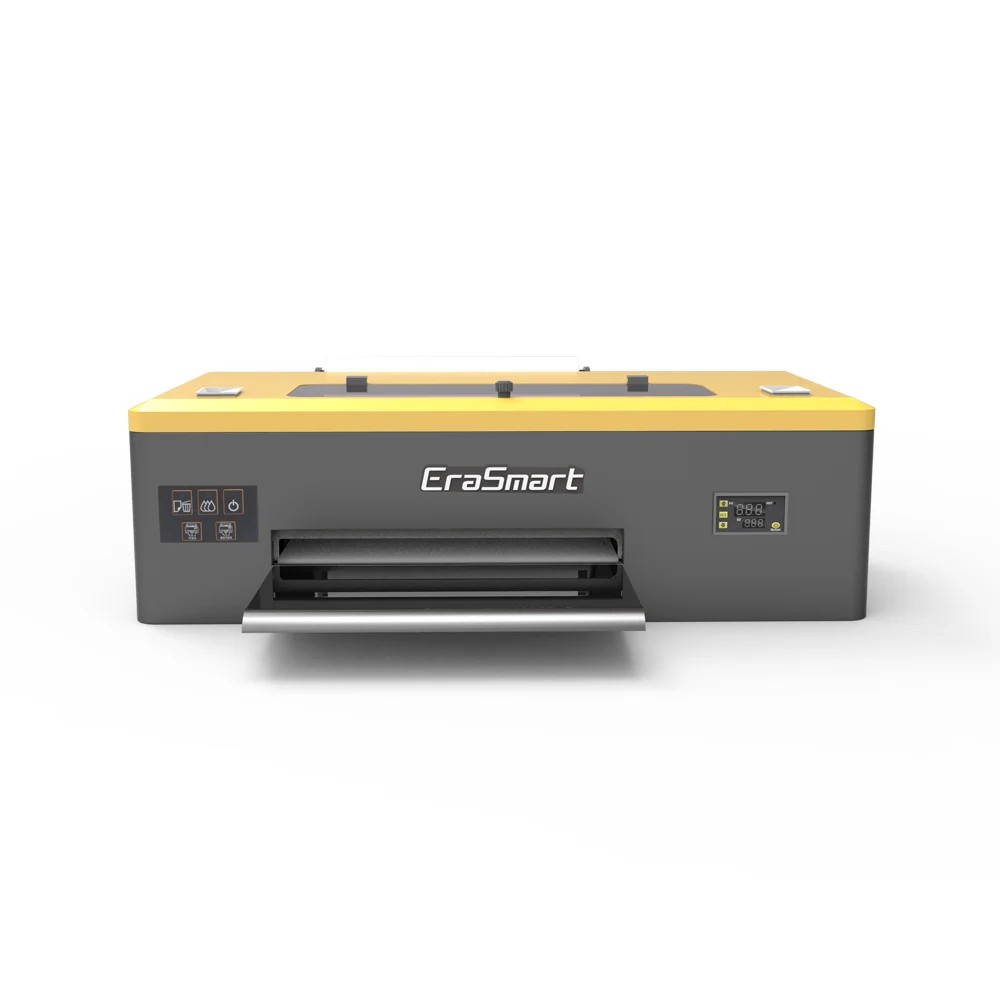
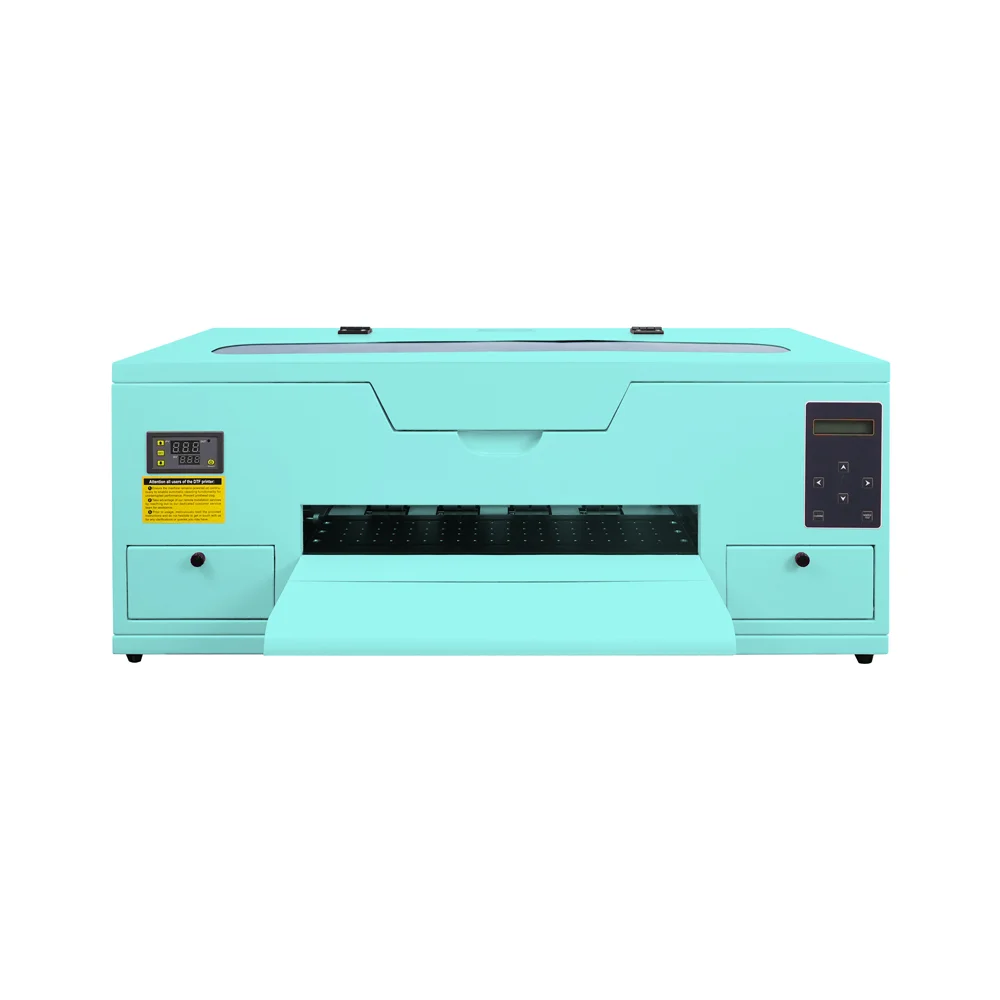
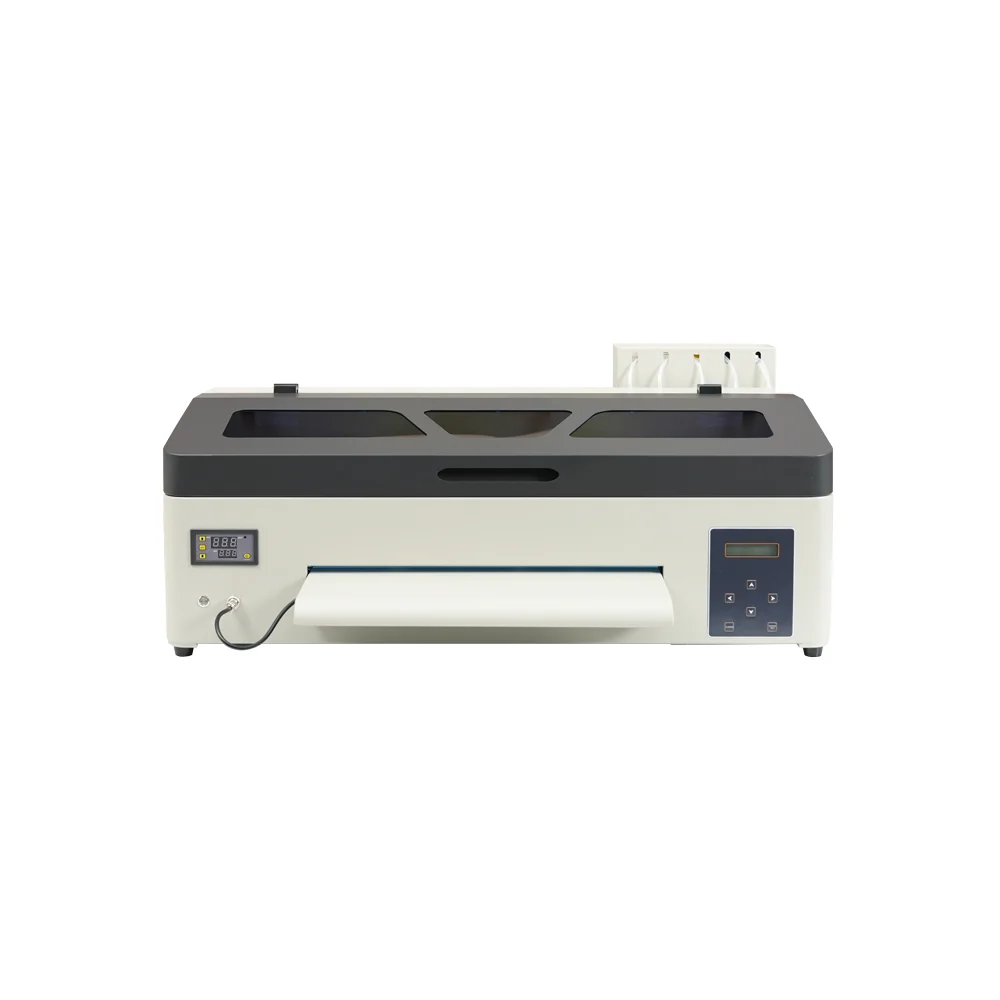
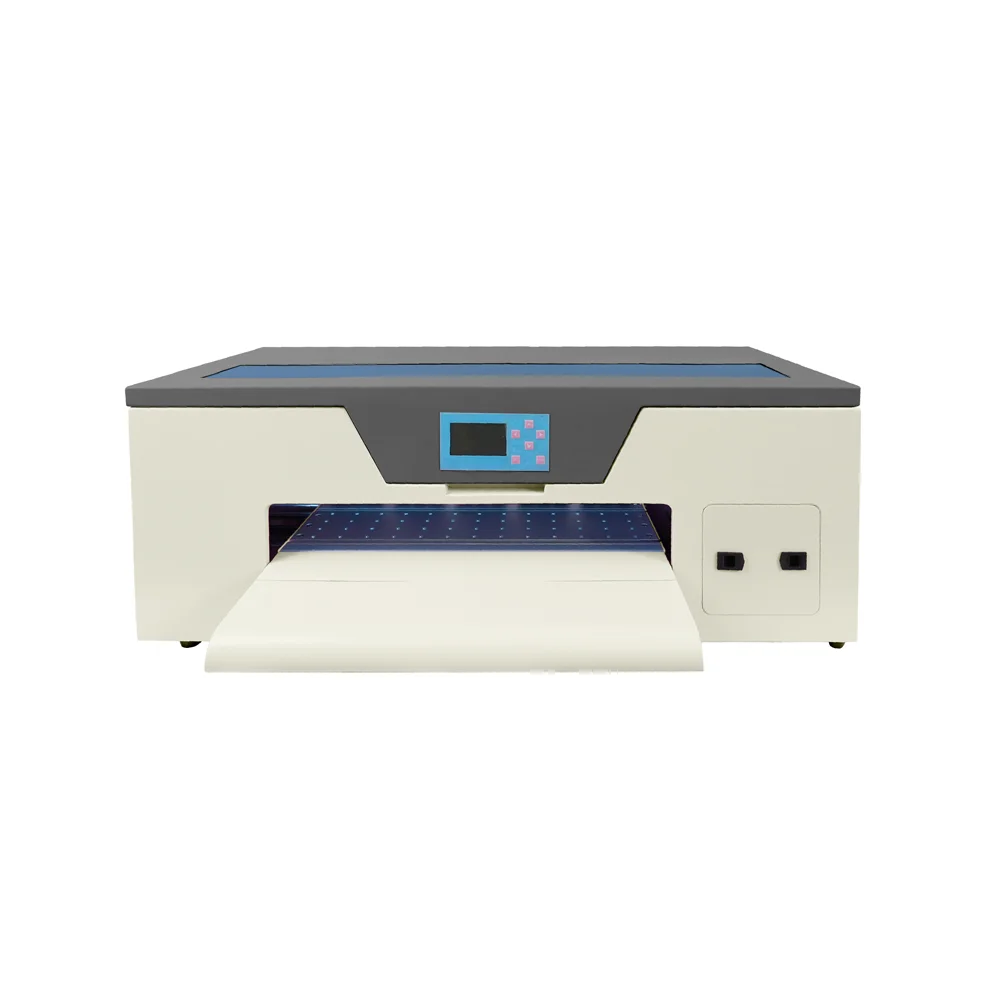
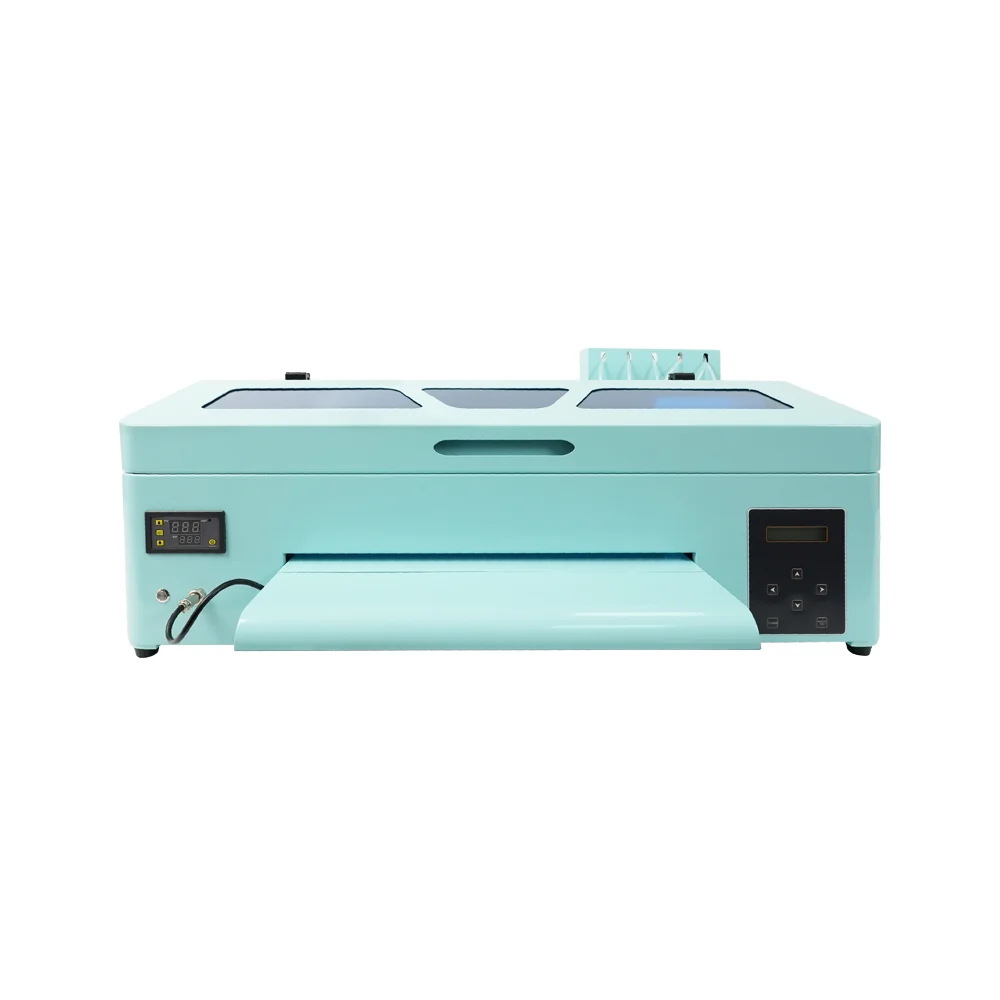
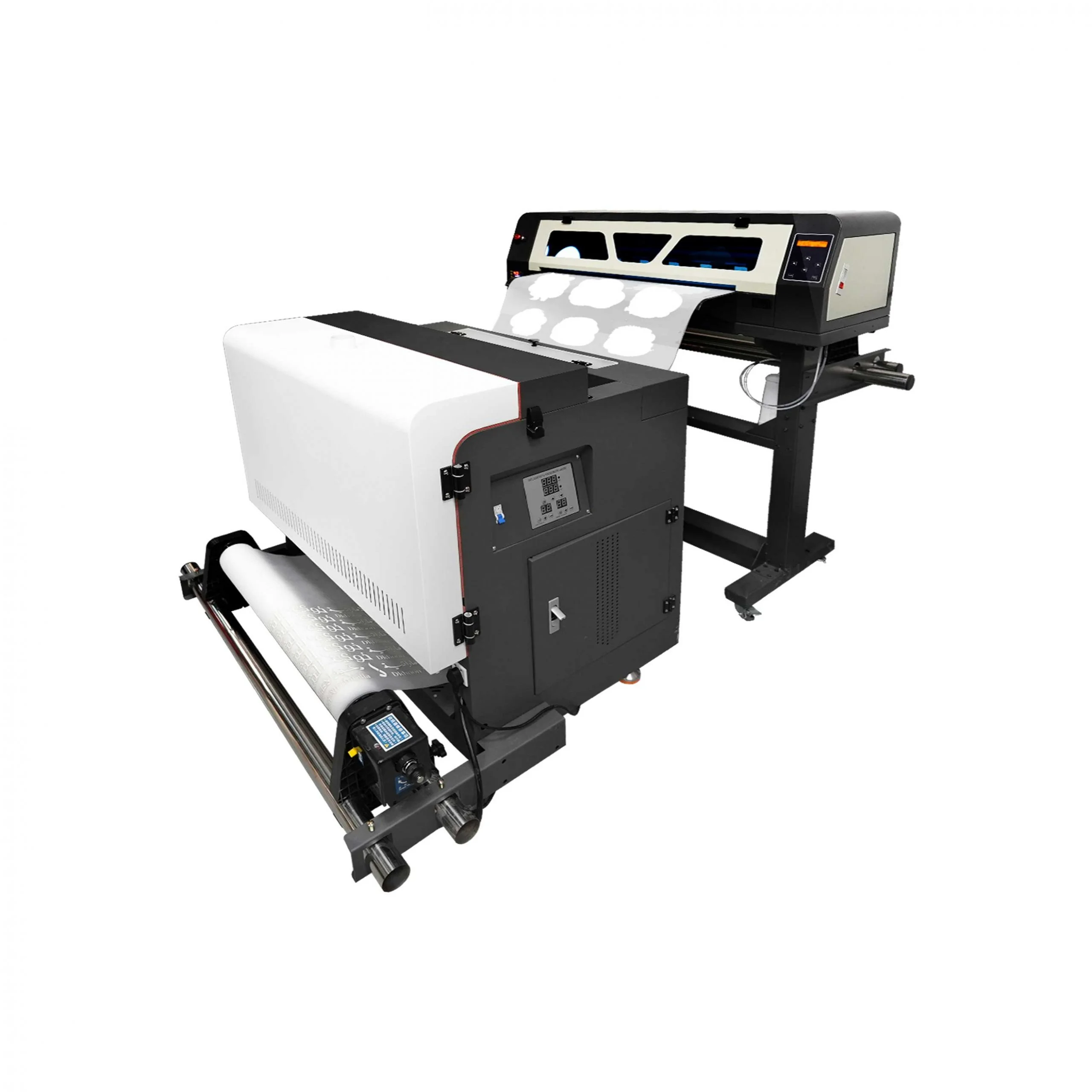
EraSmart provides DTF printer options for different business stages, from compact startup machines to A3 and A1 production systems. Explore the EraSmart DTF Printer lineup if your business needs full-color apparel printing on T-shirts, hoodies, tote bags, uniforms, sportswear, and dark garments.
To keep white ink stable over time:
Consistency is more important than emergency cleaning. A simple routine done every day is better than a complicated repair after the printer has already become unstable.
For most apparel businesses, white ink stability should be considered before buying and during daily production.
Choose an EraSmart DTF Printer if your business needs:
Use EraSmart’s DTF Maintenance Guide, White Ink Clogging Guide, and DTF Troubleshooting Guide to build a more stable maintenance routine before problems become expensive.
A production-ready solution designed for shops that need higher throughput and a more automated workflow.
A practical choice for startups and small studios that want reliable output without over-investing.
Balanced performance for print shops that need speed + stable output in an A3 footprint.
Designed for users who prioritize fine detail, smooth gradients, and premium print feel.
A dependable A3 model for steady daily output, popular for small-business production routines.
Compact entry-level model perfect for startups and small batch production.
Enhanced A4 model with improved ink efficiency for daily small-scale production.
A3 format printer with reliable R1390 motherboard for medium production.
Standard A3 model with 250ml ink tanks for consistent daily operation.
L1800 print head model offering superior color reproduction for detailed designs.
A3 Max series with XP600 print head for increased speed and efficiency.
High-performance A3 model with DX7 print head for professional results.
High-performance A3 model with XP600 print head for professional results.
Industrial wide-format printer with dual XP600 heads (620mm width).
Premium industrial printer with dual I3200 heads for maximum productivity.
To solve DTF printer white ink issues, start with the full system instead of guessing.
Check the ink level, ink condition, white ink circulation, nozzle status, capping station, wiper, ink path, RIP white layer, film, powder, curing, pressing, and environment. Most white ink problems are caused by a combination of maintenance habits, idle time, ink behavior, printhead condition, and workflow control.
The best solution is prevention.
Keep white ink moving. Run nozzle checks. Maintain the printhead area. Use matched consumables. Control the environment. Plan for idle time. Test before customer production. Document successful settings.
When white ink is managed correctly, DTF printing becomes more stable, more predictable, and more profitable for custom apparel businesses.
Need help solving white ink problems or choosing a more stable DTF printing workflow? Share your printer model, white ink issue, nozzle test result, ink condition, idle time, current maintenance routine, and target products with EraSmart.
Our team can help you choose the right DTF printer, white ink management routine, consumables, heat press workflow, powder shaker, and maintenance plan for stable custom apparel production.
uv printer
DTF printer
DTG printer
Heat press machine
Advertising printer
DTF oven
Hot Press
Carving machine
Mug heat transfer
Laminating machine
Printing INK
Cellphone case
Glass product
Cleaning fluid
Cotton swab
WhatsApp:+8618566233796
WeChat: +8618566233796
Mobile: +8618566233796
Web:www.erasmart.com
Shop:www.erasmartmall.com
WhatsApp us
Just provide a few details and we will help you get quick quotes!
Tell us your printing needs. Our team will reply within 24 hours.