Small Size Flatbed Inkjet Printer Manufacturer
86-18566233796 [email protected]

Blog UV DTF Printer vs UV Printer: What’s the Difference and Which One Should You Buy?

UV DTF Printer vs UV Printer: What’s the Difference and Which One Should You Buy?

January 6, 2026     Blog

If you’re shopping for a “UV DTF printer,” you’ll quickly notice that people use the term in two different ways:

  1. UV Printer (traditional UV printing) = prints directly onto the object/substrate, curing ink instantly with UV light.

  2. UV DTF (UV Direct-to-Film transfer) = prints onto a special film (often called A/B film) first, then you transfer the design onto the product like a premium decal (“crystal label”).

Both use UV-curable inks and UV curing, but the workflow, materials, and business fit are very different.

Quick Comparison

CategoryUV DTF (Film Transfer)UV Printer (Direct-to-Object)
“Where do you print?”On Film A, then laminate with Film B and transferDirectly on the product/substrate
Best forMany small items, mixed shapes, quick personalization, “crystal label” decalsFlat panels, signage, rigid media, production runs, direct-to-object printing
Extra equipmentCommonly a laminator (or integrated unit)Often none beyond printer; rotary/fixtures for cylinders (if needed)
Look & feelRaised / glossy “label” aesthetic“Printed-on” look; can be matte/gloss/texture depending on ink set
Common productsTumblers (as decals), phone cases, gift boxes, promotional itemsAcrylic/wood/PVC boards, signs, control panels, packaging prototypes

What Is a UV Printer?

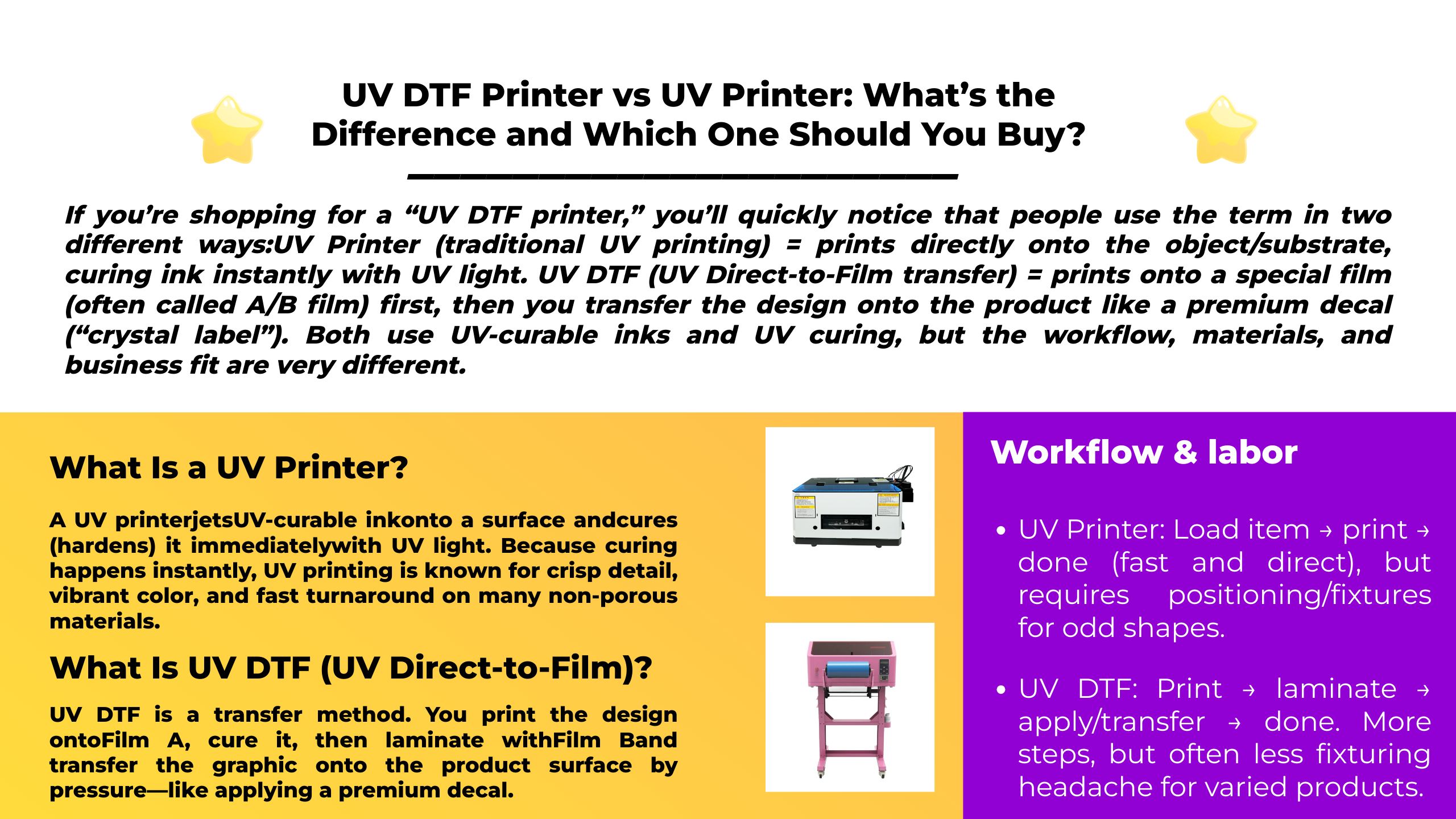
A UV printer jets UV-curable ink onto a surface and cures (hardens) it immediately with UV light. Because curing happens instantly, UV printing is known for crisp detail, vibrant color, and fast turnaround on many non-porous materials.

Common UV printer types

  • UV flatbed: prints on rigid sheets and objects placed on a flat table/bed.
  • Roll-to-roll UV: prints on flexible media (films, banners, etc.).
  • Flatbed + rotary attachment: can print on cylindrical items like bottles and mugs, depending on configuration.

Best when: you can physically place or fixture the item on the printer and want the design printed directly on it.

More About UV Printer: UV Printer: The Ultimate Guide to Ultraviolet Printing Technology

What Is UV DTF (UV Direct-to-Film)?

UV DTF is a transfer method. You print the design onto Film A, cure it, then laminate with Film B and transfer the graphic onto the product surface by pressure—like applying a premium decal.

This is why UV DTF is often described as “crystal label” production: it’s not direct printing on the object; it’s printing a transferable graphic that can be applied to many products.

Typical UV DTF workflow (AB Film)

  1. Print the design on Film A (UV ink + UV curing)
  2. Laminate with Film B
  3. Peel/transfer onto the final item
  4. Finish by removing the carrier layer

Best when: you sell lots of small personalized products, want “sticker-like” transfers, or need a method that works across many SKUs without building complex fixtures.

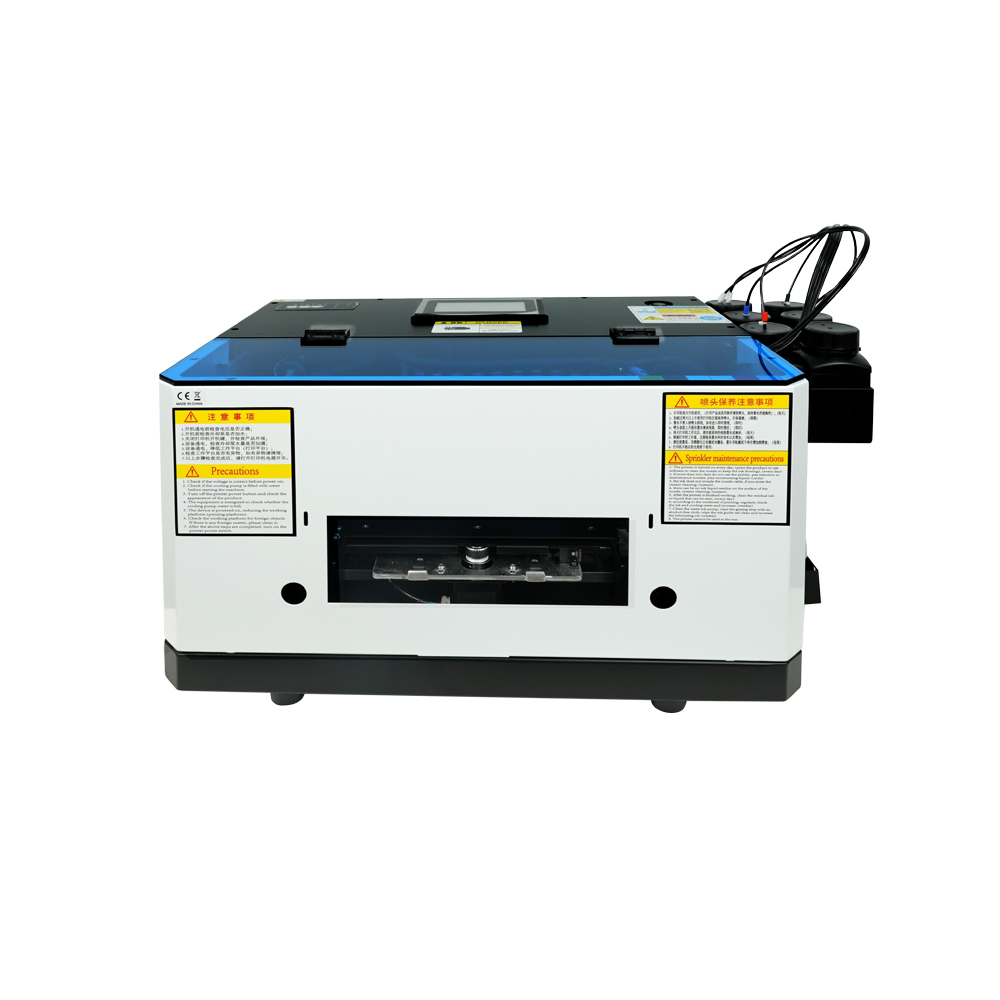
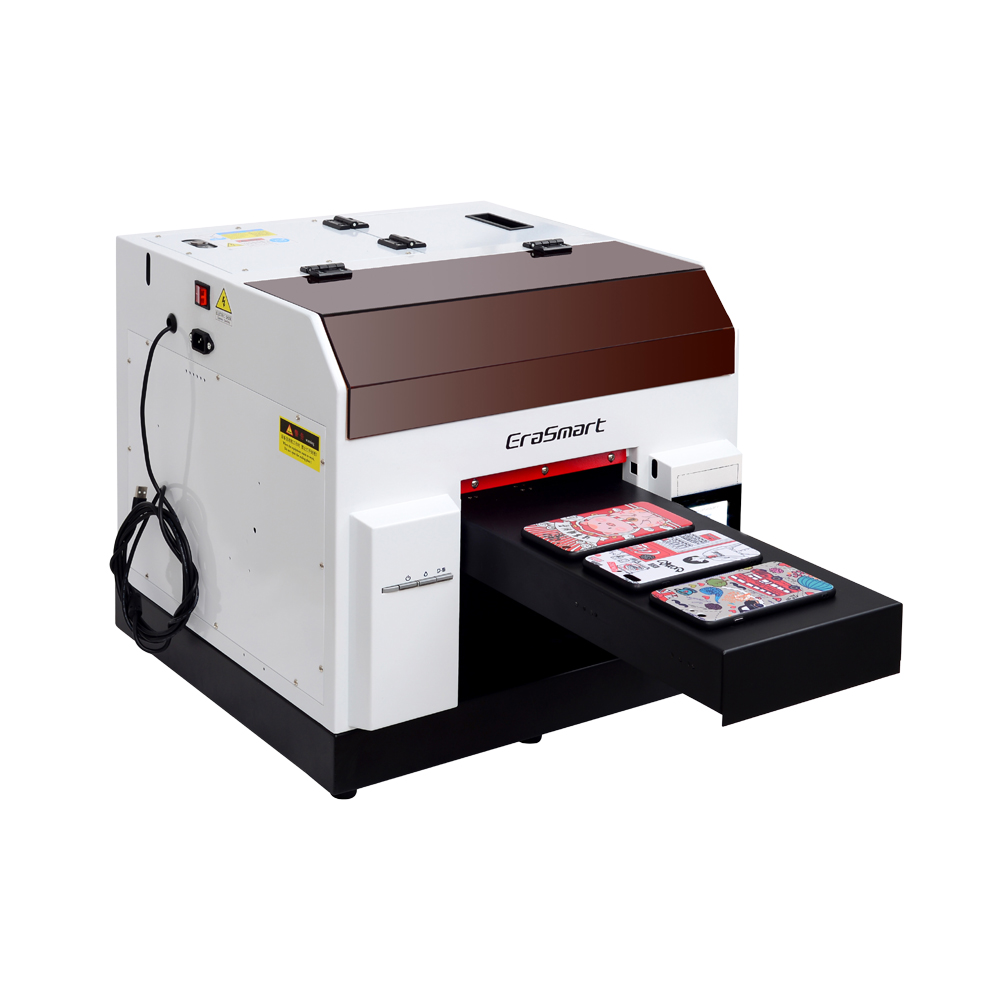
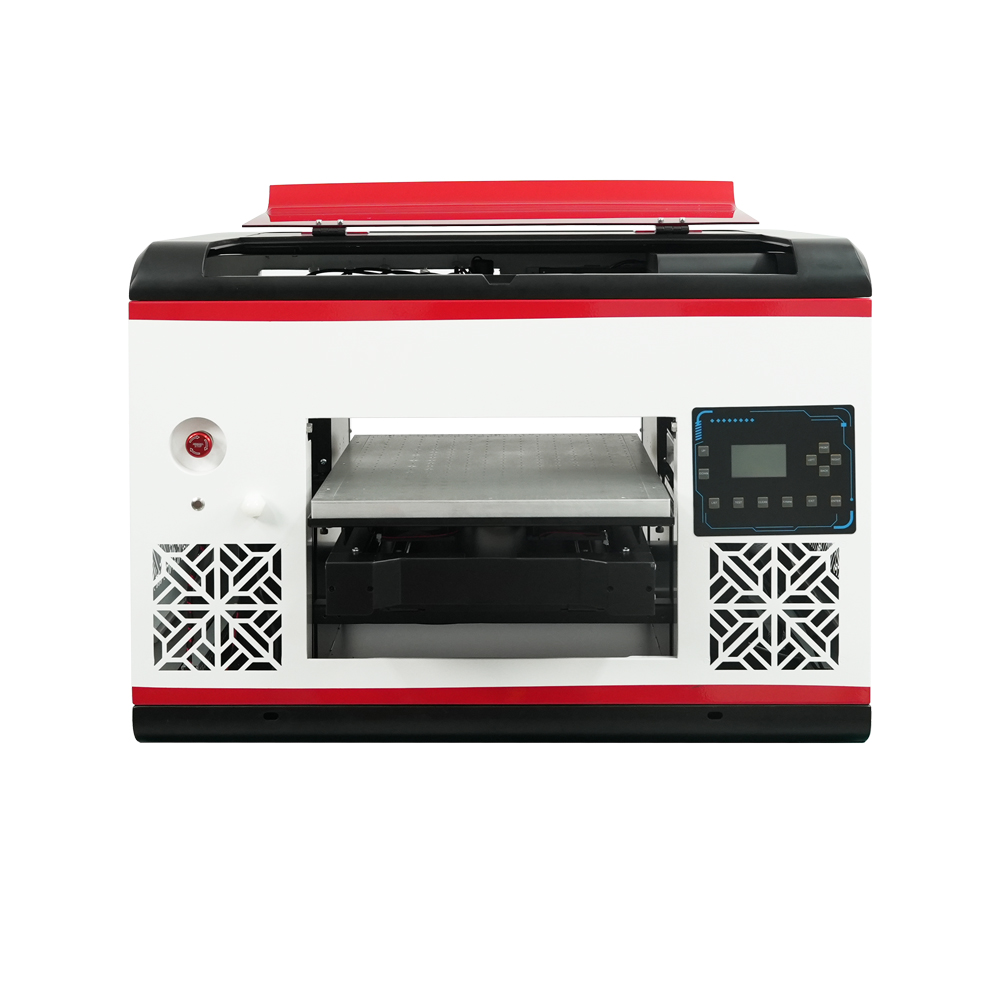
Erasmart UV Printer & UV DTF Printer

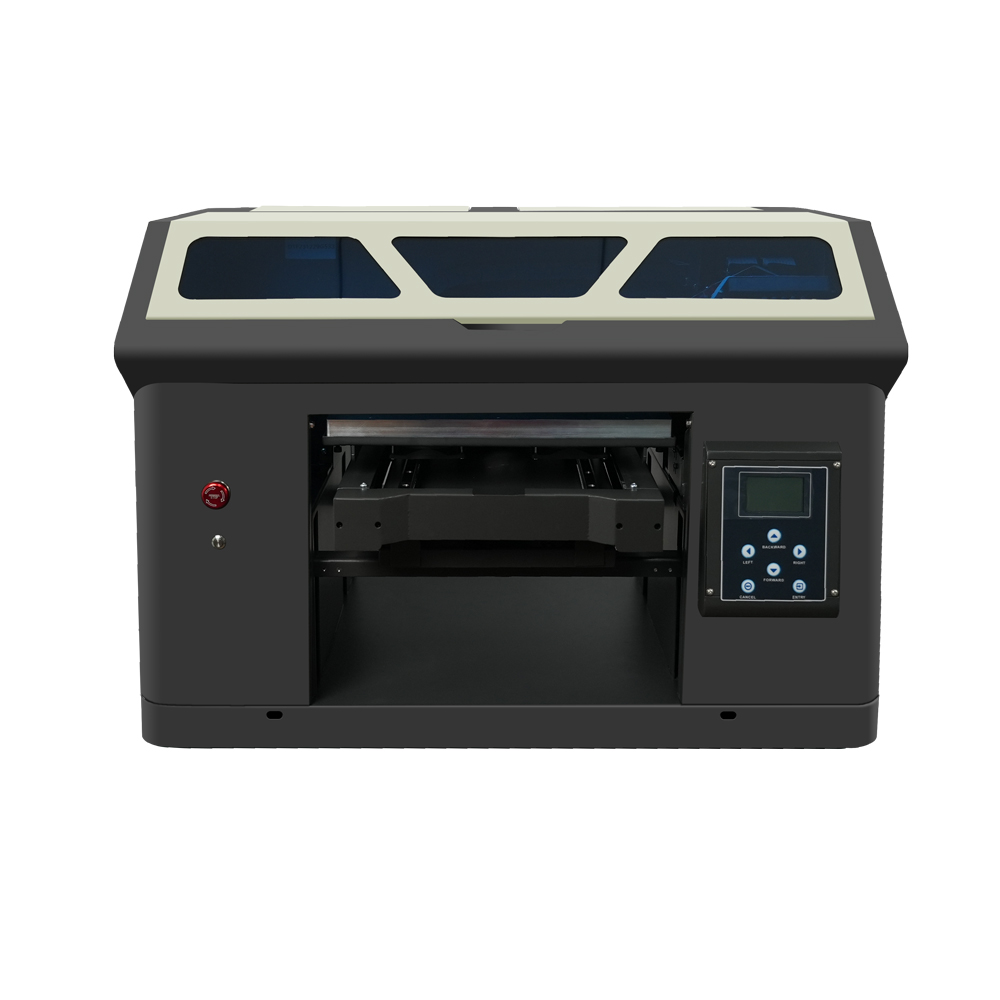
Compact entry-level model with L800 print head, ideal for small items and hobby projects (120*210mm print size).

a4 uv printer

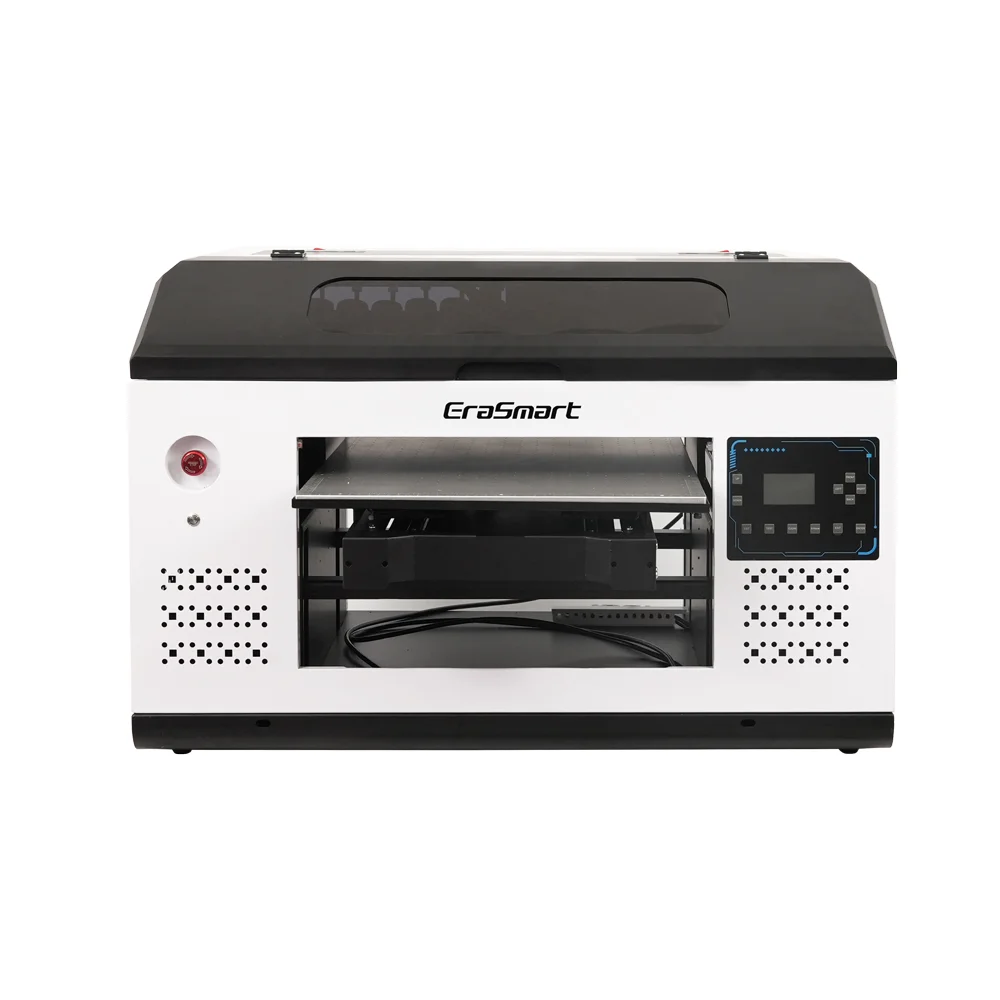
L800 print head with 210*290mm print size, perfect for small businesses and personalized gifts (0-130mm print height).

a3 max uv printer DX7

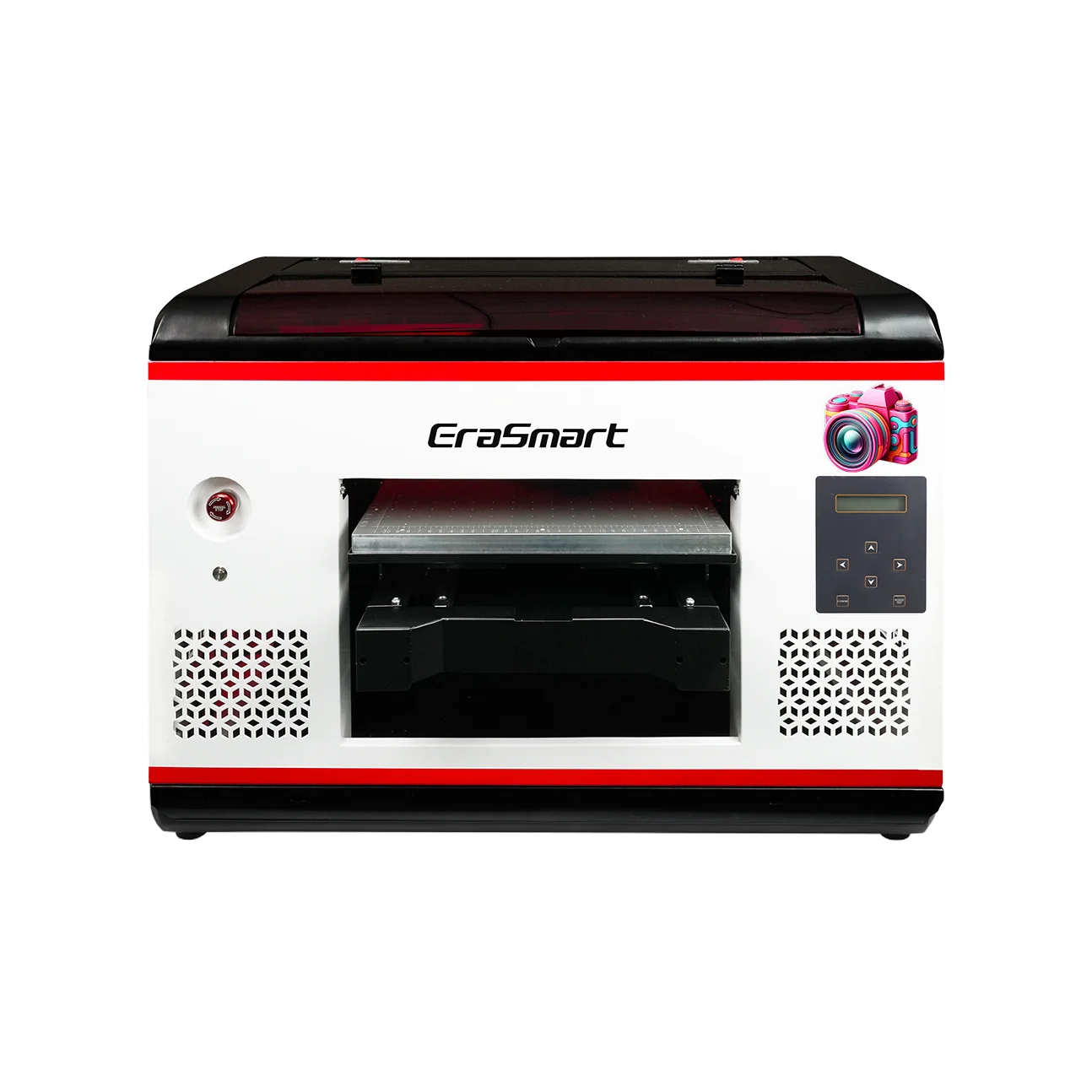
DX7 print head with 350*450mm print size, suction platform, and CMYK+WW+VV for high-volume production.

a3 max uv printer XP600

XP600 print head with 350*450mm print size, 5㎡/H speed, ideal for medium to large production runs.

a3 pro uv printer XP600

Dual XP600 print heads with 5.5㎡/H speed, CMYK+WW+VVVVVV for enhanced color gamut and productivity.

Dual XP600 print heads with 350*450mm print size, designed for industrial-grade continuous production.

Large-format 420*600mm printer with dual XP600 heads, perfect for signage, panels and large materials.

Dual XP600 heads with automatic lamination, specialized for UV DTF film printing (width up to 350mm).

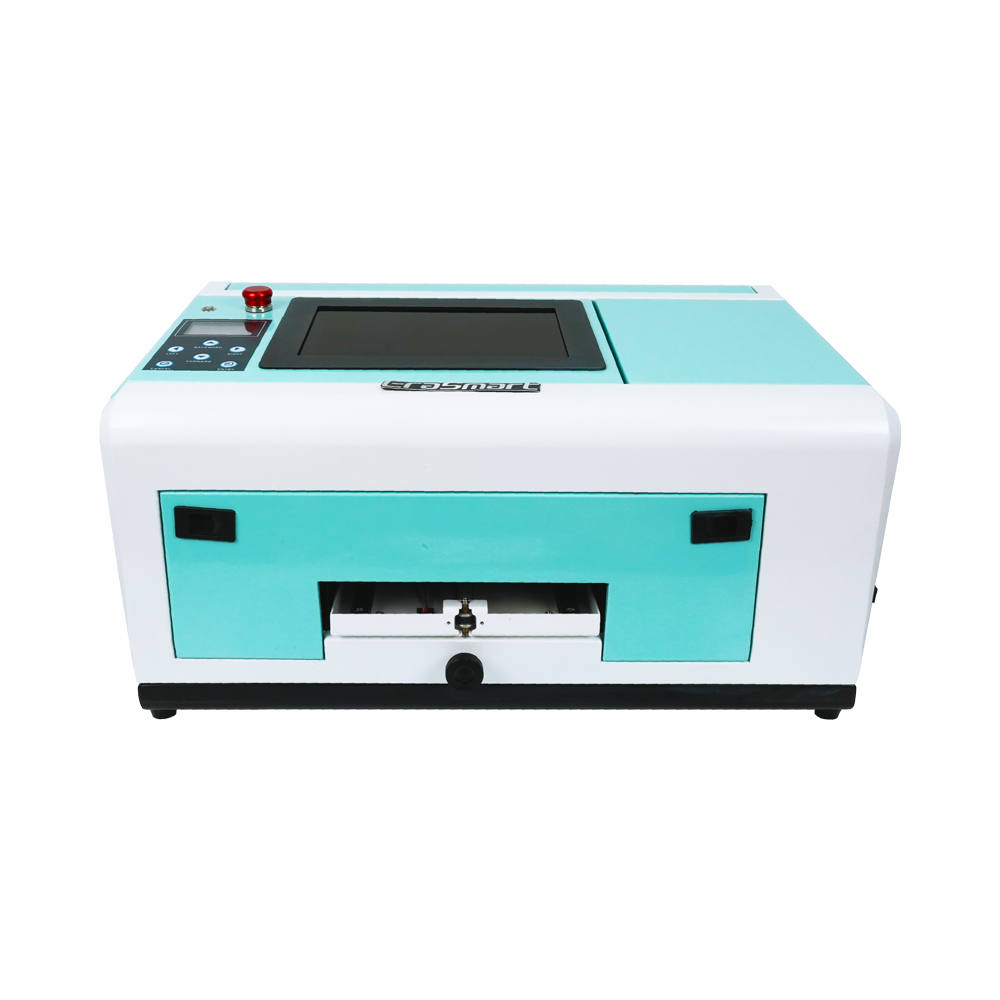
Specialized for phone cases (TPV/PVC/wood/metal), with 10-inch display and 0-10mm adjustable height.

Biggest Differences That Affect Your Business

1) Workflow & labor

  • UV Printer: Load item → print → done (fast and direct), but requires positioning/fixtures for odd shapes.
  • UV DTF: Print → laminate → apply/transfer → done. More steps, but often less fixturing headache for varied products.

Practical takeaway:
If you’re doing high-mix, small-run personalization (many item types per day), UV DTF can be easier to operate consistently.


2) What products each method “naturally” excels at

UV DTF excels at:

  • Customized tumblers and bottles (as a decal transfer)
  • Phone cases, small gift items, promotional products
  • Brand labels for packaging, boxes, and accessories

UV Printer excels at:

  • Acrylic signs, PVC boards, wood panels
  • Industrial nameplates, control panels, prototypes
  • Larger rigid sheets and flat production work

3) Finish, texture, and customer perception

  • UV DTF commonly produces a label-like finish that customers associate with premium branding (gloss, raised edges, “crystal” look).
  • UV direct printing looks like it’s printed onto the surface, and you can choose ink sets/varnish/texture options depending on the printer and workflow.

4) Durability in real life

Durability depends on ink system, substrate compatibility, and surface prep—but generally:

  • UV printing (direct): Can be very durable when ink adheres well to the substrate and the correct process is used.
  • UV DTF: Durability behaves like a high-performance decal/label—excellent for many use cases, but abrasion, harsh chemicals, and extreme heat can reduce lifespan depending on film/adhesive and the surface.

Rule of thumb:
If the product will be heavily scraped, chemically cleaned, or exposed to extreme conditions, test your exact material + ink + process before promising “permanent.”

Cost & Equipment: What You Actually Need

UV DTF typical setup

  • UV printing capability (dedicated UV DTF unit or UV printer configured for DTF)
  • AB film (Film A + Film B)
  • Often a laminator (some systems integrate this)

UV printer typical setup

  • UV flatbed / roll-to-roll / hybrid UV printer
  • Fixtures for repeated products (optional but recommended)
  • Rotary attachment for bottles/cylinders (optional, model-dependent)

Cost drivers (not just purchase price):

  • Consumable waste (film/lamination scraps in UV DTF)
  • Fixturing time and misprints (direct UV on odd objects)
  • Maintenance: nozzle checks, cleaning cycles, environment control

Which One Should You Choose?

Choose UV DTF if you:

  • Sell personalized gifts and promo items (many SKUs)
  • Need an easier path for mixed shapes without complex fixtures
  • Want to sell or apply premium “crystal label” style transfers

Choose a UV Printer if you:

  • Primarily print on flat rigid materials (signage, panels, boards)
  • Want direct-to-object production with fewer steps
  • Have repeatable product shapes or can build fixtures for efficiency

Choose both if you’re building a full personalization shop:

  • UV printer for boards/signs + UV DTF for small goods/labels
    This pairing covers the widest set of profitable orders.

Common Mistakes (and how to avoid them)

UV DTF mistakes

  • Skipping surface cleaning → edge lift, bubbles
  • Poor lamination → wrinkles, silvering, inconsistent transfers
  • Expecting perfect adhesion on deeply textured surfaces

UV printer mistakes

  • Printing on incompatible substrates without prep/primers
  • No fixture strategy → slow positioning, higher scrap rate
  • Ignoring height/clearance limits on thick objects (risk of head strikes)

FAQs

1) Is a UV DTF printer just a UV printer?

Not exactly. UV DTF is a transfer workflow. Many UV DTF systems use UV printing technology, but the key is printing to film and transferring, often with lamination.

2) Do I need a laminator for UV DTF?

In most AB-film workflows, yes (unless you buy an integrated all-in-one unit).

3) Can a UV printer print on tumblers?

Often yes, if the printer supports a rotary attachment or proper fixturing—but it depends on the model and setup.

4) What does AB film mean?

AB film generally refers to Film A (print layer) and Film B (lamination/transfer layer) used to create transferable UV DTF decals.

5) Is UV printing “safe” to run in a small shop?

It can be, if you follow SDS guidance, PPE, and ventilation. Safety guidance commonly highlights skin/eye exposure risks and sensitization concerns with UV materials and inks.

Conclusion

  • UV Printer = best when you want direct printing onto flat panels or fixture-friendly objects with a streamlined workflow.
  • UV DTF = best when you want transfer decals (“crystal labels”) that apply across many products and shapes with less fixturing complexity.

MAY BE YOU LIKE ALSO

  • EraSmart Printer

    uv printer
    DTF printer
    DTG printer
    Heat press machine
    Advertising printer

  • Printer tools

    DTF oven
    Hot Press
    Carving machine
    Mug heat transfer
    Laminating machine

  • Consumables

    Printing INK
    Cellphone case
    Glass product
    Cleaning fluid
    Cotton swab

  • Contact Us

    WhatsApp:+8618566233796
    WeChat: +8618566233796
    Mobile: +8618566233796
    Web:www.erasmart.com
    Shop:www.erasmartmall.com

  • Request A Quote

    Just provide a few details and we will help you get quick quotes!