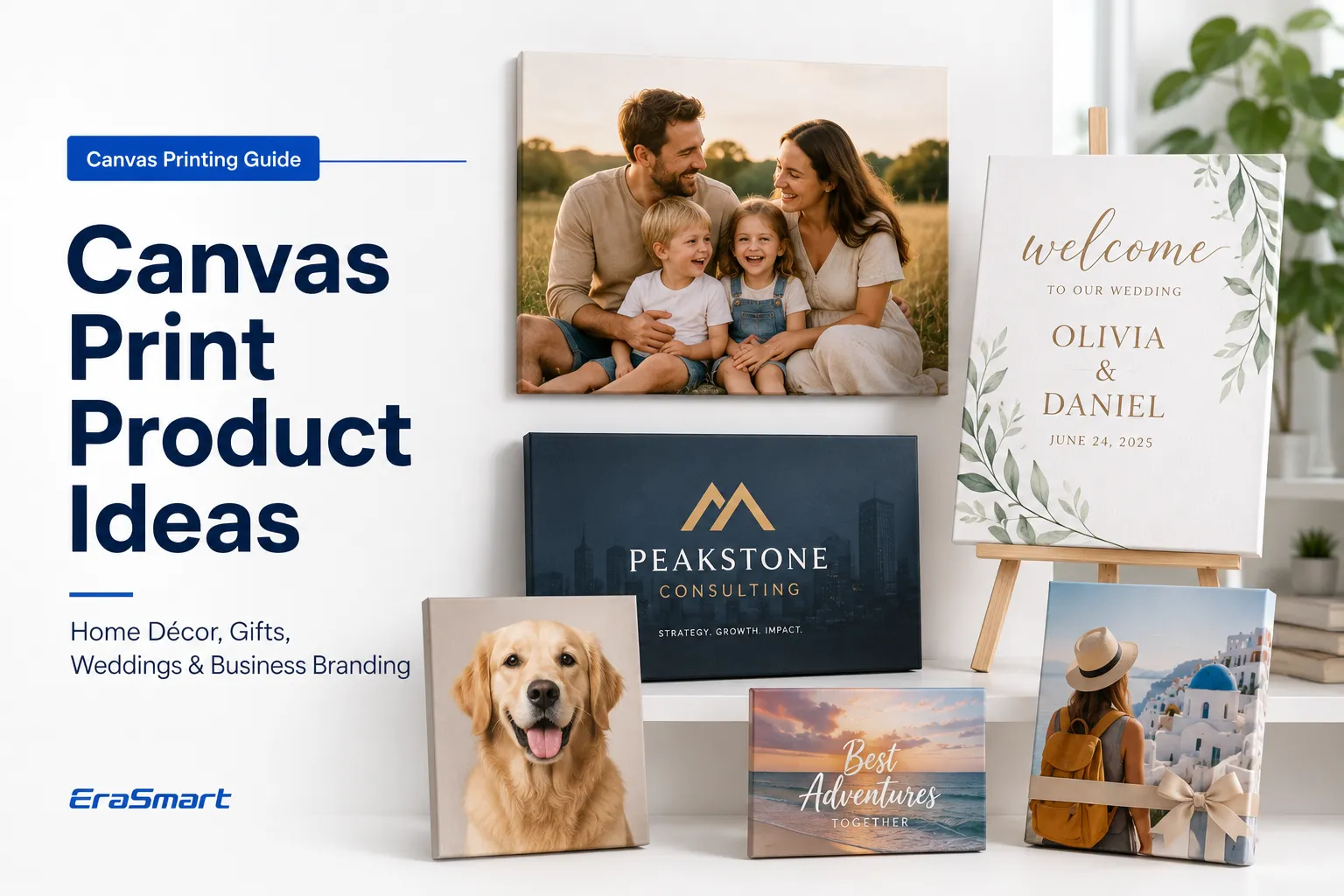
Printing on canvas can turn photographs, digital artwork, illustrations and personalized designs into wall décor, art reproductions, gifts and commercial display products.
However, canvas is not one single material, and there is no universal printing method that works equally well for every canvas product.
A suitable workflow depends on:
Whether the canvas is cotton, polyester or blended
Whether it has an ink-receptive coating
Whether it is supplied as a sheet, roll or stretched frame
Whether the printer supports flexible or thick media
Whether you need fine-art reproduction or direct product customization
Whether the final product will be stretched, mounted or framed
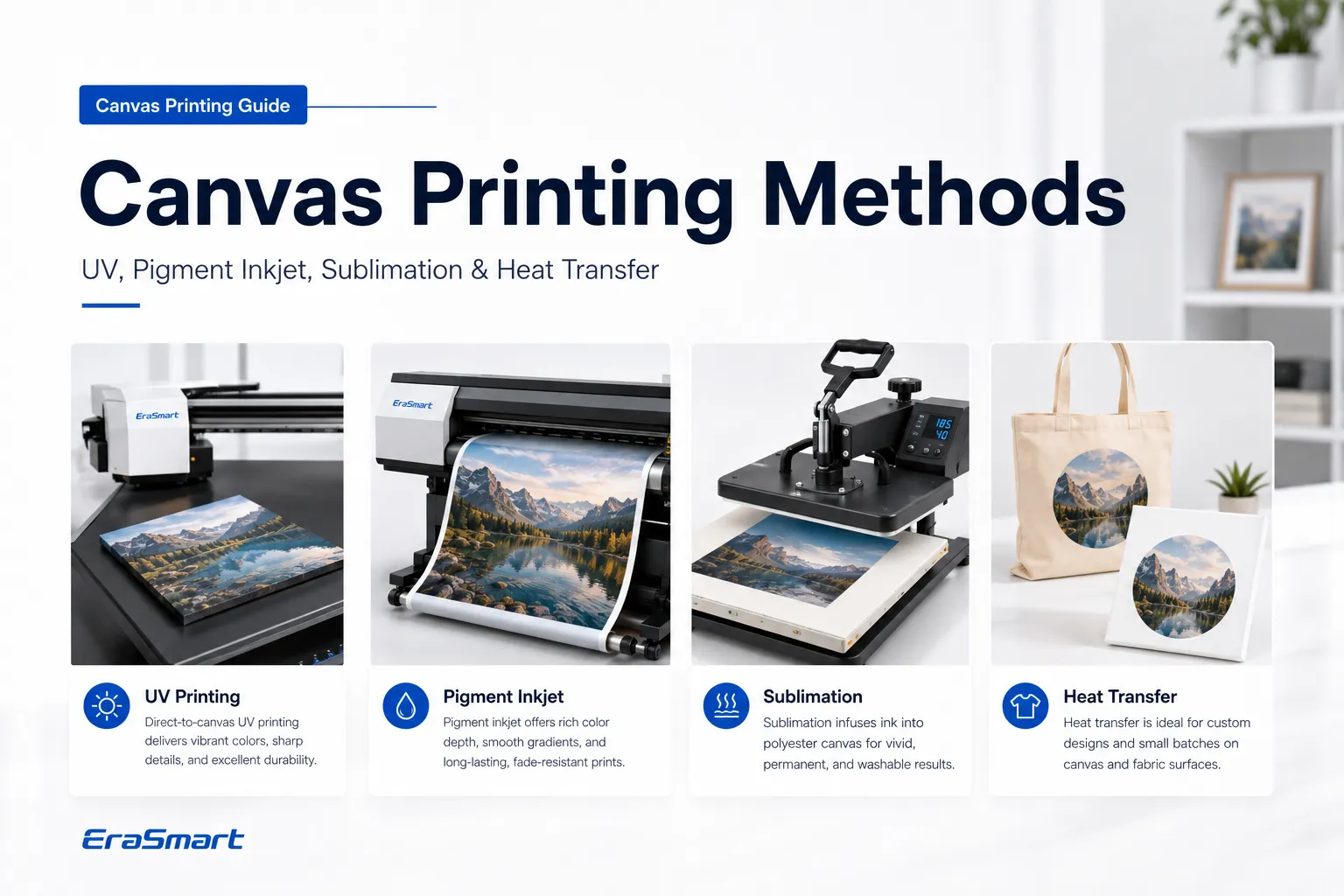
The main professional canvas-printing methods include:
Pigment inkjet printing
Giclée or fine-art inkjet printing
Direct UV printing
Dye-sublimation printing
Heat-transfer printing
Pigment inkjet printing remains a common choice for photographic and fine-art canvas, while UV printing provides a direct-to-surface option for suitable flat, mounted or stretched canvas products. Some professional canvas media is specifically manufactured for inkjet printing and supplied with matching media profiles, while UV equipment can also support canvas among a broader range of substrates.
This guide explains how each method works, how to prepare the artwork and canvas, how to print directly with a UV printer, and how to avoid the most common canvas-printing problems.

| Method | Best canvas type | Main equipment | Best use |
|---|---|---|---|
| Pigment inkjet | Coated cotton, polyester or blended canvas | Photo or wide-format pigment printer | Photography and art reproductions |
| Giclée printing | Archival coated fine-art canvas | Professional pigment printer and color-managed workflow | Gallery and limited-edition art |
| UV printing | Compatible flat, mounted or stretched canvas | UV flatbed printer | Custom wall art, décor and short-run products |
| Sublimation | Polyester or polyester-coated canvas | Sublimation printer and heat press | Bright decorative prints and gifts |
| Heat-transfer paper | Transfer-compatible canvas | Inkjet or laser printer and heat press | Crafts and entry-level customization |
The right method should be selected according to the canvas composition and expected product quality—not simply according to which printer is available.
Canvas printing is the process of placing a photograph, illustration, pattern, logo or other design onto woven canvas material.
The finished canvas may be:
Displayed flat
Mounted onto a rigid board
Wrapped around wooden stretcher bars
Placed inside a decorative frame
Used as part of a sign or retail display
Converted into bags, panels or decorative products
Unlike smooth photo paper, canvas has a visible woven texture. This texture can give artwork a more traditional painted appearance, but it also affects fine detail, ink coverage and image sharpness.
A design that looks extremely sharp on a glossy screen may appear softer when printed onto a heavily textured canvas.

Canvas should be selected according to the printing technology.
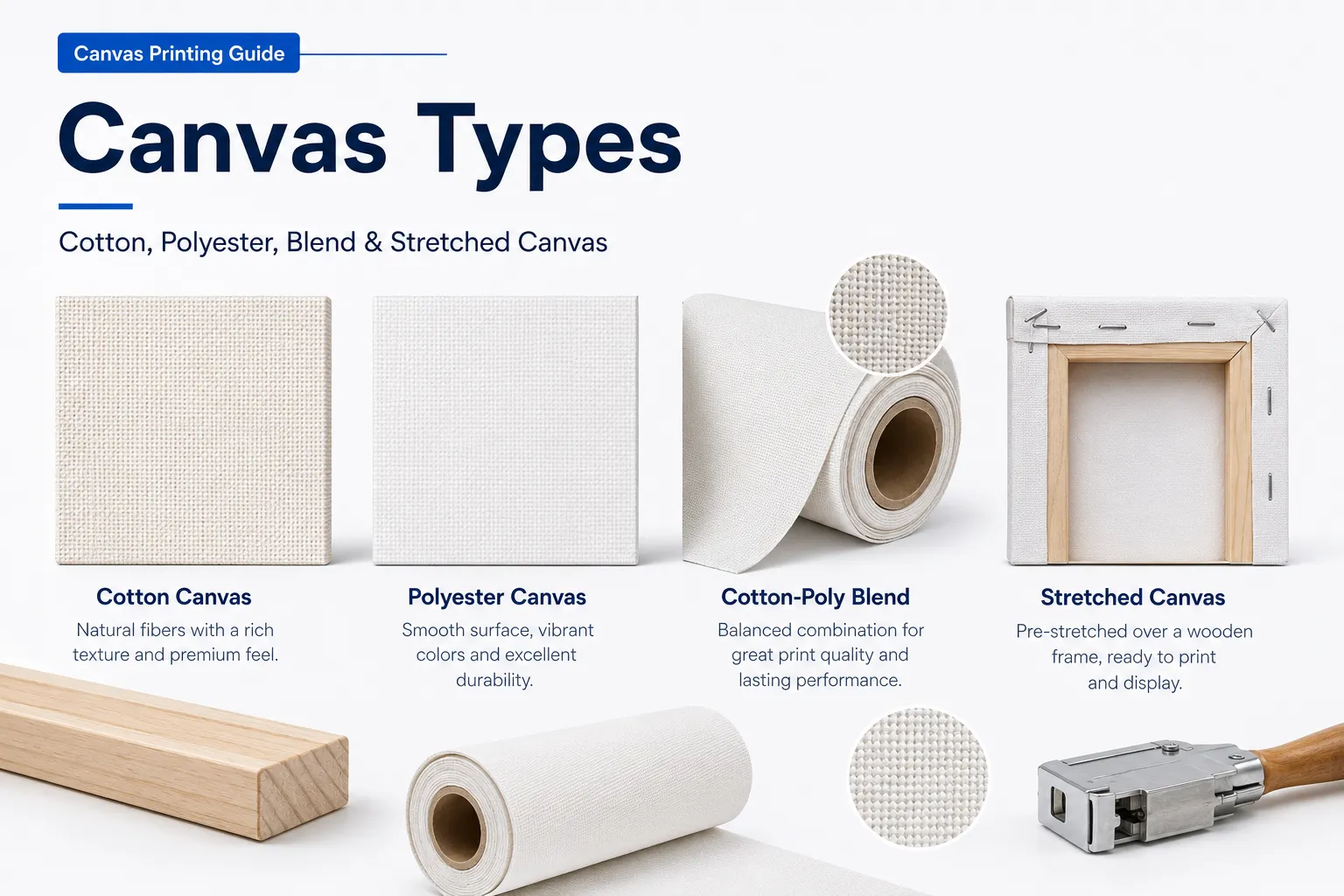
Cotton canvas provides a natural texture and traditional art appearance.
It is commonly used for:
Fine-art reproductions
Portraits
Painting reproductions
Gallery prints
Decorative wall art
Cotton canvas may absorb ink differently from synthetic media. For inkjet printing, use canvas that has been coated for the intended ink system.
Uncoated artist canvas is not automatically suitable for digital printing.
Polyester canvas generally provides:
Smooth color reproduction
Strong image vibrancy
Dimensional stability
Compatibility with dye sublimation
Easier handling in some production workflows
Polyester canvas is suitable for decorative prints, commercial décor and products requiring bright colors.
Blended canvas combines natural texture with synthetic stability.
Commercial canvas media may use a cotton-polyester construction to provide good image quality while remaining stretchable for framing. (Epson)
This can be useful for:
Photographic prints
Interior décor
Canvas wraps
Art reproductions
Commercial wall displays
A coated canvas includes a surface layer designed to receive a specific ink technology.
Possible coatings include:
Aqueous inkjet coating
Pigment ink coating
Solvent-compatible coating
Sublimation coating
UV-compatible surface treatment
Using the correct coating improves:
Ink control
Color density
Fine detail
Drying or curing
Adhesion
Water resistance
Always confirm which ink system the canvas was designed for.
Stretched canvas has already been attached to wooden stretcher bars.
It is convenient for small custom products because it may be ready to print and display.
However, the printer must be able to accommodate:
The frame thickness
The overall canvas dimensions
The raised edges
The tension of the fabric
The required printhead clearance
A UV flatbed printer may be able to print directly onto suitable stretched canvas when the product remains flat, stable and within the printer’s supported media height.
Canvas sheets are useful for:
Desktop and small-format printers
Testing
Small art prints
Short production runs
Canvas rolls are more suitable for:
Wide-format printing
Multiple prints
Large canvas wraps
Commercial production
Efficient material use
Before purchasing roll canvas, confirm the printer’s:
Maximum media width
Roll-feed support
Media thickness
Tension requirements
Ink compatibility
There is no single best method for every application.
You produce photographs or fine art.
The canvas is coated for aqueous pigment ink.
Smooth tonal transitions are important.
You need roll-fed production.
The canvas will be stretched after printing.
Archival print quality is a priority.
Professional photo and fine-art inkjet printers are designed for photography, illustration and fine-art media. Media type, paper selection and ICC profiles are important parts of the workflow. (Epson)
You want to print directly onto a flat or mounted canvas.
You produce personalized products in small quantities.
You want fast curing.
The canvas is too thick for a normal paper-feed system.
You want white ink or varnish effects.
You produce other rigid products with the same printer.
You need an on-demand custom-product workflow.
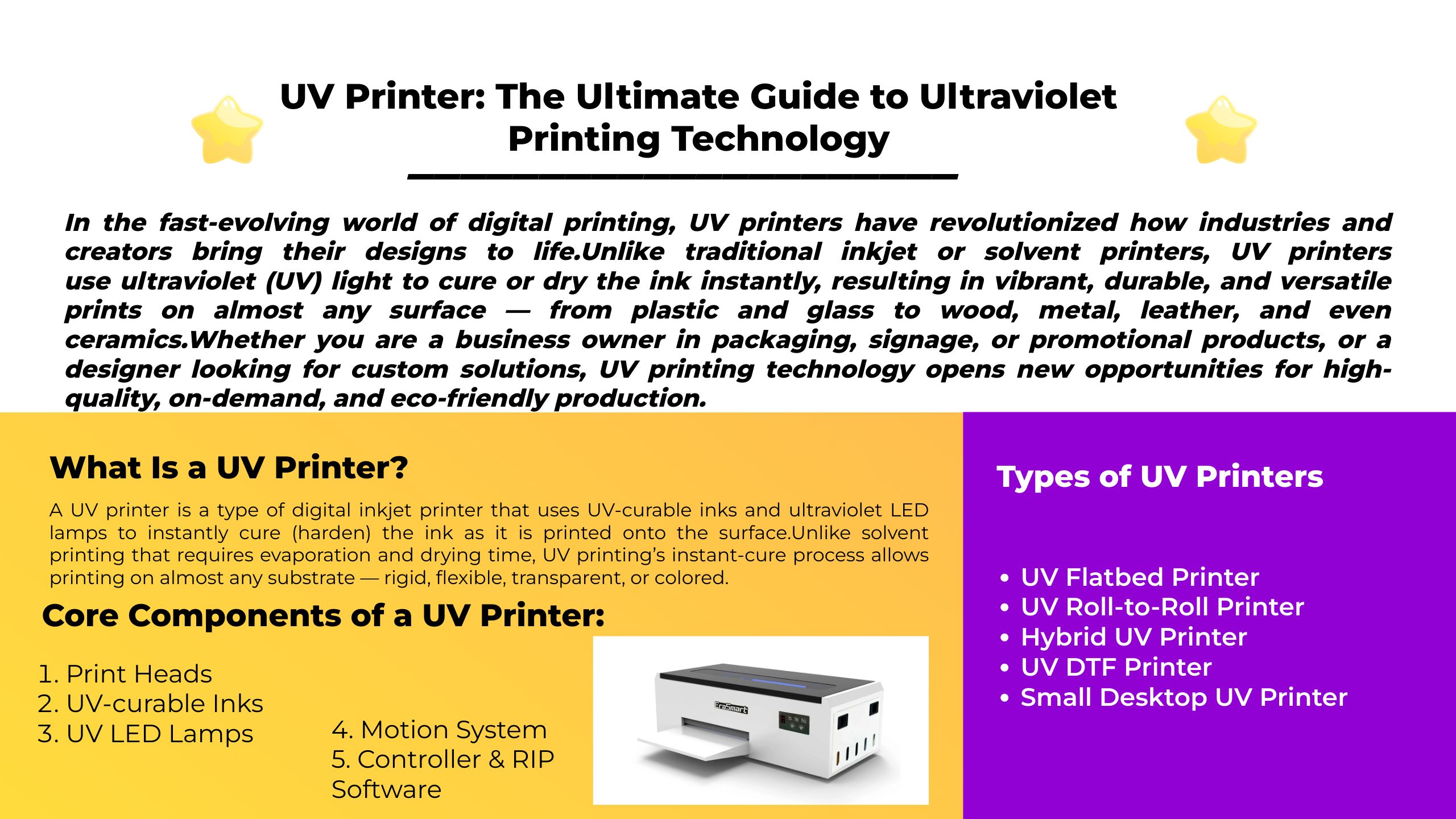
UV printers use UV LED light to cure ink on the material surface. Suitable UV flatbed systems can print onto canvas as well as wood, plastic, metal, glass and other substrates, although adhesion and flexibility should still be tested.
The canvas is polyester or sublimation-coated.
You want bright decorative color.
You already own sublimation equipment.
The product can be heat pressed.
You do not need to print white ink.
The canvas is white or light colored.
Sublimation is not suitable for ordinary untreated cotton canvas because the dye needs polyester or a compatible polymer coating.
You need an inexpensive craft workflow.
The order quantity is small.
Gallery-level image quality is not required.
The canvas can tolerate heat and pressure.
The design is relatively simple.
Heat-transfer methods may be useful for hobby products, but they usually do not provide the same integrated appearance as pigment inkjet or sublimation.
These two methods serve different markets.
| Comparison | UV printing | Pigment inkjet printing |
|---|---|---|
| Ink behavior | Cures as a layer on the surface | Deposits ink into a coated media surface |
| Typical canvas format | Flat, mounted or stretched canvas | Sheets and rolls |
| White ink | Available on supported printers | Normally unavailable |
| Varnish effects | Available on supported printers | Usually applied separately |
| Curing or drying | UV LED curing | Air drying or media-dependent drying |
| Fine-art workflow | Suitable for selected art applications | Common for photographic and archival work |
| Product flexibility | Also prints many hard products | Mainly paper and coated flexible media |
| Best use | Personalized canvas and mixed-product shops | Photography, art reproduction and roll production |
For a dedicated fine-art business, a professional pigment printer may be the better choice.
For a customization studio producing canvas alongside acrylic, wood, phone cases and other items, a UV printer may offer a broader product range.
Good canvas printing begins before the printer starts.
Use the highest-quality original artwork available.
Suitable formats may include:
TIFF
PNG
High-quality JPEG
PSD
AI
EPS
Avoid using:
Screenshots
Images downloaded from social media
Small web thumbnails
Heavily compressed JPEG files
Files enlarged far beyond their original dimensions
Canvas texture can hide some small imperfections, but it cannot repair a low-resolution image.
EraSmart’s guide to the best DPI for printing explains how image dimensions and final print size affect output quality.
Prepare the artwork at or near the final physical size.
Confirm:
Canvas width
Canvas height
Orientation
Border size
Wrap depth
Required bleed
Safe area
Do not design only according to screen pixels without checking the final printed dimensions.
If the image will wrap around the stretcher frame, additional artwork is needed around the edges.
Common wrap styles include:
The main image continues around the sides.
This creates a seamless appearance but may move important details away from the front.
The edge of the image is mirrored and extended around the frame.
This keeps the complete original composition on the front.
The sides use a solid color sampled from the artwork.
This is useful when the image cannot be extended naturally.
The sides are left white or printed black.
This creates a simple gallery-style appearance.
Keep faces, text, logos and important details away from the fold and staple areas.
Canvas texture can reduce the appearance of very small details and subtle tonal differences.
Consider making controlled adjustments to:
Midtone contrast
Shadow detail
Highlight detail
Local sharpness
Color saturation
Avoid excessive sharpening, which may produce unnatural outlines.
The printed result depends on the combination of:
Printer
Ink
Canvas
Print mode
ICC profile
RIP or driver settings
A profile designed for photo paper should not automatically be used for canvas.
Matching the printer profile to the selected media is an important part of screen-to-print color control. (Epson)
EraSmart’s guide on how to print the correct colors provides additional color-management guidance.
The following process applies to suitable flat, mounted or stretched canvas products.
Exact settings depend on the printer, UV ink, canvas coating, texture and product height.
Before printing, check:
Maximum print area
Maximum media height
Maximum supported weight
Printhead clearance
Vacuum or fixture requirements
White-ink configuration
Varnish availability
Do not place a thick stretched canvas into a printer without confirming that the frame fits safely.
Print a small sample before producing the final artwork.
Evaluate:
Ink adhesion
Color density
Surface cracking
Canvas flexibility
White ink opacity
Texture
Scratch resistance
Curing
Two canvas products that look similar may have different coatings and adhesion performance.
Remove:
Dust
Loose fibers
Hair
Packaging residue
Oil
Moisture
Use a cleaning method that does not damage the canvas coating.
A soft lint roller, clean air or dry lint-free cloth may be appropriate depending on the canvas.
Do not use an aggressive solvent unless the canvas manufacturer confirms compatibility.
For stretched canvas, the surface should be:
Flat
Tight
Even
Free from wrinkles
Free from raised fibers
A loose center may move closer to the printhead or create inconsistent print height.
If necessary, adjust the stretcher wedges before printing.
Place the canvas on the print bed.
Use:
A suitable jig
Bed registration marks
Low-profile supports
Printer vacuum where applicable
Positioning guides
The product must not move during printing.
Also verify that the frame is not warped.
Incorrect printhead distance may cause:
Blurry output
Ink mist
Reduced detail
Color inconsistency
Head strikes
Use the printer’s approved height-detection or manual setup procedure.
Textured canvas may require more clearance than a perfectly smooth board, but excessive distance can reduce print quality.
For white canvas, CMYK may be sufficient.
For colored, natural or dark canvas, consider:
White underbase + CMYK
CMYK + white backing
White-only artwork
CMYK + white + varnish
White ink can improve color density on darker materials, but it increases ink consumption and production time.
Learn more in EraSmart’s UV ink guide for CMYK, white and varnish.
Select settings according to the artwork and canvas.
Possible variables include:
Resolution
Number of passes
Ink density
White ink density
Layer order
UV lamp output
Bidirectional or unidirectional printing
Varnish mode
Use a quality mode for detailed artwork and test whether the canvas texture requires additional passes.
Avoid automatically using the highest ink density. Too much ink may create:
Surface buildup
Reduced flexibility
Incomplete curing
Sticky areas
Cracking
Loss of fine texture
Start the job and allow the printer to complete all passes.
Do not move the canvas during printing.
UV ink is cured by the printer’s UV system during production, but final performance still depends on:
Ink-layer thickness
Lamp output
Print mode
Surface chemistry
Canvas flexibility
Inspect the print rather than assuming that touch-dry ink has perfect adhesion.
Allow the printed sample to stabilize according to the ink and printer instructions.
Then test:
Light scratching
Tape adhesion
Flexing
Edge handling
Stretching, if the canvas will be mounted later
A print that looks correct may still crack when stretched around a frame.
Varnish may be used to create:
Spot gloss
Raised areas
Decorative texture
Additional surface effects
For an overall protective coating, a separately applied canvas varnish may sometimes be more appropriate than a printed spot-varnish channel.
Confirm compatibility before combining finishing products with UV ink.

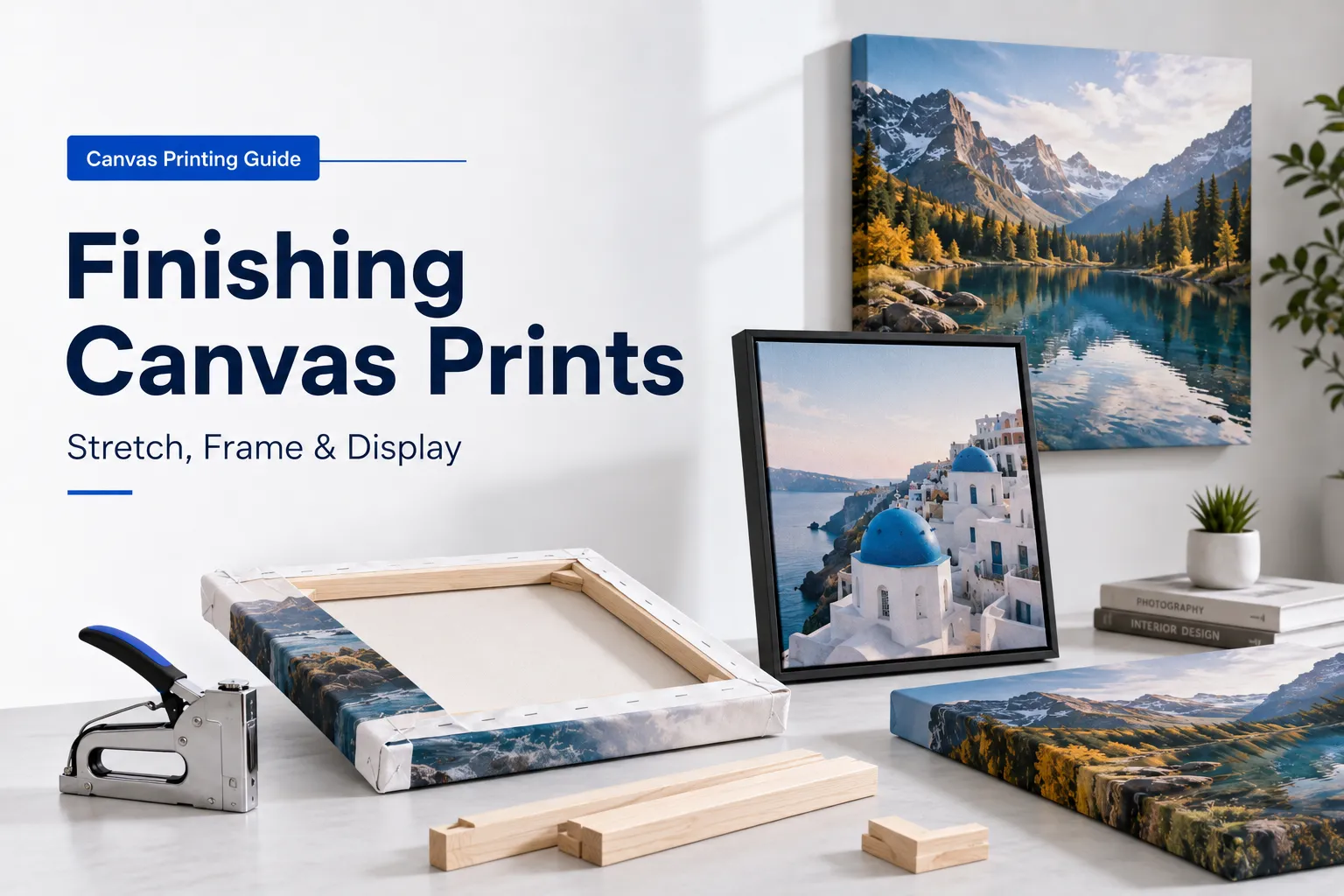
Depending on the canvas format, finishing may include:
Stretching
Trimming
Stapling
Mounting
Framing
Adding hanging hardware
Edge painting
Protective coating
Inspect the front and side edges before packaging.
Pigment inkjet is a common choice for photographic and fine-art canvas.
The canvas must be compatible with the printer’s ink technology.
Confirm:
Aqueous pigment compatibility
Canvas thickness
Sheet or roll format
Maximum media width
Printable side
Recommended ICC profile
Thick canvas should normally use the printer’s:
Rear feed
Fine-art feed
Manual feed
Roll holder
Straight paper path
Do not force thick canvas through a curved paper path.
Some photo printers explicitly support canvas or fine-art media, but the supported thickness and feed method vary by model.
Use the recommended canvas or fine-art media setting.
This controls:
Platen gap
Ink limit
Feed speed
Drying time
Print resolution
Black ink selection
Use the profile designed for the:
Printer
Ink
Canvas
Print mode
Disable duplicate color management. Do not let both the design software and printer driver independently apply conflicting profiles.
Check:
Neutral grays
Skin tones
Shadow detail
Saturated colors
Fine text
Black density
Correct the workflow before printing the full canvas.
Even when the surface feels dry, allow sufficient time before:
Rolling
Stacking
Varnishing
Stretching
Packaging
The required time depends on the canvas and ink.
Apply a compatible protective coating when needed.
Stretch the canvas evenly to avoid:
Cracking
Corner distortion
Uneven tension
Image misalignment
Sublimation is suitable only for polyester or specially coated canvas.
You need:
Sublimation printer
Sublimation ink
Sublimation paper
Heat-resistant tape
Protective paper
Flat heat press
Polyester-compatible canvas
Prepare the artwork.
Mirror the image when required.
Print onto sublimation paper.
Allow the printed paper to dry.
Remove lint from the canvas.
Position the transfer paper.
Secure it with heat-resistant tape.
Protect the heat press with clean paper.
Press according to the canvas supplier’s instructions.
Remove the paper carefully.
Inspect the color and alignment.
Do not apply a universal time and temperature to every canvas. Use the settings supplied with the exact product.
The best printer depends on what you plan to sell.
Choose a professional pigment inkjet printer with:
Wide color gamut
Good black density
Roll or fine-art media support
Reliable ICC profile support
Suitable canvas handling
See EraSmart’s guide to the best printer for fine-art prints for additional considerations.
Consider a UV flatbed printer when you need:
Direct printing
Small-batch personalization
Thick-media support
White ink
Varnish
Printing on other rigid products
A compact UV printer can also support products such as:
Acrylic plaques
Wood gifts
Phone cases
Metal signs
Packaging samples
Promotional items
Review the EraSmart UV printer range and the UV printer buying checklist before selecting a model.
Choose a sublimation printer and heat press when:
The canvas is polyester.
Bright decorative color is required.
White ink is not needed.
Heat pressing fits the production workflow.
| Problem | Possible cause | Recommended action |
|---|---|---|
| Blurry image | Low-resolution artwork or excessive printhead gap | Use a better source file and verify height |
| Dull color | Wrong profile, uncoated canvas or low ink density | Match ink, canvas and ICC profile |
| White spots | Canvas texture or missing ink coverage | Test additional passes or suitable coating |
| Ink peeling | Poor adhesion or incompatible canvas | Clean, test and use compatible material |
| UV ink cracking | Ink layer too rigid or canvas stretched after printing | Reduce ink buildup and test flexibility |
| Uneven color | Loose canvas or inconsistent surface height | Improve tension and flatten the product |
| Banding | Nozzle loss, feed error or low-quality mode | Run maintenance and use a suitable mode |
| Image wrapped incorrectly | Insufficient bleed or poor safe-area planning | Add wrap allowance before printing |
| Sublimation ghosting | Transfer paper moved | Secure paper with heat-resistant tape |
| Dark canvas looks weak | No white underbase | Use white ink on a compatible UV printer |
Possible causes include:
Small original image
Excessive enlargement
Incorrect sharpening
Heavy canvas texture
Incorrect printhead height
Low-quality print mode
Ink spreading on uncoated material
Evaluate the print from its intended viewing distance.
A large wall canvas is normally viewed farther away than a small photograph, so screen-level microscopic detail is not always necessary.
Possible causes include:
Incompatible surface coating
Dust or loose fibers
Excessive canvas movement
Incorrect UV curing
Ink layer too thick
Printing onto flexible canvas with rigid ink
Stretching after printing
Perform adhesion and flex tests before selling the product.
When possible, print after the canvas has been stretched or mounted so the cured ink layer does not need to tolerate major deformation later.
White ink is useful when printing on:
Black canvas
Colored canvas
Natural beige canvas
Transparent coated materials
Designs requiring opaque white details
White ink may not be necessary on bright white canvas.
Using white ink adds:
Additional print passes
Greater ink consumption
Longer production time
More maintenance
Greater ink-layer thickness
Use it when it improves the product rather than enabling it by default.
A protective coating may help:
Reduce surface abrasion
Improve cleanability
Change gloss level
Protect frequently handled pieces
Create a more finished appearance
However, a coating must be compatible with:
The ink
The canvas
The curing or drying condition
The required flexibility
The intended environment
Test the coating on a sample before applying it to finished customer artwork.

Canvas printing can support:
Family photographs
Wedding portraits
Pet portraits
Children’s artwork
Landscape photography
Digital illustrations
Abstract art
Business wall décor
Restaurant artwork
Hotel room décor
Motivational signs
Branded office panels
Event keepsakes
Memorial products
Personalized gifts
A small customization business can also offer product bundles such as:
Canvas wall print
Matching acrylic plaque
Printed coaster set
Welcome canvas
Table signs
Photo keepsake
Personalized acrylic gift
Reception canvas
Acrylic logo sign
Desk nameplates
Promotional gifts
For more product inspiration, explore EraSmart’s guide to art products that sell with custom printers.
Ask the following questions before purchasing equipment:
Will most products be fine-art reproductions or personalized gifts?
Will the canvas be supplied in rolls, sheets or stretched frames?
Do you need white ink?
Do you need gloss or raised texture?
Will the canvas be stretched after printing?
How large are the typical orders?
Do you also want to print acrylic, wood, metal or phone cases?
Is archival color performance required?
Can the printer safely handle the canvas thickness?
Is technical support and replacement ink available?
Choose a production system based on actual product requirements, not only the advertised resolution.
Canvas can be printed using pigment inkjet, giclée, UV, sublimation and transfer methods.
Pigment inkjet printing is usually the strongest option for photographic and fine-art canvas supplied as coated sheets or rolls.
Sublimation is suitable for polyester canvas and decorative products.
UV printing is particularly useful when a business wants to print directly onto suitable flat, mounted or stretched canvas while also producing acrylic, wood, metal, plastic and other customized products.
For reliable results:
Choose canvas made for the printing method.
Use high-quality artwork.
Plan the wrap and safe area.
Match the ink, canvas and color profile.
Keep the canvas flat and clean.
Test adhesion before production.
Avoid excessive ink buildup.
Finish and package the print carefully.
EraSmart offers compact and commercial UV printing solutions for customized canvas, acrylic, phone cases, promotional products and other direct-to-object applications.
Some inkjet printers can print on thin, coated canvas sheets when they support fine-art or thick media. Many ordinary office printers cannot safely feed real canvas.
A compatible UV flatbed printer can print directly onto suitable canvas, including some flat, mounted and stretched products. The canvas must fit the supported print area and height, and adhesion should be tested.
Pigment ink is commonly used for photographic and fine-art canvas. UV ink is useful for direct printing onto suitable canvas products. Sublimation ink is appropriate for polyester or sublimation-coated canvas.
Results may be weak or inconsistent because the surface may not control ink correctly. Use canvas designed for the chosen ink technology or perform coating and adhesion tests.
TIFF, PNG, PSD, PDF and high-quality JPEG files can all work. Image dimensions, compression, color profile and final print size are more important than the filename extension alone.
A high-resolution file is helpful, but the required resolution depends on the final size, artwork type and viewing distance. Avoid enlarging small files beyond their useful resolution.
Standard dye sublimation is not suitable for untreated cotton canvas. It requires polyester or a compatible polymer coating.
Printing after stretching can reduce the need to flex the cured UV ink layer later. The best workflow depends on the printer bed, frame height, canvas tension and ink flexibility.
The cured ink layer may be less flexible than the canvas. Excessive ink thickness, rigid ink formulation or significant stretching after printing can cause cracking.
Yes, when the printer supports white ink and the canvas provides acceptable adhesion. White ink can be used as an underbase or as part of the design.
Not always. A compatible coating may improve abrasion resistance or appearance, but it should be tested with the ink and canvas before production.
uv printer
DTF printer
DTG printer
Heat press machine
Advertising printer
DTF oven
Hot Press
Carving machine
Mug heat transfer
Laminating machine
Printing INK
Cellphone case
Glass product
Cleaning fluid
Cotton swab
WhatsApp:+8618566233796
WeChat: +8618566233796
Mobile: +8618566233796
Web:www.erasmart.com
Shop:www.erasmartmall.com
WhatsApp us
Tell us your printing needs. Our team will reply within 24 hours.
Just provide a few details and we will help you get quick quotes!