
UV Printer Guide: How UV Printing Works, What It Prints On, and How to Choose the Right Machine
UV printing is a flexible digital printing technology for custom products, phone cases, acrylic signs, glass, metal, wood, leather, packaging samples, promotional gifts, and many rigid or semi-rigid materials. This guide explains the technology, workflow, ink system, applications, maintenance, and buying logic behind a professional UV printer.
Guide Summary
Best for
Core ink system
Main printer type
On this page
UV Printing Basics
Working Principle
Ink System
Material Compatibility
Printer Types
Applications
Comparison
Buying Logic
EraSmart Model Path
Maintenance
What Is a UV Printer?
A UV printer is a digital inkjet printer that uses ultraviolet light to cure UV ink almost immediately after the ink is printed onto the material surface. Instead of relying on evaporation or heat drying, UV printing forms a cured ink layer through UV LED exposure.
This makes UV printing suitable for many custom products where fast production, rich color, white ink support, varnish effects, and multi-material compatibility are important. For small businesses, UV printers are commonly used for phone cases, acrylic signs, personalized gifts, labels, samples, and promotional products.
Direct Surface Printing
UV flatbed printers print directly on objects placed on the printing platform.
Instant UV Curing
UV LED light cures the ink during printing, helping products move quickly to finishing or packing.
Layered Effects
White ink and varnish support transparent materials, dark materials, gloss, texture, and raised effects.
How Does UV Printing Work?
UV printing follows a controlled digital workflow. The artwork is prepared in design software, processed in RIP software, printed through the printhead, and cured by UV light. Depending on the product, the printer can print color only, white plus color, color plus varnish, or white plus color plus varnish.
Prepare Artwork
Create the design, size, layer, and print direction.
Set RIP
Define CMYK, white ink, varnish, pass mode, and print quality.
Place Material
Clean the surface and position the object on the platform.
The printhead deposits ink according to the digital file.
Cure
UV LED light cures the ink layer during printing.
CMYK, White Ink, and Varnish
The ink configuration determines what kinds of products a UV printer can produce. For basic full-color printing, CMYK ink is used. For transparent, dark, or colored materials, white ink becomes important. For premium effects, varnish can create gloss, spot coating, texture, or raised details.
CMYK Ink
CMYK ink creates full-color graphics, logos, text, gradients, and photographic images. It is the basic ink set for most UV printing jobs.
White Ink
White ink works as an underbase for dark, transparent, or colored materials. It helps printed colors look brighter and more accurate.
Varnish
Varnish adds gloss, highlights, surface texture, and raised effects. It is useful for higher-value custom products and premium finishes.
What Materials Can a UV Printer Print On?
UV printers can print on many rigid and semi-rigid materials, but each material should be tested before mass production. Surface cleaning, print height, curing strength, ink compatibility, and adhesion requirements all affect the final result.
| Material | Suitability | Printing Tip | Typical Applications |
|---|---|---|---|
| Acrylic | Excellent | Use white ink for transparent or colored acrylic. | Signs, awards, panels, displays |
| Phone Cases | Excellent | Use accurate positioning and stable jigs. | Custom phone cases and covers |
| Glass | Good after testing | Clean the surface and test adhesion. | Panels, bottles, cups, gifts |
| Metal | Good after testing | Remove oil, dust, and oxidation before printing. | Nameplates, tags, industrial signs |
| Wood | Good | Surface flatness affects image sharpness. | Crafts, plaques, packaging, decor |
| Plastic | Depends on plastic type | Different plastics may need different preparation. | Promotional items, cases, parts |
UV Flatbed Printer, UV DTF Printer, and Rotary UV Printing
UV printers are commonly used by small businesses, custom product studios, signage shops, gift suppliers, packaging sample makers, and online sellers. The best application depends on the print size, material type, daily order volume, and desired finish.
| Type | Best For | Main Advantage | Typical Buyer |
|---|---|---|---|
| Desktop UV Flatbed Printer | Phone cases, small gifts, acrylic signs | Compact size and flexible production | Startups and small businesses |
| A3 / A2 UV Flatbed Printer | Larger gifts, panels, packaging samples | Larger print area and better capacity | Growing print shops |
| UV DTF Printer | Stickers, cup wraps, decals, curved products | Transfers to irregular surfaces | Sticker sellers and cup wrap businesses |
| Rotary UV Setup | Bottles, tumblers, cylinders | Direct printing on round items | Drinkware and packaging suppliers |
Popular UV Printer Applications
UV printers are commonly used by small businesses, custom product studios, signage shops, gift suppliers, packaging sample makers, and online sellers. The best application depends on the print size, material type, daily order volume, and desired finish.
Phone Case Printing
A strong use case for desktop UV printers. Accurate positioning, stable jigs, and repeatable color are important.
Acrylic Signs and Displays
White ink is useful for transparent acrylic, business signs, decorative panels, awards, and display products.
Promotional Gifts
UV printing supports logos, names, QR codes, patterns, and personalized artwork on many small gift items.
Stickers and Decals
For decal transfer applications, UV DTF printing may be better than direct flatbed printing, especially for curved or irregular products.
UV Printer vs UV DTF Printer vs DTF Printer
UV printer, UV DTF printer, and textile DTF printer are different systems. A UV flatbed printer prints directly on hard objects. A UV DTF printer creates transfer decals for hard surfaces. A textile DTF printer creates heat-transfer graphics for garments.
| Technology | Main Output | Best Use | Not Ideal For |
|---|---|---|---|
| UV Flatbed Printer | Direct print on rigid objects | Phone cases, acrylic, wood, metal, glass | Soft garment transfer production |
| UV DTF Printer | Transfer decals for hard surfaces | Cup wraps, stickers, bottles, irregular products | Direct printing on thick flat objects |
| Textile DTF Printer | Heat-transfer film for fabric | T-shirts, hoodies, cotton, polyester, apparel | Direct printing on glass, metal, acrylic, wood |
How to Choose the Right UV Printer
The right UV printer should match your product category, material size, print effect, daily production volume, and maintenance capability. A small machine may be enough for phone cases and gifts, while larger panels or batch production may require an A3 or A2 UV printer.
Start With Your Products
List your main products first: phone cases, acrylic signs, glass items, metal tags, wood crafts, or promotional gifts.
Match the Print Area
Choose A5, A4, A3, or A2 according to your maximum product size and expected order volume.
Check White Ink and Varnish
White ink is important for dark and transparent materials. Varnish is useful for premium effects and texture.
Review Maintenance Requirements
White ink circulation, nozzle checks, capping station condition, and regular cleaning affect long-term stability.
Recommended EraSmart UV Printer Paths
Different buyers need different print sizes and production capabilities. Use this model path as a quick starting point before comparing detailed specifications.
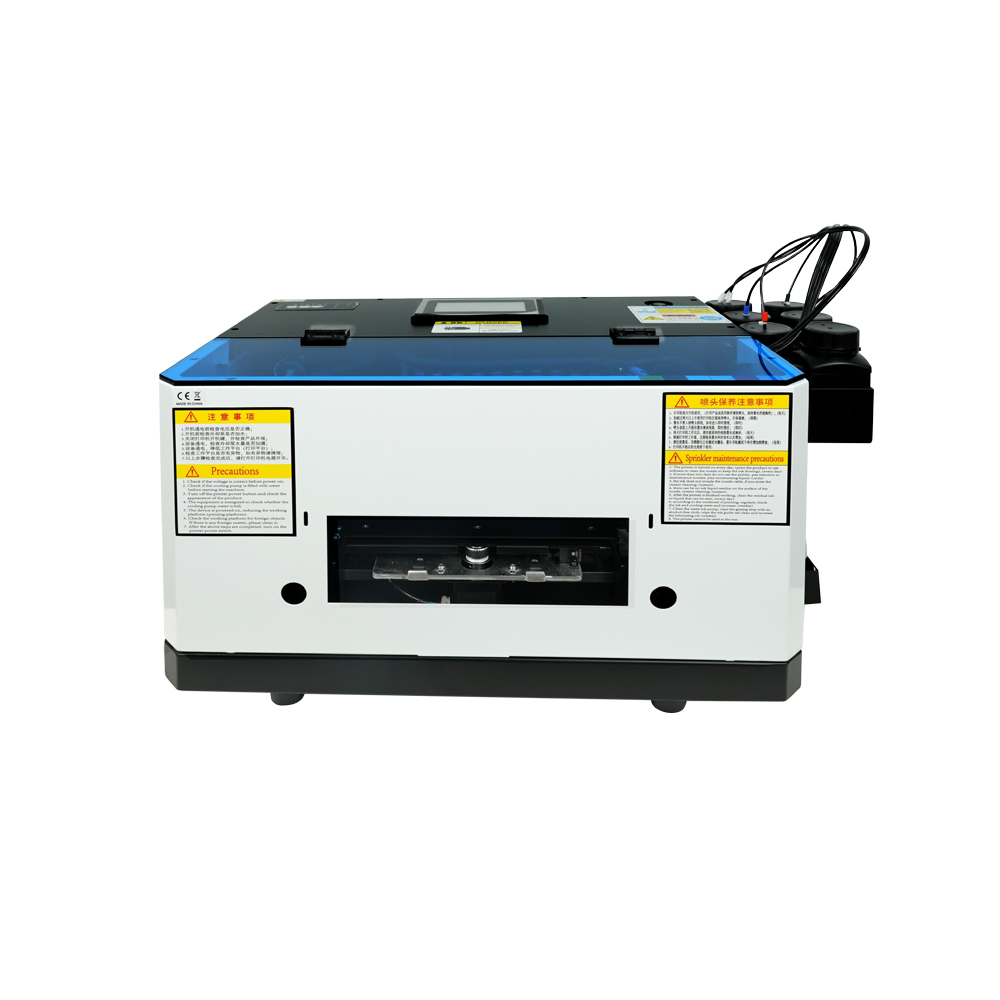
A5 UV Printer
Compact entry-level model with L800 print head, ideal for small items and hobby projects (120*210mm print size).
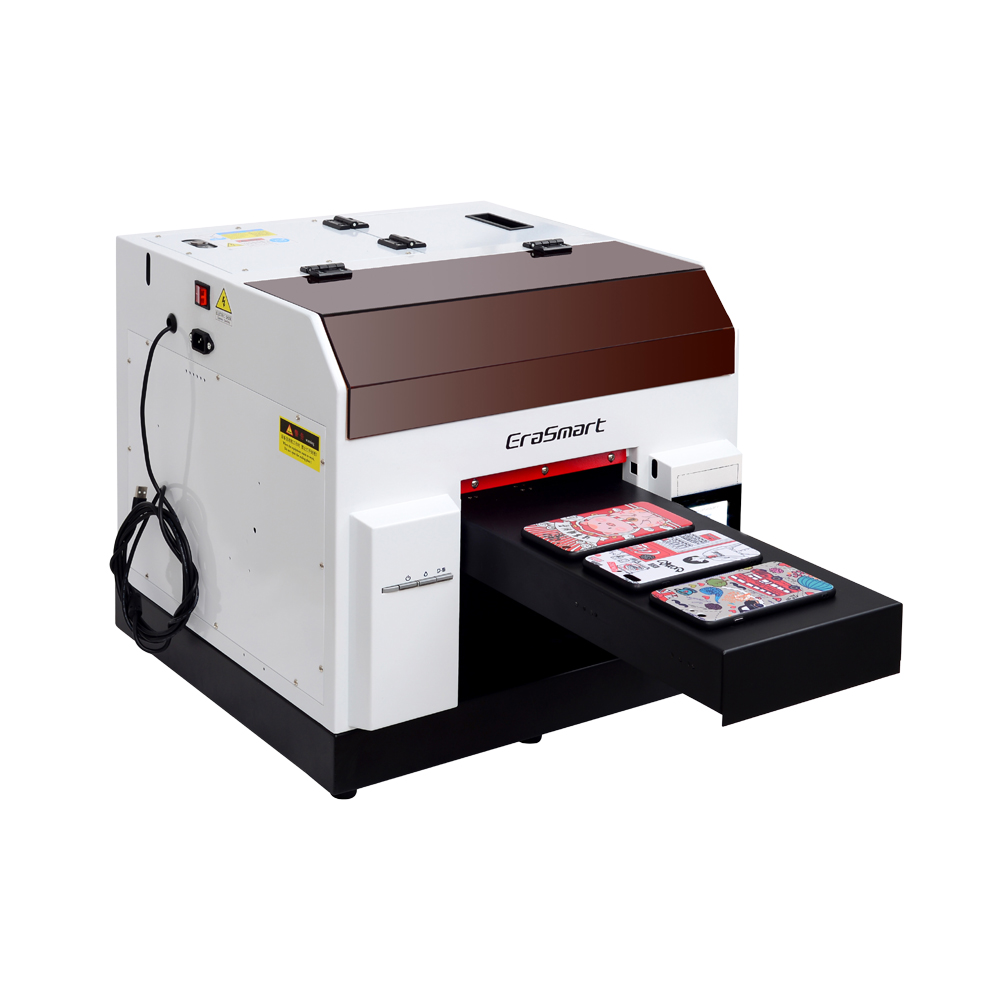
A4 UV Printer
L800 print head with 210*290mm print size, perfect for small businesses and personalized gifts (0-130mm print height).
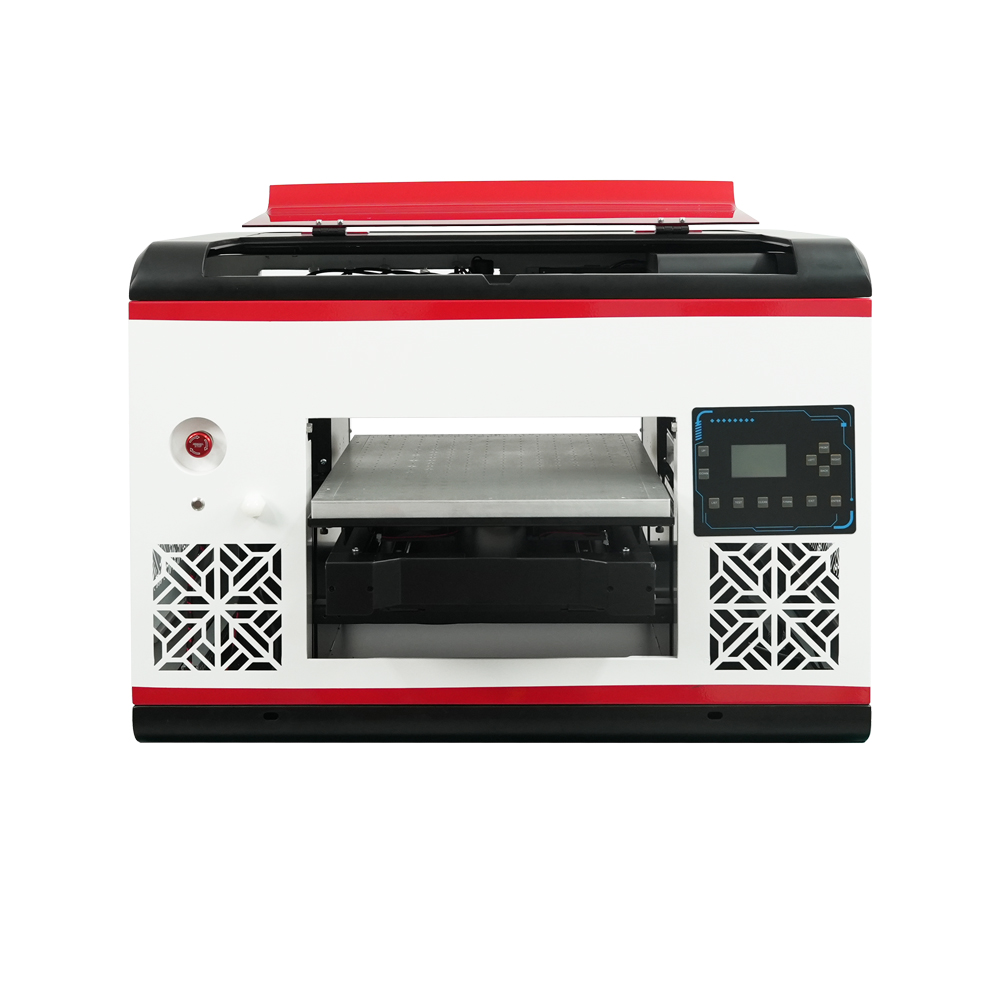
A3 MAX UV Printer (DX7)
DX7 print head with 350*450mm print size, suction platform, and CMYK+WW+VV for high-volume production.

A3 PRO UV Printer
Dual XP600 print heads with 5.5㎡/H speed, CMYK+WW+VVVVVV for enhanced color gamut and productivity.
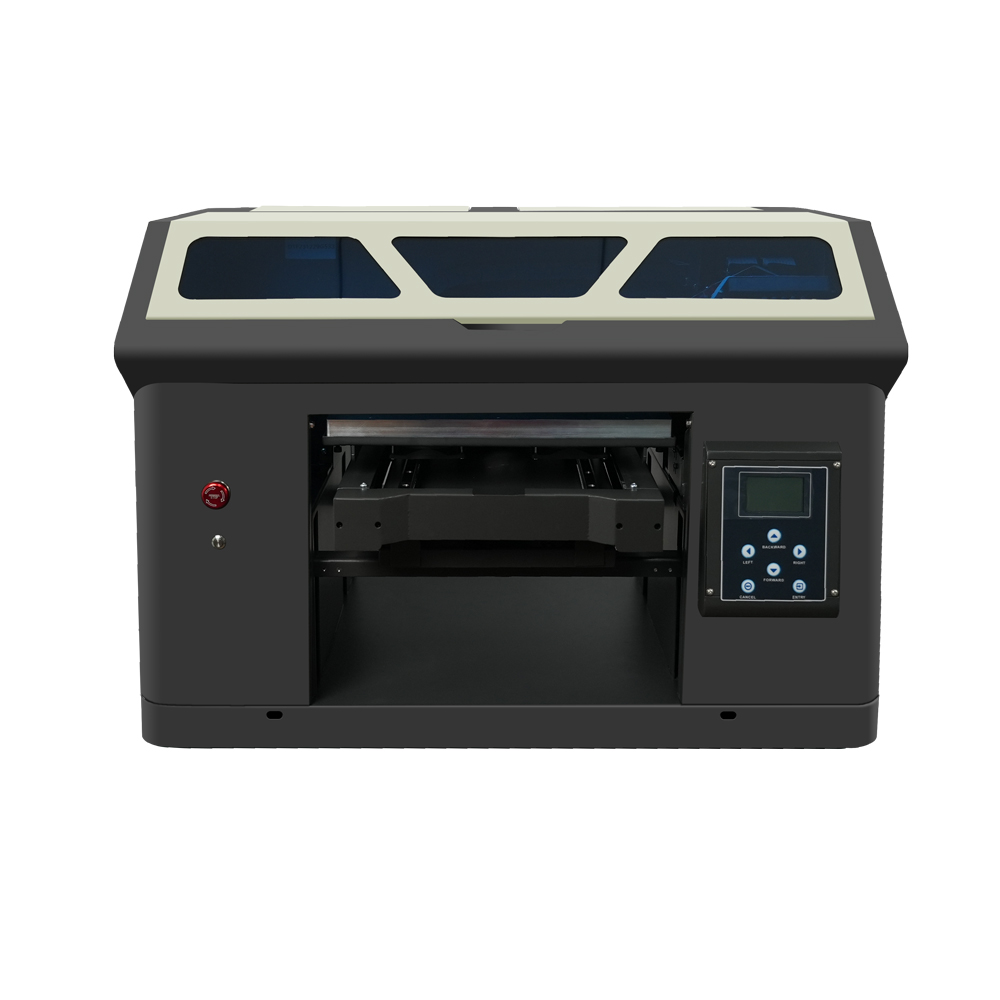
Dual XP600 print heads with 350*450mm print size, designed for industrial-grade continuous production.
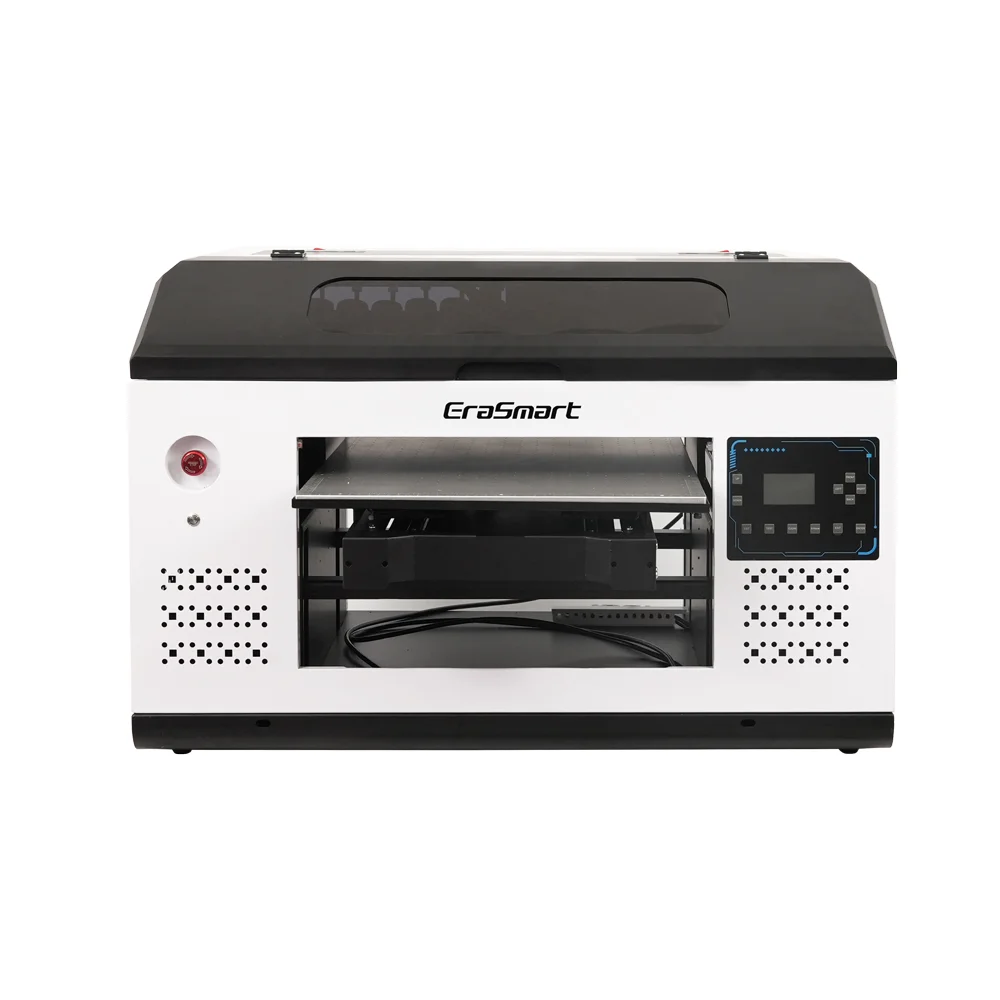
A2 UV Printer (4260)
Large-format 420*600mm printer with dual XP600 heads, perfect for signage, panels and large materials.
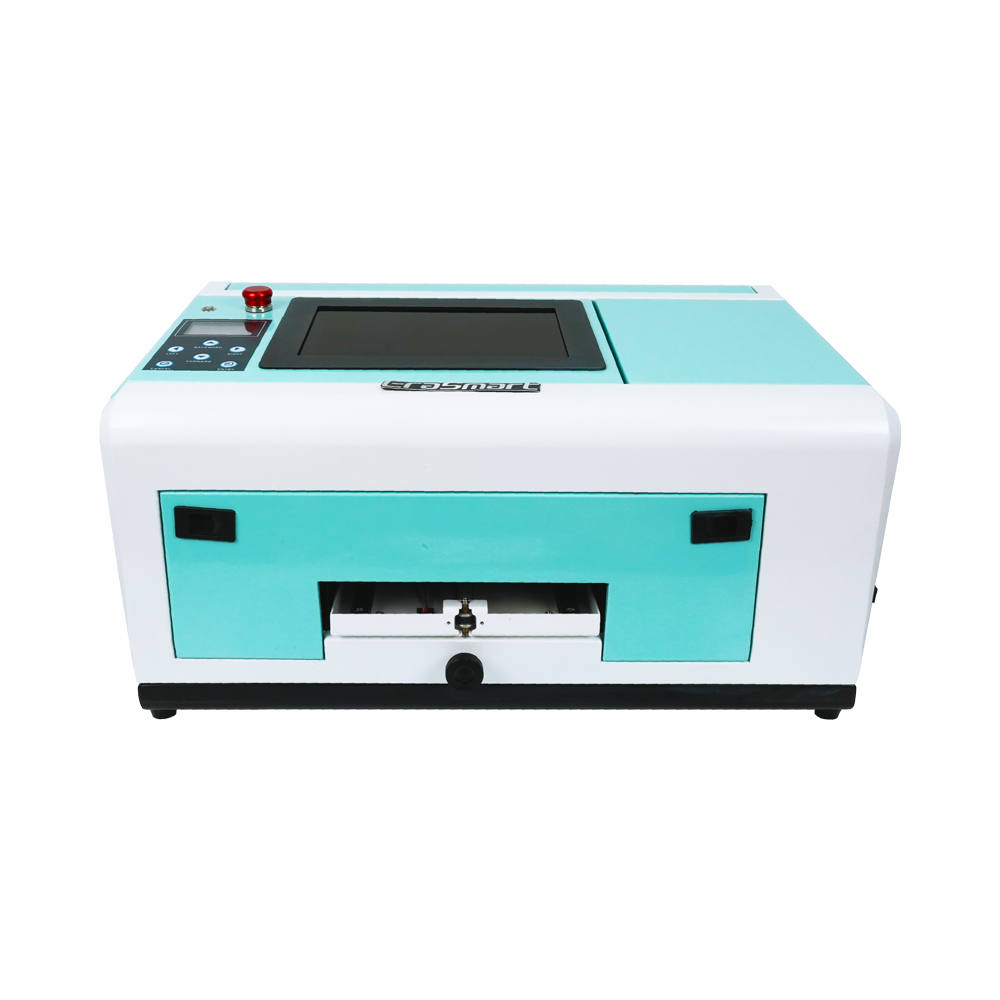
Phone Case Wireless Printer
Specialized for phone cases (TPV/PVC/wood/metal), with 10-inch display and 0-10mm adjustable height.
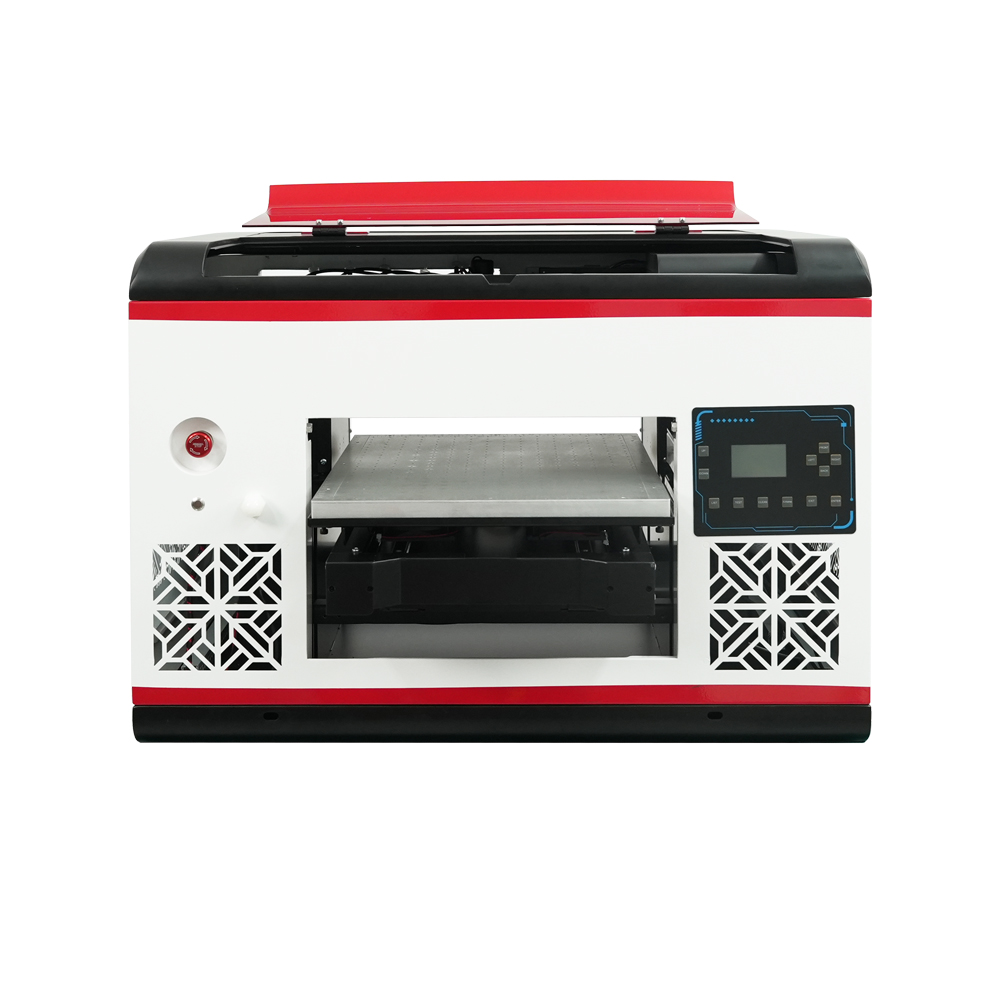
A3 MAX UV Printer (XP600)
XP600 print head with 350*450mm print size, 5㎡/H speed, ideal for medium to large production runs.

A3 UV DTF Printer
Dual XP600 heads with automatic lamination, specialized for UV DTF film printing (width up to 350mm).
Basic UV Printer Maintenance Checklist
UV printers need regular maintenance, especially when white ink is used. A stable maintenance routine helps reduce nozzle clogging, color inconsistency, poor adhesion, and unexpected downtime.
| Frequency | Task | Purpose |
|---|---|---|
| Before Printing | Nozzle test, material cleaning, height check | Prevent banding, blurry output, and poor adhesion |
| Daily | Check ink level, platform cleanliness, white ink status | Keep daily production stable |
| Weekly | Clean capping station, wiper, rails, and surrounding ink areas | Protect printhead and mechanical stability |
| Long Idle | Follow proper shutdown and printhead protection process | Reduce nozzle drying and ink sediment risk |
Couldn't find a suitable guide? Get Free Technical Support Now!
Just provide a few details and we will help you get quick quotes!
EraSmart Printer Series

High-quality UV Printers for metal, acrylic, glass, wood & more. Instant curing, vivid 1440dpi prints, versatile for diverse materials.
Print vivid, raised decals with **CMYK + White + Varnish** in one pass. No powder. No oven. Peel and stick on flat or curved items in minutes.
Frequently Asked Questions About DTF
-
1. Is DTF good for small businesses?
A UV printer is used for direct printing on rigid or semi-rigid products such as phone cases, acrylic signs, glass, metal, wood, leather, plastic items, promotional gifts, and packaging samples.
-
2. Can a UV printer print on glass?
Yes. UV printers can print on glass, but surface cleaning and adhesion testing are important before mass production.
-
3. Why does UV printing need white ink?
White ink is used as an underbase for dark, colored, or transparent materials. It helps printed colors appear brighter and more accurate.
-
4. What is varnish in UV printing?
Varnish is a clear UV-curable layer used to create gloss, highlights, raised texture, and premium surface effects.
-
5. Is a UV printer good for small business?
Yes. Desktop and A3 UV printers are widely used by small businesses for phone cases, custom gifts, signage, acrylic products, and online personalized orders.
-
6. What is the difference between a UV printer and a UV DTF printer?
A UV printer prints directly on the object. A UV DTF printer prints a transfer decal that is applied to the product surface later.
-
7. How should I choose my first UV printer?
Start with your product size, material type, expected order volume, required white ink or varnish effects, workspace, and maintenance capability.
EraSmart Printer
uv printer
DTF printer
DTG printer
Heat press machine
Advertising printer
Printer tools
DTF oven
Hot Press
Carving machine
Mug heat transfer
Laminating machine
Consumables
Printing INK
Cellphone case
Glass product
Cleaning fluid
Cotton swab
Contact Us
WhatsApp:+8618566233796
WeChat: +8618566233796
Mobile: +8618566233796
Web:www.erasmart.com
Shop:www.erasmartmall.com
WhatsApp us
Request A Quote
Just provide a few details and we will help you get quick quotes!
Downlond
Leave you email and send download url to email.
Need Printer Price?
Tell us your printing needs. Our team will reply within 24 hours.